Game files / Gameplay / Page 105
Plants vs. Zombies — PVZ KX [1.0.1]
![Plants vs. Zombies — PVZ KX [1.0.1]](https://files.vgtimes.com/download/posts/2025-02/pvz-kx-1-0-1_1740368274_484507.webp)

Download
This mod introduces new plants and expands game mechanics. Zombies are no longer just weak opponents—they're mutants. Graves now appear not only at night but also in the morning, in the pool, in the fog, and even on the roof. Some zombies have r ...
Kingdom Come: Deliverance 2 — Rain Cleans

Download
This mod gradually cleans the player, dog, wolves, and NPCs from dirt and blood when it rains, as much as the game allows. Mod settings: Only works if rain intensity is above 0.2 (to avoid minor rain); Removes 0.1 of Dirt and Blood every 60 sec ...
Kingdom Come: Deliverance 2 — Faster Movement In Combat (PTF) (Perk)
Download
This mod allows you to move 25% faster in combat. If you ever felt like you were too slow during battles, look no further. Installation: Extract the archive contents to the folder: ...\Steam\steamapps\common\KingdomComeDeliverance2\Mods; If ...
Avowed — More Ability Points


Download
Gives double the trait points per level. Configurable in the game.ini file, you can change the TraitPointsPerLevel value to what you need. Should be compatible with anything that doesn't edit game.ini. Works with both Steam and Gamepass (PC) ver ...
Like a Dragon: Pirate Yakuza in Hawaii — SuperFast Street Surfer

Download
SuperFast Street Surfer with unlimited battery.
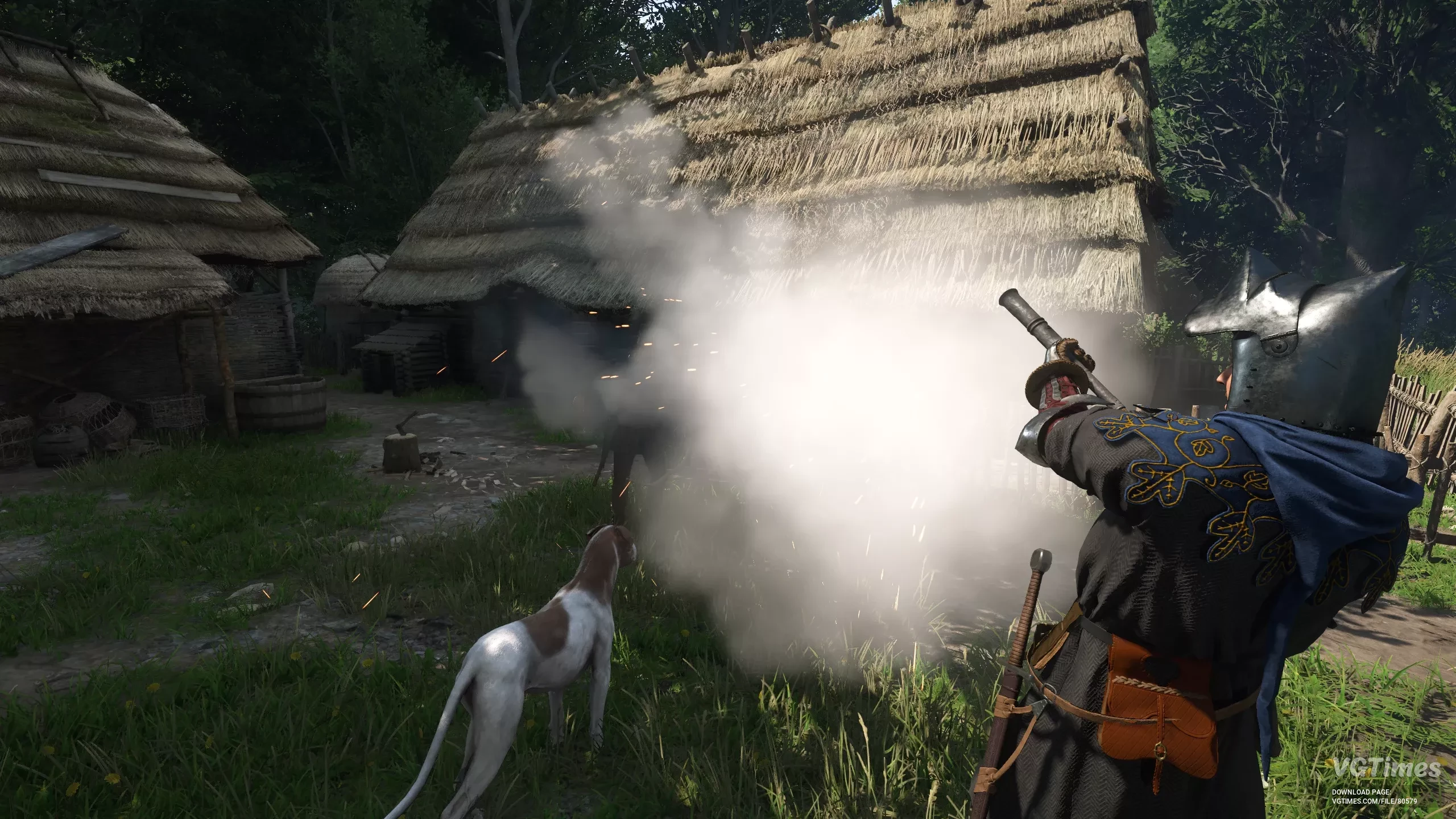
Kingdom Come: Deliverance 2 — Easy Mode Henry (PTF)
Download
This mod makes the game much easier. Features: Henry deals double damage; Double armor; Stamina loss on hit is halved; Base visibility 50%; Base haggle chance +50%; Inventory capacity +500; Weapons take twice as long to break; Noise ...
Kingdom Come: Deliverance 2 — Increased Inventory
Download
A simple mod that increases Henry's inventory capacity. This will increase the base inventory capacity, maximum inventory capacity, and per strength inventory capacity. It also modifies the bonuses from Hard-Working Lad, Pack Mule, Strong as a B ...
Kingdom Come: Deliverance 2 — More XP

Download
This is a small mod that increases the experience multiplier for faster leveling.
Kingdom Come: Deliverance 2 — Easy To See Bird Nests

Download
Paints bird nests in bright colors to make them easier to spot. How to launch: Unpack into the mods folder.
Kingdom Come: Deliverance 2 — unlock higher level Locks

Download
A simple mod that allows you to unlock higher level locks without changing the difficulty of the minigame. How to launch: Simply extract the zip file and place it into the mods folder located in the base folder of the game (if there is no mods fo ...
Kingdom Come: Deliverance 2 — Long-lasting cleanliness

Download
This mod sets a very high value for cleanliness, so you don't need to wash constantly. It also minimizes blood during fights, but this also affects NPCs. The hero doesn't get dirty while digging. Butchering also doesn't make him bloody ...
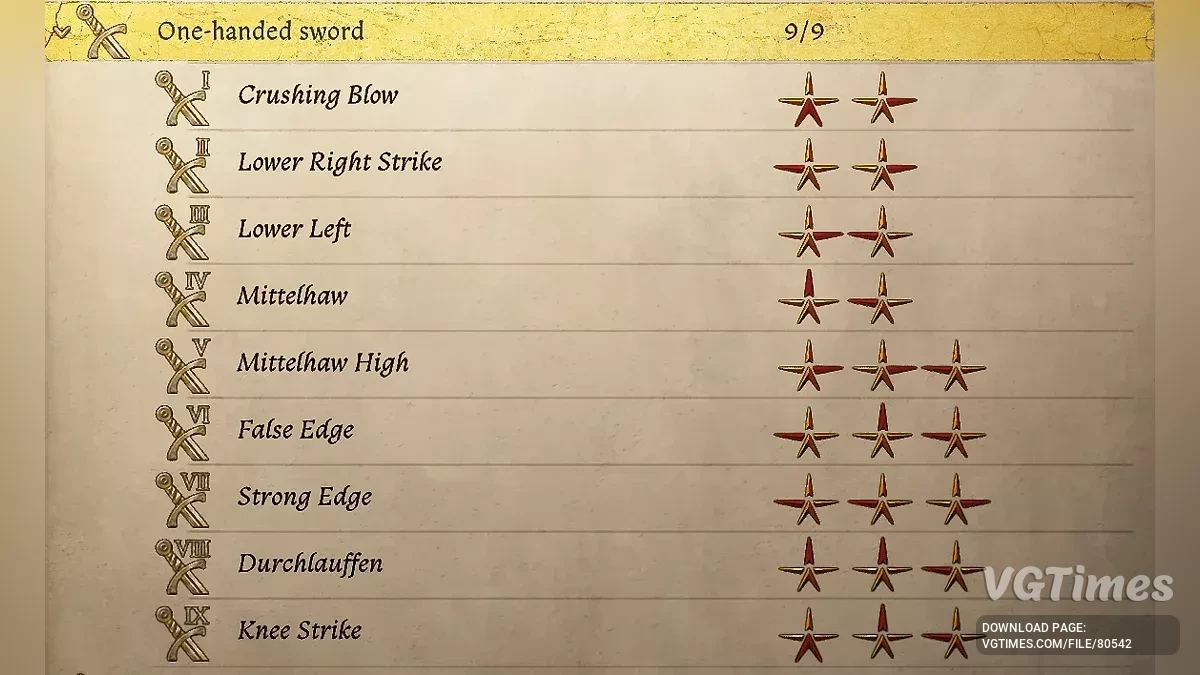
Kingdom Come: Deliverance 2 — Easy combos for all weapons
Download
This mod makes all weapon combos easier. Note: If all weapon combinations are missing, download a special file and move it to the path: Steam\steamapps\common\KingdomComeDeliverance2. Launch the game with the -devmode parameter, which should ...
Kingdom Come: Deliverance 2 — Better Map Zoom

Download
This mod allows you to zoom in on maps three times more than before and zoom out to their maximum width. Installation: Extract the archive contents to the following folder: ...\Steam\steamapps\common\KingdomComeDeliverance2\Mods; If the Mods ...
Kingdom Come: Deliverance 2 — Stronger Henry (PTF)
Download
This mod makes some changes to Henry's base stats. The changes are not very big but noticeable enough to give you an edge. The mod should be PTF and only edits one thing that, so far, I haven't seen anyone fiddle with. This mod only applies ...
Kingdom Come: Deliverance 2 — More Carry Weight without droping FPS
Download
This mod increases weight and prevents FPS loss when looking at the bed. Installation: Extract the archive contents to the following folder: ...\Steam\steamapps\common\KingdomComeDeliverance2\Mods; If the Mods folder does not exist, create i ...