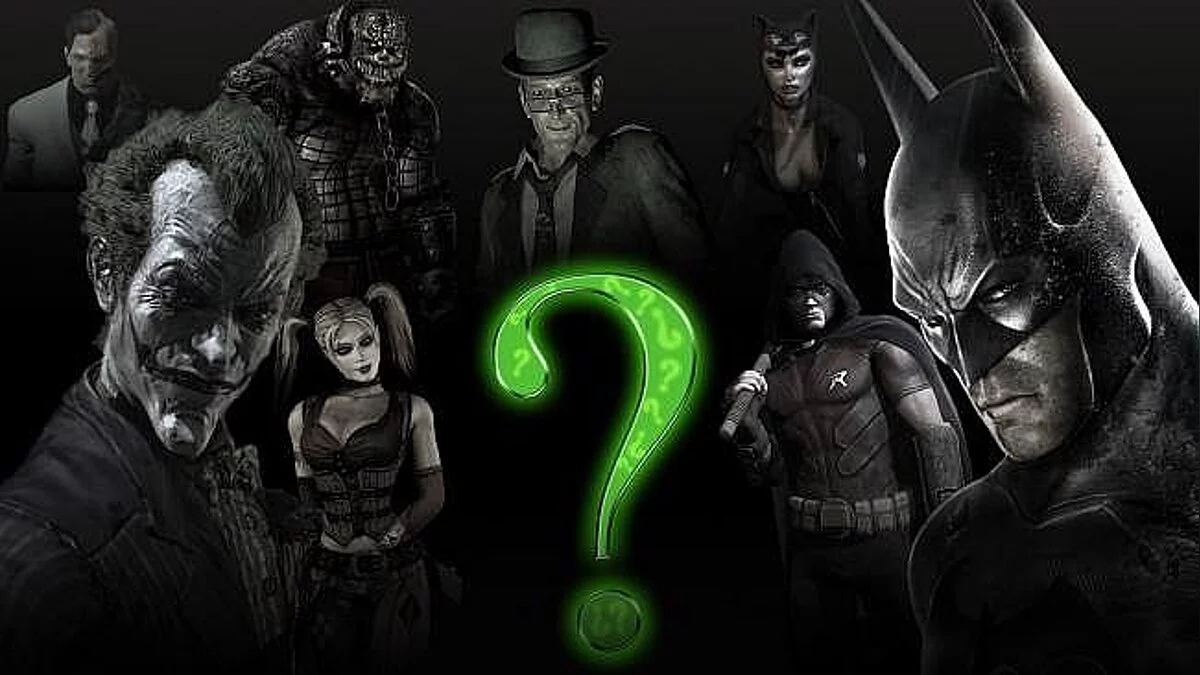
Batman: Arkham City is a continuation of the adventure stealth action game with a third-person view, dedicated to Batman. Who is behind the creation... Read more

4K Textures

-
www.nexusmods.comDownload
Arkham City Redux.
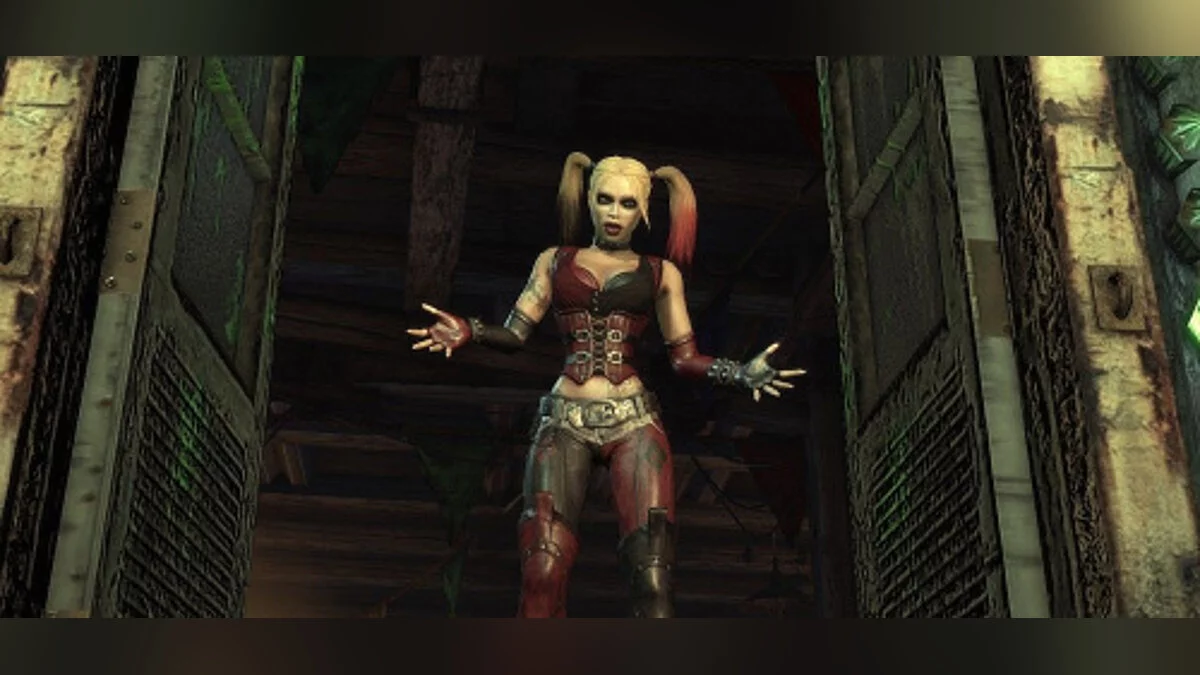
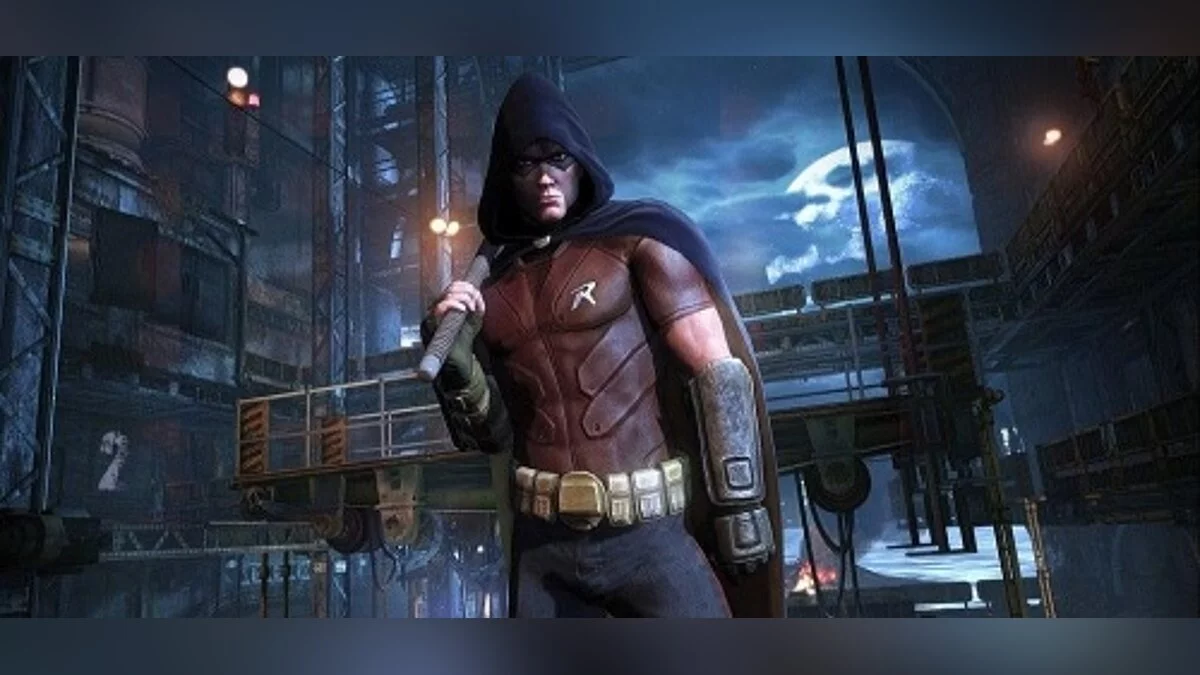
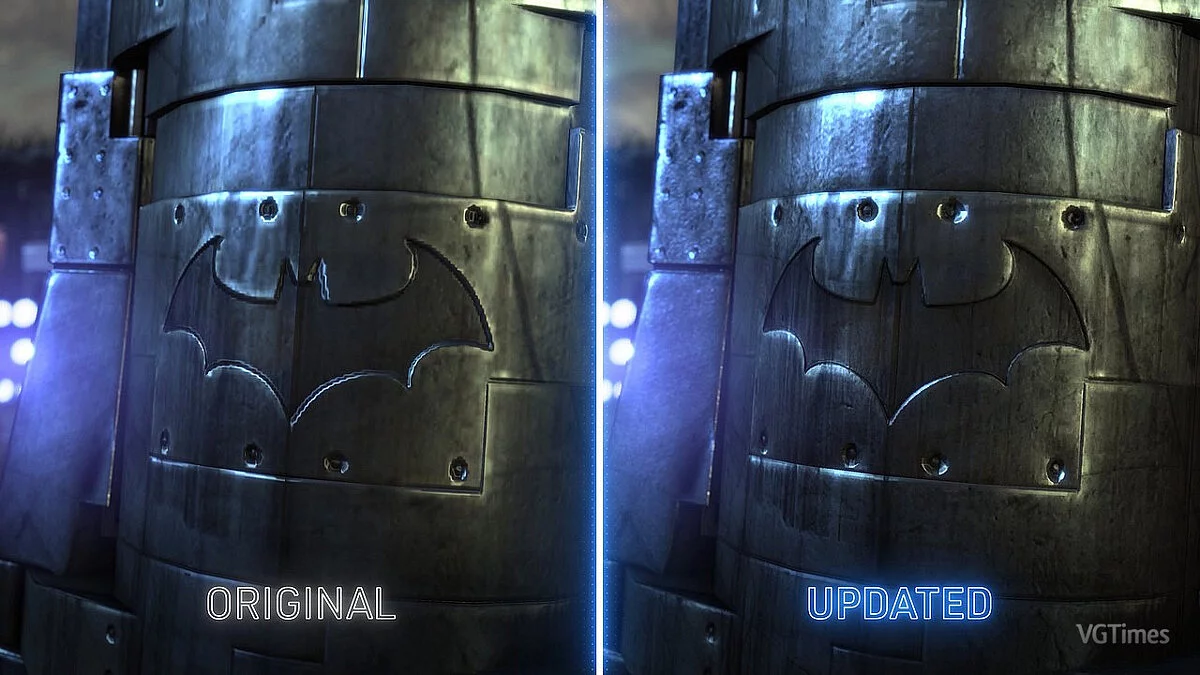
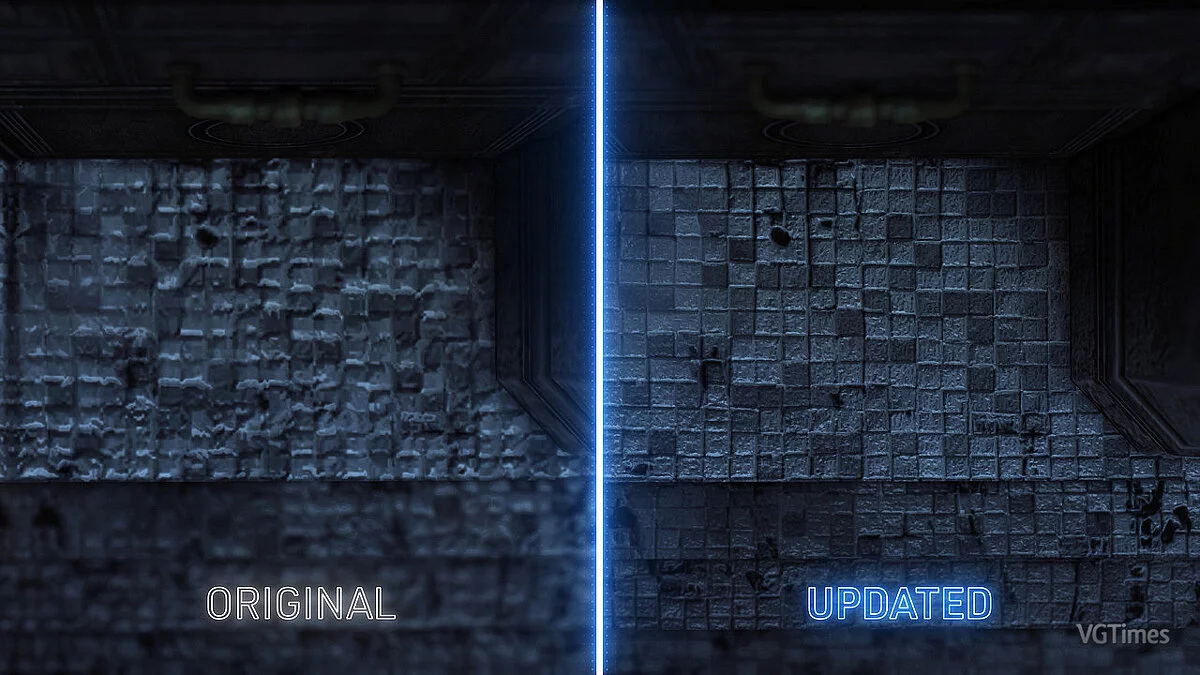
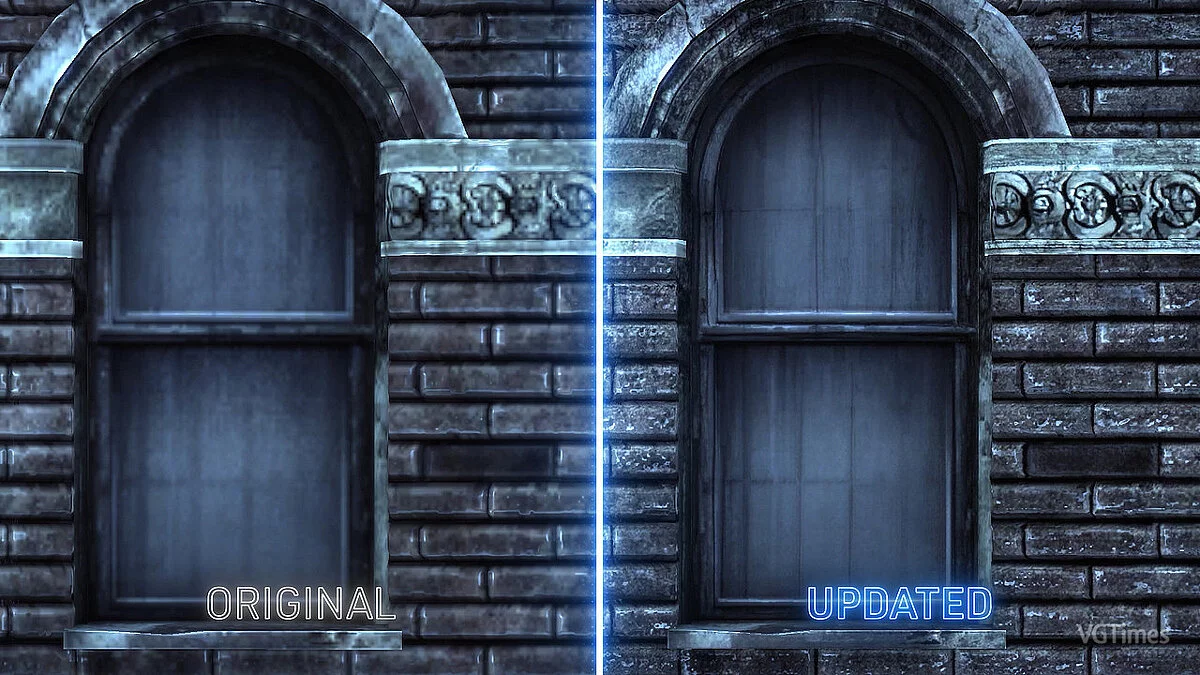
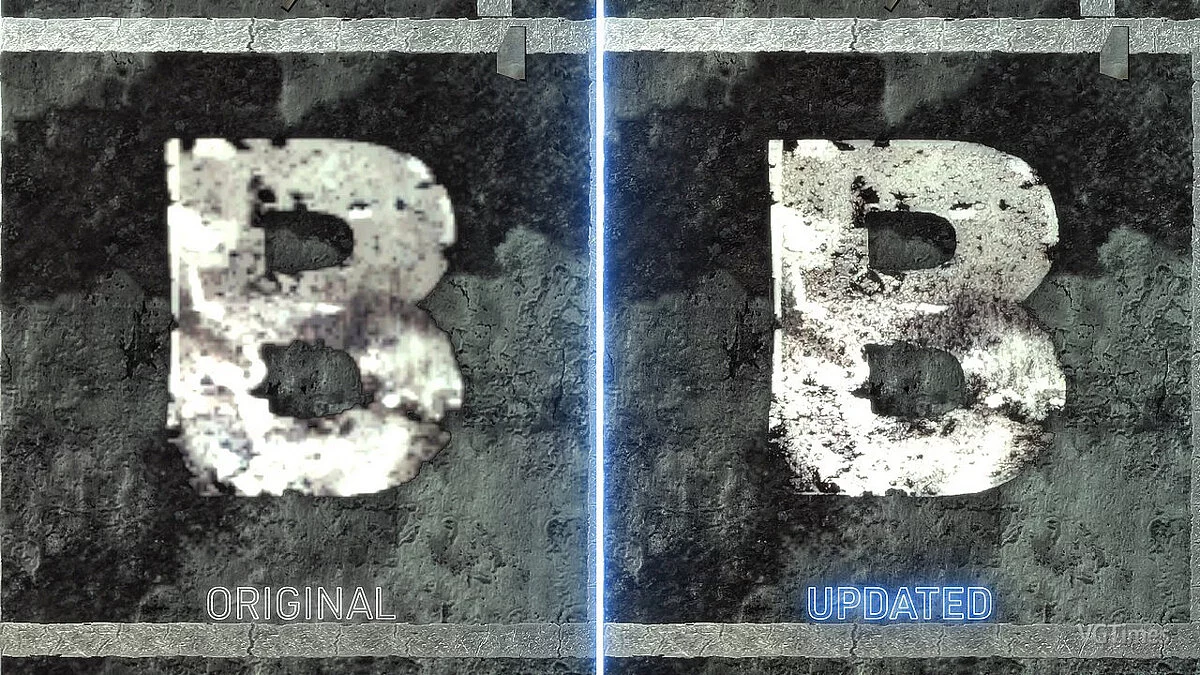
This is the ultimate HD texture pack for Batman: Arkham City GOTY. It includes over a thousand enlarged, retouched, refined, and manually enhanced textures, full DirectX 11 support, and a simple one-click installation. This texture pack updates the visual effects of game characters and the environment while maintaining the original aesthetic.
HD Plus Texture Pack
Recommended experience. Over a thousand textures have been updated. Each texture has been manually checked and carefully processed.
Lite HD Texture Pack
Loses most of the environmental texture updates (due to LOD settings in the game). Much smaller download size, and it does not provide the full experience. Supports character and UI-related updates.
Users can switch from Lite to Plus by restoring game files in the Redux installer and then installing the Plus version.
Alternative Textures
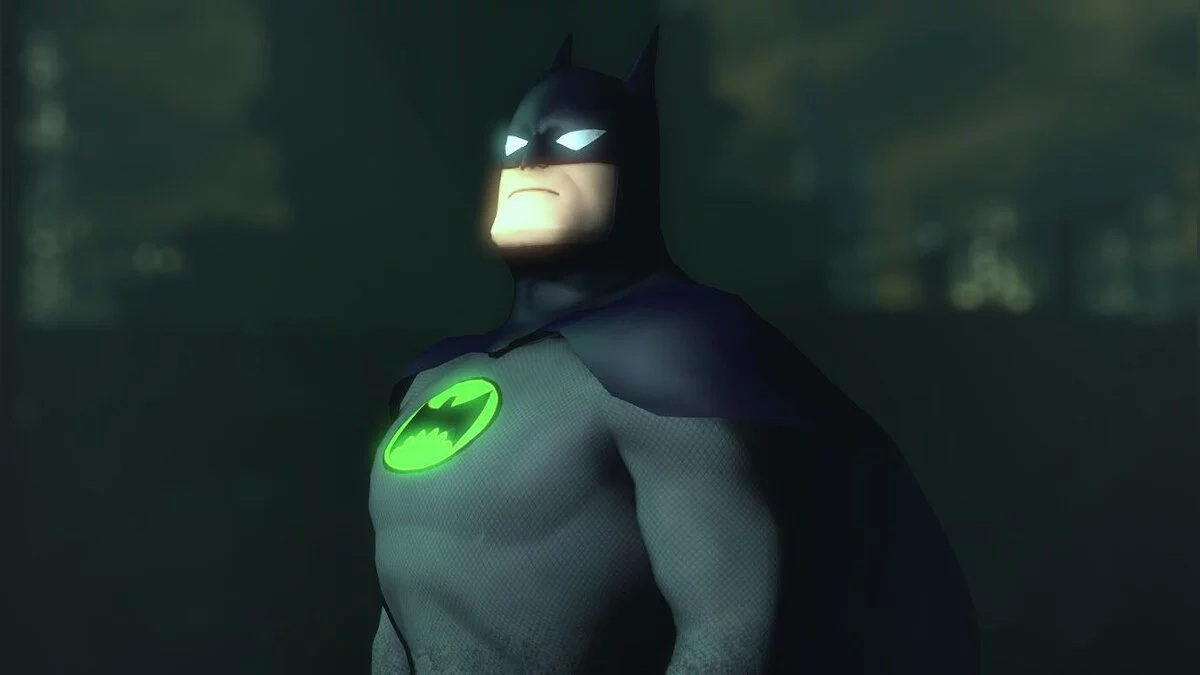
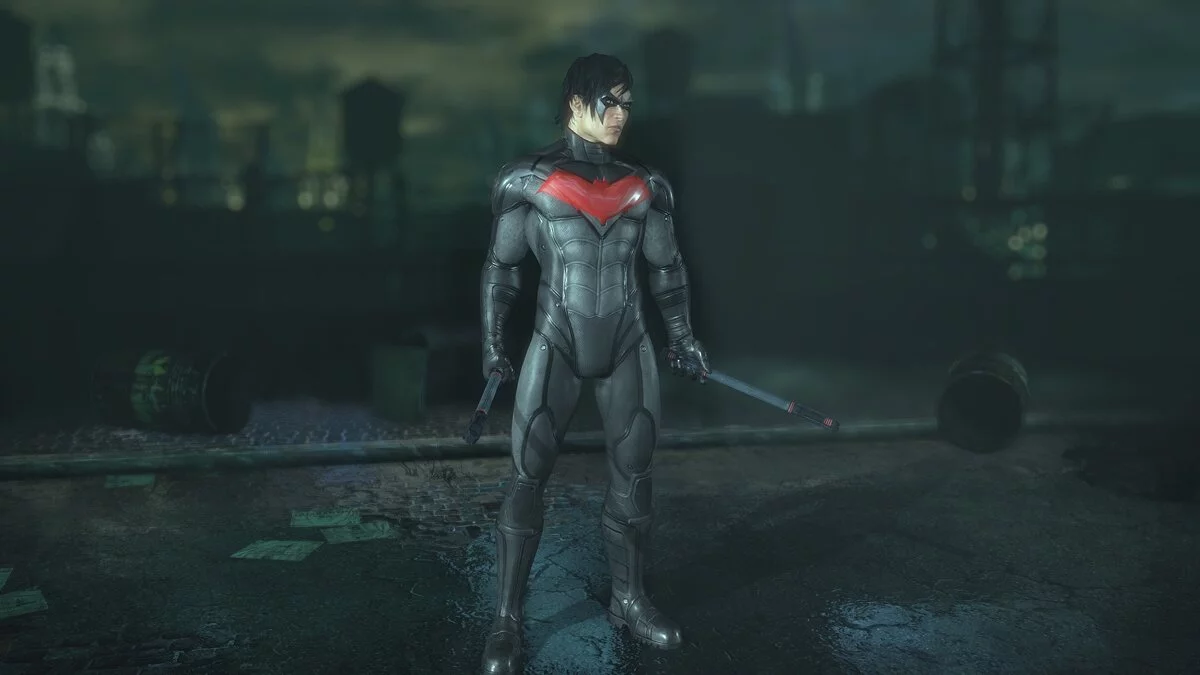
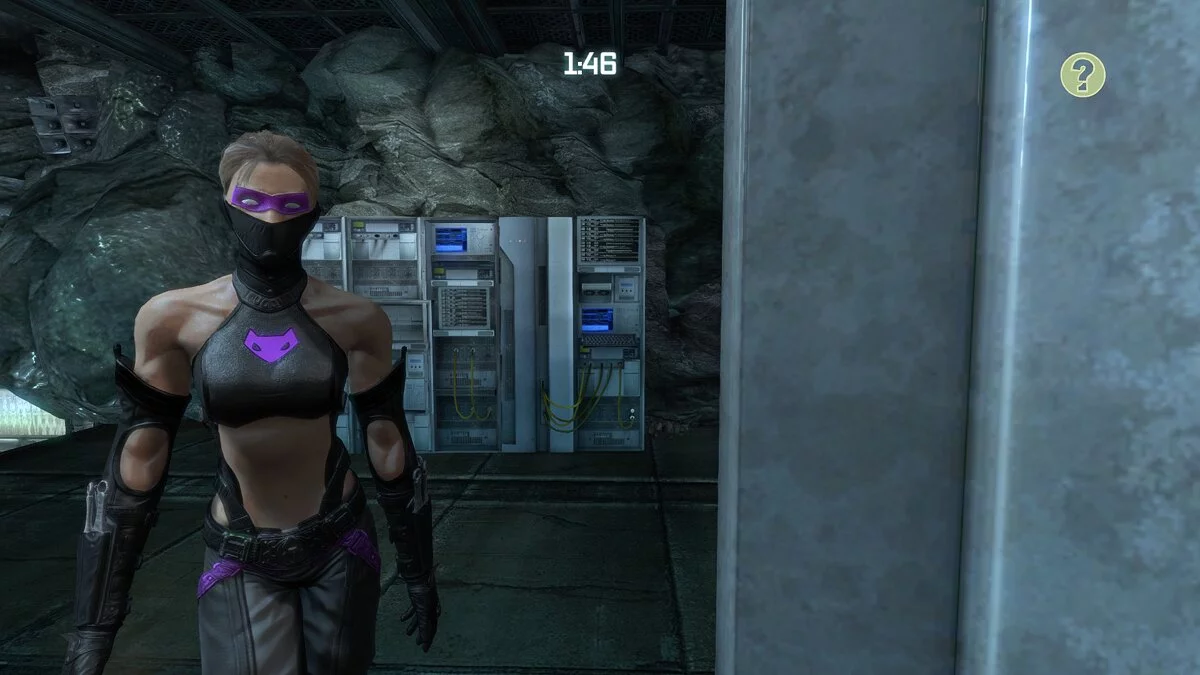
Optional download that can be installed over the HD texture pack. Allows users to customize certain textures to their liking. Includes several styles of capes and a version of Batman in a black suit.
Manual Customization (no backup, batch editing)
1) Find the root folder of the game. The main "Installation" section contains instructions on how to find the game installation path for each supported version.
2) Open the batch file(s)
3) Edit the batch file(s)
4) After completing the automatic or manual installation, a command window will open, and the actual installation will begin.
5) Once the installation is complete, users can simply close the terminal and launch the game via Steam, Epic, or GOG. The Advanced Launcher is also installed as part of the automatic installation and can be used immediately to make necessary changes.
Arkham City Redux.
Это окончательный пакет HD-текстур для Batman: Arkham City GOTY. Он включает в себя более тысячи увеличенных, отретушированных, доработанных и улучшенных вручную текстур, полную поддержку DirectX 11 и простую однократную установку. Этот пакет текстур обновляет визуальные эффекты игровых персонажей и окружающей среды, сохраняя при этом первоначальную эстетику.
Пакет текстур HD Plus
Рекомендуемый опыт. Обновлено более тысячи текстур. Каждая текстура была проверена вручную и тщательно обработана.
Пакет HD-текстур Lite
Теряет большинство обновлений текстур окружения (из-за настроек LOD в игре). Гораздо меньший размер загружаемого файла, и он не соответствует полному опыту. Поддерживает обновления, связанные с персонажем и пользовательским интерфейсом.
Пользователи могут перейти с Lite на Plus, восстановив файлы игры в установщике Redux, а затем установив версию Plus.
Альтернативные текстуры
Необязательная загрузка, которую можно установить поверх пакета текстур HD. Позволяет пользователям настраивать определенные текстуры по своему вкусу. Включает в себя несколько стилей плащей и версию Бэтмена в черном костюме.
Ручная настройка (без резервного копирования, пакетное редактирование)
1) Найдите корневую папку с игрой. Основной раздел «Установка» содержит инструкции по поиску пути установки игры для каждой поддерживаемой версии.
2) Открыть пакетный файл(ы)
3) Редактировать пакетный файл(ы)
4) После завершения автоматической или ручной установки откроется командное окно, и начнется фактическая установка.
5) После завершения установки пользователи могут просто закрыть терминал и запустить игру через Steam, Epic или GOG. Advanced Launcher также устанавливается как часть автоматической установки и может быть использован сразу же для внесения необходимых изменений.
Useful links: