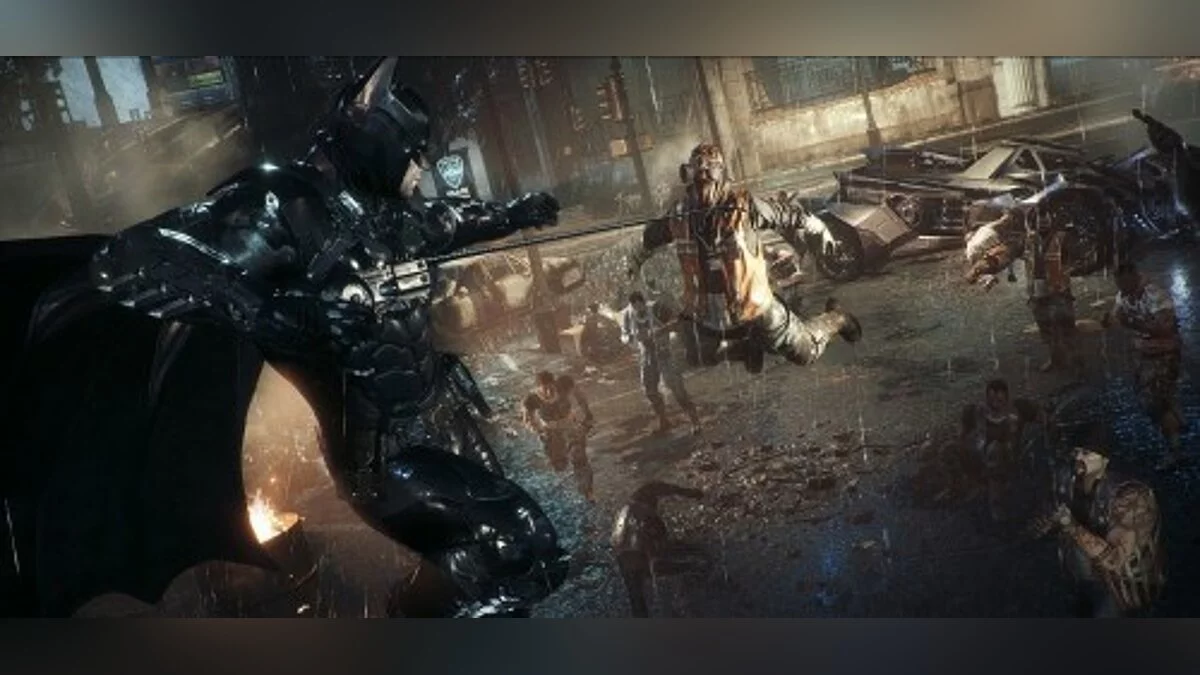
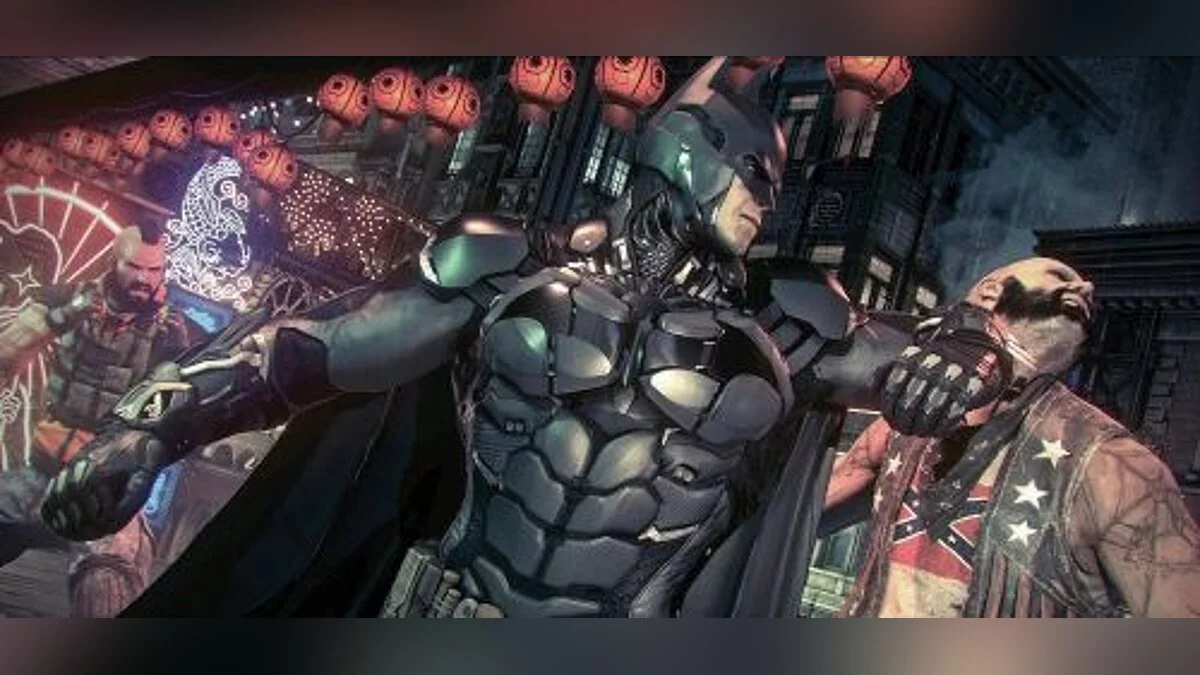
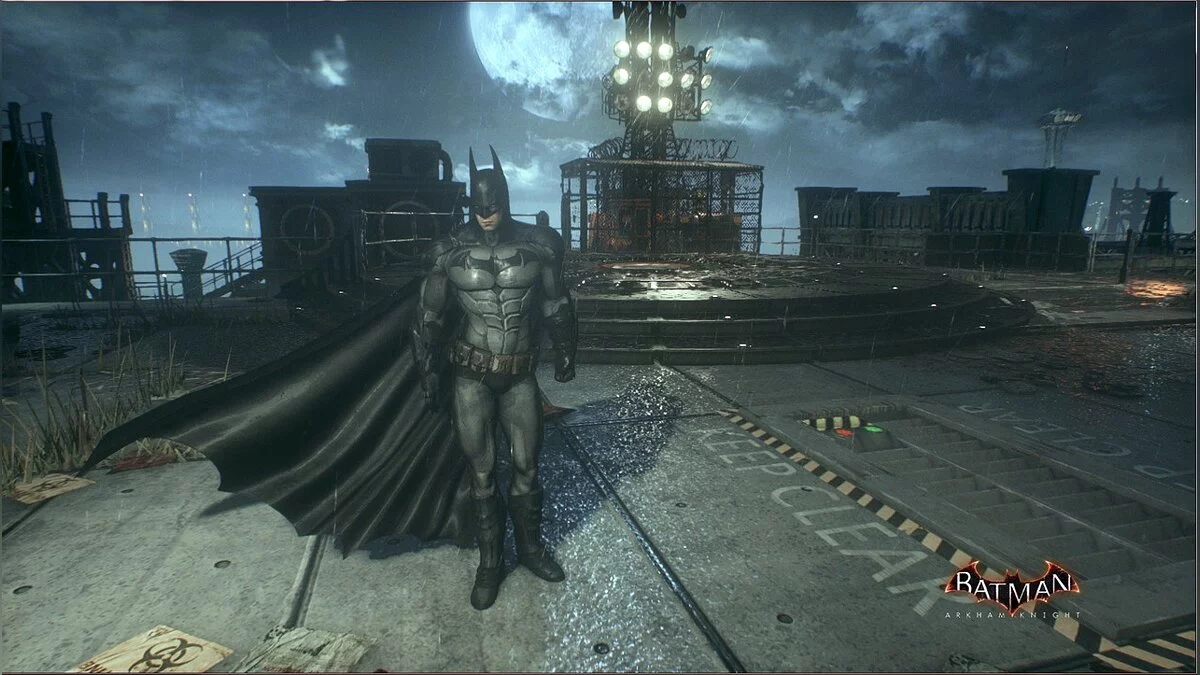
Batman: Arkham Knight is a stealth action adventure game with a third-person view. Nine months have passed since the events in Arkham City. The Joker is dead and... Read more
][Trainer] for [64 Bit] [Trainer] for LICENSE AND PIRATE [Trainer] for the latest version of the game as of today [Game Version ver 1.6.2.0] [Update 17.12.2016] [Trainer] was tested on 3 operating systems, [Windows 7-Windows 8.1-Windows 10] everything launched and worked correctly.
[Trainer] is in the archive, you will need WinRAR or WinZIP to unpack it
make sure to add the [Trainer] to the exceptions of your antivirus program, so that the program does not delete the [Trainer].
restart the game first, then [Trainer] during the game press the key indicated in the [Trainer].
if the [Trainer] does not work, make sure that the game launch file located in the main directory of the installed game is named BatmanAK, if not, rename it to BatmanAK
if the [Trainer] does not start, set compatibility mode to the operating system you have installed, [Windows 7-Windows 8.1-Windows 10] [Trainer] must be run as administrator, this is mandatory to avoid issues with launching the [Trainer].
][Trainer] для [64 Bit] [Trainer] для ЛИЦЕНЗИИ И ПИРАТКИ [Trainer]для самой последний версии игры на сегодняшний день[Версия Игры ver 1.6.2.0] [Update 17.12.2016] [Ttrainer] был проверен на 3 операционных системах, [Windows 7-Windows 8.1-Windows 10] всё запускалось и работало корректно.
[Trainer] находится в архиве, для распаковки понадобится WinRAR или WinZIP
обязательно постав те [Trainer] в исключения антивирусной программы, что-бы программа не удалила, [Trainer].
запусти с начало игру, потом[Trainer] во время игры нажми на клавишу, указанную в[Trainer].
у кого [Trainer] не работает, убедитесь что файл запуска игры, который лежит в главном каталоге установленной игры, называется BatmanAK если нет то переименуйте его на BatmanAK
если [Trainer] не запускается, делаем режим совместимости стой операционной системой которая у вас установлена, [Windows 7-Windows 8.1-Windows 10] [Trainer] нужно запускать от имени администратора, это обязательно, что-бы не возникало проблем с запуском [Trainer].
![Batman: Arkham Knight — Trainer (+17) [ver 1.6.2.0] [Update 17.12.2016] [64 Bit] [Baracuda] / Trainers / Cheats](https://files.vgtimes.com/si/gameprev_43089_768_1738580493.webp "Batman: Arkham Knight — Trainer (+17) [ver 1.6.2.0] [Update 17.12.2016] [64 Bit] [Baracuda] / Trainers / Cheats")
![Batman: Arkham Knight — Trainer (+17) [ver 1.6.2.0] [Update 17.12.2016] [64 Bit] [Baracuda]](https://files.vgtimes.com/download/posts/2017-08/thumbs/1502307409_png.webp)

![Batman: Arkham Knight — Trainer (+14) [1.0 ~ Update 17.12.2015] [FLiNG]](https://files.vgtimes.com/download/posts/2017-08/thumbs/1502307551_png.webp)
![Batman: Arkham Knight — Trainer (+11) from 31.03.2022 [WeMod]](https://files.vgtimes.com/download/posts/2022-03/thumbs/1648717276_2022-03-31_120030.webp)
![Batman: Arkham Knight — Trainer (+17) [Update 31.12.2015] [LinGon]](https://files.vgtimes.com/download/posts/2017-08/thumbs/1502307501_jpg.webp)
![Batman: Arkham Knight — Trainer (+11) from 12/04/2020 [WeMod]](https://files.vgtimes.com/download/posts/2020-12/thumbs/1607160465_2020-12-05_122559.webp)
![Batman: Arkham Knight — Trainer (+22) [1.0.4.5] [h4x0r]](https://files.vgtimes.com/download/posts/2017-08/thumbs/1502307661_png.webp)
![Batman: Arkham Knight — SaveGame (Game completed at 240%) [Steam]](https://files.vgtimes.com/download/posts/2017-03/thumbs/1488625218_1488625143_621.webp)