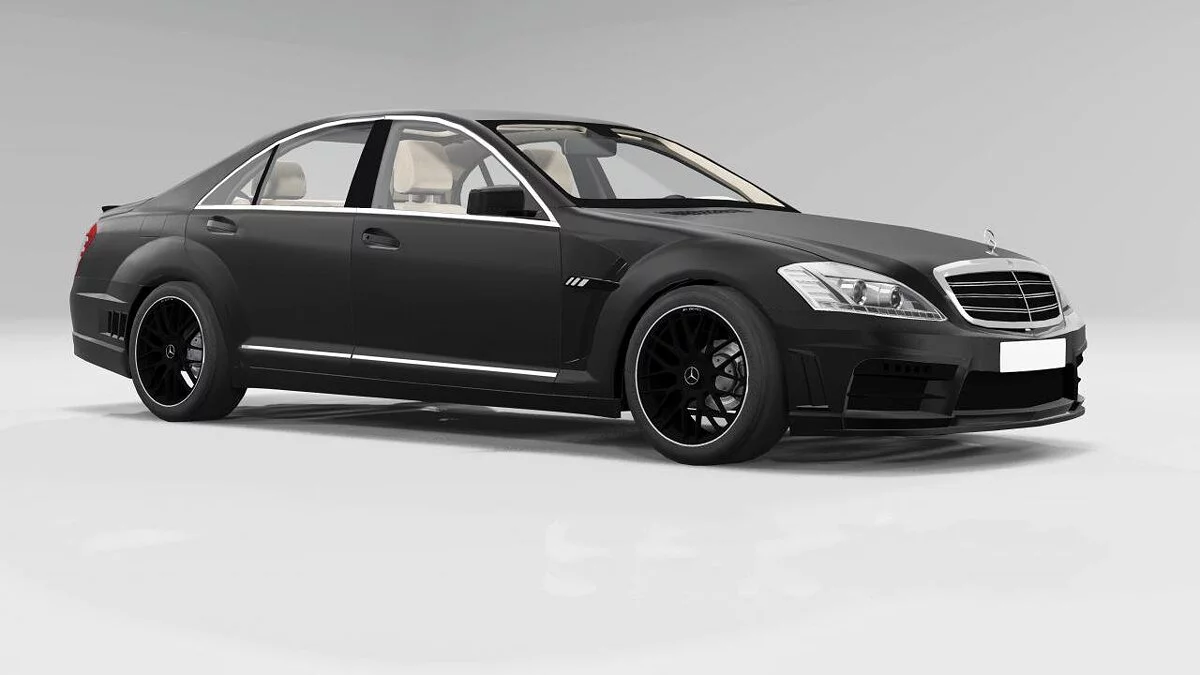
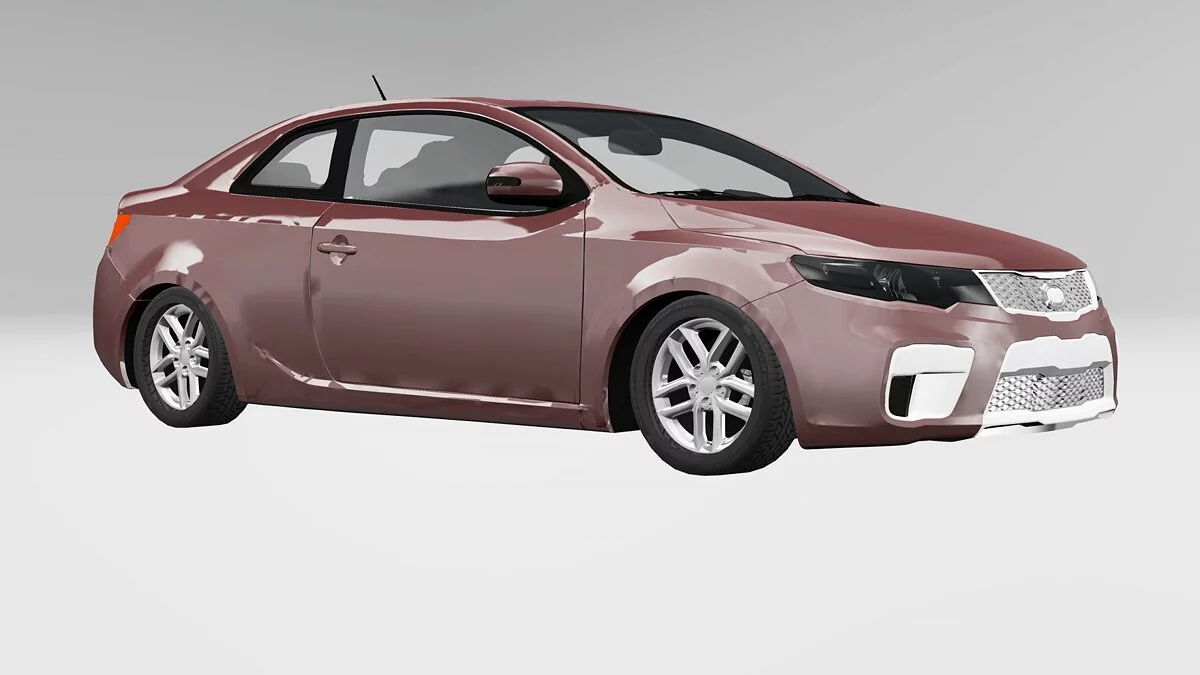
A car sandbox built around detailed physics of destruction and vehicle behavior. Every collision, turn, and acceleration is calculated in real-time... Read more
Anticipation Rating:
Steam:
MSU - Moscow State University v2.0 (0.40.x)


Author:
Dmitry Komov (Gzoobor)
Uploaded by:

Size:
421.61 MB
Date:
November 25, 2026, 02:19 PM
Downloads:
138


- 🤖 Working with an AI agent? Press the 🤖 button and give the agent the link: it will install the mod into your game itself
-
Auto-installNo waiting Download421.61 MB 🤖November 25, 2026, 02:19 PMmgu-moskovskijj-gosudarstvennyjj_1795605556_268795.zip
This map recreates the grounds of Moscow State University (MSU) and the surrounding area. It is suitable for leisurely drives around the neighborhood, exploring the grounds, and taking in-game screenshots.
Changes in the updated version:
- Updated the lighting on the MSU building;
- Changed the staircase texture;
- The map size has been halved;
- Added new road markings, signs, and curbs;
- Rounded the center of the second parking lot;
- Created pedestrian areas and a park;
- Added nighttime lighting throughout the map;
- Added new static cars;
- Implemented an AI traffic system.
Installation:
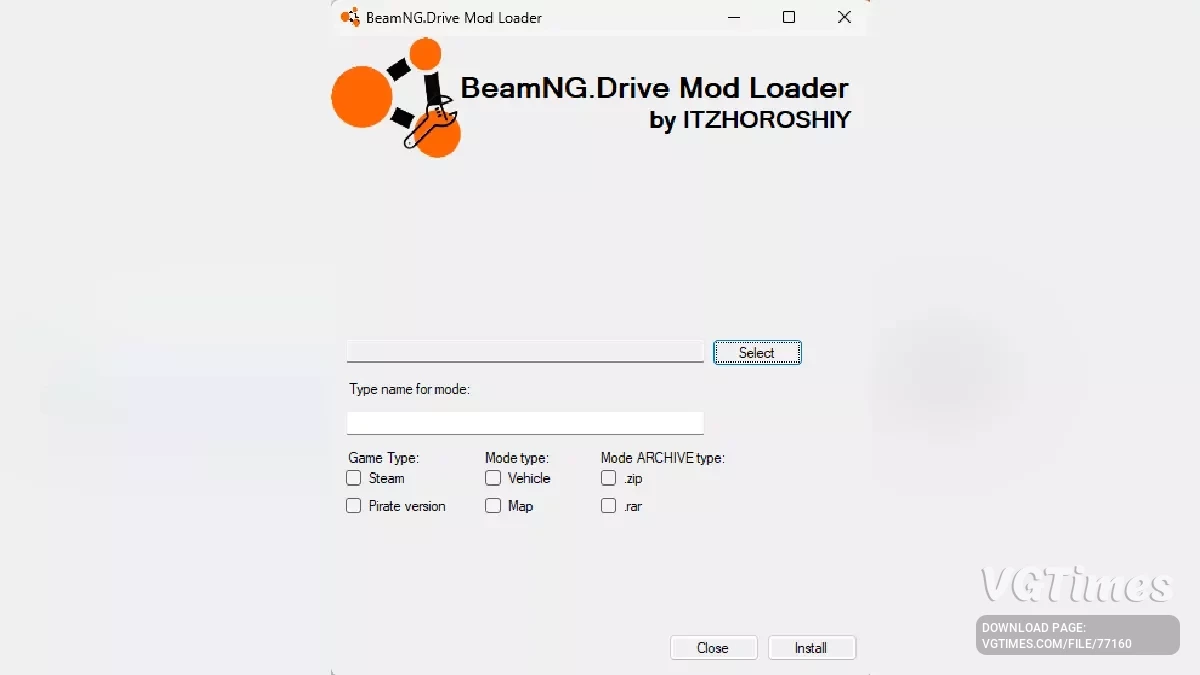
- Download the map archive;
- Move the archive to the folder: C:\Users\UserNAME\Documents\BeamNG.drive\mods.
The file name and description have been translated Show original
(RU)Show translation
(EN)
МГУ - Московский Государственный Университет v2.0 (0.40.x)
Данная карта представляет собой территорию Московского государственного университета (МГУ) и прилегающую к нему местность. Подойдёт для спокойных поездок по окрестностям, исследования территории и создания игровых скриншотов.
Изменения в обновлённой версии:
- Обновлено освещение здания МГУ;
- Изменена текстура лестницы;
- Размер карты уменьшен в два раза;
- Добавлены новая дорожная разметка, знаки и бордюры;
- Закруглён центр второй парковки;
- Созданы пешеходные зоны и парк;
- Добавлено ночное освещение по всей карте;
- Размещены новые статичные автомобили;
- Реализована система ИИ-трафика.
Установка:
- Скачать архив с картой;
- Переместить архив в папку: C:\Users\UserNAME\Documents\BeamNG.drive\mods.
Useful links: