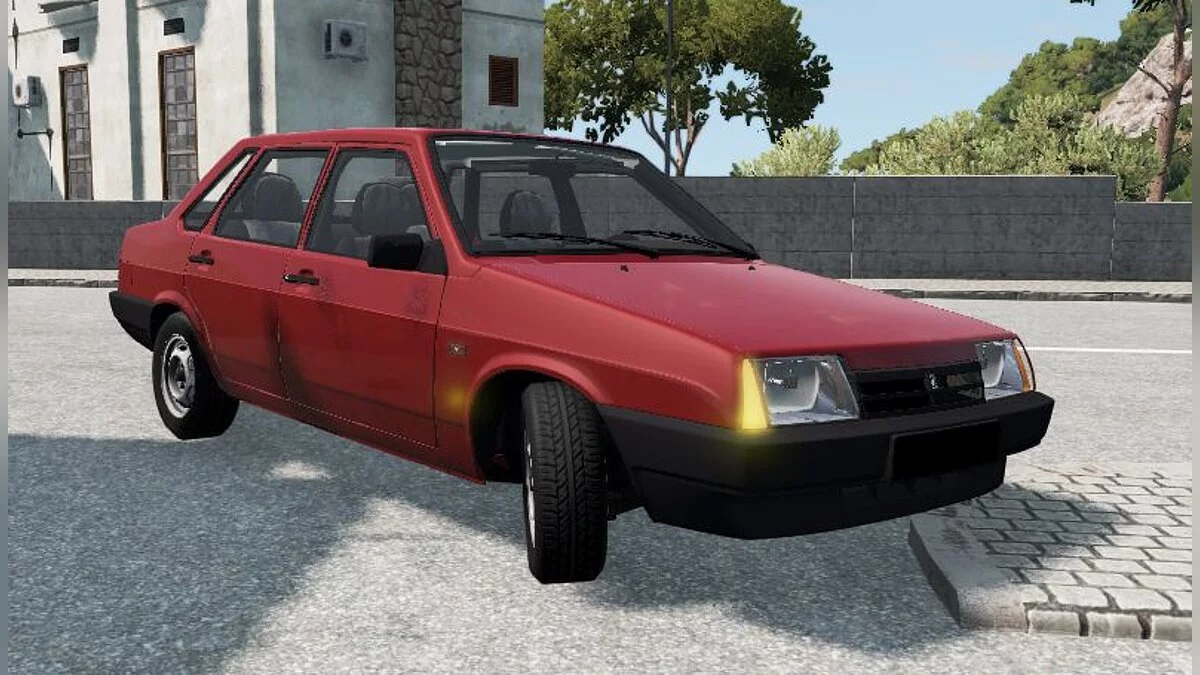
A car sandbox built around detailed physics of destruction and vehicle behavior. Every collision, turn, and acceleration is calculated in real-time... Read more
Hands on the Wheel v0.4.0 (0.40.x)


- 🤖 Working with an AI agent? Press the 🤖 button and give the agent the link: it will install the mod into your game itself
-
Auto-installNo waiting Download157.42 MB 🤖October 25, 2026, 11:41 PMhands-on-the-wheel-v0-4-0-0-40-x_1792960906_825234.zip
This HOTW mod adds a visible, animated driver with a full body, hands that follow steering wheel movements, and feet that interact with the pedals. The mod lets you adjust the body's and limbs' positions, choose a character, customize their appearance, and save individual configurations.
Features:
- Animated driver with a full body;
- Hands that follow steering wheel movements;
- Feet that interact with the accelerator, brake, and clutch pedals, if the vehicle has one;
- Choose a character and customize their clothing, accessories, skin tone, and hair color;
- Head animation that responds to the direction of gaze;
- Toggle the visibility of the body, head, arms, and hands independently;
- Automatic head hiding in cockpit view, including with Enhanced Interior Camera;
- Save individual body, hands, feet, and character configurations;
- Standard calibrations and the option to manually adjust limb positions;
- Support for BeamNG.drive version 0.40;
- Support for the Enhanced Interior Camera mod;
- Additional calibrations and performance optimizations.
Adjusting the driver's position:
- Open the pause menu, go to “Mods” → “HOTW Settings,” and enable Editing mode on the tab you want to adjust.
- Body: Choose the driver's position and adjust the bend and width of the elbows. After changing the elbow settings, click “Apply,” then “Save.”
- Hands: Adjust the position and rotation of each hand separately.
- Feet: Adjust the position and rotation of each foot so they interact correctly with the accelerator, brake, and clutch pedals.
- Character: Choose a character and customize their clothing, accessories, skin tone, and hair color. Click “Apply color” to confirm the color change.
- Click “Save” to save your changes, or “Cancel” to discard them.
Saving settings:
- Body, hands, feet, and character configurations are saved independently. The body position is saved for each vehicle model, hand settings for each steering wheel, and foot settings for each pedal. If multiple vehicles use the same steering wheel, their hand settings will be shared. The character selection and appearance settings are saved separately.
- Foot positioning depends on the animation of the pedals in each vehicle. The mod uses standard calibrations or custom settings. If the feet do not appear correctly, adjust their position manually in the “Feet” tab.
- In cockpit view, including with Enhanced Interior Camera, the driver's head is hidden automatically to avoid obstructing the view. In first-person view, head movements follow the direction of the gaze, while in external view the head turns toward the camera.
Installation:
- Download the mod archive;
- Move the ZIP archive to the mods folder at: C:\Users\UserNAME\Documents\BeamNG.drive\mods;
- Delete older versions of HOTW from the mods folder to avoid conflicts;
- Launch the game.
Данный мод HOTW добавляет в BeamNG.drive видимого анимированного водителя с полноценным телом, руками, повторяющими движения рулевого колеса, и ногами, взаимодействующими с педалями. Мод позволяет настраивать положение тела и конечностей, выбирать персонажа, изменять его внешность и сохранять индивидуальные конфигурации.
Особенности:
- Анимированный водитель с полноценным телом;
- Руки, следующие за движениями рулевого колеса;
- Ноги, взаимодействующие с педалями газа, тормоза и сцепления, если оно предусмотрено в автомобиле;
- Выбор персонажа, настройка одежды, аксессуаров, цвета кожи и волос;
- Анимация головы, реагирующая на направление взгляда;
- Возможность отдельно включать и отключать отображение тела, головы, рук и кистей;
- Автоматическое скрытие головы в режиме вида из кабины, включая Enhanced Interior Camera;
- Индивидуальное сохранение конфигураций тела, рук, ног и персонажа;
- Стандартные калибровки и возможность ручной настройки положения конечностей;
- Поддержка BeamNG.drive версии 0.40;
- Поддержка мода Enhanced Interior Camera;
- Дополнительные калибровки и оптимизация производительности.
Настройка положения водителя:
- Открыть меню паузы, перейти в раздел «Моды» → «Настройки HOTW» и включить режим редактирования (Editing mode) на вкладке, которую необходимо настроить.
- Тело (Body): выбрать положение водителя, настроить изгиб и ширину локтей. После изменения параметров локтей нажать «Применить» (Apply), затем «Сохранить» (Save).
- Руки (Hands): настроить положение и поворот каждой руки отдельно.
- Ноги (Feet): настроить положение и поворот каждой ноги для корректного взаимодействия с педалями газа, тормоза и сцепления.
- Персонаж (Character): выбрать персонажа, настроить одежду, аксессуары, цвет кожи и волос. Для подтверждения изменения цвета нажать «Применить цвет» (Apply color).
- Нажать «Сохранить» (Save), чтобы сохранить изменения, или «Отмена» (Cancel), чтобы отменить их.
Сохранение настроек:
- Конфигурации тела, рук, ног и персонажа сохраняются независимо друг от друга. Положение тела сохраняется для каждой модели транспортного средства, настройки рук — для каждого рулевого колеса, а настройки ног — для каждой педали. Если несколько автомобилей используют одинаковое рулевое колесо, настройки рук для них будут общими. Выбор персонажа и параметры его внешности сохраняются отдельно.
- Положение ног зависит от анимации педалей конкретного транспортного средства. Мод использует стандартные калибровки или пользовательские настройки. Если ноги отображаются некорректно, необходимо вручную отрегулировать их положение во вкладке «Ноги» (Feet).
- В режиме вида из кабины, включая Enhanced Interior Camera, голова водителя автоматически скрывается, чтобы не заслонять обзор. При виде от первого лица движения головы следуют за направлением взгляда, а при внешнем обзоре голова поворачивается в сторону камеры.
Установка:
- Скачать архив с модом;
- Переместить ZIP-архив в папку mods, расположенную по пути: C:\Users\UserNAME\Documents\BeamNG.drive\mods;
- Удалить старые версии HOTW из папки mods, чтобы избежать конфликтов;
- Запустить игру.
Useful links: