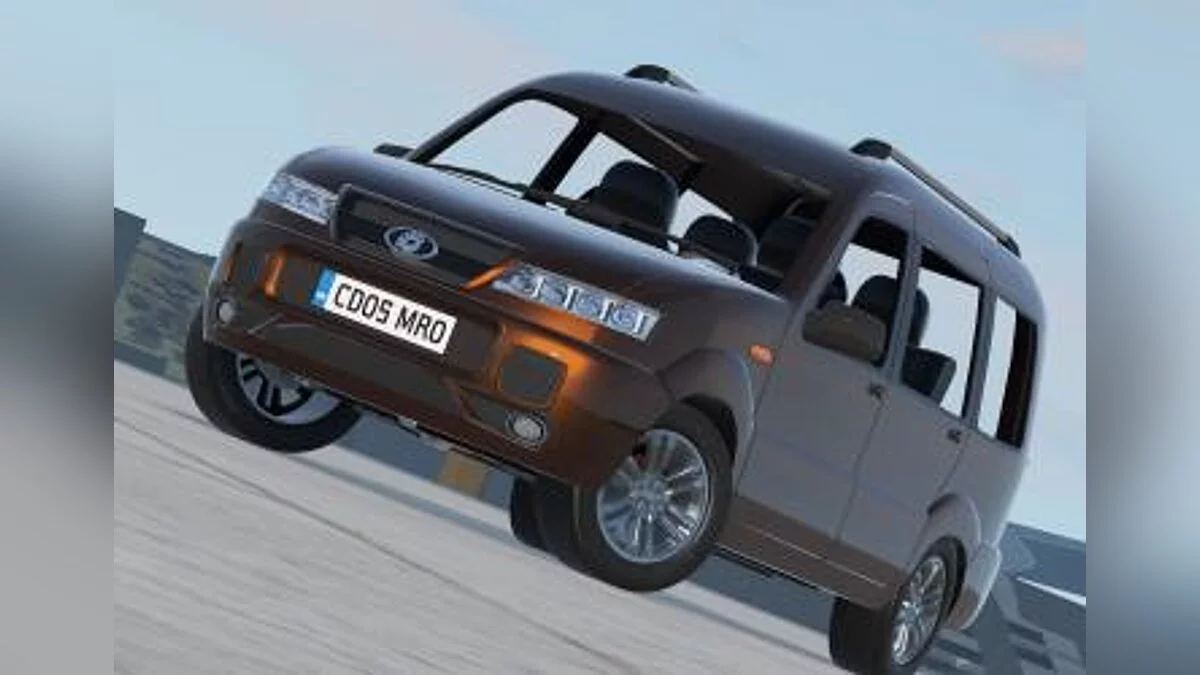
A car sandbox built around detailed physics of destruction and vehicle behavior. Every collision, turn, and acceleration is calculated in real-time, making the cars... Read more
BeamNG.Earth — 1:1 Scale Streamed Planet Earth with Satellite Imagery and Real-World Physics


-
Download (45.75 MB)October 26, 2026, 12:34 PMbeamng-earth-planeta-zemlja-v-masshtabe_1793007277_191404.zip
A massive geospatial streaming framework that brings the entire planet Earth into BeamNG.drive at a true 1:1 scale. The mod streams high-precision terrain elevation (national LiDAR and Copernicus 30m), aerial and satellite orthophotography (open national imagery and cloudless Sentinel-2), and 3D architectural models mapped from OpenStreetMap and Overture data featuring authentic regional aesthetics. Infrastructure includes terrain-conforming road networks complete with lane markings, curbs, storm drains, guardrails, realistic bridges, tunnels, and 3D rail tracks. Features real-time astronomy aligned to local coordinates and time zones, live weather integration via Open-Meteo (gusting wind physics, rain, snow, fog, and temperature), WGS84/EGM2008 gravity anomalies, stock BeamNG AI traffic compatibility, an in-game interactive globe with OSRM GPS routing and Autodrive, disk caching, and experimental BeamMP multiplayer synchronization.
Feature List:
- 1:1 Scale Elevation: Full planet elevation built from LiDAR scans and filtered Copernicus 30m DEM data.
- Ground Imagery: High-resolution aerial orthophotos and cloud-free Sentinel-2 coverage with color seam correction and seasonal grading.
- True Horizon & Curvature: Accurate Earth curvature rendering across vast draw distances, including Arctic sea ice and Antarctic ice sheets.
- Land Cover Materials: Dynamic physical surfaces (grass, rock, dirt, sand, snow, mud) paired with procedural 3D flora and canopy-height forests.
- OSM / Overture Buildings: Procedurally generated architecture tailored to regional styles (brick, siding, Alpine chalets, steeples, skyscrapers).
- Integrated Road Networks: Ground-blended road geometry with lane markings, sidewalks, roundabouts, curbs, retaining walls, highway tolls, and tram/train tracks.
- Astronomy & Real Time: True-to-life solar, lunar, and stellar trajectories matching local coordinates and time zones.
- Live Open-Meteo Weather: Real-time cloud formations, drifting cloud layers, visibility fog, wind gusts impacting vehicle physics, and precipitation.
- WGS84 Gravity Modeling: True gravitational variations based on geographic latitude and altitude.
- AI Road Graph & Traffic: Auto-compiled road graphs supporting standard BeamNG AI behaviors, traffic density, police pursuits, and parked vehicles.
- World Map & Navigation: Global interactive map (M key) with address search, freeform teleportation, turn-by-turn GPS routing, and Autodrive functionality.
- Multiplayer Support: BeamMP server compatibility with synchronized vehicle coordinates, damage states, and player map markers.
- Performance & Streaming: Companion local server powered by Rust and Python, background caching up to 2 GB for revisited regions, and GPU-assisted texture compression.
Requirements:
- BeamNG.drive (tested on version 0.40.x) on Steam.
- Free disk space for the download cache (adjustable between 5 and 50 GB; default is 20 GB).
- Active internet connection for on-the-fly streaming of terrain and map assets.
Installation & Usage Instructions:
- Download the platform-appropriate binary from the Releases page (Windows .exe or Linux .AppImage).
- Ensure Steam is currently running in the background.
- Run the executable (on Linux, grant execute permissions via file properties or chmod +x).
- The launcher console will deploy the mod files, start the local world server, and launch BeamNG.drive (closing the game automatically terminates the server).
- In the BeamNG main menu, navigate to Freeroam and select the BeamNG.Earth map.
- Press M to bring up the world map: search for coordinates or addresses, right-click to teleport, left-click to define a GPS route, or enable Autodrive.
Useful links: