
Celeste is a hardcore side-scrolling action platformer from the creator of TowerFall. More than 250 levels await you, and the locations include abandoned cities... Read more
Multiplayer Online

-
Download (504.20 kB)July 4, 2024, 01:03 PMверсия 2.3.1mnogopolzovatelskijj-onlajjn_1720087388_266107.zip
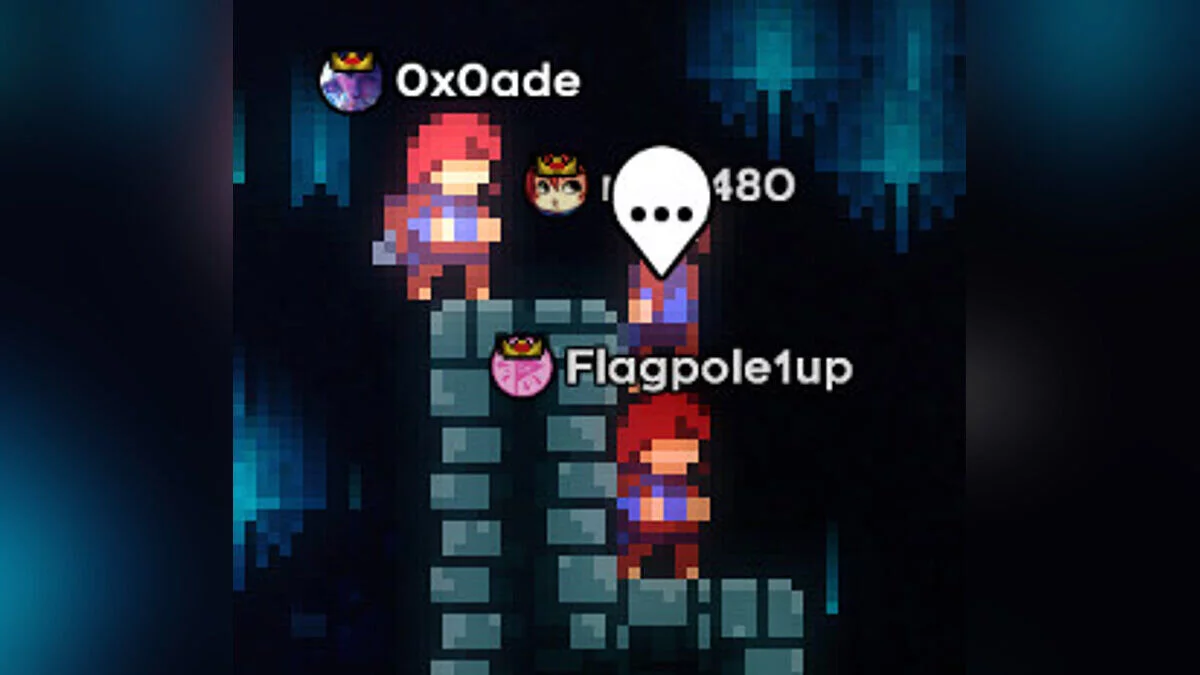
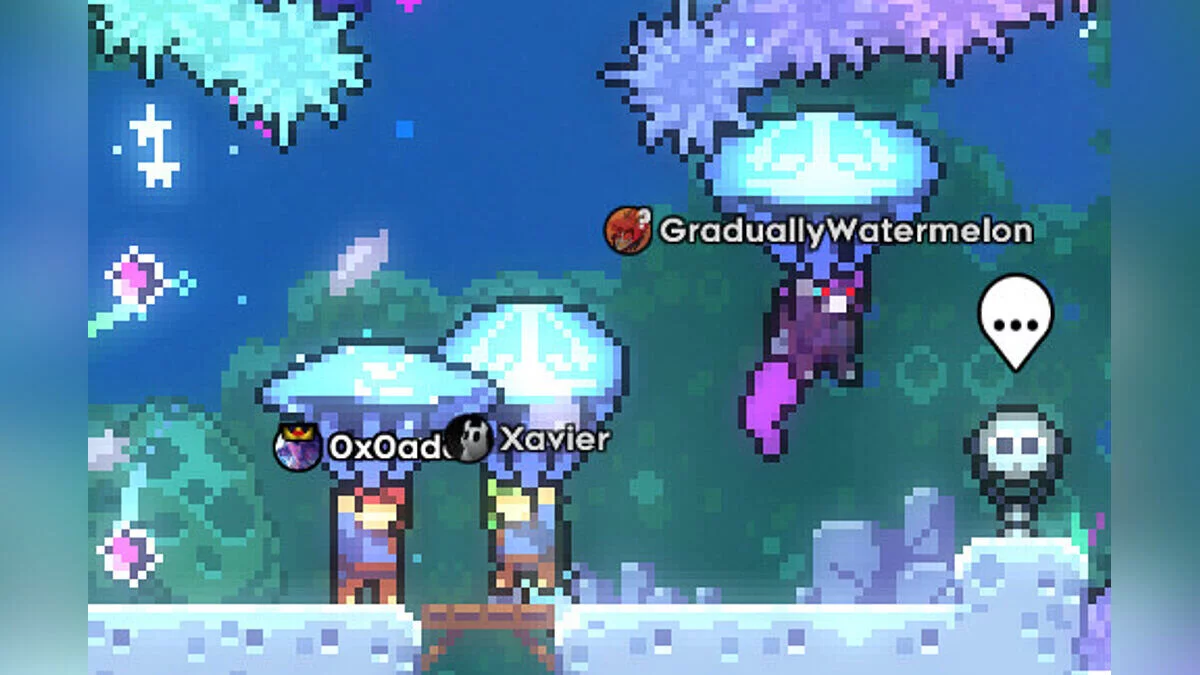
This is a multiplayer online mode that utilizes the Everest mod loader, created with great love and effort. It allows you to complete levels together with friends or complete strangers, even jumping on other players' heads and throwing them into pits. There are even several exclusive multiplayer maps and custom game modes that you can already experience, with even more in development by the community.
How to play CelesteNet:
- first, make sure you have installed Everest (the loader) through Olympus (the manager);
- then download and install the mod itself.
In-game:
- go to the mod settings and connect to CelesteNet;
- press T to chat;
- use the right joystick for the emotion wheel and click it to send an emotion;
- on the keyboard, use the number keys 1 to 9 to send in-game emotions;
- emotions can be configured in the settings file located in the save folder;
- press Tab (keyboard) or 'select/back' (controller) to open the player list;
- send /help in chat for a list of all commands;
- if you have further questions, visit the FAQ page.
Это многопользовательский онлайн-мод, использующий загрузчик модов Everest, созданный с большой любовью и трудом. Он позволяет вам проходить уровни вместе с друзьями или совершенно незнакомыми людьми, даже прыгать на головы другим и бросать их через ямы. Есть даже несколько эксклюзивных многопользовательских карт и пользовательских игровых режимов, которые вы уже можете испытать, и еще больше в разработке сообществом.
Как играть в CelesteNet:
- сначала убедитесь, что вы установили Everest (загрузчик) через Olympus (менеджер);
- затем скачать и установить сам мод.
В игре:
- перейти в настройки мода и подключиться к CelesteNet;
- нажать T, чтобы говорить;
- используйте правый джойстик для игрового колеса эмоций и щелкните по нему, чтобы отправить эмоцию;
- на клавиатуре используйте цифровые клавиши 1для 9отправки внутриигровых эмоций;
- эмоции можно настроить в файле настроек, который находится в папке сохранений;
- нажмите Tab (клавиатура) или «выбор/назад» (контроллер), чтобы открыть список игроков;
- отправляейте /help в чате для получения списка всех команд;
- если у вас возникнут дополнительные вопросы, посетите страницу часто задаваемых вопросов.
Useful links:
![Celeste — Trainer (+6) from 29.08.2022 [WeMod]](https://files.vgtimes.com/download/posts/2022-08/thumbs/1661857346_2022-08-30_140127.webp)
![Celeste — Trainer (+4) [1.4]](https://files.vgtimes.com/download/posts/2022-07/thumbs/1657196434_7u29bernd6n4wkayy-7spw.webp)
![Celeste — Cheat Engine Table [UPD: 09.06.2022]](https://files.vgtimes.com/download/posts/2022-09/thumbs/1662547392_faites-tourner-celeste-avec-un-pad-360.webp)


![Celeste — Save File [Epic License]](https://files.vgtimes.com/download/posts/2022-05/thumbs/1652276208_celeste-level-design.webp)
![Celeste — Cheat Engine Table [UPDATED: 29.08.2022]](https://files.vgtimes.com/download/posts/2022-08/thumbs/1661857779_capsule_616x353.webp)
![Celeste — Cheat Engine Table [UPD: 02.09.2022]](https://files.vgtimes.com/download/posts/2022-09/thumbs/1662208361_hero.webp)
![Celeste — Trainer (+6) from 09.06.2022 [WeMod]](https://files.vgtimes.com/download/posts/2022-09/thumbs/1662463807_2022-09-06_142904.webp)
![Celeste — Trainer (+6) from 09.02.2022 [WeMod]](https://files.vgtimes.com/download/posts/2022-09/thumbs/1662116994_2022-09-02_140813.webp)