Games Crimson Desert Enhanced Files Editors and programs Save Editor for inventory currency knowledge quests companions and map

A large-scale adventure action game with an open world, where the harsh reality of war intertwines with the personal story of mercenaries. At the... Read more
VGTimes:
Players:
Steam:
Metacritic:
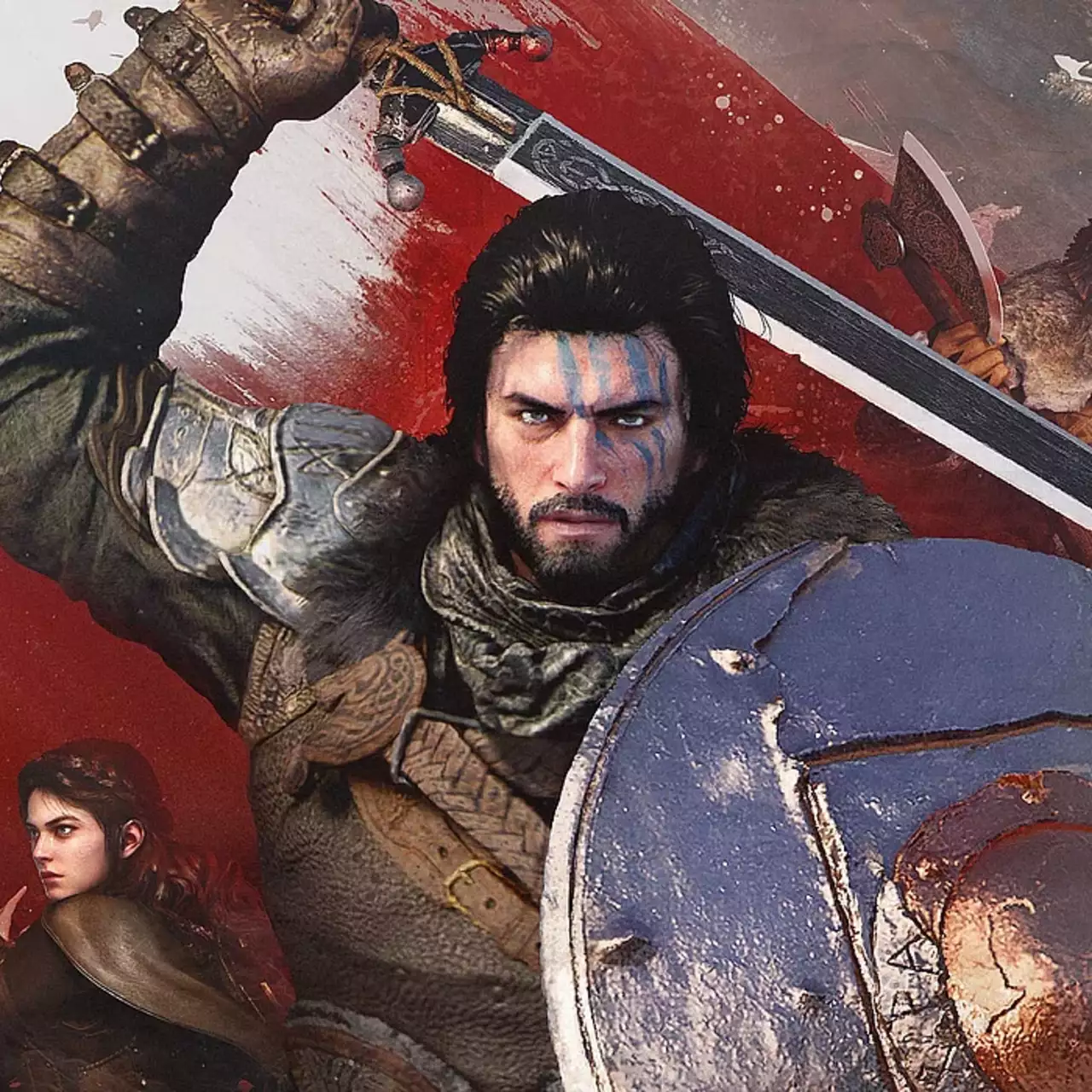
Save Editor for inventory currency knowledge quests companions and map


Author:
TalesOfKnighty1815
Uploaded by:

Size:
288.65 kB
Date:
November 16, 2026, 05:56 PM
Downloads:
6
-
Download in TelegramNo waiting Download288.65 kBNovember 16, 2026, 05:56 PMredaktor-sokhranenijj-dlja-inventarja_1794840965_63974.zip
A standalone save editor for Crimson Desert Enhanced that lets players modify nearly every aspect of their save file without placing any files inside the game directory. It automatically detects Steam saves and game paths creates dated backups and tracks every unsaved modification before writing changes back to disk.
Main features:
- Saves and backups: lists every manual slot and auto save newest first with dated backups containing save.save and lobby.save one click restore and a test write mode that changes nothing.
- Inventory: full access to bag storage camp wardrobe Kuku Pot chests worn gear and companion equipment allowing edits to quantities refinement from 0 to 10 durability lock state open sockets and abyss gear plus adding any item or gear by name.
- Character: edit Copper Pearl Camp Funds Camp Food Camp Timber Gold Bars and unspent skill points for Kliff Oongka and Damiane.
- Knowledge: learn entire sections including crafting recipes food recipes items and places track learned totals across Crafting Manuals categories and search individual entries to learn or forget them.
- Quests: browse and search every quest and mission by name and mark any stuck objective as completed.
- Companions: rename revive and set levels for mounts pets and allies or add new pets horses and mounts to your roster.
- Map and dye: reveal the entire map fog learn all places and edit color RGB values and grime across individual parts of dyed gear using a color picker.
- Compare: inspect every difference between two saves or review all pending unsaved edits before writing.
Installation and usage instructions:
- Unzip CrimsonSaveEditor.exe into its own dedicated folder such as Documents/CrimsonSaveEditor since it stores backups beside itself and touches nothing in the game directory.
- Launch the editor so it automatically finds your Steam game and save files or click Choose game folder on the Saves page if needed.
- Double click a slot or press Open on the Saves page make your edits across any tab review pending changes on the Compare page and click Write to save at the top right.
- Load the modified slot in game to apply your changes and replace only the exe file when updating to keep all backups and settings intact.
Useful links:


