
Games Crimson Desert Enhanced Files Editors and programs DesertLink Equipment Editor — In game equipment and gear customization editor

A large-scale adventure action game with an open world, where the harsh reality of war intertwines with the personal story of mercenaries. At the... Read more
VGTimes:
Players:
Steam:
Metacritic:
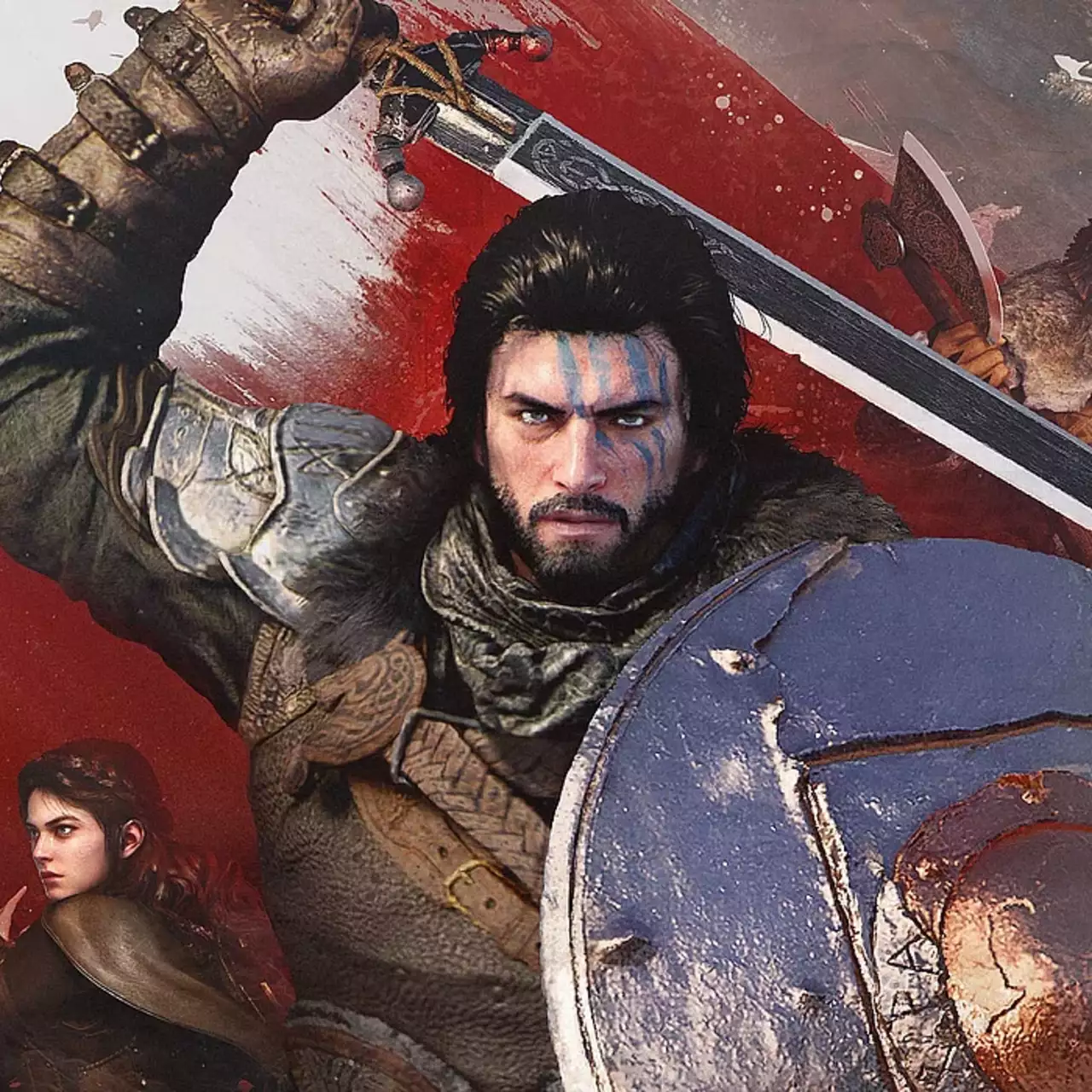
DesertLink Equipment Editor — In game equipment and gear customization editor


Author:
DesertLink
Uploaded by:

Size:
746.26 kB
Date:
Today, 21:26
Downloads:
0
-
Download (746.26 kB)November 10, 2026, 09:26 PMdesertlink-equipment-editor-redaktor_1794335192_710233.zip
Comprehensive in game equipment editor for Crimson Desert version 2.04.08 delivered as an ASI plugin. The utility provides realtime attribute modification for weapons and armor across all three playable protagonists, infinite Abyss Gear socketing, passive skill and buff attachments, and cross item property cloning without modifying save files.
Key editor features:
- Comprehensive equipment stat editor modifying damage, defense, and auxiliary properties.
- Refinement level editing from plus 0 through plus 10 individually or simultaneously across all ranks.
- Unlimited Abyss Gear insertion without traditional socket restrictions.
- Complete passive skill library allowing skills to be attached to compatible gear.
- Comprehensive buff library to build custom passive effect combinations.
- Item property cloner allowing stats, passive skills, and buffs to be copied from another item.
- Full equipment browser divided into equipped items, bag inventory, storage, and master item catalog.
- Three character support providing direct access to gear belonging to all three playable heroes.
- Runtime memory editing that preserves original save files without permanent save data pollution.
- Edited items management tab allowing individual restoration or one click mass resets.
- Full localization across nine languages including English and Russian.
- Customizable user interface featuring custom themes, window resizing, and gamepad support.
Controls and navigation:
- Shift plus F2 on keyboard or LT plus DPad Left on controller. Opens or closes the editor menu.
- Z or C keys or LT and RT triggers. Switches between equipment browser tabs.
- Q or E keys or LB and RB bumpers. Navigates between editor tool sections.
- F3 key. Searches items in the active catalog.
- Enter key or A button. Selects an item or confirms value edits.
- Left and Right arrows. Adjusts selected numerical values.
- Delete key or X button. Removes selected stat, skill, buff, or Abyss Gear attachment.
- F5 key or Y button. Applies forged modifications to the item definition.
- Escape key or B button. Steps back or dismisses dialog windows.
Installation and usage instructions:
- Ensure Crimson Desert version 2.04.08 is installed along with a compatible ASI loader.
- Close the game completely before installation.
- Extract the downloaded modification archive.
- If previously installed, remove the old DesertLinkEquipmentManager.asi test file from bin64.
- Copy DesertLinkEquipmentEditor.asi into the bin64 directory next to CrimsonDesert.exe.
- Launch the game, open your save file, and press Shift plus F2 or LT plus DPad Left.
- Reequip your modified item in game to refresh active bonuses.
Useful links:


