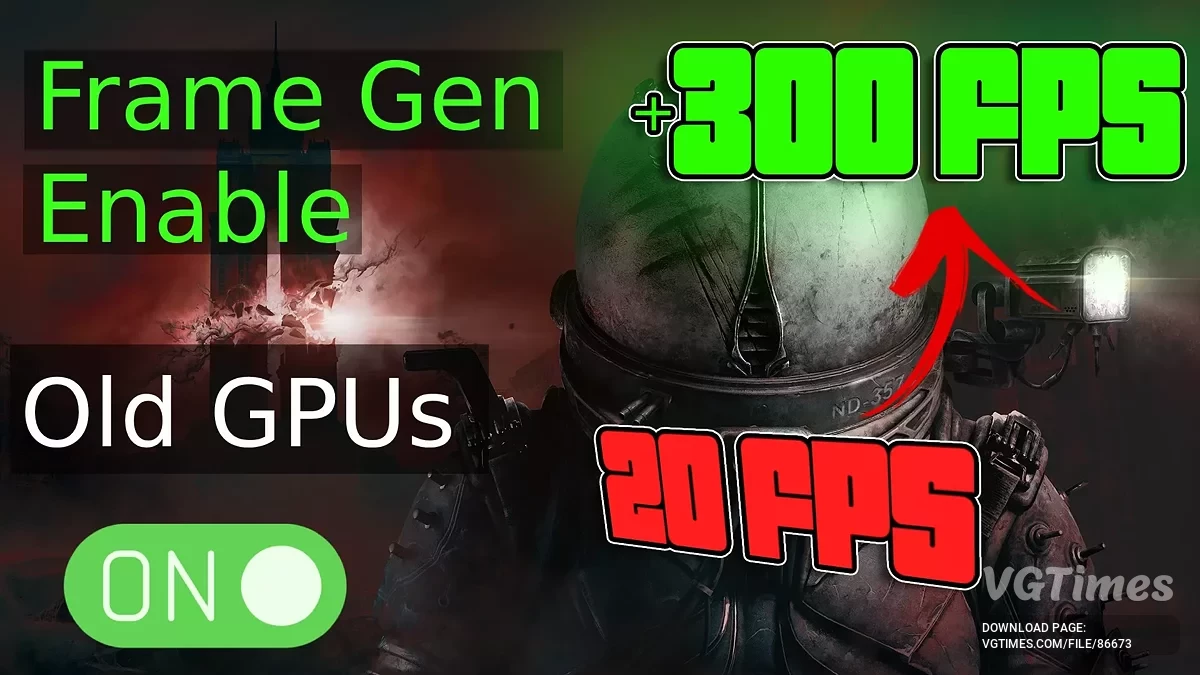
An atmospheric horror with survival elements from the creators of the remake of Silent Hill 2, the events of which unfold in a gloomy future world that has... Read more
VGTimes:
Players:
Steam:
Metacritic:

Ultimate engine tweaks
Author:
P40L0
Uploaded by:

Size:
6.54 kB
Date:
September 4, 2025, 11:22 AM
Downloads:
40
-
Download (6.54 kB)September 4, 2025, 11:22 AMNoVRRultimativnye-nastrojjki-dvizhka_1756974145_857135.zip
-
Download (6.63 kB)September 4, 2025, 11:22 AMVRRultimativnye-nastrojjki-dvizhka_1756974145_945261.zip
The mod is designed to eliminate most stutters, improve performance and stability, decrease input latency, and enhance image clarity — all without any loss of visual quality.
What to choose between the VRR and No VRR mod variants:
VRR stands for Variable Refresh Rate, which corresponds to G-Sync for NVIDIA or AMD Freesync for AMD. You need to check if this feature is enabled both in your NVIDIA/AMD Control Panel and on your display (monitor/TV).
- If yes in both cases — use the VRR mod variant;
- If not — use the No VRR variant.
How to install:
- Download the Engine.ini file and place it here: %localappdata%\Cronos\Saved\Config\Windows;
- Then right-click the file -> Properties -> make sure the "Read-Only" box is checked -> Apply/OK.
Useful links:
![Cronos: The New Dawn — Trainer (+10) [20250908 2250-323631]](https://files.vgtimes.com/download/posts/2025-10/thumbs/trejjner-10-20250908-2250-323631_1759748779_649137.webp)
![Cronos: The New Dawn — Table for Cheat Engine [05.09.2025]](https://files.vgtimes.com/download/posts/2025-09/thumbs/tablica-dlja-cheat-engine-05-09-2025_1757152677_281935.webp)
![Cronos: The New Dawn — Trainer (+10) [Game Version: 20250831] 08.09.25](https://files.vgtimes.com/download/posts/2025-09/thumbs/trejjner-10-game-version-20250831-08-09_1757341152_58182.webp)
![Cronos: The New Dawn — Table for Cheat Engine [V5]](https://files.vgtimes.com/download/posts/2026-02/thumbs/tablica-dlja-cheat-engine-v4_1770365655_325144.webp)