
An atmospheric horror with survival elements from the creators of the remake of Silent Hill 2, the events of which unfold in a gloomy future world that has... Read more
VGTimes:
Players:
Steam:
Metacritic:

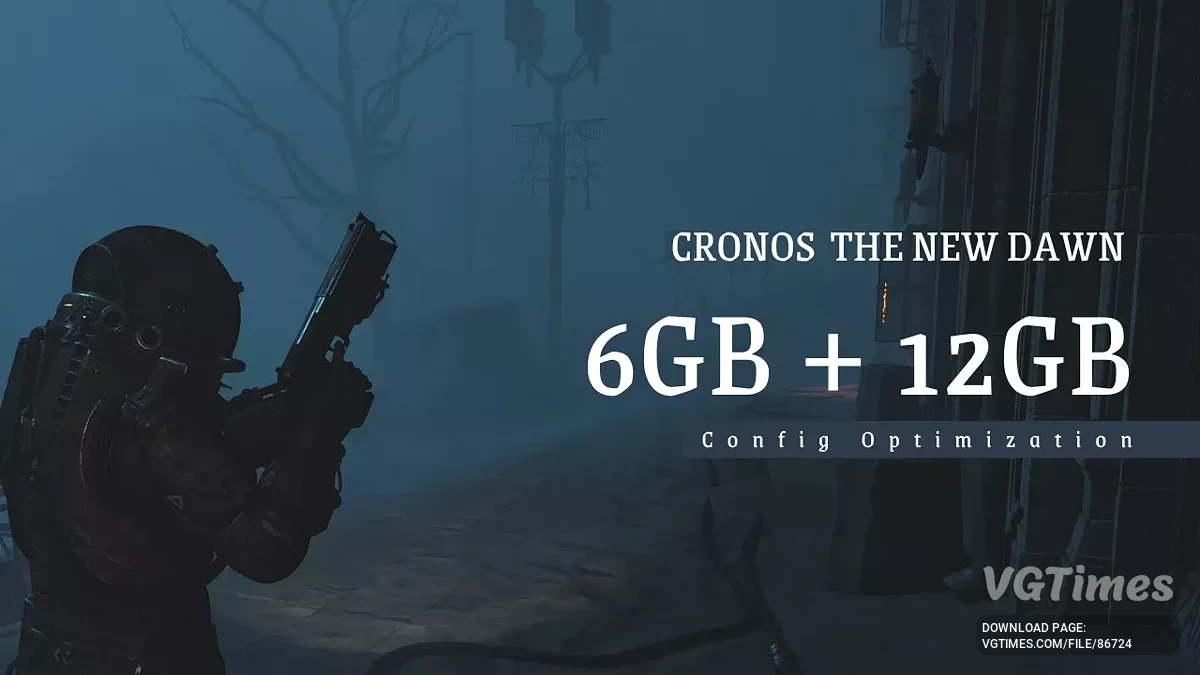
Config optimization 6GB - 12 GB VRAM
Author:
axbhub
Uploaded by:

Size:
2.64 kB
Date:
September 6, 2025, 03:25 AM
Updated:
September 10, 2025, 01:20 PM
Downloads:
112
-
Download (2.64 kB)September 6, 2025, 03:25 AM12 Гбoptimizacija-dlja-videokart-na-6-12-gb_1757118308_523488.7z
-
Download (2.76 kB)September 8, 2025, 10:59 AM6 Гбoptimizacija-dlja-videokart-na-6-12-gb_1757318353_775431.7z
-
Download (2.76 kB)September 10, 2025, 01:20 PM8 Гбoptimizacija-dlja-videokart-na-6-12-gb_1757499621_338114.7z
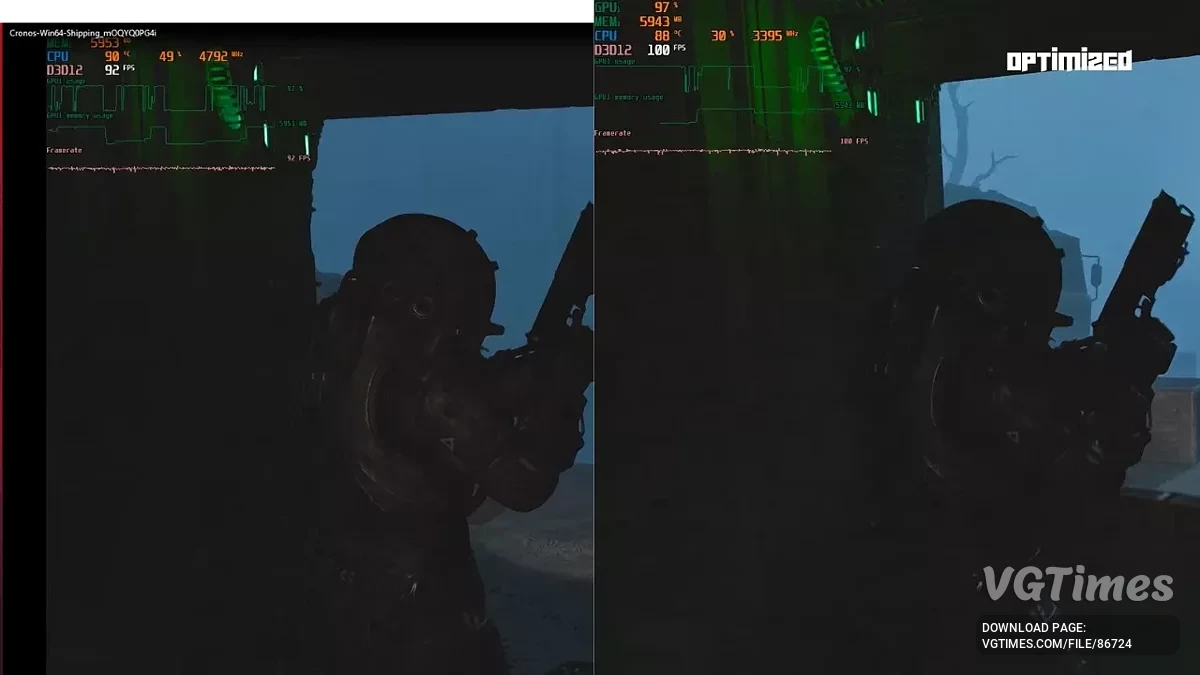
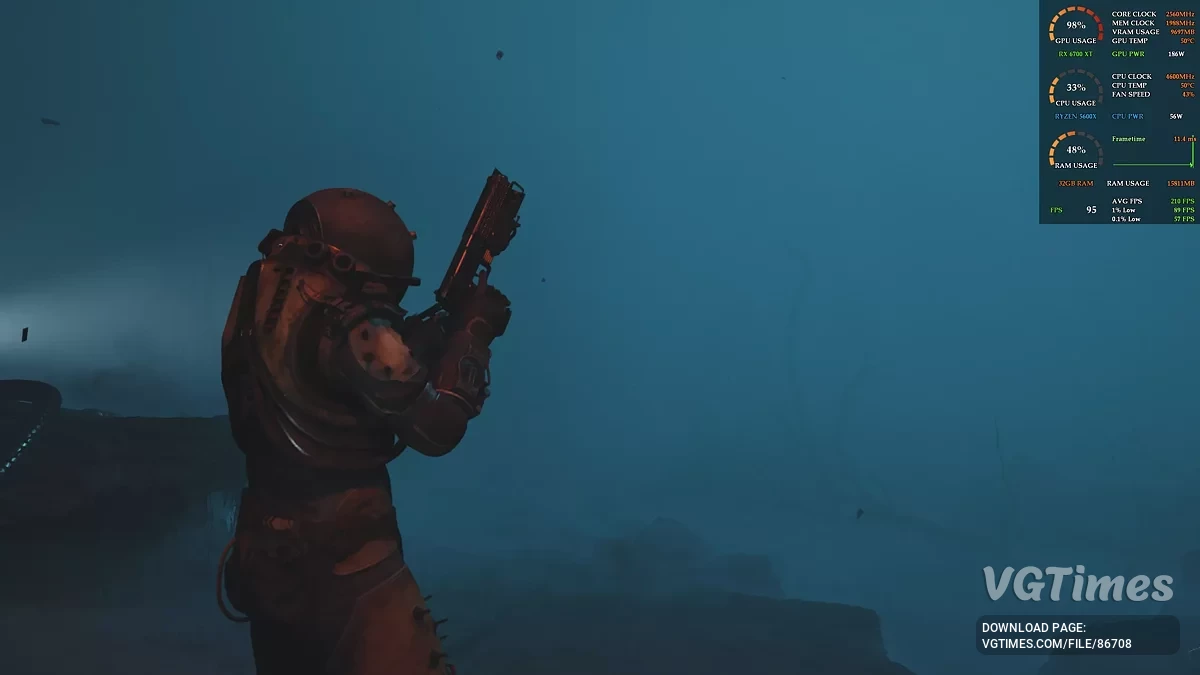
This mod enhances visual quality in games while maintaining high and stable performance — optimized for graphics cards with 6GB and 12GB VRAM. It boosts lighting, reflections, texture detail, and draw distances without breaking CGI cutscenes or causing memory overload. You can use it with in-game 'High' settings and DLSS set to 'Performance'.
Expected results:
- 15–25% improvement in quality/performance;
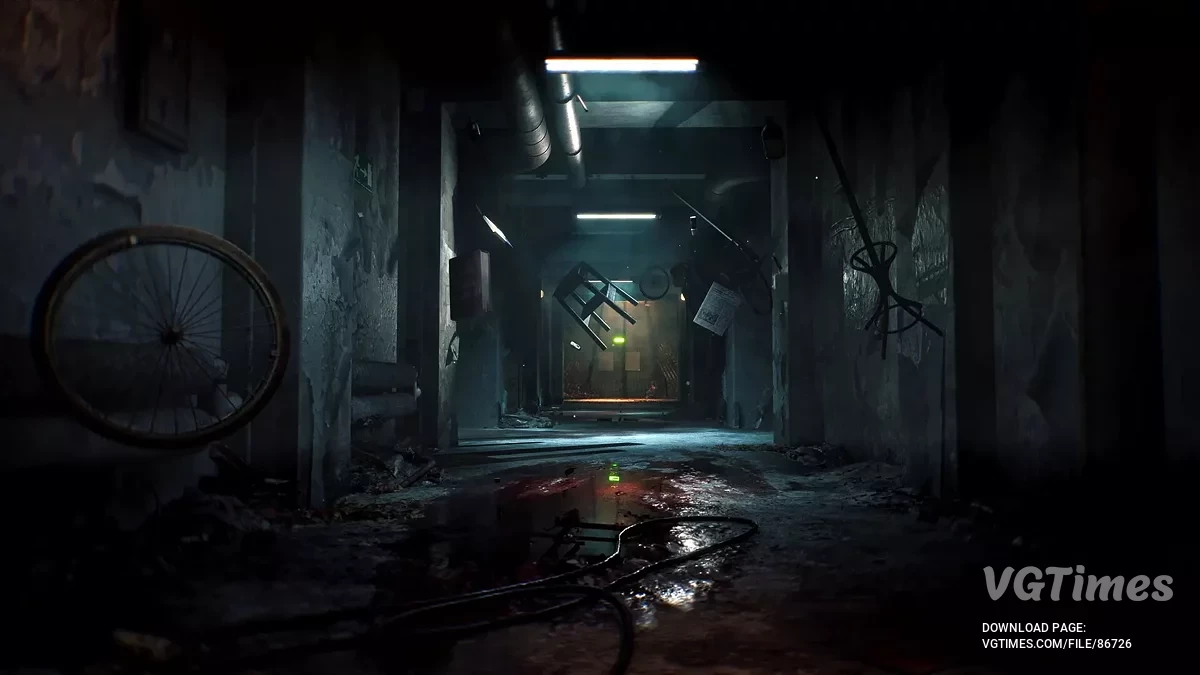
- Complete elimination of shadow artifacts;
- Reduced stuttering;
- Better visibility of enemies and environmental details;
- Stable FPS.
How to install:
- Copy the provided ini settings into your game's config folder: %localappdata%\Cronos\Saved\Config\Windows
- If prompted, confirm the replacement. Only one optimization file should be active at a time;
- Be sure to right-click the new file, go to Properties, set it to "Read-Only," and apply before launching the game.
To uninstall the mod, simply delete the Engine.ini file. The game will revert to its default settings the next time it is launched.
Useful links:

![Cronos: The New Dawn — Table for Cheat Engine [V3]](https://files.vgtimes.com/download/posts/2025-11/thumbs/tablica-dlja-cheat-engine-v3_1762512463_489086.webp)


![Cronos: The New Dawn — Table for Cheat Engine [V2]](https://files.vgtimes.com/download/posts/2025-09/thumbs/tablica-dlja-cheat-engine-v2_1757245092_348650.webp)