
Single-player adventure action game Days Gone in the genres of survival, stealth, and action, with a third-person view, in an open world was released in April 2019... Read more
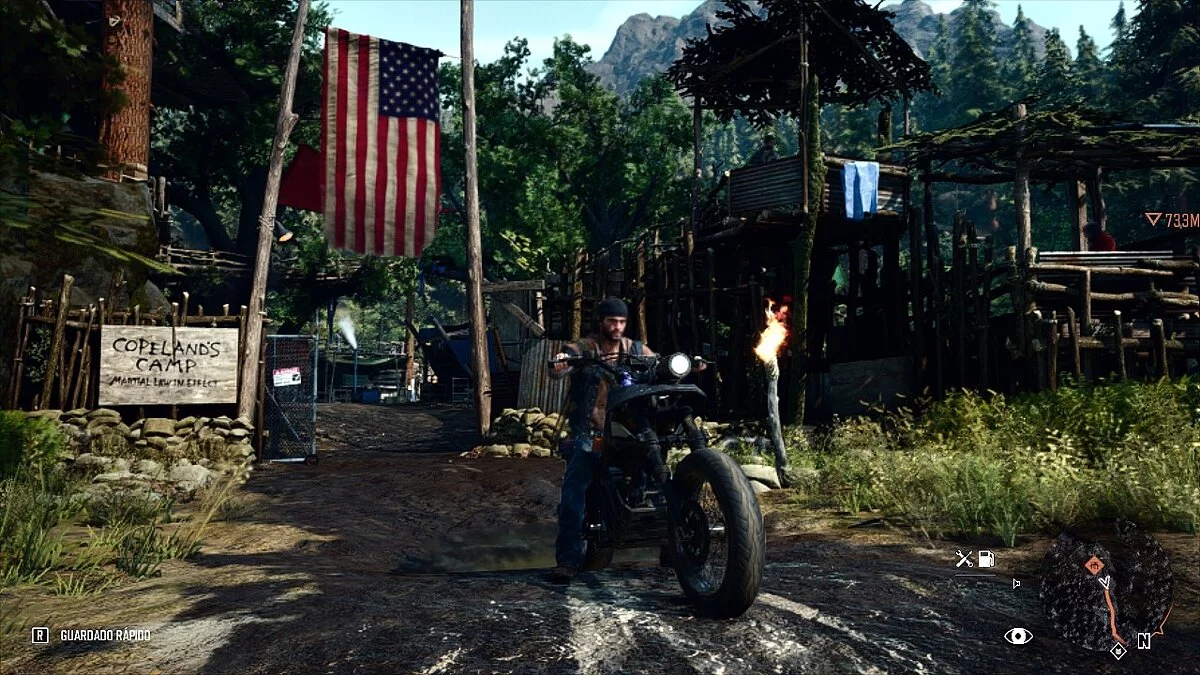
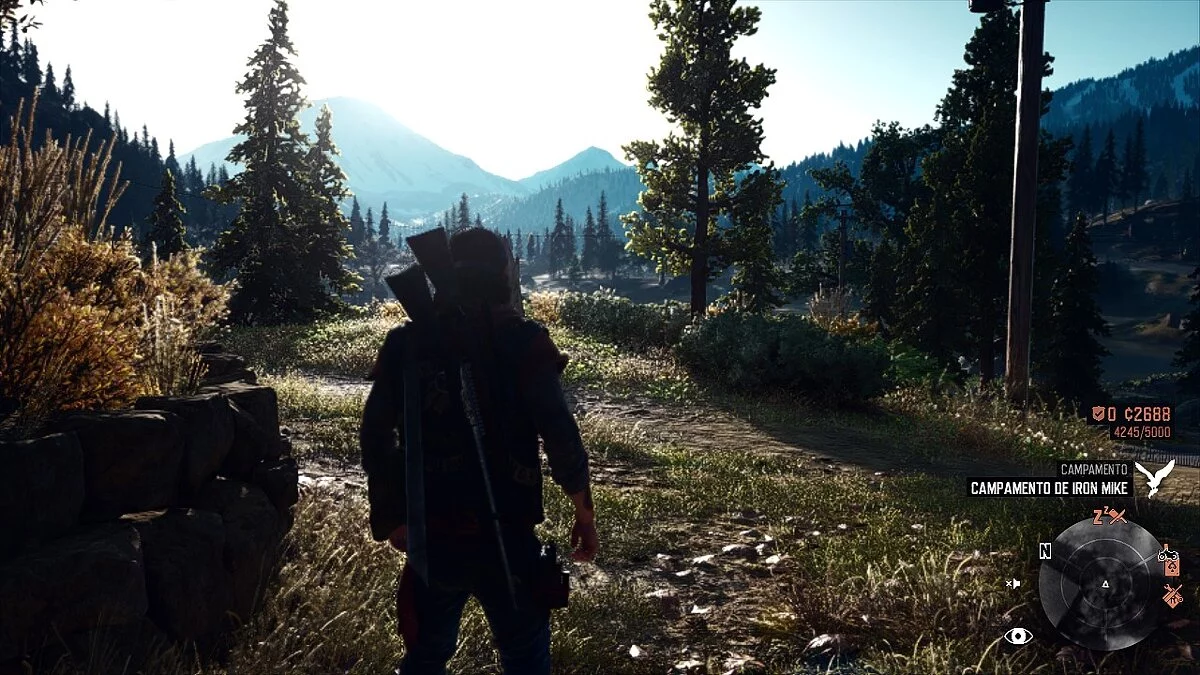
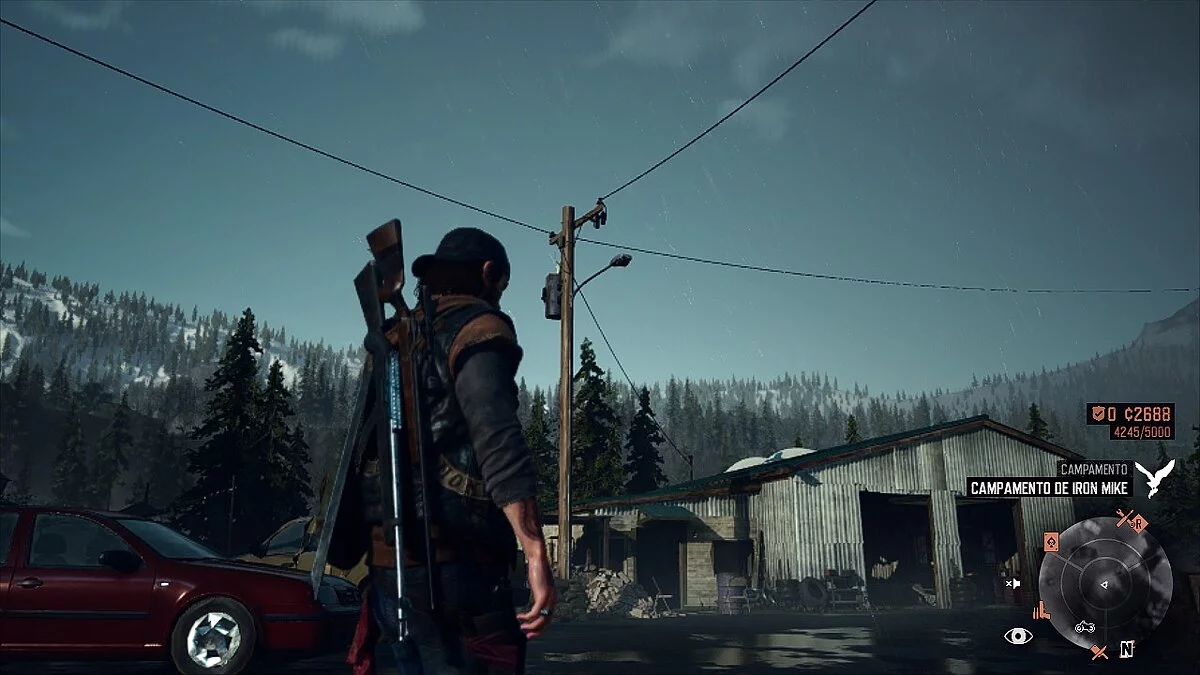
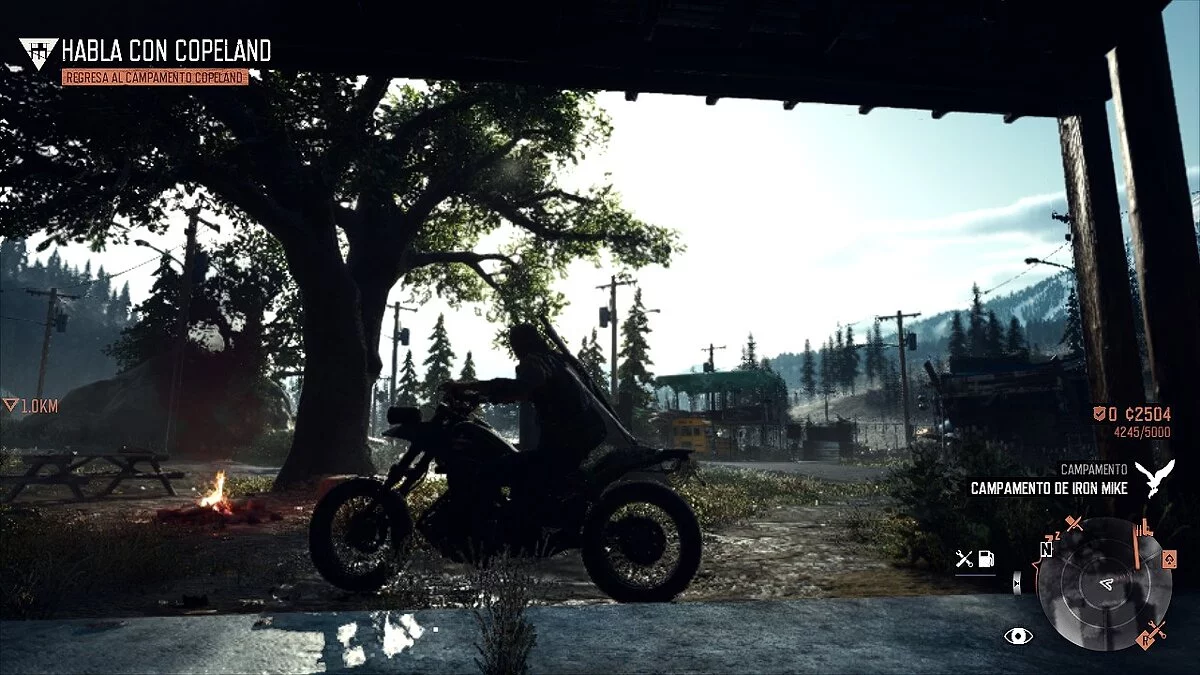
Realistic Colors

-
www.nexusmods.comDownload
Realistic Colors Reshade Preset.
Realistic colors and lighting effects, convenient for use with the ReShade preset. The author has also set the in-game brightness to 3
Installation:
1 Install the latest ReShade with the basic shaders.
2 Replace the reshade-shaders / Shaders folder with the one found in the zip archive.
3 Copy Realistic Colors.ini to the location of Days Gone.exe.
4 In the game, press HOME and select my preset.
Realistic Colors Reshade Preset.
Реалистичные цвета и световые эффекты, удобные для работы с предустановкой ReShade. Автор также установил яркость в игре на 3
Установка:
1 Установите последний ReShade с базовыми шейдерами.
2 Замените папку reshade-shaders / Shaders той, которая находится в zip-архиве.
3 Скопируйте Realistic Colors.ini, где находится Days Gone.exe.
4 В игре нажмите HOME и выберите мою предустановку.
Useful links:
![Days Gone — Trainer (+29) [v1.0-v1.06+][Fix]](https://files.vgtimes.com/download/posts/2022-02/thumbs/1644511758_scr.webp)
![Days Gone — Trainer (+16) [UPD: 16.09.2022]](https://files.vgtimes.com/download/posts/2022-09/thumbs/1663415686_2022-09-17_145308.webp)
![Days Gone — Cheat Engine Table [UPD: 02.06.2021]](https://files.vgtimes.com/download/posts/2021-06/thumbs/1622885271_bcc33269f2867af8_1920xh.webp)
![Days Gone — Trainer (+19) [1.07]](https://files.vgtimes.com/download/posts/2023-09/thumbs/trejjner-19-1-07_1695720643_389229.webp)
![Days Gone — Cheat Engine Table [1.04]](https://files.vgtimes.com/download/posts/2021-06/thumbs/1624090655_qxhqo-r.webp)
![Days Gone — Trainer (+20) [1.0]](https://files.vgtimes.com/download/posts/2021-05/thumbs/1622043618_scr.webp)
![Days Gone — Trainer (+22) [Ver 1.07 / Update 31.12.2024]](https://files.vgtimes.com/download/posts/2025-01/thumbs/trainer-22-ver-1-07-update-31-12-2024_1736323582_651921.webp)
![Days Gone — Trainer (+35) from 01.08.2022 [WeMod]](https://files.vgtimes.com/download/posts/2022-01/thumbs/1641725457_2022-01-09_134926.webp)