Games Deep Rock Galactic Files Savegames 100% Completed Game, All Items, Weapons, Modules, and Beer Unlocked

Deep Rock Galactic is a cooperative shooter in a fantasy setting. The player will take control of one of the members of an elite unit of mercenary miners, who will... Read more
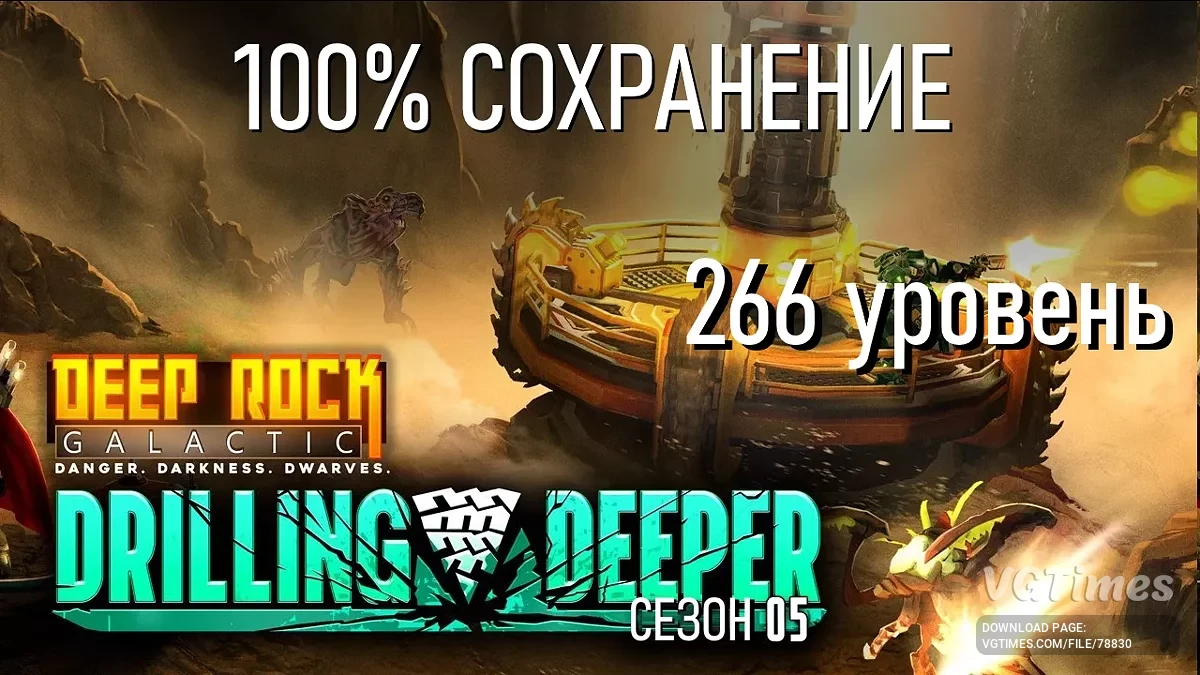
100% Completed Game, All Items, Weapons, Modules, and Beer Unlocked
Author:
madpav
Uploaded by:

Size:
113.84 kB
Date:
January 8, 2025, 10:42 AM
Downloads:
272
-
Download (113.84 kB)January 8, 2025, 10:42 AMigra-projjdena-na-100-otkryty-vse_1736322138_15568.zip
All items, weapons, customization, acceleration modules, and beer are unlocked.
- Cosmetic items from DLC are missing.
This save is from a licensed game on Steam; functionality on a pirated version is not guaranteed.
Installation:
- First, you need to disable Steam cloud save synchronization.
Open Steam > Select Deep Rock Galactic > Click the gear icon in the main menu > Properties > Turn off "Enable Steam Cloud Synchronization". - Open the game save path, which by default is: C:\Program Files (x86)\Steam\steamapps\common\Deep Rock Galactic\FSD\Saved\SaveGames.
- Rename the downloaded file 76561198201230350_Backup_2.sav by replacing the numbers with your Steam ID. To do this, rename the file so that the numbers match the files in the folder, for example 76561198201254354_Backup_2.sav.
- Replace the original file Backup_2 with the newly renamed one.
- Launch the game, open the menu, go to settings > save menu > restore save > select the Backup 2 save.
If the save indicates that the player rank is 266, then you did everything correctly. - Load the save and overwrite the progress.
- After the save has been overwritten, you can turn Steam cloud save synchronization back on.
The file name and description have been translated Show original
(RU)Show translation
(EN)
Игра пройдена на 100%, открыты все предметы, оружие, модули и пиво
Открыты все предметы, оружие, кастомизация, разгонные модули и пиво.
- Отсутствуют косметические предметы из DLC.
Сохранение от лицензионной игры в Steam, работоспособность на пиратской версии не гарантируется.
Установка:
- Первым делом нужно отключить синхронизацию сохранений стима.
Открыть Steam > Выбрать Deep Rock Galactic > Выбрать шестеренку на главном меню > Свойства > Убираем ползунок с "Включить синхронизацию сохранений со Steam". - Открыть путь сохранений игры, по умолчанию это: C:\Program Files (x86)\Steam\steamapps\common\Deep Rock Galactic\FSD\Saved\SaveGames.
- Переименовать скачанный файл 76561198201230350_Backup_2.sav переписав в названии цифры на ваш стим ID. Для этого нужно переименовать файл так, чтобы совпадали цифры с файлами в папке, к примеру 76561198201254354_Backup_2.sav.
- Заменить оригинальный файл Backup_2 на новый переименованный.
- Заходим в игру, открываем меню, заходим в настройки > меню сохранений > восстановить сохранение > выбираем сохранение Backup 2
Если у сохранения написано, что ранг игрока 266, значит вы все сделали правильно. - Загружаем сохранение и перезаписываем прогресс.
- После того как сохранение было перезаписано, можно включить обратно синхронизацию сохранений Steam.
Useful links:
![Deep Rock Galactic — Trainer (+11) from 07.01.2020 [WeMod]](https://files.vgtimes.com/download/posts/2020-07/thumbs/1593611360_2020-07-01_164819.webp)
![Deep Rock Galactic — Trainer (+24) [Steam] - Updated: 19.05.2020](https://files.vgtimes.com/download/posts/2020-05/thumbs/1589890799_zs-si-fdqwqwkcs0txdvza.webp)
![Deep Rock Galactic — Trainer (+15) [Steam] - Updated: 31.01.2020](https://files.vgtimes.com/download/posts/2020-02/thumbs/1580508644_7n4_ewpkp2ooihz8iwfl4q.webp)
![Deep Rock Galactic — Trainer (+8) [UPD: 13.12.19]](https://files.vgtimes.com/download/posts/2019-12/thumbs/1576347372_1.webp)
![Deep Rock Galactic — Trainer (+23) [Steam] - Updated: 28.04.2020](https://files.vgtimes.com/download/posts/2020-04/thumbs/1588112806_fkxywkzop9ux9_pnoxerbq.webp)
![Deep Rock Galactic — Trainer (+21) [Steam Update 19] [LIRW / GHL] - Updated: 03.12.2018](https://files.vgtimes.com/download/posts/2018-12/thumbs/1543856013_1543855977_971.webp)
![Deep Rock Galactic — Trainer (+11) from 03.15.2020 [WeMod]](https://files.vgtimes.com/download/posts/2020-03/thumbs/1584292801_2020-03-15_201749.webp)
![Deep Rock Galactic — Cheat Engine Table [UPD: 04.03.2020]](https://files.vgtimes.com/download/posts/2020-04/thumbs/1585952050_d9sdcvchrbxhhnda4mgqua.webp)
![Deep Rock Galactic — Trainer (+11) from 04.15.2020 [WeMod]](https://files.vgtimes.com/download/posts/2020-04/thumbs/1587034727_2020-04-16_135643.webp)