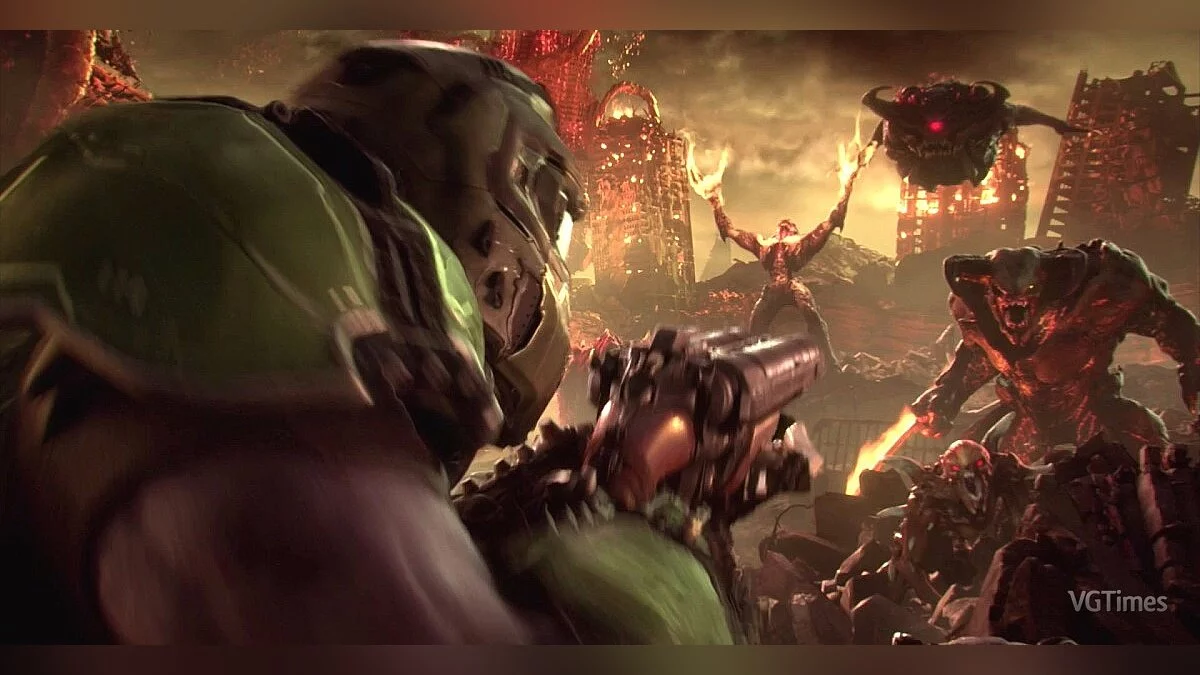
Doom Eternal is a first-person shooter that includes elements of action, platforming, and RPG. It is the first game in the new Doom franchise created after the... Read more
Enhanced Graphics Even on Mid-Range PCs


-
1585606208_simple_realistic_reshade_for_doom_eternal_1.zipDownload (75.81 kB)
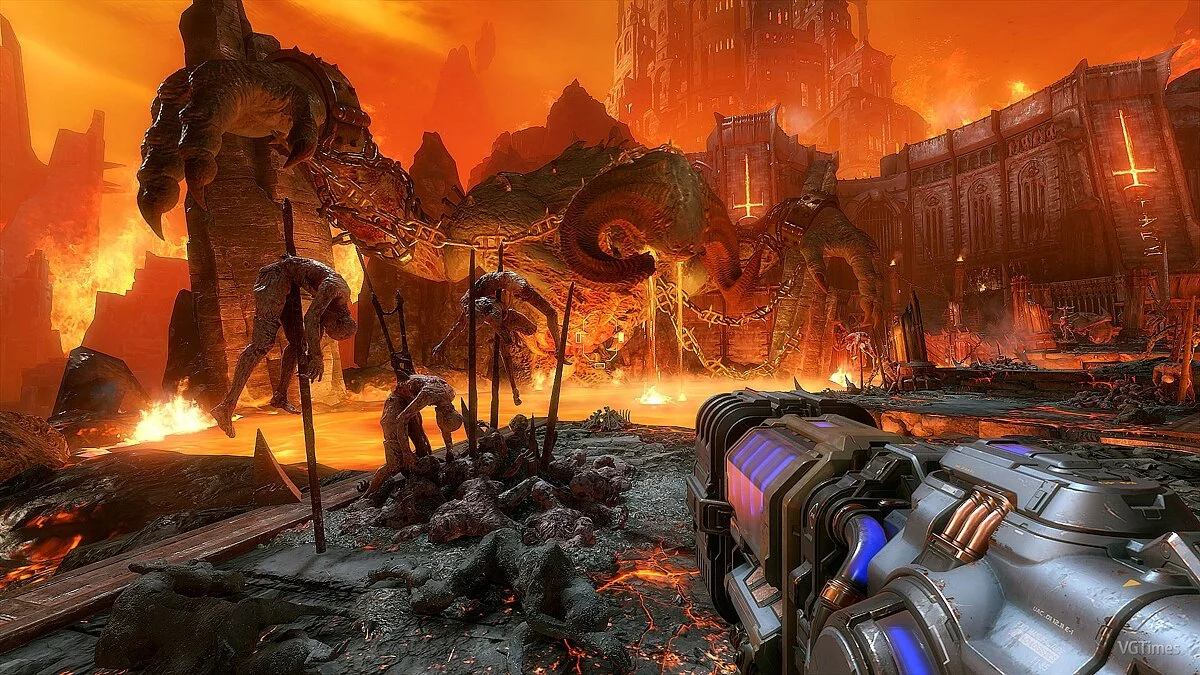
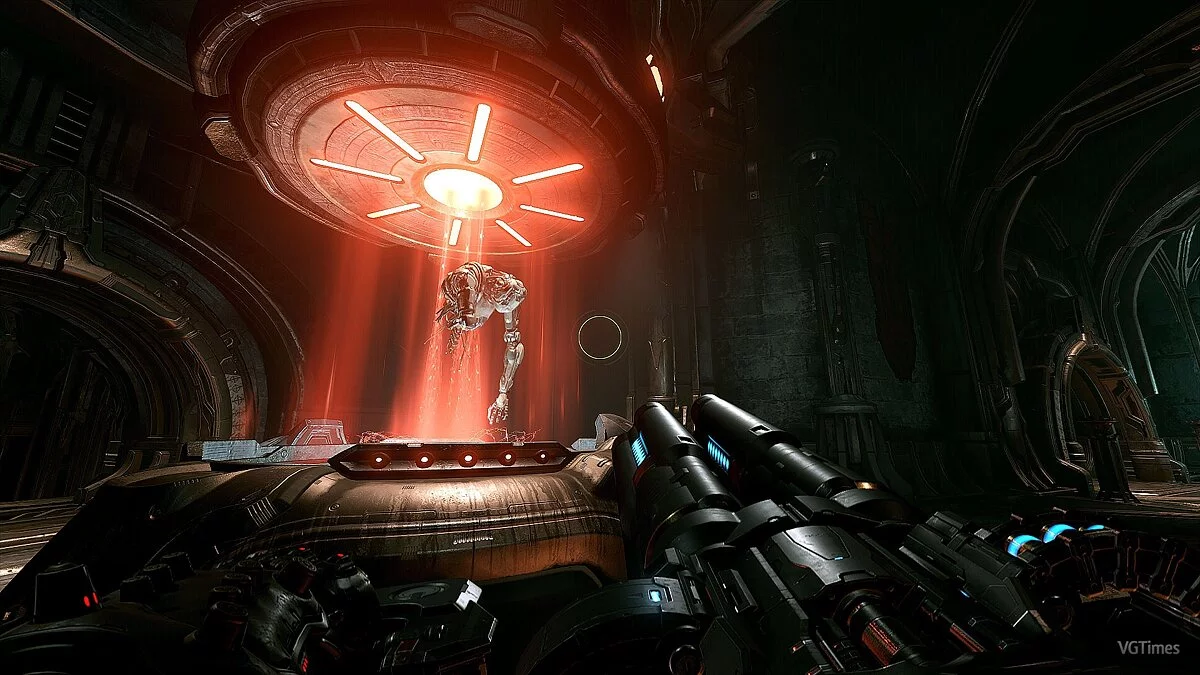
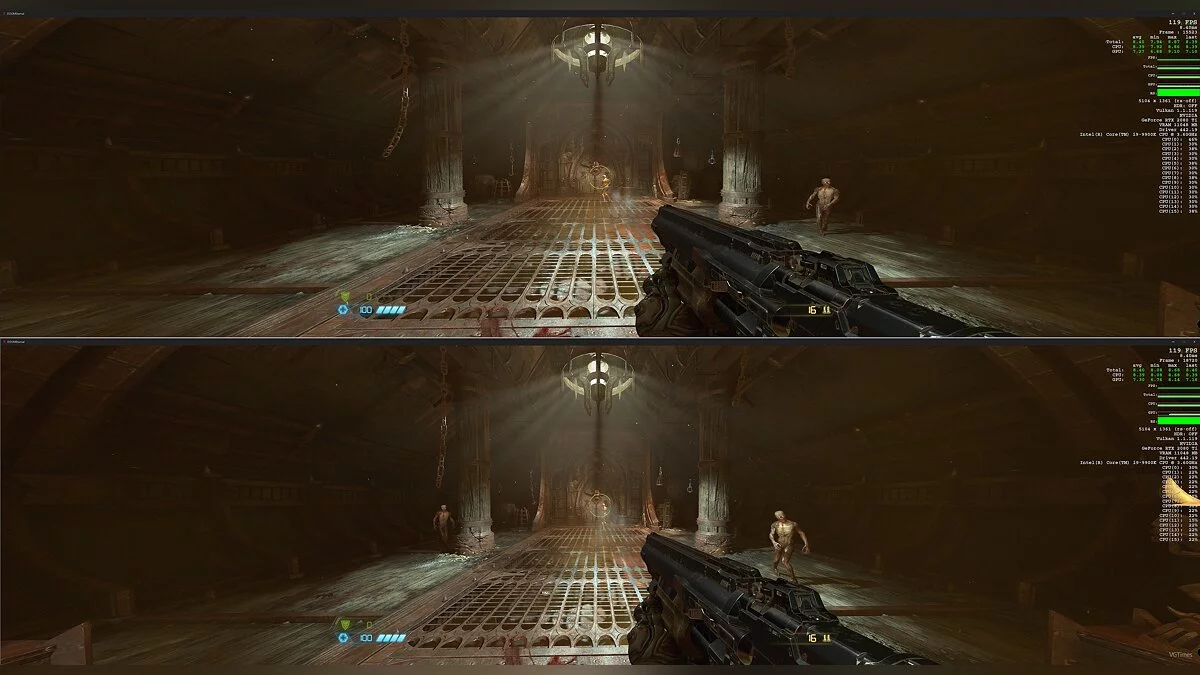
This graphical modification for the shooter Doom Eternal enhances the visual aspects of the game, significantly improving the visuals on PCs with medium and high settings. The preset is designed for gameplay under Vulkan API, it does not utilize your system's resources, yet it enhances the display of lighting and shadows.
Requirements:
Reshade
Installation:
Launch Reshade and activate it
In the window, make sure to select the option "Enable Reshade Vulkan globally (affects all Vulkan games)"
Extract the archive to the folder C:\ProgramData\ReShade
In the game, press the "Home" key, in the upper right corner click “+” and select the installed preset.
Графическая модификация для шутера Doom Eternal улучшает визуальную составляющую игры, что существенно улучшить картинку на ПК при средних и высоких настройках. Пресет предназнаен для игры под Vulkan API, он не использует мощности вашей системы, но при этом улучшает отображение освещения и теней.
Требования:
Reshade
Установка:
Запустите Reshade и активируйте его
В окне обязательно выберите пункт "Enable Reshade Vulkan globally (affects all Vulkan games)"
Распакуйте архив в папку C:\ProgramData\ReShade
В игре и нажмите клавишу "Home", в правом верхнем углу нажмите «+» и выберите установленный пресет
Useful links:
![Doom Eternal — Trainer (+19) [1.0 - UPD: 18.03.2021]](https://files.vgtimes.com/download/posts/2021-03/thumbs/1616314279_vxnmrwvtg2nad41txnfyuq.webp)

![Doom Eternal — Cheat Engine Table [UPD: 21.03.2020]](https://files.vgtimes.com/download/posts/2020-03/thumbs/1584810210_1584810145_52.webp)
![Doom Eternal — Trainer (+9) [1.0.0.6]](https://files.vgtimes.com/download/posts/2020-05/thumbs/1588768183_dx3jb6wwgoqr2aervrmh7a.webp)
![Doom Eternal — Save (Game completed on Ultra Violence difficulty) [Steam]](https://files.vgtimes.com/download/posts/2020-03/thumbs/1584985264_1584985168_288.webp)
![Doom Eternal — Trainer (+13) from 28.05.2020 [WeMod]](https://files.vgtimes.com/download/posts/2020-05/thumbs/1590683876_2020-05-28_193623.webp)
![Doom Eternal — Trainer (+13) from 09.09.2023 [WeMod]](https://files.vgtimes.com/download/posts/2023-09/thumbs/trejjner-13-ot-09-09-2023-wemod_1694337268_773140.webp)
![Doom Eternal — Trainer (+15/+16/+17/+19/+20) [1.0 - UPDATED: 03.18.2021]](https://files.vgtimes.com/download/posts/2021-04/thumbs/1619108201_ryipevrgcli3ui41wsjtdg.webp)