A new game in the Fallout universe is a prequel to all parts of the series without exception. The events begin with Vault 76, the first among those built. It is... Read more
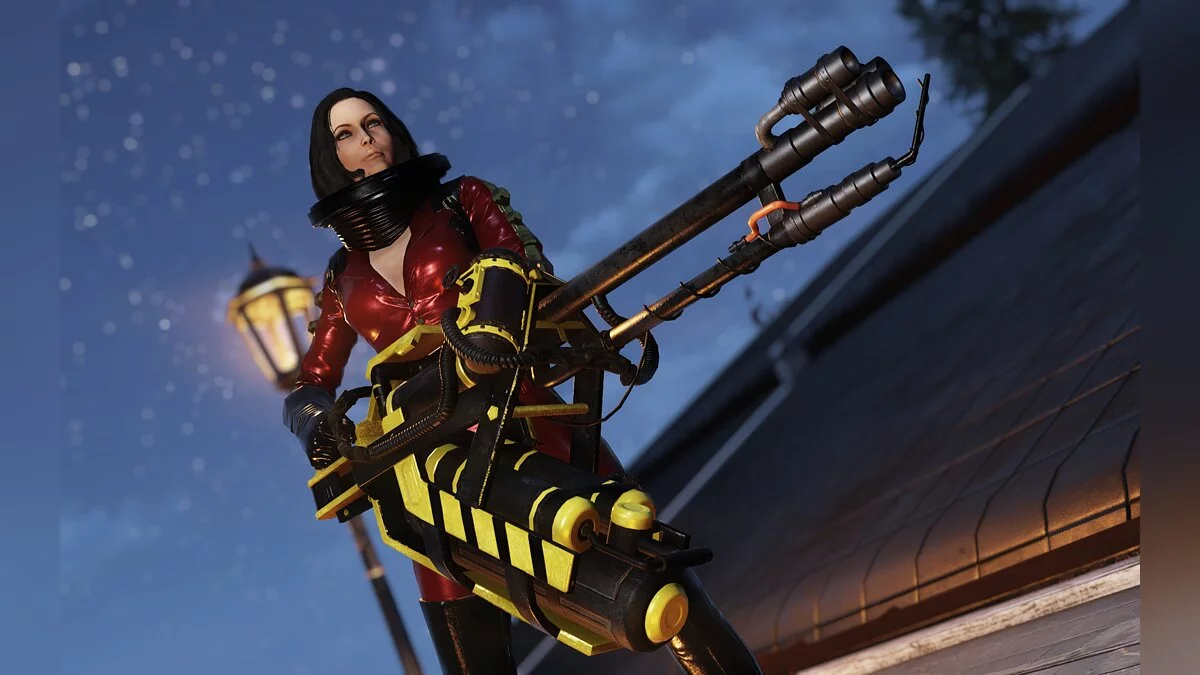
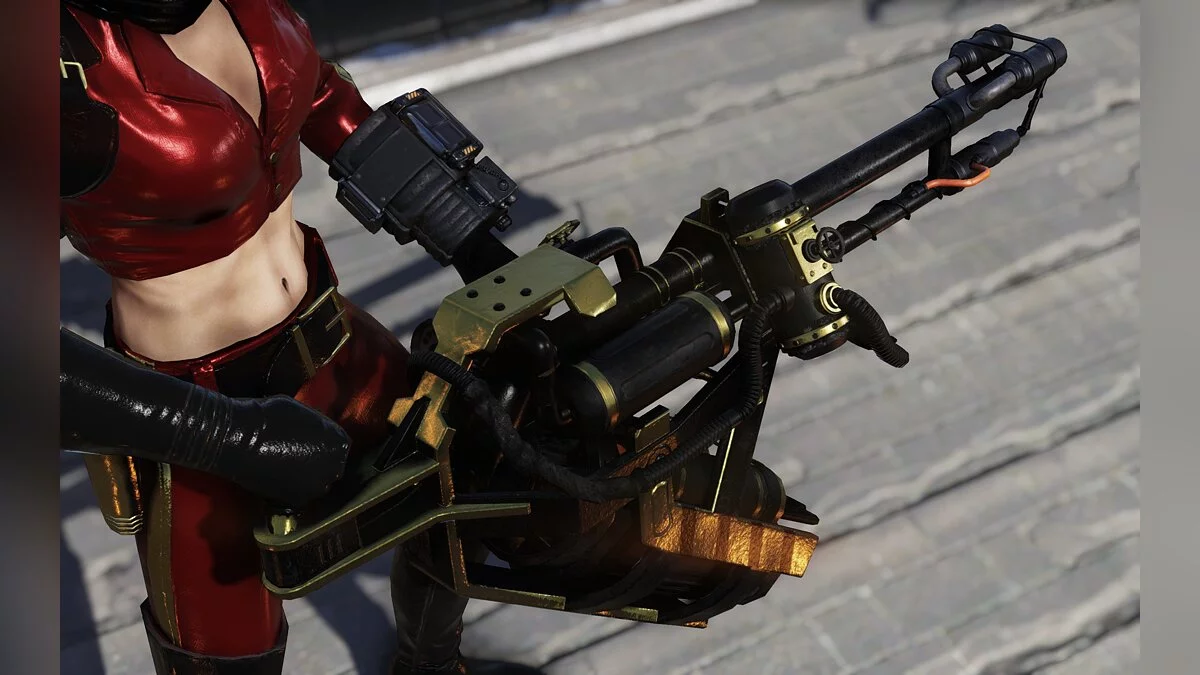
Flamer Color Pack


-
www.nexusmods.comDownload
Flamer Retexture Bundle.
Cleaner and clearer paints for your favorites. A black base with gray, yellow, red, gold, green, pink, or silver accents. The package includes an additional matte finish.
Installation:
1. Decide which modifications you like the most and download the corresponding archives. Be sure to download the base texture archive first.
2. Extract the ba2 file into the Fallout76 data folder.
3. Add sResourceArchive2List = String FlBase .ba2 to the [Archive] section of your Fallout76Custom.ini or simply add FlBase .ba2 at the end of that line if it already exists in your .ini file. If you want a different color option, add the name of the corresponding .ba2 file after FlBase .ba2. If you want a matte finish, you need to add FlMatte.ba2 after all other mod files in the sResourceArchive2List line.
Flamer Retexture Bundle.
Более чистые и прозрачные покраски для ваших любимцев. Черная база с серыми, желтыми, красными, золотыми, зелеными, розовыми или серебряными вставками. В комплект входит дополнительная матовая отделка.
Установка:
1. Определитесь, какие модификации вам больше всего нравятся, и скачайте соответствующие архивы. Обязательно сначала загрузите архив базовых текстур.
2. Распакуйте файл ba2 в папку с данными Fallout76.
3. Добавьте sResourceArchive2List = Строка FlBase .ba2 в раздел [Archive] вашего Fallout76Custom.ini или просто, FlBase .ba2 до конца этой строки, если она уже есть в вашем .ini файле. Если вы хотите другой вариант цвета, добавьте имя соответствующего .ba2 файла после FlBase .ba2. Если вы хотите получить матовое покрытие, вам необходимо добавить FlMatte.ba2 после всех других файлов мода в строке sResourceArchive2List.
Useful links: