![Far Cry 3 — Far Cry 3: Savegame / Save (Story 100%+DLC, Everything completed / found / unlocked / purchased) [Auto-install] [1.05] / Savegames / Cheats](https://files.vgtimes.com/si/gameprev_770_768_1788984618.webp "Far Cry 3 — Far Cry 3: Savegame / Save (Story 100%+DLC, Everything completed / found / unlocked / purchased) [Auto-install] [1.05] / Savegames / Cheats")
Multiplatform shooter-action Far Cry 3 with RPG elements was released by Ubisoft in 2012 and immediately gained huge popularity. The game is dedicated to survival... Read more

Far Cry 3: Savegame / Save (Story 100%+DLC, Everything completed / found / unlocked / purchased) [Auto-install] [1.05]
![Far Cry 3 — Far Cry 3: Savegame / Save (Story 100%+DLC, Everything completed / found / unlocked / purchased) [Auto-install] [1.05]](https://files.vgtimes.com/download/posts/2017-07/thumbs/1499980511_png.webp)
![Far Cry 3 — Far Cry 3: Savegame / Save (Story 100%+DLC, Everything completed / found / unlocked / purchased) [Auto-install] [1.05]](https://files.vgtimes.com/download/posts/2017-07/thumbs/1499980571_png.webp)
![Far Cry 3 — Far Cry 3: Savegame / Save (Story 100%+DLC, Everything completed / found / unlocked / purchased) [Auto-install] [1.05]](https://files.vgtimes.com/download/posts/2017-07/thumbs/1500745364_1500745286_914.webp)

-
1499980468_1499980468_far_cry_3_save_100__by_roaliro.zipDownload (1.74 MB)
Save for Far Cry 3 v.1.05
The game is completed 100%. Everything is collected. Everything is unlocked. Everything is found. There are 10000/10000 in the account. Everything that can be bought has been purchased (Weapons, ammunition, upgrades...).
Installing saves
Run the .exe file, click "Next", "Finish". If necessary, you can delete the .exe file after installation.
Backing up your saves
Saves are stored in a hidden folder, so you will need the following:
1) Open the "Folder Properties" dialog by clicking the Start button, clicking Control Panel, clicking Appearance and Personalization, and then selecting Folder Properties;
2) Go to the Show tab;
3) In the Advanced settings list, check the box for Show hidden files and folders and click OK;
4) Open the folder C:\ProgramData\Orbit\46;
5) Save all files from the folder to any of your own, replacing the installed ones with your saves if necessary.
Screenshots of achievements
Сохранение для игры Far Cry 3 v.1.05
Игра пройдена на 100%. Все собрано. Все открыто. Все найдено. На счету 10000/10000. Куплено все, что можно купить (Оружие, боеприпасы, улучшения...).
Установка сохранений
Запустить .exe файл, нажать "Далее", "Завершить". При необходимости можно удалить .exe файл после установки.
Сохранение своих сохранений
Сохранения хранятся в скрытой папке, поэтому Вам понадобится следующее:
1) Откройте диалоговое окно «Свойства папки», нажав кнопку Пуск, щелкнув Панель управления, щелкнув Оформление и личная настройка, а затем выбрав Свойства папки;
2) Перейдите на вкладку Показать;
3) В списке Дополнительные параметры установите флажок Показывать скрытые файлы и папки и нажмите кнопку ОК;
4) Откройте папку C:\ProgramData\Orbit\46;
5) Сохраните все файлы из папки в любую свою, при необходимости замените своими сохранениями те, что были установлены.
Скриншоты достижений
Useful links:
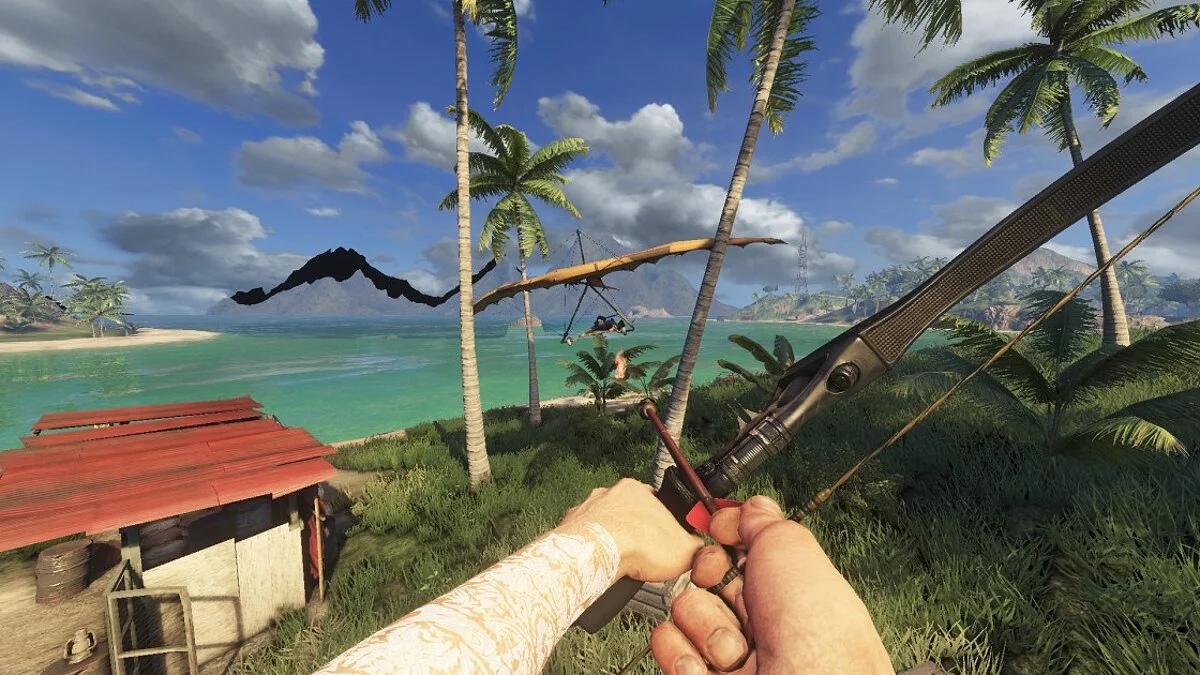
![Far Cry 3 — Trainer (+10) from 03.21.2021 [WeMod]](https://files.vgtimes.com/download/posts/2021-03/thumbs/1616402335_2021-03-22_113812.webp)


![Far Cry 3 — Trainer (+4) [1.0.1: DX: 9, 11] [Grom-Skynet]](https://files.vgtimes.com/download/posts/2017-01/thumbs/1485551148_bogfqcyk.webp)
![Far Cry 3 — SaveGame (Several Quests Completed, All Collected, All Towers Unlocked and All Outposts Captured, All Upgrades) [1.05]](https://files.vgtimes.com/download/posts/2017-11/thumbs/1511198489_1511198475_184.webp)
![Far Cry 3 — Trainer (+10) [1.05] [MrAntiFun]](https://files.vgtimes.com/download/posts/2017-04/thumbs/1491923861_farcry3.webp)
![Far Cry 3 — Trainer (+18) [1.04: DX11] [Abolfazl-k]](https://files.vgtimes.com/download/posts/2017-04/thumbs/1491923255_cd9uhe18.webp)
![Far Cry 3 — SaveGame (Outposts reset, everything unlocked) [1.05]](https://files.vgtimes.com/download/posts/2017-07/thumbs/1499860799_1499860751_784.webp)