Farming Simulator 22 is a continuation of the Farming Simulator line of annual farmer simulators. The new part has taken a big step forward: new crops and machines... Read more
Graphic Mod
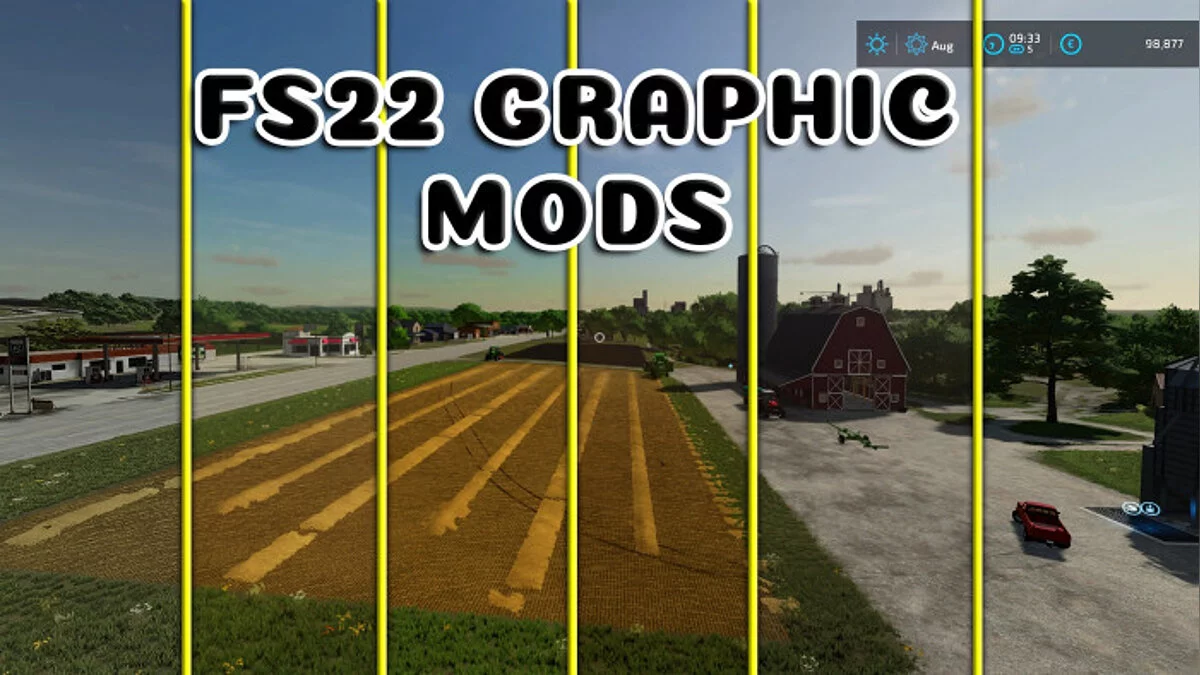
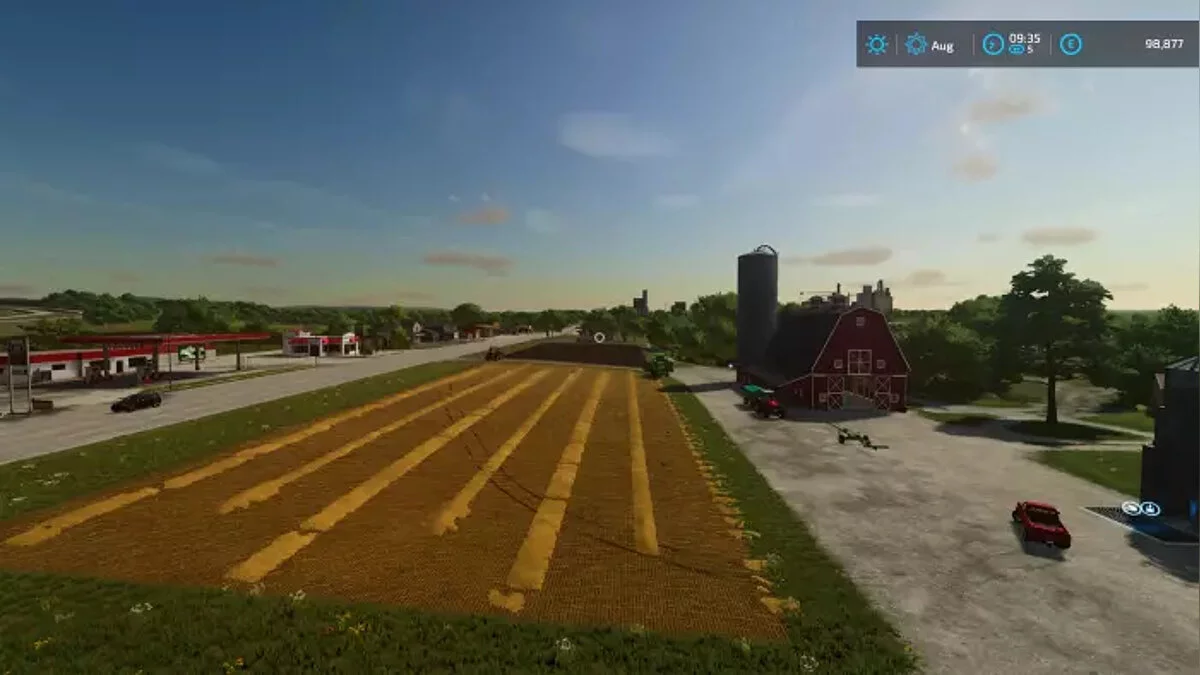

-
1638961127_fs22_graphic_mod.zipDownload (57.94 MB)
Graphic Mod V1.0.0.1 FS22.
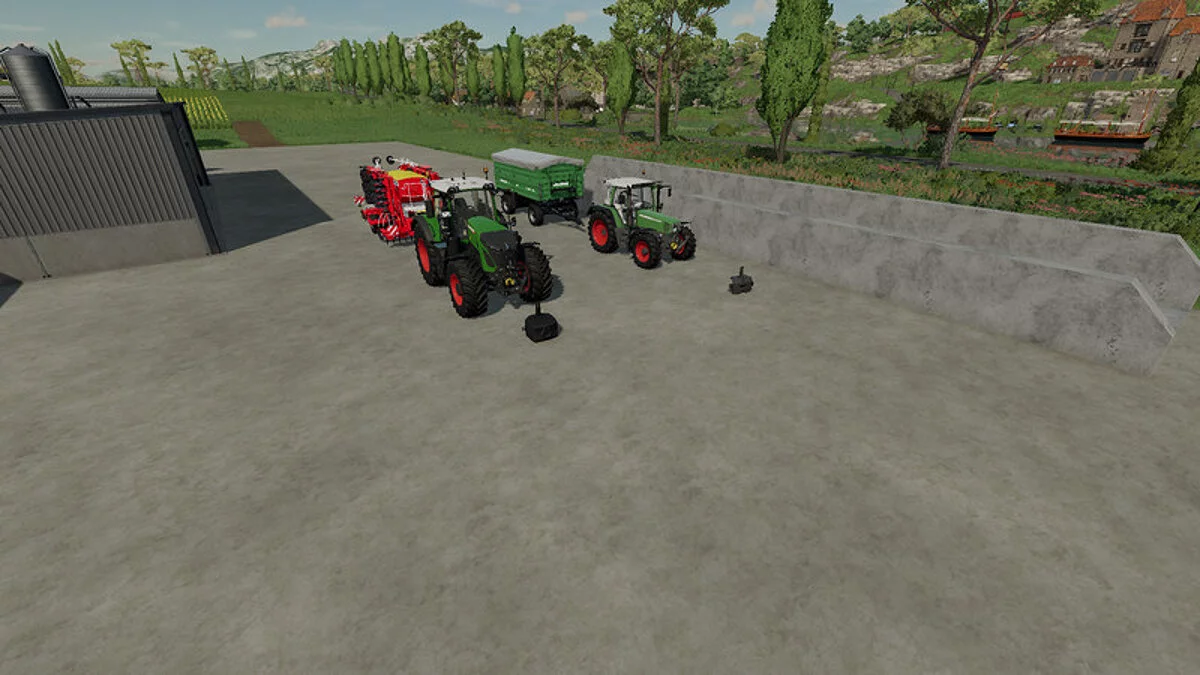
This modification aims to enhance graphics. The game will achieve stable frame rates, improved color tones, and detail.
How to install:
1 Open the downloaded file, go to the Graphic Mods File folder, and copy all the files inside.
2 Navigate to the location where the game is installed. Example: D:/Farming Simulator 22
3 When you reach the game installation location, you will see the x64 folder.
4 Open the x64 folder and paste the copied files into it.
5 That's it for the deal, but reshade needs to be installed. I will explain how to set up color modification.
How to install reshade?
1 Download reshade.
2 Run the exe file you downloaded.
3 Then find the game, click the 'Browse' button, navigate to the files where the game is installed, and open the 'x64' folder. Select FarmingSimulator2022Game.exe.
4 Then select 'Direct3D 10/11/12'.
5 Click the 'Uncheck All' button in the lower left corner of the screen. Then click the 'Check All' button again, and then click 'OK'.
6 The installation is underway. When the installation is complete, click the color modification settings button.
7 Click on the preset at the top of the screen that appears and select the file 'Graphic Mod.ini'.
8 You can close it by clicking the OK button. Installation is complete.

Graphic Mod V1.0.0.1 FS22.
Модификация, направленная на улучшение графики. Игра получит стабильную частоту кадров, улучшенный цветовой оттенок изображения и детализацию.
Как установить:
1 Откройте загруженный файл, откройте папку Graphic Mods File, а затем скопируйте все файлы в ней.
2 Заходите на место, где установлена игра. пример: D: / Farming Simulator 22
3 Когда вы подойдете к месту, где установлена игра, вы увидите папку x64.
4 Откройте папку x64, вставьте скопированные файлы в папку x64.
5 Вот и все по сделке. но необходимо установить reshade. Я расскажу, как настроить изменение цвета.
Как установить reshade?
1 Загрузите reshade.
2 exe вы скачали. запустить файл.
3 Затем найдите игру, нажмите кнопку «Обзор», перейдите к файлам, в которые установлена игра, затем откройте папку «x64». Выберите FarmingSimulator2022Game.exe.
4 затем выберите «Direct3D 10/11/12».
5 Нажмите кнопку «Снять все отметки» в нижней левой части экрана. Затем снова нажмите кнопку «Проверить все». затем нажмите кнопку «ОК».
6 идет установка. Когда установка будет завершена, нажмите кнопку редактирования настроек изменения цвета.
7 Щелкните по предустановке в верхней части появившегося экрана. и выберите файл «Graphic Mod.ini».
8 Вы можете закрыть его, нажав кнопку ОК. установка завершена.
Useful links:
![Farming Simulator 22 — Cheat Engine Table [UPD: 27.11.2023]](https://files.vgtimes.com/download/posts/2023-11/thumbs/tablica-dlja-cheat-engine-upd-27-11-2023_1701166900_648116.webp)
![Farming Simulator 22 — Trainer (+7) [1.X.X]](https://files.vgtimes.com/download/posts/2021-12/thumbs/1639653195_seu3zj2krkosuswlgprhoq.webp)