Final Fantasy XV: Windows Edition is a special edition of the role-playing action game set in the futuristic universe of Final Fantasy for personal... Read more
Autumn Leaves


-
www.nexusmods.comDownload
Autumn leaves.
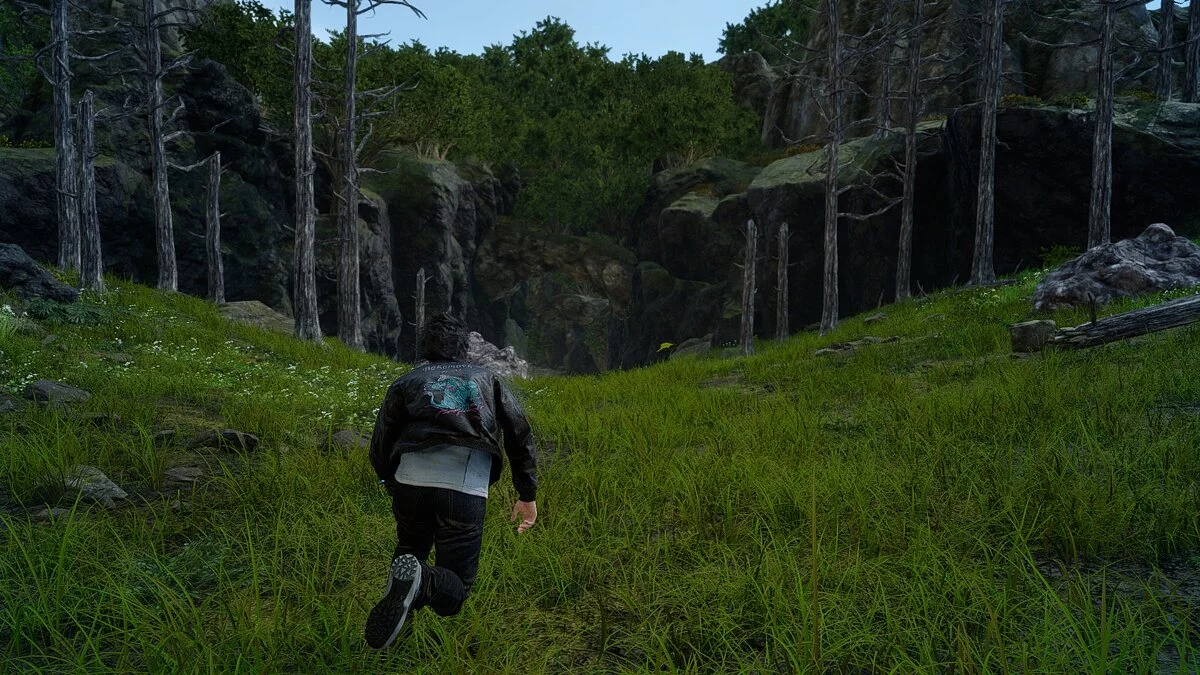
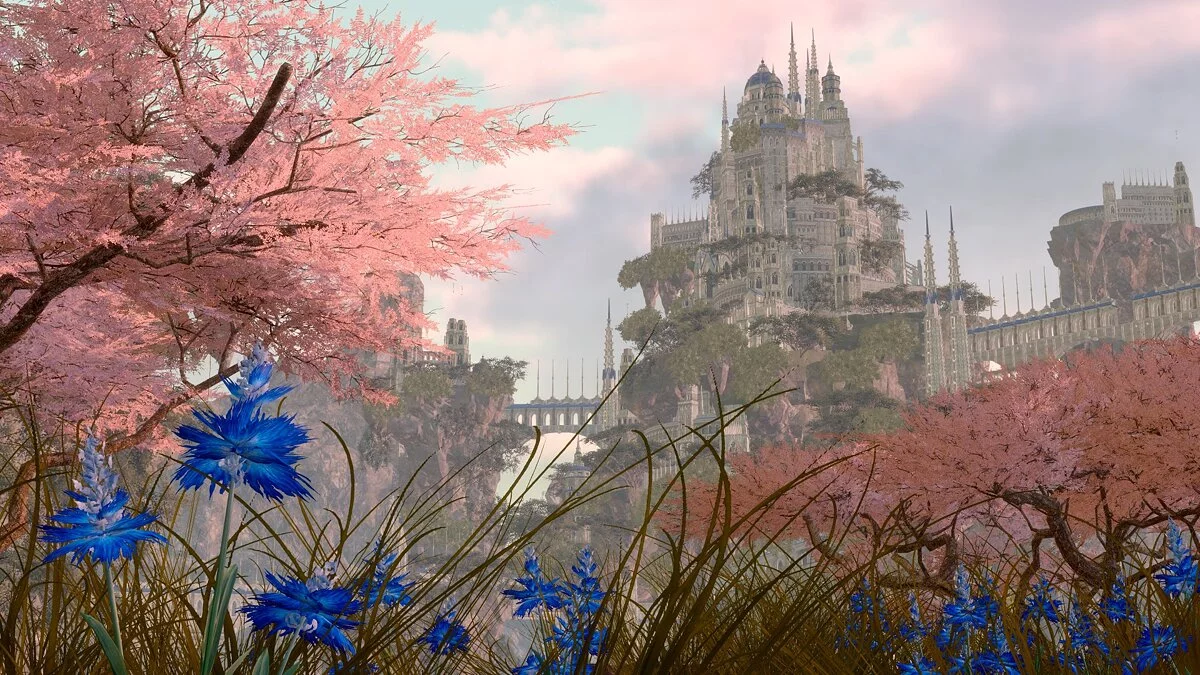
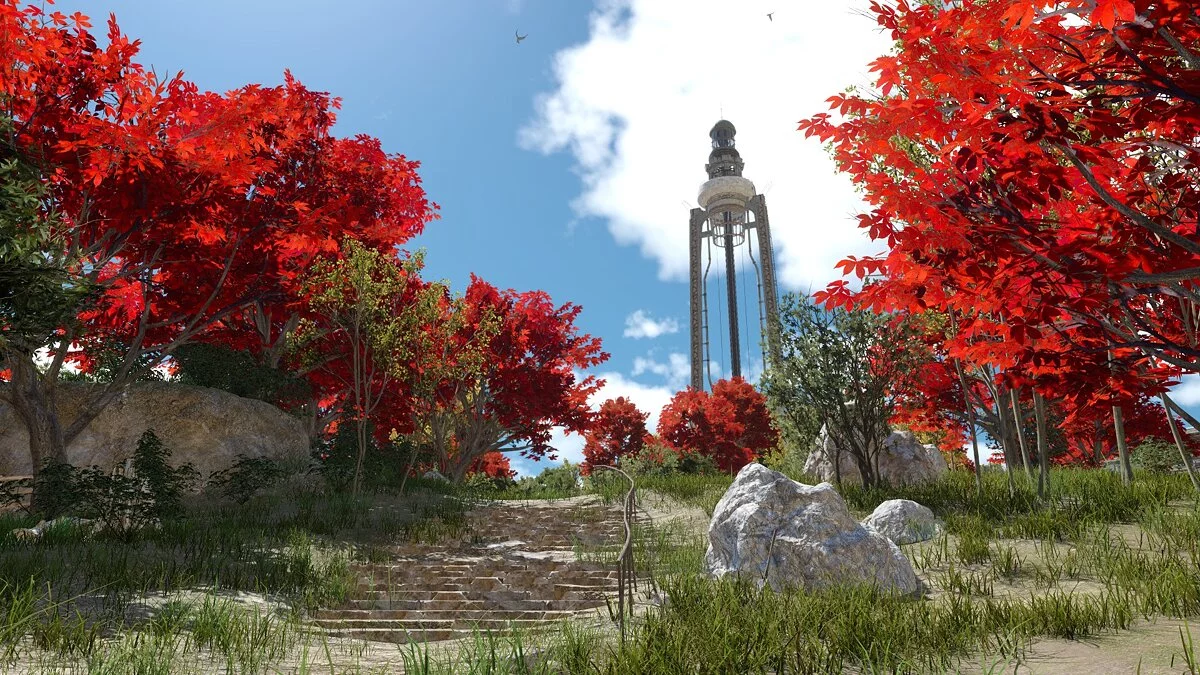
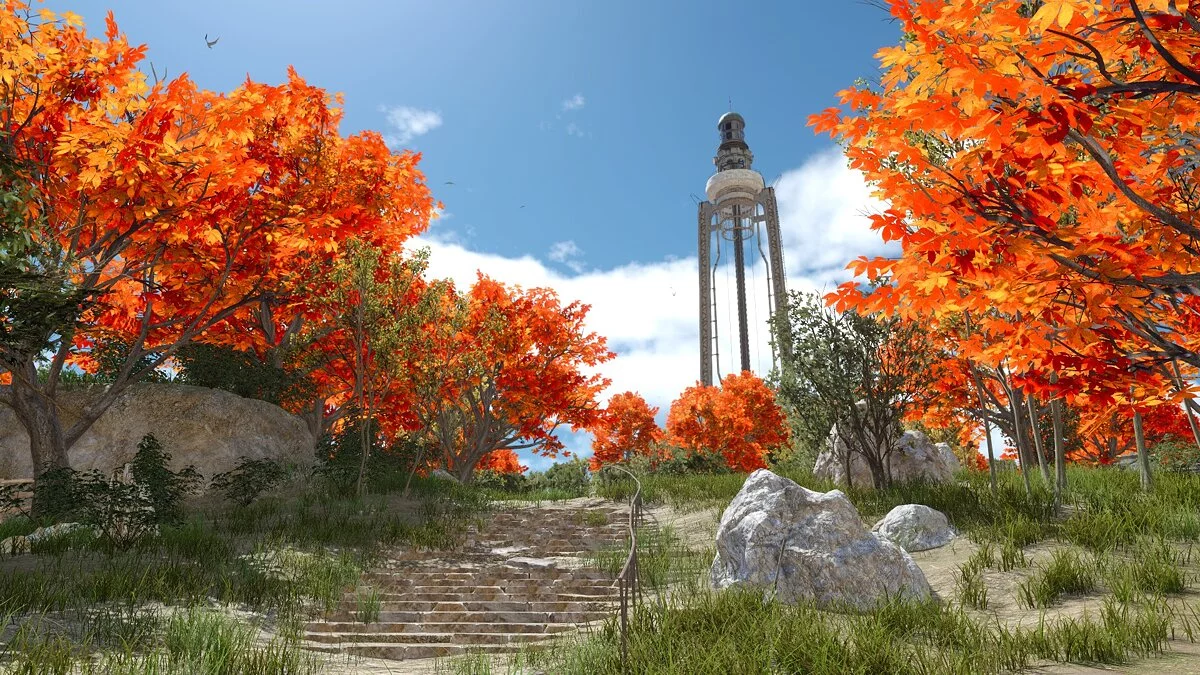
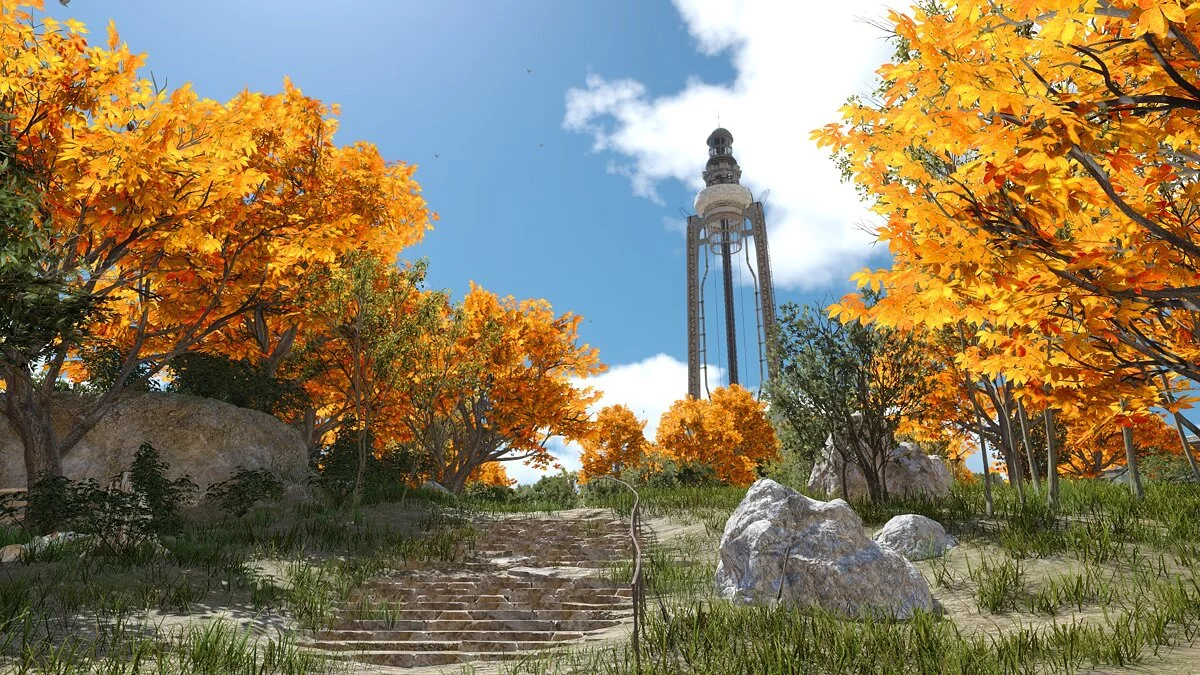
This mod replaces the leaves on some trees, turning them into autumn colors. There are three types: red, orange, and yellow. This is reflected in certain trees in Kaeme, Malmalame, Mirlwood, the entrance to Steyliff, and the hill overlooking Insomnia. In Malmalame, due to the weather filter, the orange becomes yellowish, and the red turns brown.
Installation:
Open the folders "FINAL FANTASY XV / datas / environment / world / foliage / co_pl_tree08 / sourceimages"
and replace the file "autoexternal.earc".
The Steam version has the game files for FINAL FANTASY XV located by default in the folder "C: Program Files (x86) / Steam / steamapps / common /".
Autumn leaves.
Этот мод заменяет листья на некоторых деревьях, превращая их в осенние. Есть три типа: красный, оранжевый и желтый. Это отражено в некоторых деревьях в Каэме, Малмаламе, Мирлвуде, входе в Стейлифф, холме с видом на Инсомнию. В Мальмаламе из-за воздействия погодного фильтра оранжевый становится желтоватым, а красный — коричневатым.
Установка:
Откройте папки «FINAL FANTASY XV / datas / environment / world / foliage / co_pl_tree08 / sourceimages»
и замените файл «autoexternal.earc».
Версия для Steam имеет Файлы игры FINAL FANTASY XV по умолчанию находятся в папке «C: Program Files (x86) / Steam / steamapps / common /».
Useful links: