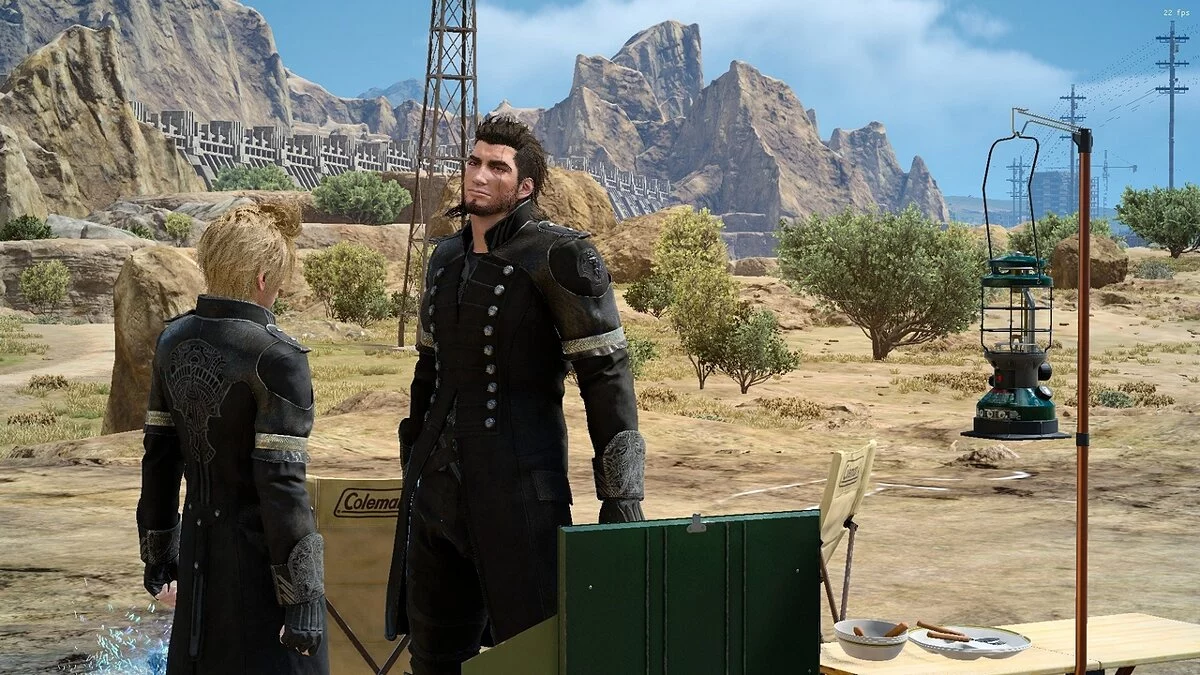
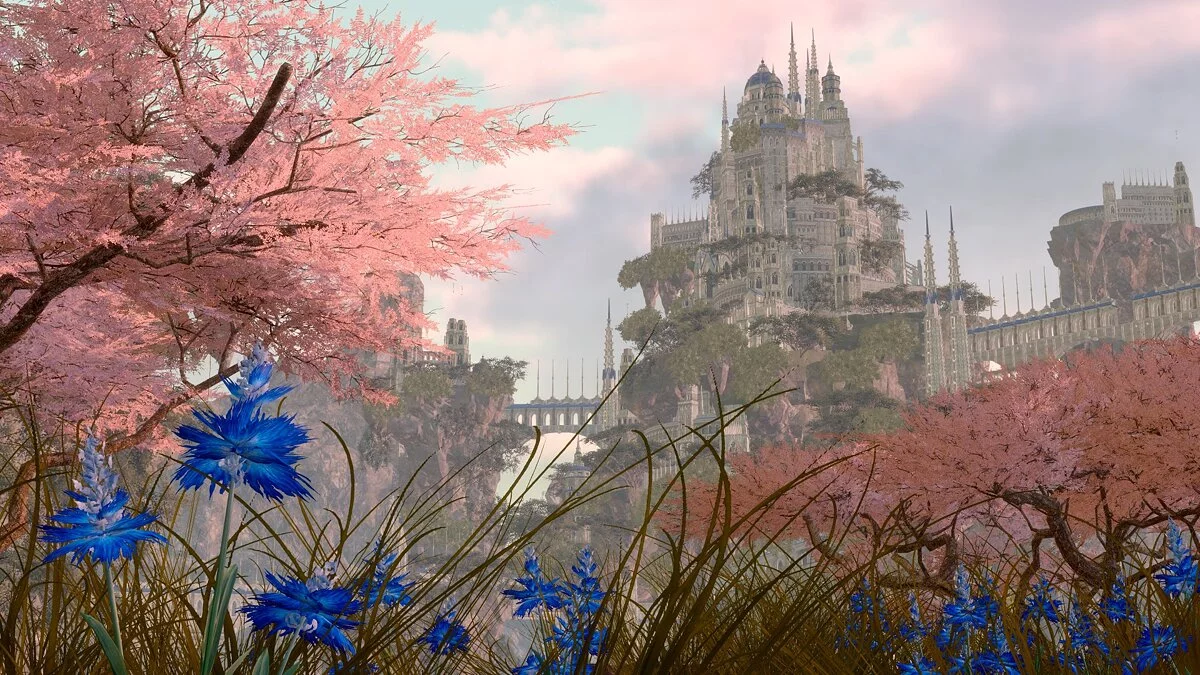
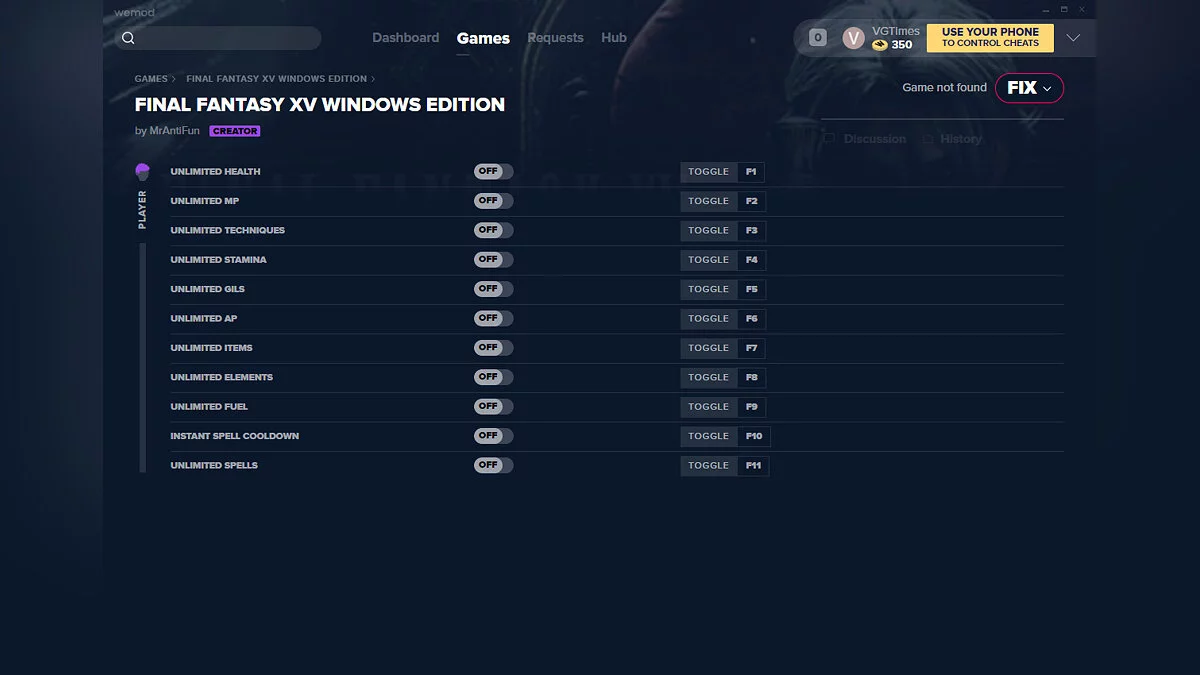
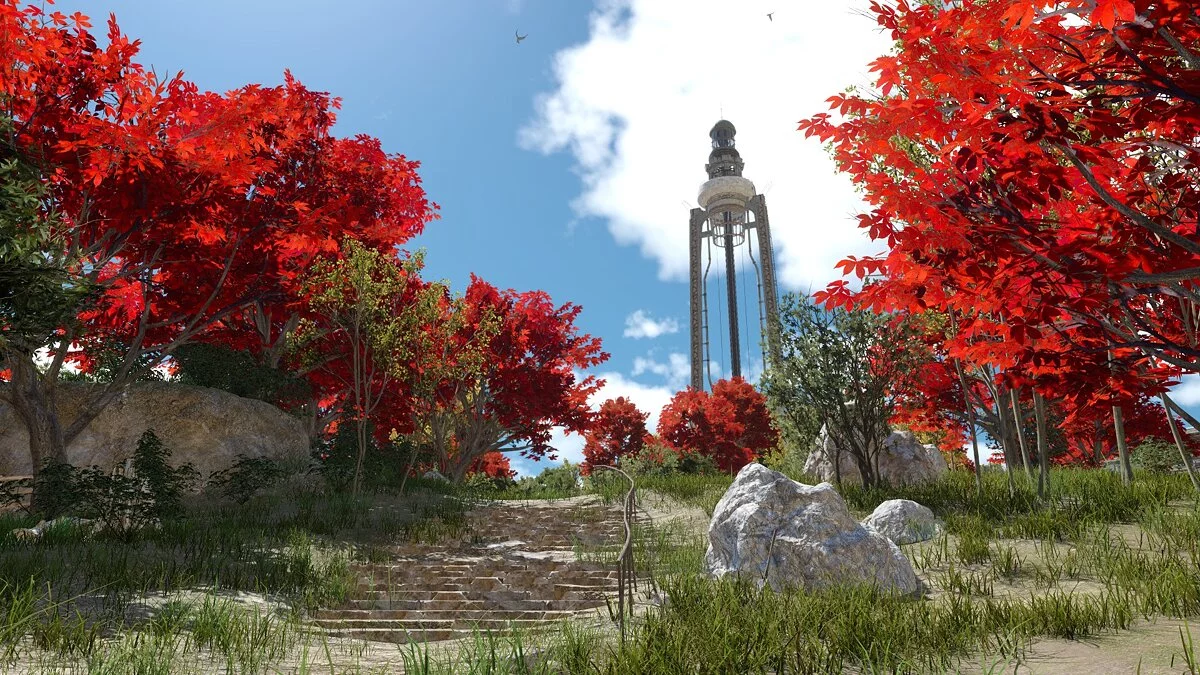
Final Fantasy XV: Windows Edition is a special edition of the role-playing action game set in the futuristic universe of Final Fantasy for personal... Read more
Realistic Colors

-
www.nexusmods.comDownload
All-Natural Enhancements (Reshade).
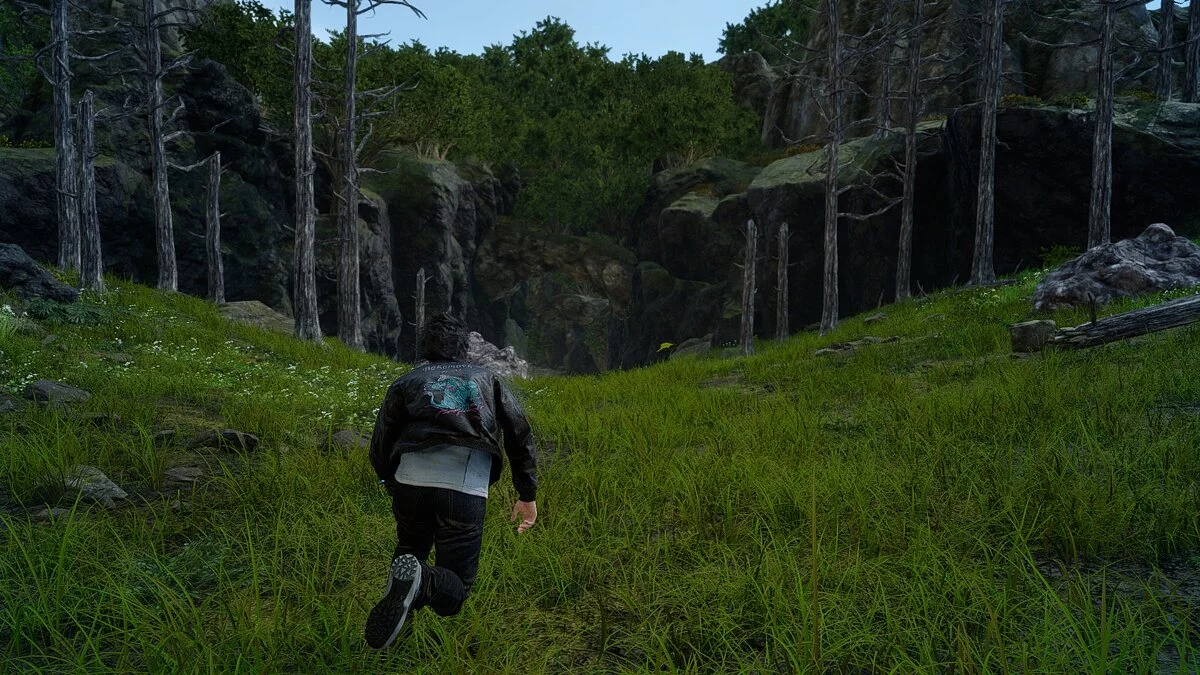
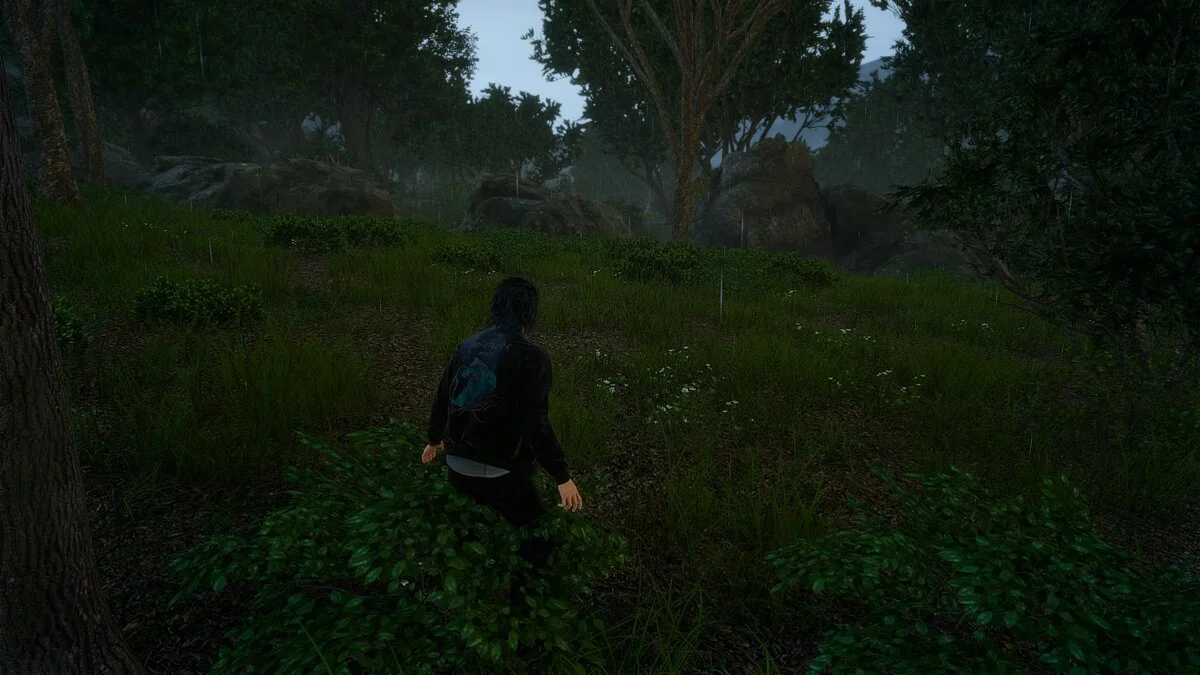
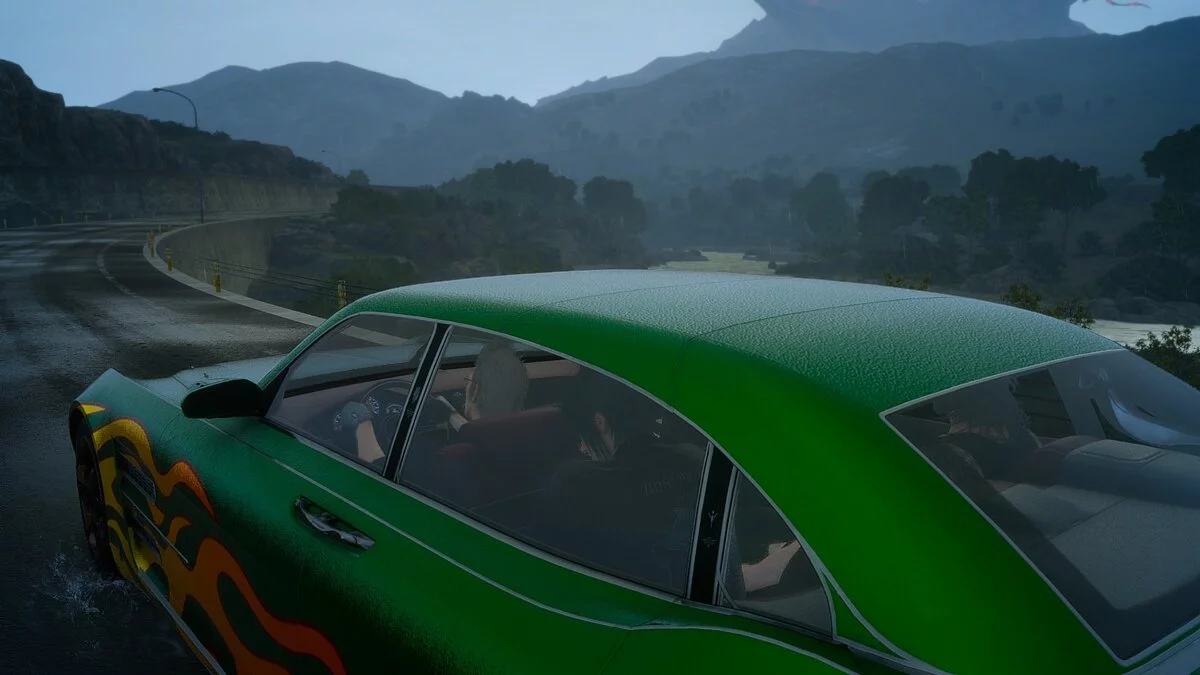
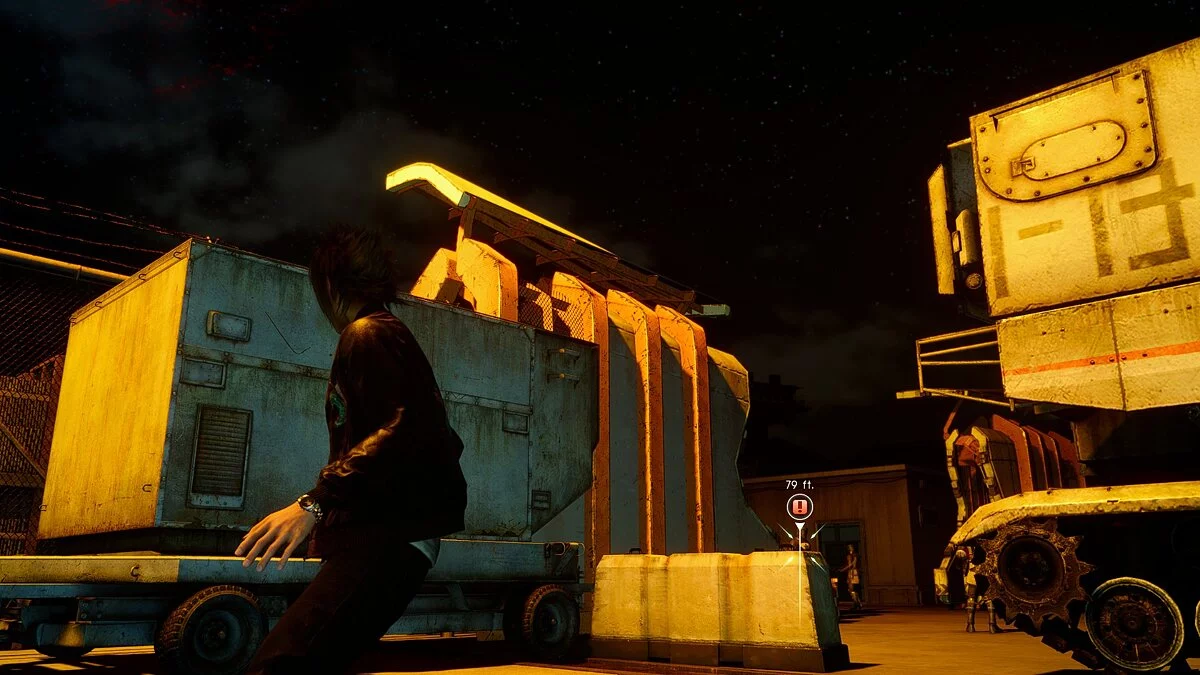
Color modification preset that enhances visual effects without going overboard.
Effects:
1. Sharpness increase that eliminates blurriness compared to TAA.
2. Slightly adjusted colors, mainly shifting from red to blue for a more natural look.
3. Slightly increased saturation, making everything less gray.
4. Added haze in very distant areas, which I think makes them look a bit better.
5. Minor bloom enhancement.
Installation:
1. Install the latest version of Reshade. If that doesn't work, try Reshade 4.7. This is the version it was created and tested on.
2. When prompted to install shaders, uncheck all boxes, just don't install them.
3. Unzip the downloaded folder. Move all contents to the main FINAL FANTASY XV folder, overwriting anything you are prompted to.
4. Open color modification in-game, press "Home" on the keyboard, then browse the guide and set the preset to "All-Natural Enhancements."
All-Natural Enhancements (Reshade).
Предустановка изменения цвета, которая улучшает визуальные эффекты, не выходя за рамки.
Эффекты:
1. Повышение резкости, устраняющее размытость по сравнению с TAA.
2. Немного скорректированы цвета, в основном, чтобы немного сместить от красного к синему для более естественного вида.
3. Немного увеличена насыщенность, поэтому все становится менее серым.
4. Добавлена дымка в очень отдаленные места, что, как мне кажется, делает их немного лучше.
5. Небольшое усиление цветения.
Установка:
1. Установите последнюю версию Reshade. Если это не поможет, попробуйте Reshade 4.7. Это версия, на которой он был создан и протестирован.
2. Когда появится запрос на установку шейдеров, снимите все флажки, просто не устанавливайте их.
3. Разархивируйте загруженную папку. Переместите все содержимое в основную папку FINAL FANTASY XV, перезаписав все, что вас попросят.
4. Откройте изменение цвета в игре, нажмите «Домой» на клавиатуре, затем просмотрите руководство и установите для предустановки значение «Полностью естественные улучшения».
Useful links: