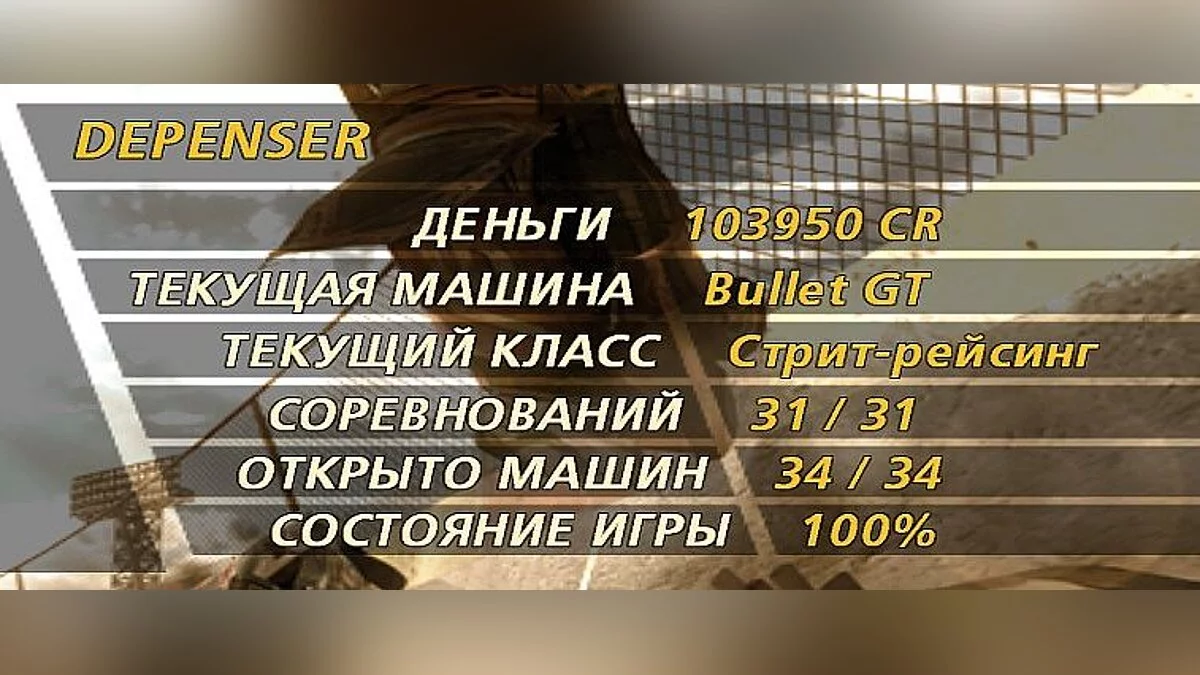
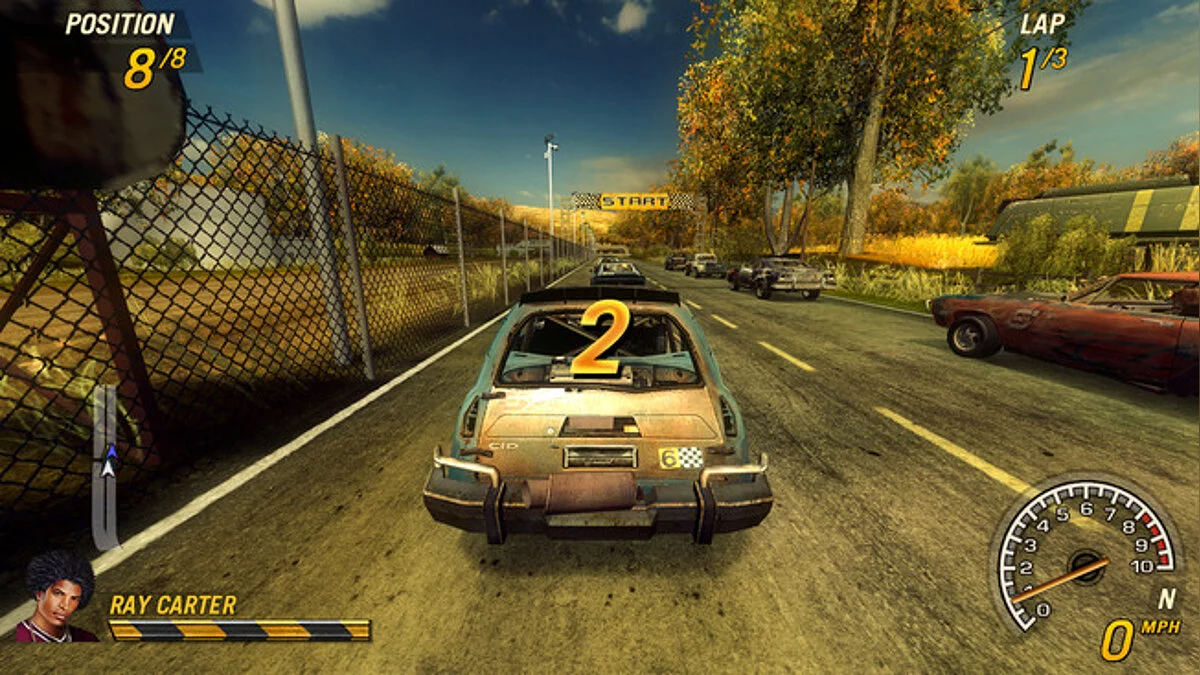
Flatout 2 is a continuation of the dynamic racing action game with first and third person views. As in the original, the main feature is the ability to destroy... Read more
Wheels and New Skins for the Slider Mod


-
1559172036_kolesa_novye_skiny_dlya_slider_fo.zipDownload (5.97 MB)
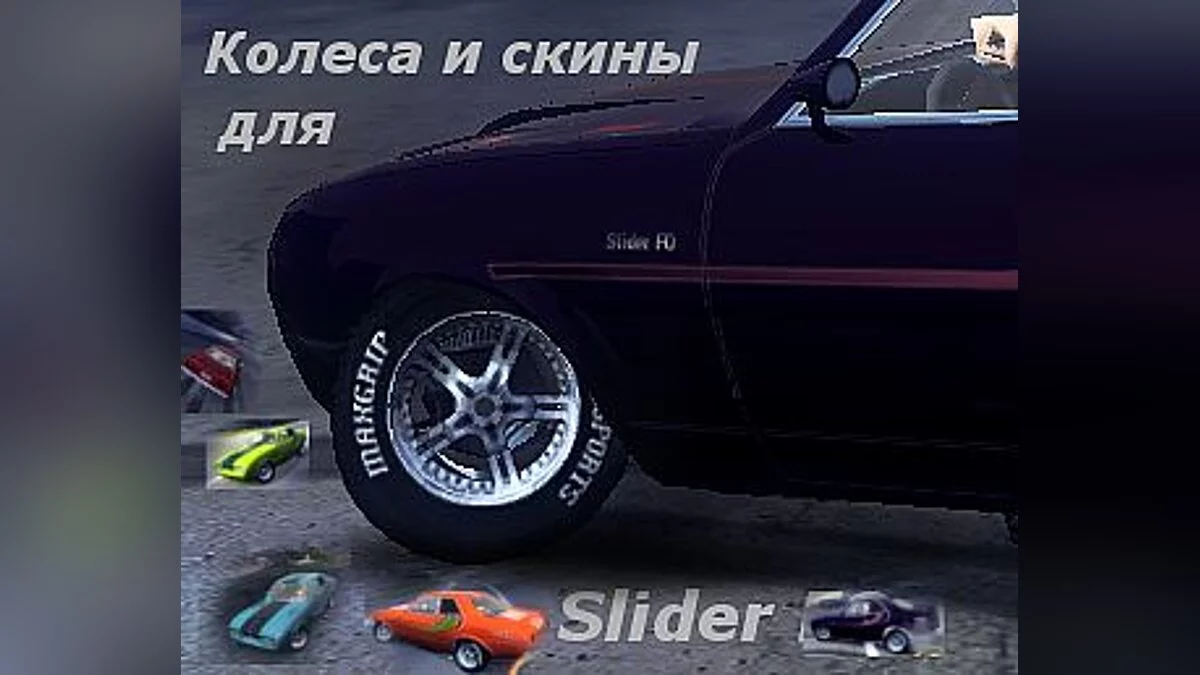
In the original "Slider FO" car mod within the "street racing" class, the wheels are displayed incorrectly.
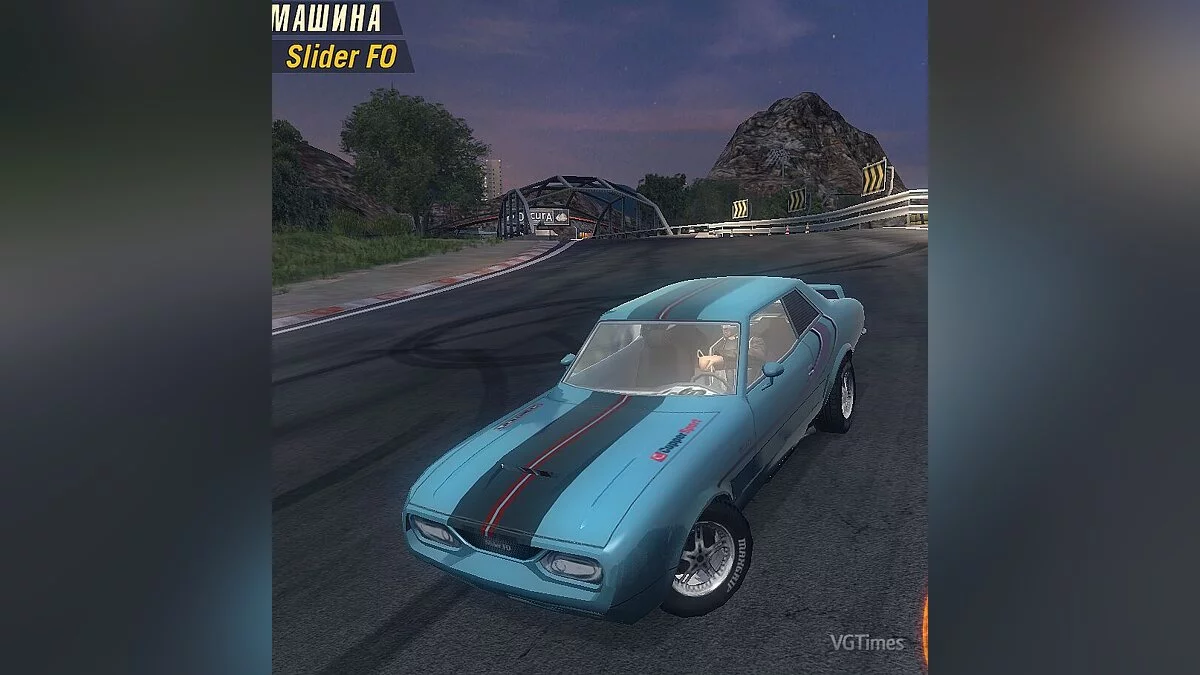
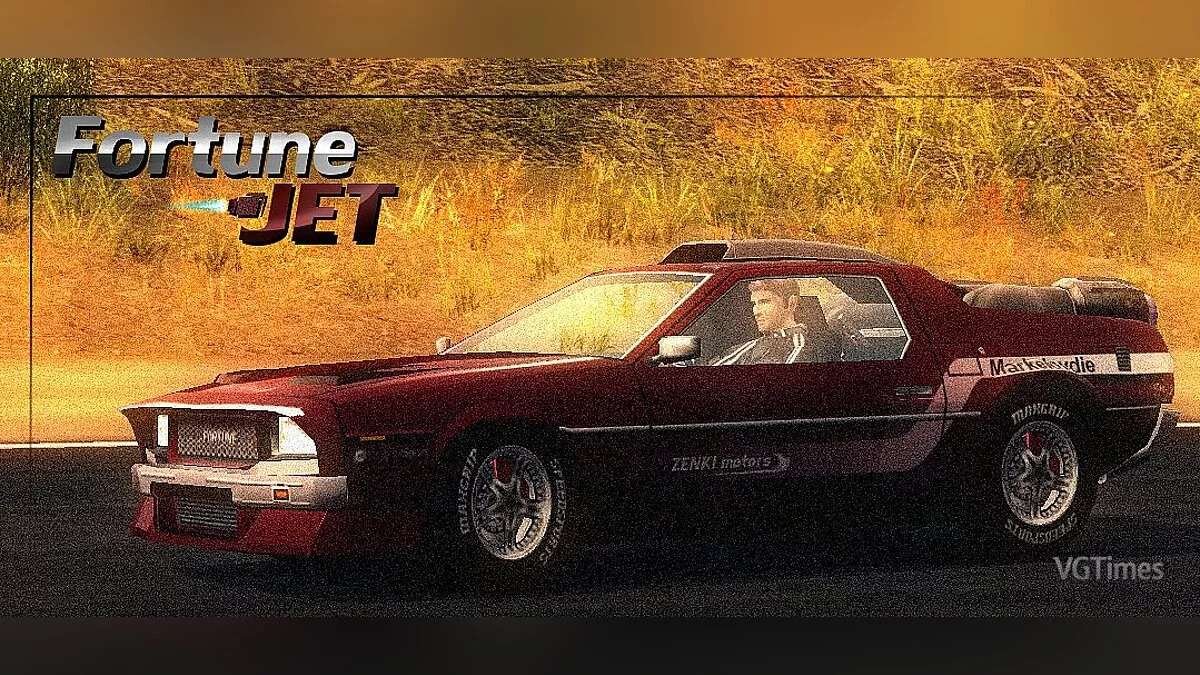
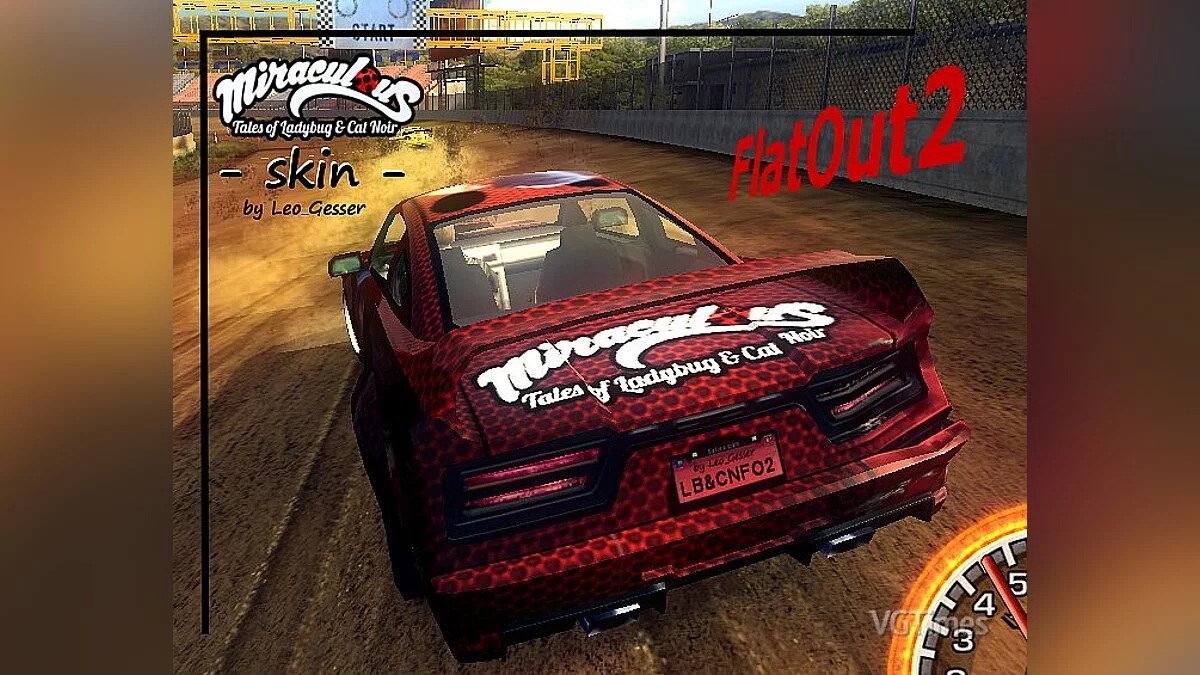
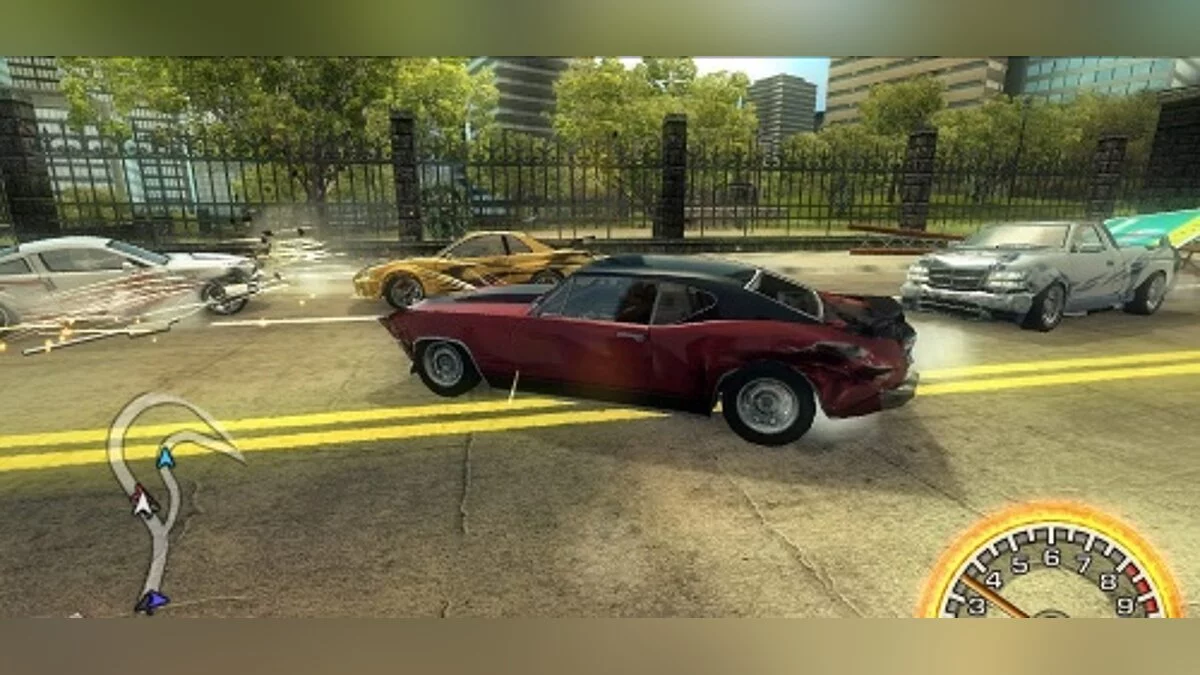
This addon fixes that issue. Now the wheels will appear exactly as shown in the screenshots.
To install this fix, the main Slider car mod for FO2 must already be installed.
If the mod is installed but you dislike the wheels, open the downloaded archive, go to the "Wheels Only" folder, and move the "data" folder into the game directory, confirming file replacement. This will replace the wheels while keeping the original skins.
To install new skins (along with the wheels), open the archive, go to the "Wheels+New Skins" folder, then move the "data" folder into the game directory, confirming file replacement.
Warning! Always make backup copies of any files you replace, just in case!
В первом моде моде на машине "Slider FO" в классе "стритрейсинг" не верно отображаются колеса.
Этот аддон исправляет это. Теперь колеса будут выглядеть так-же как и на скриншотах.
Для установки данного исправления необходимо чтобы основной мод на машины Slider для FO2 был уже установлен.
Если мод установлен, но не нравятся колеса, то открыв скачанный архив зайдите в папку "Только колеса" и переместите папку "data" в папку с игрой, подтвердив замену файлов. Будут заменены колеса и останутся прежние скины.
Чтобы установить новые скины (вместе с колесами), откройте архив и зайдите в папку "Колеса+Новые скины" после чего переместите папку "data" в папку с игрой, подтвердив замену файлов.
Внимание! На всякий случай всегда делайте резервные копии заменяемых файлов!
Useful links:
![Flatout 2 — Trainer (+7) [Steam] [LIRW / GHL] - Updated: 22.01.2018](https://files.vgtimes.com/download/posts/2018-01/thumbs/1516654858_jpg.webp)
![Flatout 2 — Trainer (+3) [1.0-1.2] [Grom-Skynet]](https://files.vgtimes.com/download/posts/2017-04/thumbs/1491909944_1491909900_839.webp)
![Flatout 2 — Trainer (+7) [Steam] [LIRW / GHL] - Updated: 21.01.2018](https://files.vgtimes.com/download/posts/2018-01/thumbs/1516568504_jpg.webp)
![Flatout 2 — Save File [Steam License]](https://files.vgtimes.com/download/posts/2025-01/thumbs/flatout-2-sokhranenie-licenzija-steam_1738008961_909363.webp)