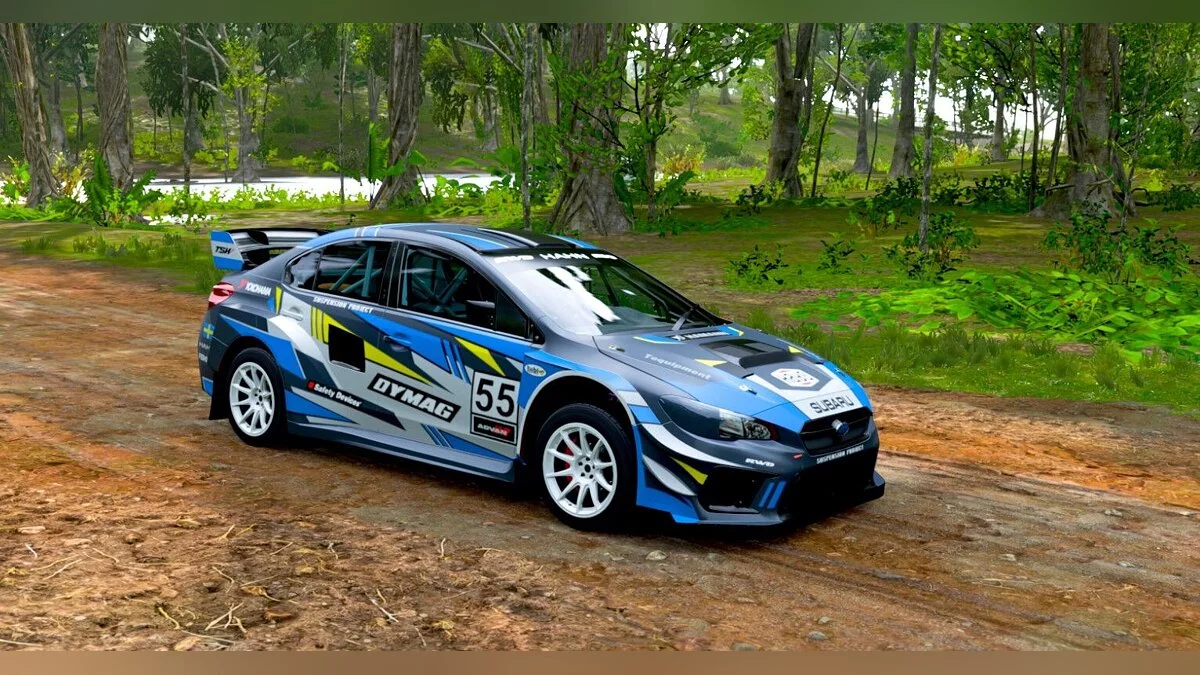
![Forza Horizon 5 — Cheat Engine Table [1.527.960.0 / 3.527.960.0 - Steam, MS] / Tables / Cheats](https://files.vgtimes.com/si/gameprev_64685_768_1784658886.webp "Forza Horizon 5 — Cheat Engine Table [1.527.960.0 / 3.527.960.0 - Steam, MS] / Tables / Cheats")
A new part of the popular racing car simulator, which takes place in the vastness of Mexico with vibrant landscapes, dynamic weather and changing seasons. The huge... Read more
Cheat Engine Table [1.527.960.0 / 3.527.960.0 - Steam, MS]
![Forza Horizon 5 — Cheat Engine Table [1.527.960.0 / 3.527.960.0 - Steam, MS]](https://files.vgtimes.com/download/posts/2022-11/thumbs/1668348125_p1_3237486_9f800855.webp)

-
1668348083_fh5.zipDownload (91.33 MB)Archive password: vgtimes
All Cars in the Autoshow — Unlock all vehicles in the car show
Only Rare Cars in the Autoshow — Unlock unique vehicles in the car show
Every Car Free — All cars are free
Add All Cars — Acquire all cars
Remove All Cars — Remove all cars
XP — Modify experience
To make Cheat Engine work with Forza, you need a modified Cheat Engine (in the archive), as Microsoft blacklisted the process or something like that.
When you activate the option, you need to quickly enter the auto-launch for it to work; it will turn off by itself within 0.5 seconds (before memory check).
Launch Process:
Start Cheat Engine, "Load" and select the table
"Select a process to open", choose the desired process.
Select the required option and check it.
All Cars in the Autoshow — Открыть весь транспорт в автомобильном шоу
Only Rare Cars in the Autoshow — Открыть уникальный транспорт в автомобильном шоу
Every Car Free — Всё машины бесплатны
Add All Cars — Получить все машины
Remove All Cars — Убрать все машины
XP — Изменить опыт
Чтобы заставить Cheat Engine работать с Forza, вам нужно иметь модифицированный Cheat Engine (в архиве), поскольку Microsoft внесла процесс в черный список или что-то в этом роде.
Когда вы активируете опцию, вам нужно быстро ввести автозапуск, чтобы он заработал, он отключится сам в течение 0,5 секунды (до проверки памяти).
Процесс запуска:
Запустить Cheat Engine, "Load" и выбрать таблицу
"Select a process to open", выбрать нужный процесс.
Выбрать нужную опцию, поставить крест.
Related files:
Useful links:
![Forza Horizon 5 — Cheat Engine Table [1.410.860.0/Steam]](https://files.vgtimes.com/download/posts/2021-11/thumbs/1637488563_obzor-forza-horizon-5_1636007678506638163.webp)
![Forza Horizon 5 — Trainer (+7) from 10.14.2022 [WeMod]](https://files.vgtimes.com/download/posts/2022-10/thumbs/1665825472_2022-10-15_121559.webp)
![Forza Horizon 5 — Trainer (+7) from 11.09.2021 [WeMod]](https://files.vgtimes.com/download/posts/2021-11/thumbs/1636450133_2021-11-09_122650.webp)
![Forza Horizon 5 — Table for Cheat Engine [1.475.474.0/ 3.475.474.0 / Steam/MS]](https://files.vgtimes.com/download/posts/2022-06/thumbs/1656063692_xhzk4ksxgapyt8ywiu6g3o.webp)
![Forza Horizon 5 — Trainer (+7) from 06.23.2022 [WeMod]](https://files.vgtimes.com/download/posts/2022-06/thumbs/1655974965_2022-06-23_120056.webp)
![Forza Horizon 5 — Table for Cheat Engine [1.414.967.0/3.414.967.0]](https://files.vgtimes.com/download/posts/2021-12/thumbs/1638865467_91be145ded969af9_1920xh.webp)