
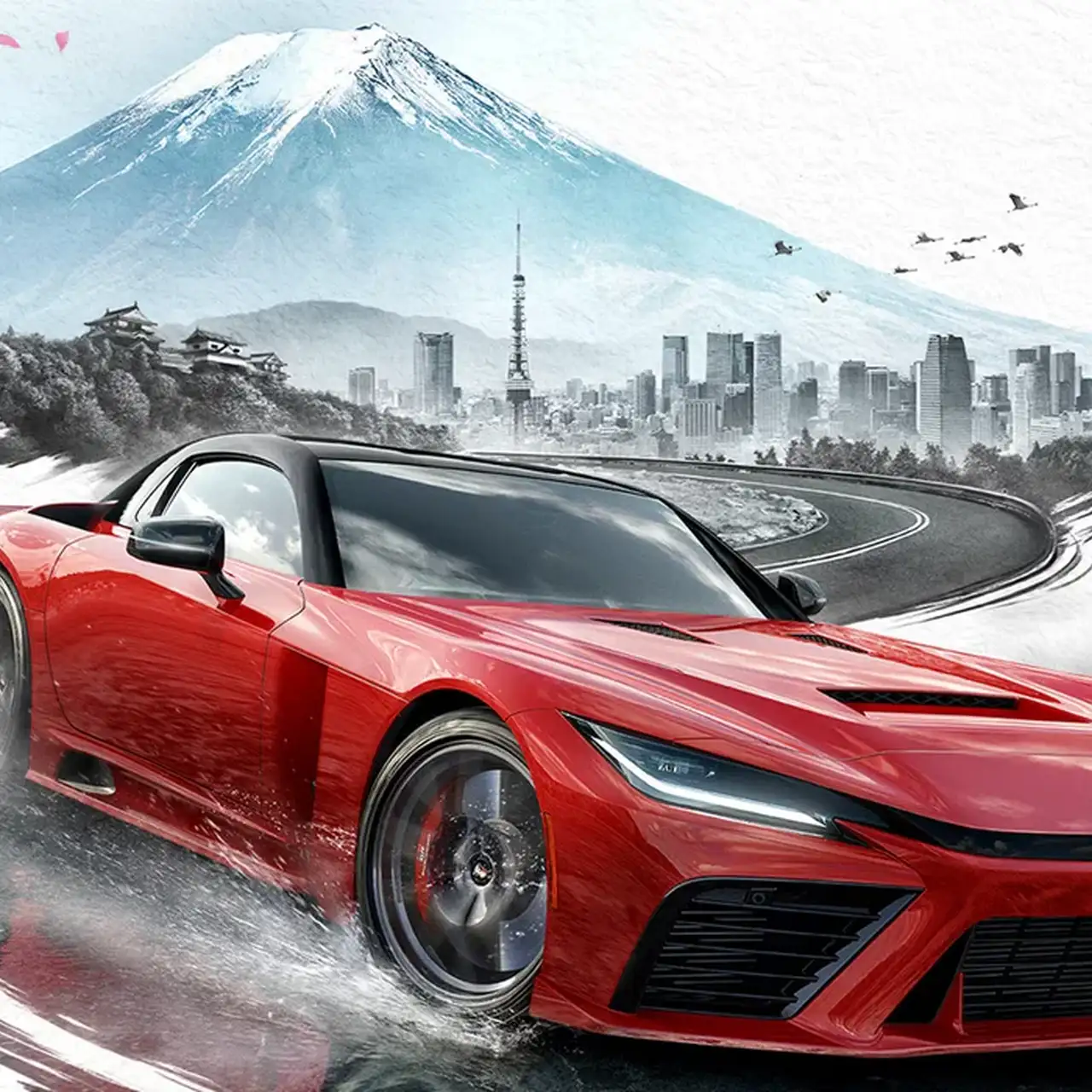
The game brings the Festival of Speed to Japan—one of the most anticipated locations in the series' history. Players will explore picturesque roads, iconic... Read more
VGTimes:
Players:
Steam:
Metacritic:
Reshade Pro


Author:
ReshadePro
Uploaded by:

Size:
7.36 kB
Date:
May 29, 2026, 11:56 AM
Downloads:
373
-
Download (7.36 kB)May 29, 2026, 11:56 AMreshade-pro_1780044994_563505.rar
A custom professional ReShade modification that makes Forza Horizon 6’s graphics more vibrant. This visual enhancement gives the game a cinematic look thanks to reworked lighting, realistic color reproduction, and increased detail clarity. The mod is designed for maximum immersion, turning the world of Horizon into a photorealistic environment.
Installation instructions:
- Download ReShade.
- Run the installer and select the game’s executable file (forzahorizon6.exe).
- During installation, choose DirectX 10/11/12 as the graphics API.
- Be sure to check and activate all additional effects during installation, as this is necessary for the preset to work correctly.
- After installation is complete, copy the preset file (.ini) to the root folder of the game, where forzahorizon6.exe is located.
- Launch Forza Horizon 6 and press the Home key to open the ReShade interface.
- In the ReShade menu, select the installed preset from the drop-down list.
Related files:
Useful links:


![Forza Horizon 6 — Early career, 100,000,000 currencies, offline [364,933]](https://files.vgtimes.com/download/posts/2026-06/thumbs/nachalo-karery-100-000-000-valjuty_1781209598_941185.webp)


