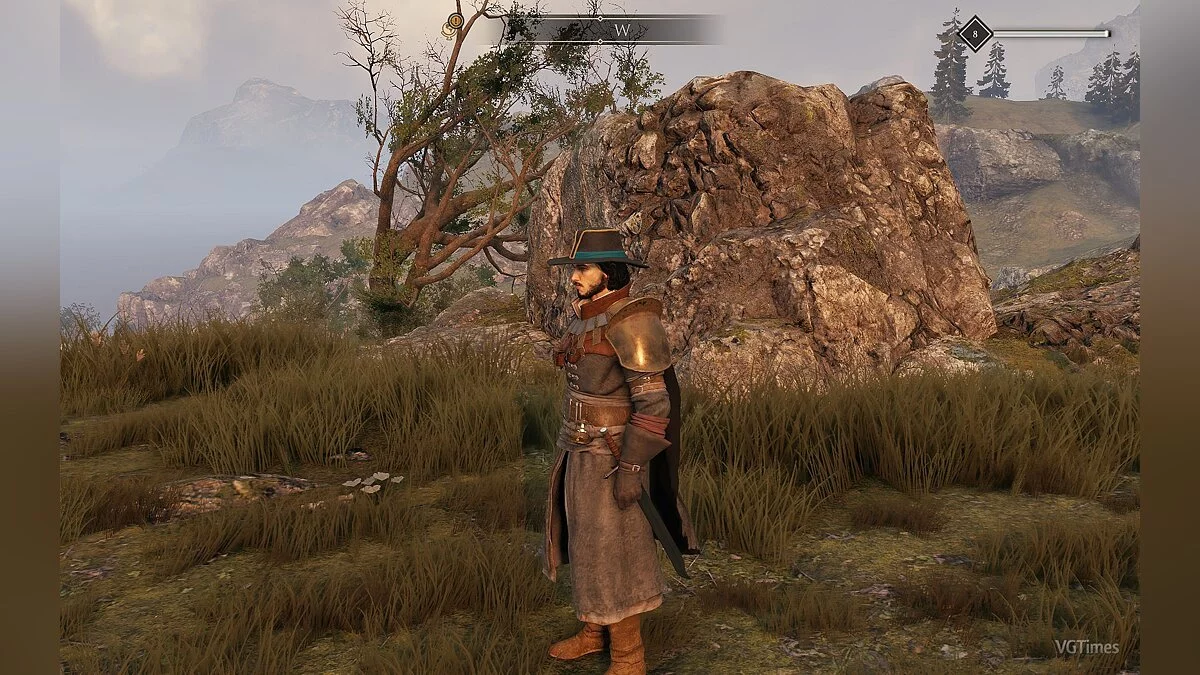
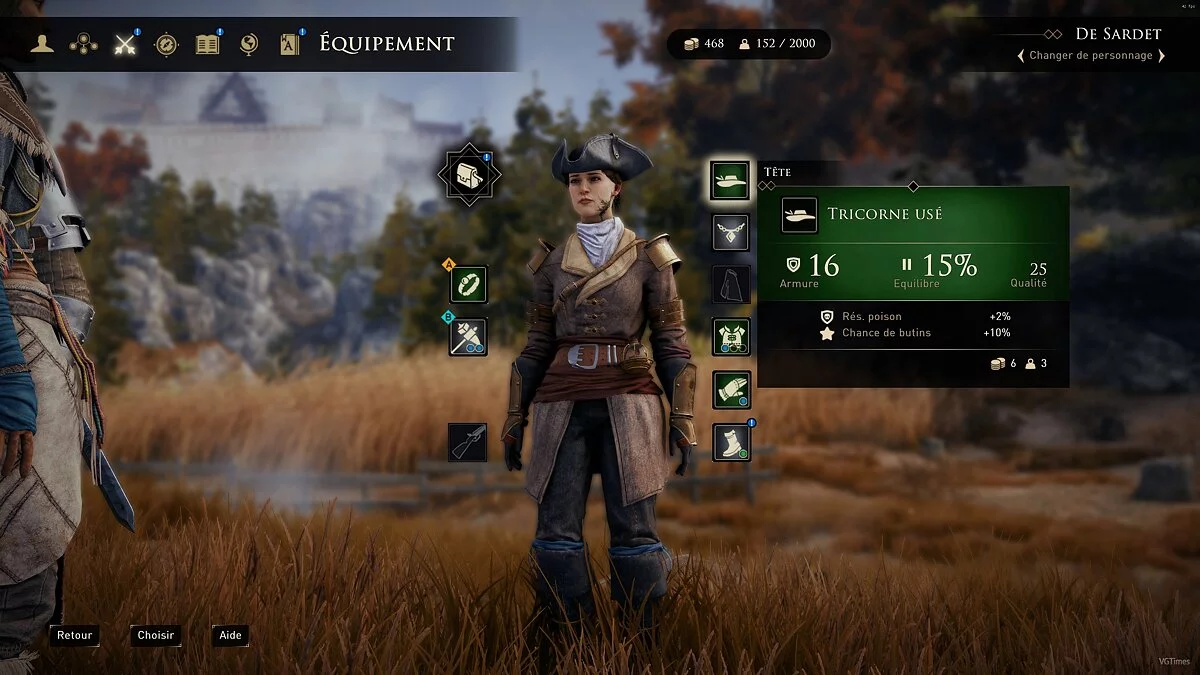
GreedFall is a third-person RPG from the creators of Bound by Flame and The Technomancer. The setting is a remote island in the middle of the sea, inhabited by... Read more
Adding All Items to Merchants

-
1568325947_give_all_items_barter.zipDownload (89.19 kB)
This Mod adds all items to merchants (except unique ones). That is, Weapons, Armor, consumables, etc.
Spoiler
1 — Go to the directory with the installed game (Your Drive:\Games\GreedFall\packs). In the "packs" folder, there will be two files "data.spk" and "data.stc". Make a backup of these files and delete them from this folder.
2 — Next, in the same folder, there are 2 files "region.spk" and "region.stc". Make a copy of these files to a convenient location for you, and immediately rename these two copied files to "data.spk" and "data.stc". After that, just throw them back into the "packs" folder.
3 — Then you will need the original file "data.spk" that you backed up. You need to unpack it, don’t worry, files with the "spk" extension are the same archives. Right-click on the file "data.spk" and use the 7-Zip function to unpack it to (Your Drive\Games\GreedFall\datalocal) with replacement.
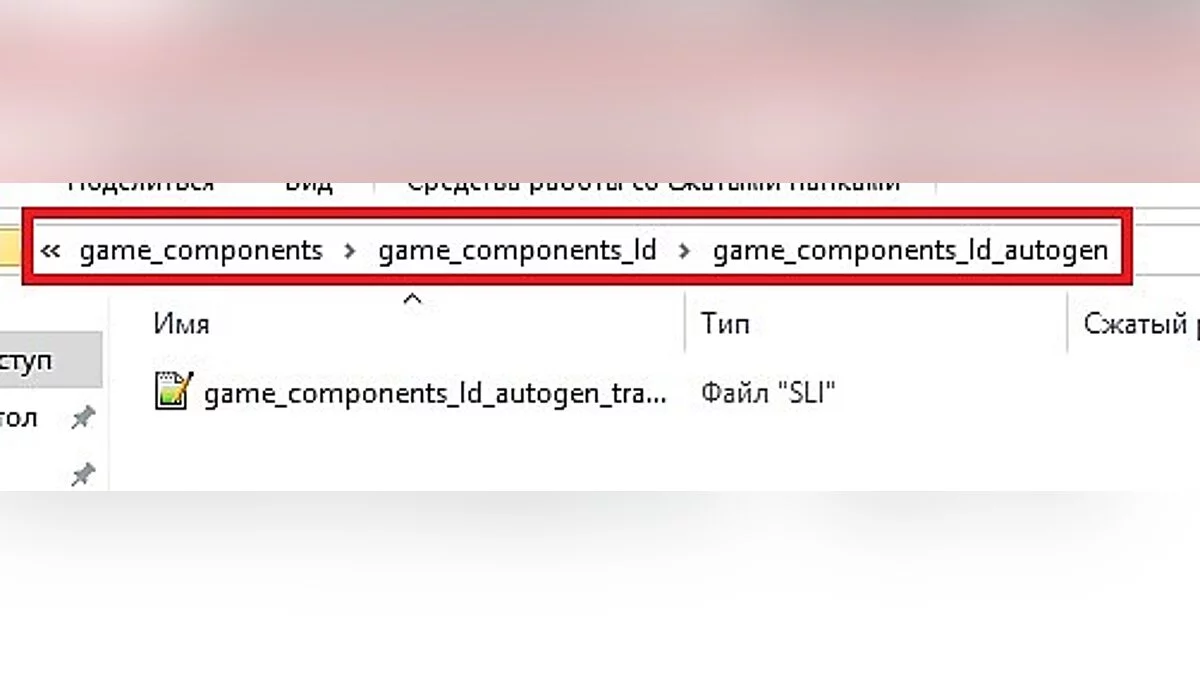
4 — Next, go to "Your Drive:\Games\GreedFall\datalocal\game_components\game_components_ld\game_components_ld_autogen" and place the file you downloaded from the site here, with replacement.
I recommend checking with the blacksmiths for the availability of all goods (Weapons - Armor).
Данный Мод добавляет все предметы торговцам (кроме уникальных). Т.е Оружие,Броню,расходные материалы итд.
Спойлер
1 — Идем в директорию с установленной (Ваш Диск:\Games\GreedFall\packs). В папке "packs" будут два файла "data.spk" и "data.stc" Сделайте бэкап этих фалов, и удалите их из этой папки.
2 — Далее в этой же папке есть 2 файла "region.spk" и "region.stc" Сделайте копию этих файлов в любое для вас удобное место,и тут же эти два копируемые файла переименуйте в "data.spk" и "data.stc". После просто киньте их обратно в папку "packs".
3 — Затем вам понадобится оригинальный файл "data.spk" С которым вы делали бэкап. Вам нужно его распаковать,не переживайте файлы с разрешением "spk" это те же архивы. Нажимаем ПКМ на файл "data.spk" и через функцию 7-Zip распаковываем его по пути (Ваш Диск\Games\GreedFall\datalocal) с заменой.
4 — Далее идем в "Ваш Диск:\Games\GreedFall\datalocal\game_components\game_components_ld\game_components_ld_autogen" и кидаем сюда файл что скачали с сайта, с заменой.
Советую проверить у кузнецов,на наличии всех товаров (Оружие- Броня).
Useful links:
![GreedFall — Cheat Engine Table [UPD: 27.06.2021]](https://files.vgtimes.com/download/posts/2021-06/thumbs/1624882773_greedfall_screenshot_onpage_3.webp)