A legendary sequel to the popular Grand Theft Auto series. The game is set in Los Santos, a city that players first came to love in Grand Theft Auto: San Andreas... Read more

Niko Bellic

-
www.gta5-mods.comDownload
Niko Bellic 3.6.5.
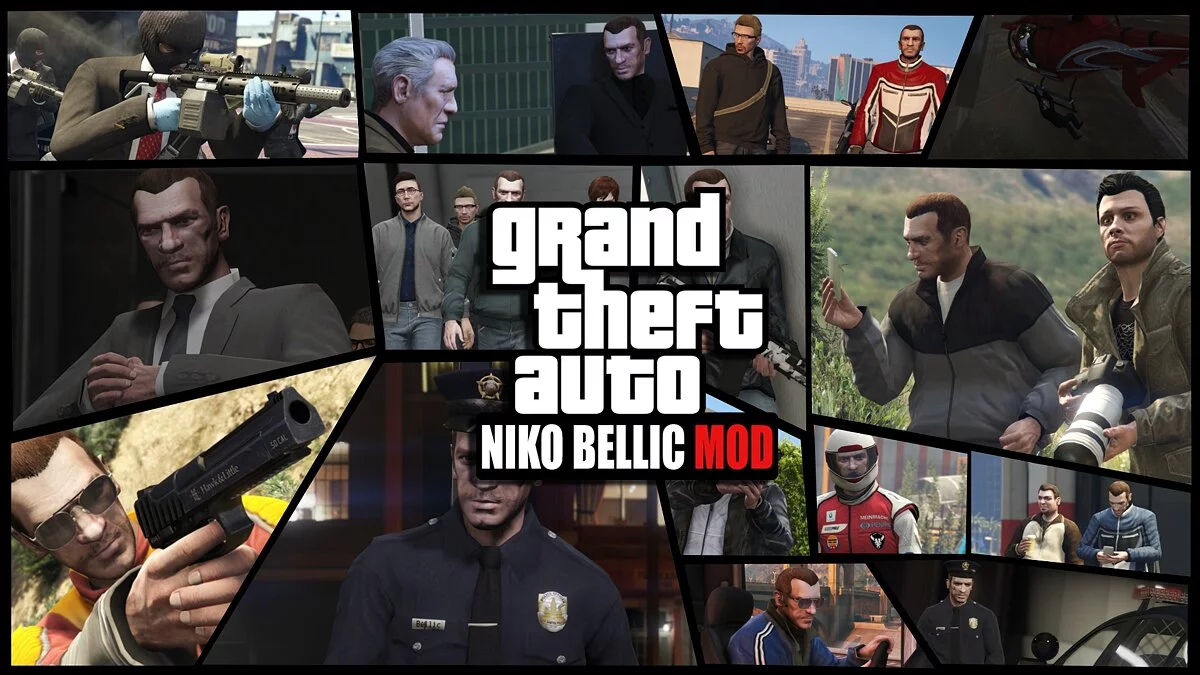
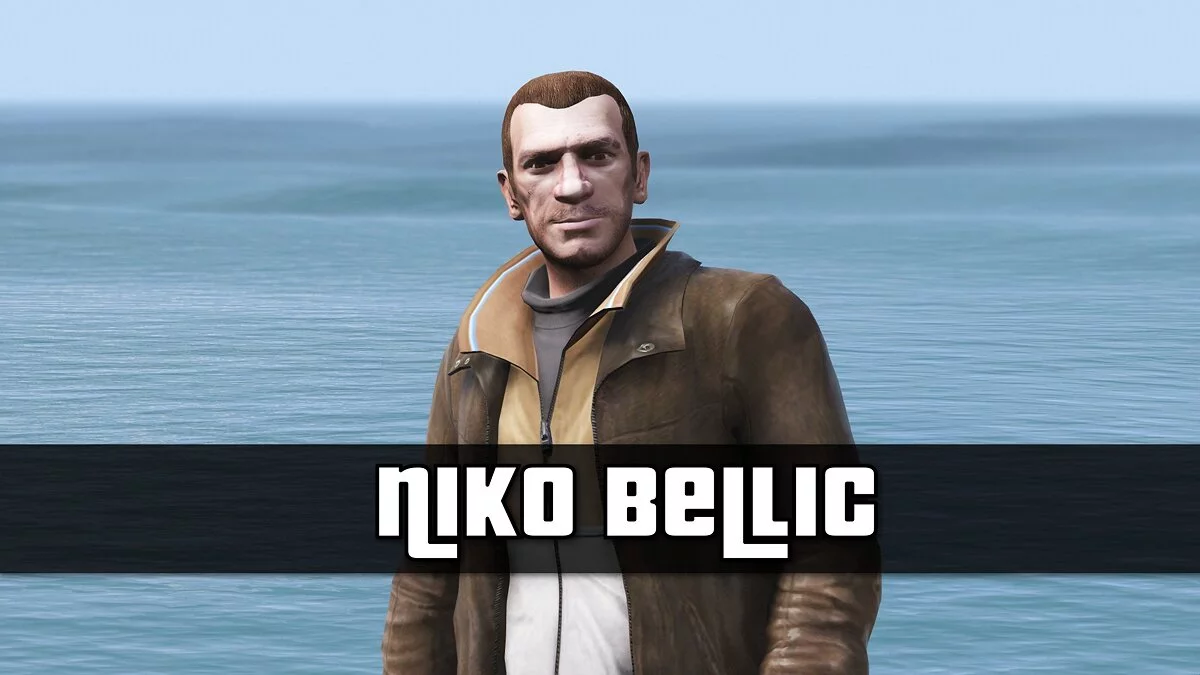
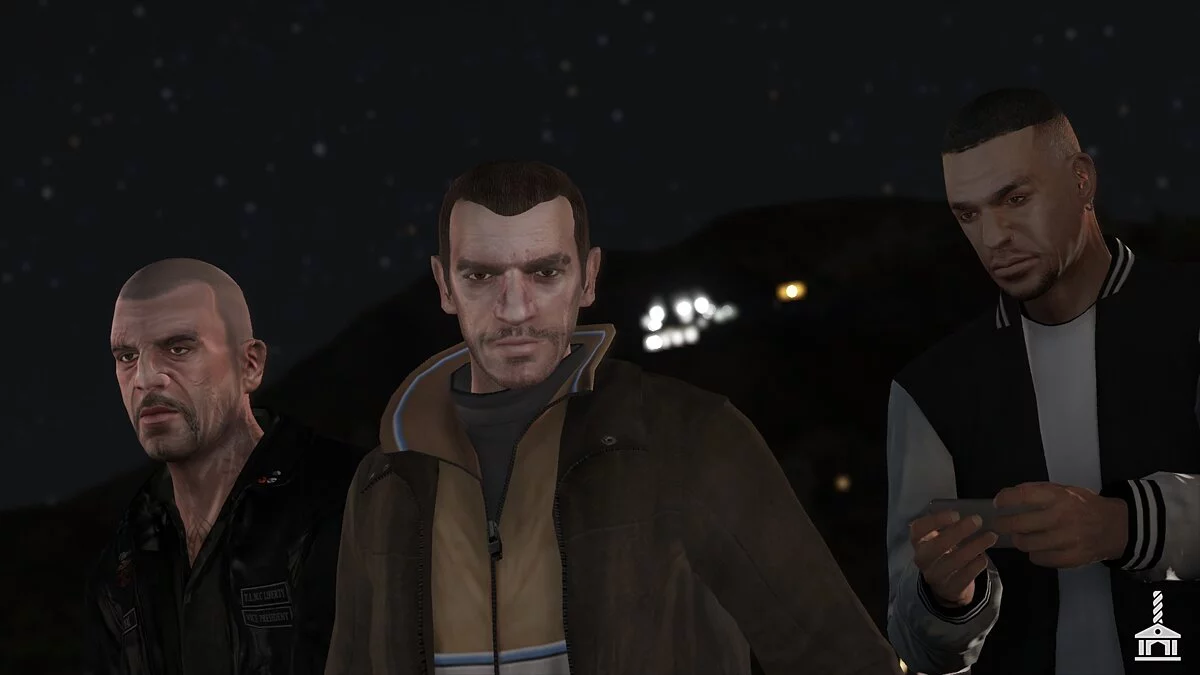
Niko Bellic is back! Fresh from the grim streets of Liberty City, he has finally arrived in Los Santos!
Installation instructions:
1. Create a mods folder, then inside it create an updates folder.
2. Copy the vanilla update.rpf (GTAV / update /) into the updates folder inside mods (GTAV / Mods / Update /)
3. Drag the update folder from the Niko files into mods / update /
4. Open OpenIV and enable edit mode.
5. Open update.rpf in mods / update / and place dlclist.xml and gameconfig.xml into common / data / inside the RPF
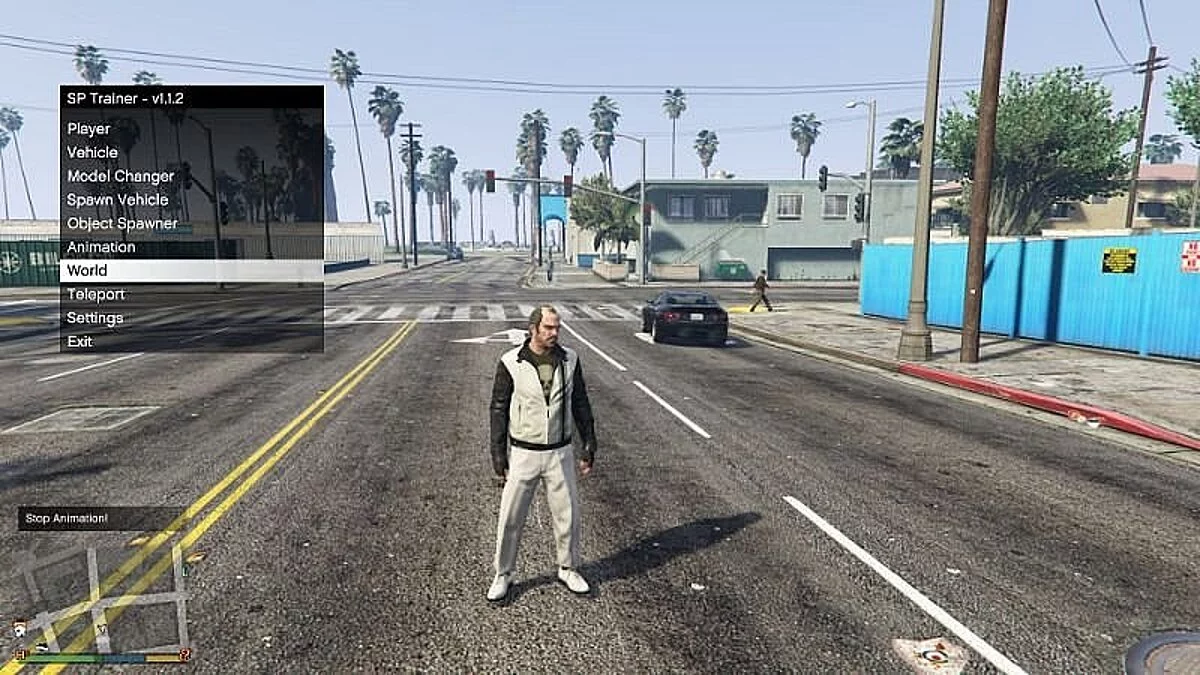
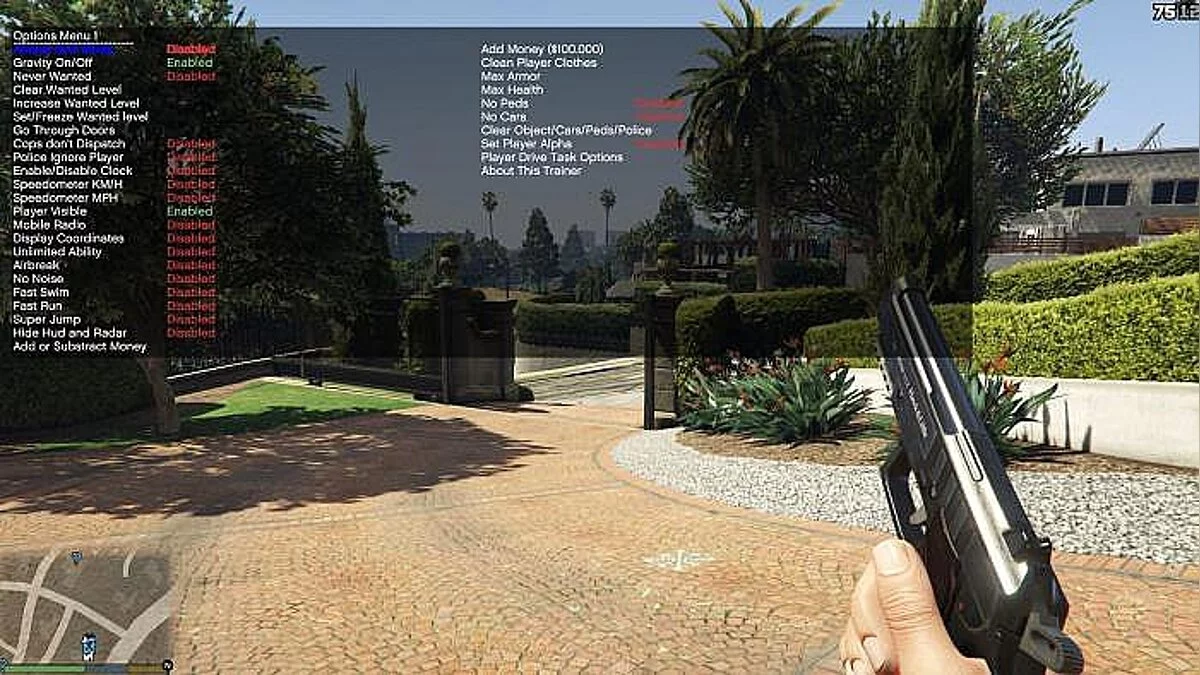
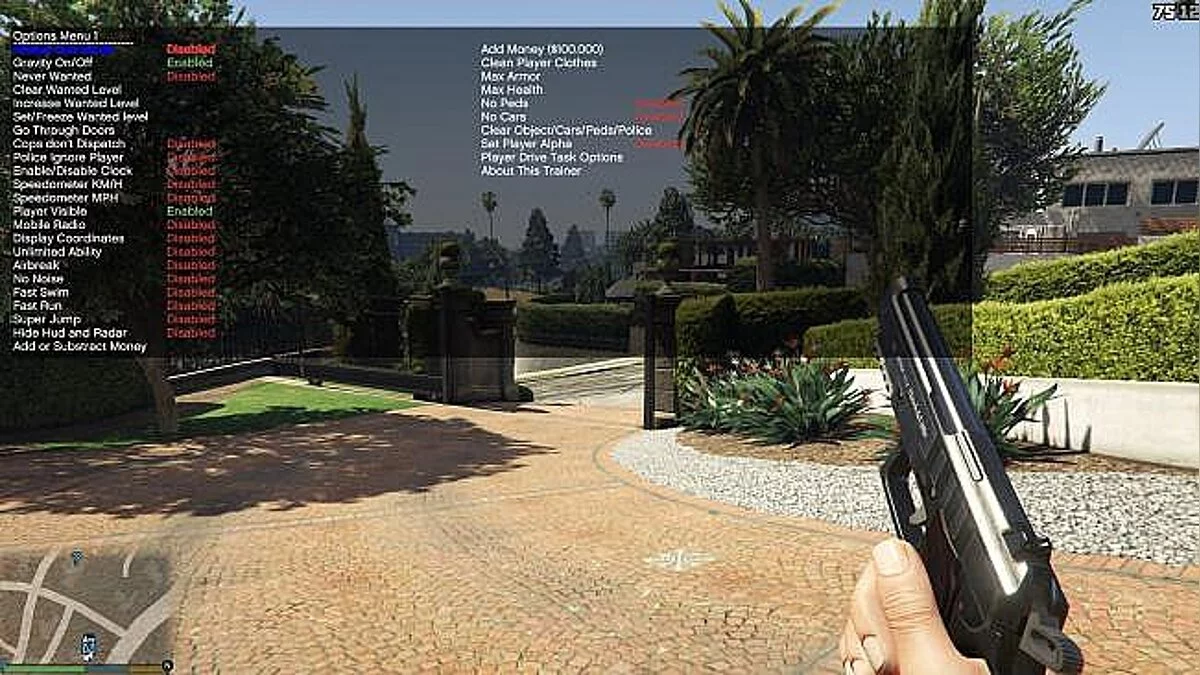
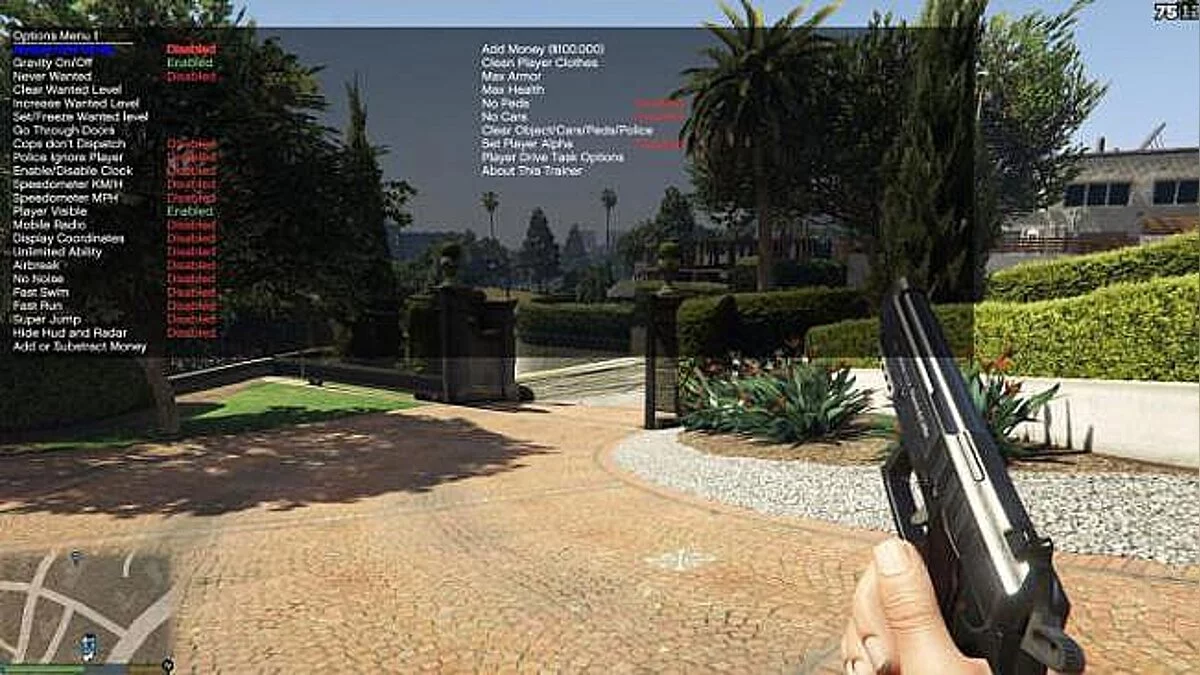
6. To spawn Niko, use the "Spawn by model name" option in the trainer and enter player_niko. Menyoo currently does not work with this mod. Simple Trainer by Sjaak works best at the moment.
7. Enjoy!
Niko Bellic 3.6.5.
Нико Беллик вернулся! Только что с мрачных улиц Либерти-Сити, он наконец-то в Лос-Сантосе!
Как установить:
1. Создайте папку модов, а затем создайте в ней папку с обновлениями.
2. Скопируйте vanilla update.rpf (GTAV / update /) в папку обновлений внутри модов (GTAV / Mods / Update /)
3. Перетащите папку обновления из файлов Niko в mods / update /
4. Откройте OpenIV и включите режим редактирования.
5. Откройте update.rpf в mods / update / и поместите dlclist.xml и gameconfig.xml в common / data / внутри RPF
6. Чтобы создать Нико, используйте опцию «Спавн по названию модели» в трейнере и введите player_niko. Menyoo в настоящее время не работает с этим модом. На данный момент лучше всего работает Simple Trainer от Sjaak.
7. Наслаждайтесь!
Useful links:
![GTA 5 — Trainer (+12) [1.0.877.1] [MrAntiFun]](https://files.vgtimes.com/download/posts/2017-03/thumbs/1490113854_1490113802_596.webp)
![GTA 5 — Trainer (+19) [1.0.323.1 - 1.0.944.2] [FLiNG]](https://files.vgtimes.com/download/posts/2017-02/thumbs/1487094413_6lrya4g2.webp)
![GTA 5 — Trainer (+19) [1.0.323.1 - 1.0.757.2] [FLiNG]](https://files.vgtimes.com/download/posts/2017-03/thumbs/1490034600_n5ylejkz.webp)
![GTA 5 — Trainer (+19) [1.0.323.1 - 1.0.877.1] [FLiNG]](https://files.vgtimes.com/download/posts/2017-03/thumbs/1490034496_qnld2jhn.webp)
![GTA 5 — Cheat-Mode (Simple Trainer for GTA V 3.8) [SP Only]](https://files.vgtimes.com/download/posts/2017-03/thumbs/1490114335_1490114311_816.webp)
![GTA 5 — Cheat-Mode (Simple Trainer for GTA V 3.9) [SP Only]](https://files.vgtimes.com/download/posts/2017-03/thumbs/1490034519_p8dccoez.webp)