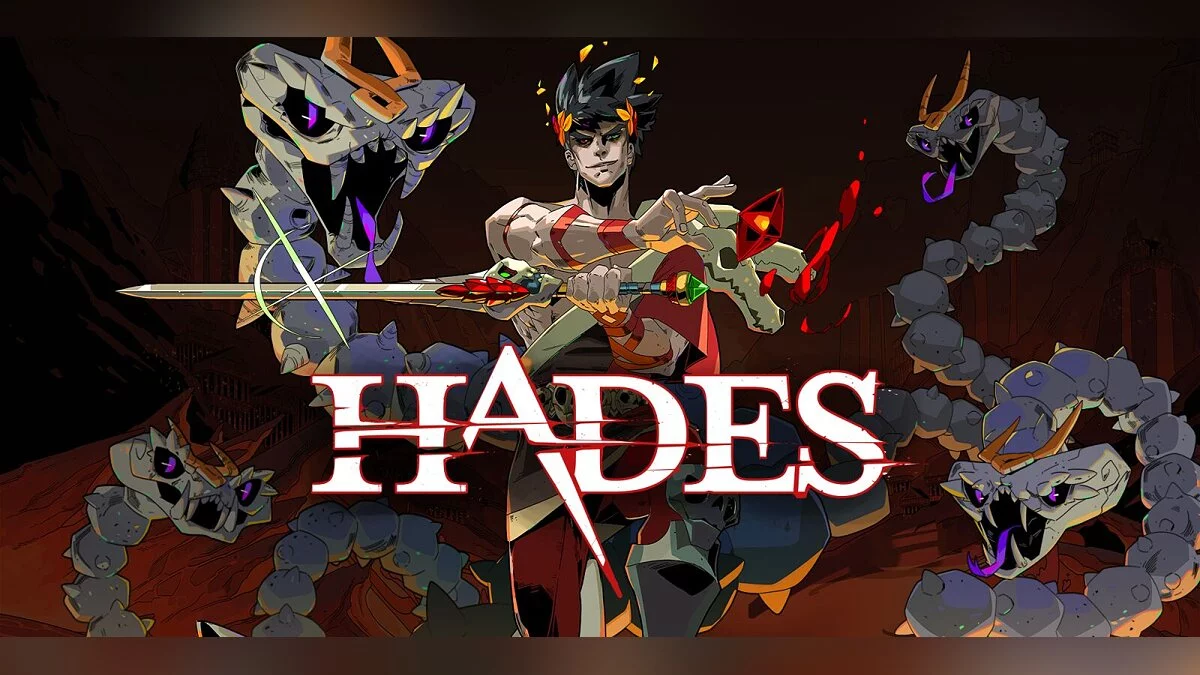
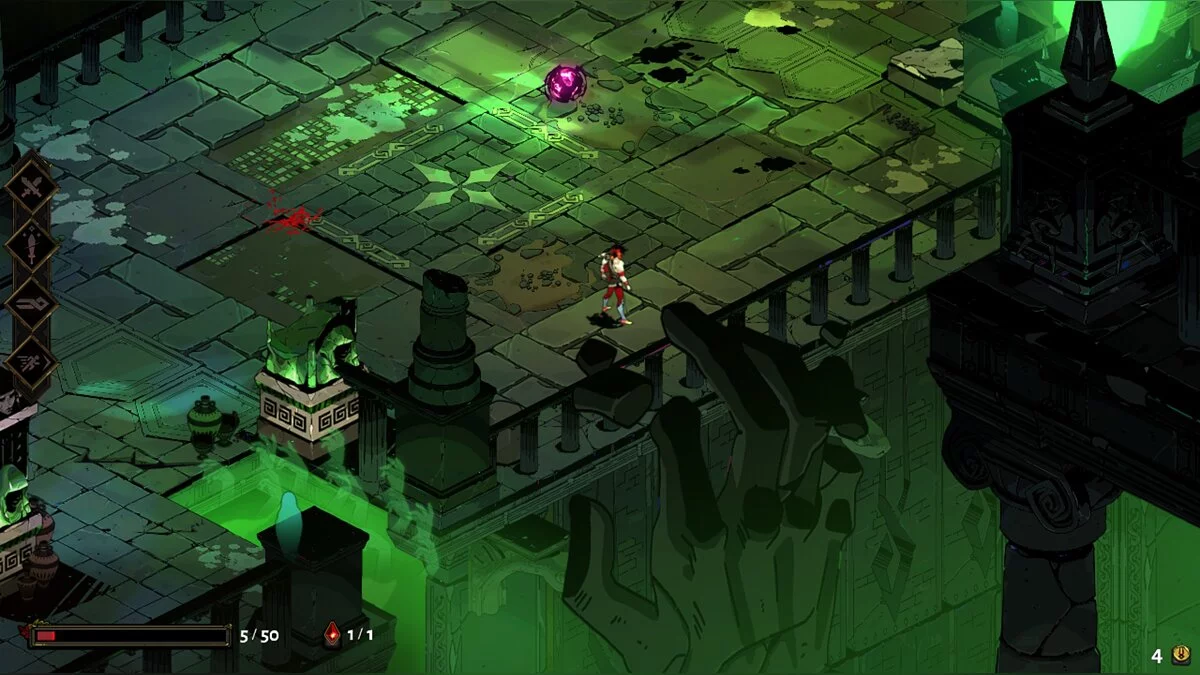
Isometric action-roguelike from the creators of Bastion and Transistor. The main character is the god Zagreus (the son of the ancient Greek god... Read more
Players:
Steam:
Metacritic:
Mod Importer


Author:
MagicGonads
Uploaded by:

Size:
7.11 MB
Date:
Today, 14:37
Downloads:
0
-
Download (7.11 MB)November 10, 2026, 02:37 PMmod-importer-utilita-dlja_1794310666_425472.zip
Essential utility tool and automated script designed to safely import and install compatible modifications for Hades. The tool reads configuration manifests from modfile.txt files located in the Mods directory and seamlessly integrates custom assets and scripts into the game.
Key features of the utility:
- Automatic importing and patching for all compatible Hades modifications.
- Safe script integration preserving core game files.
- Full support for Steam, Epic Games Store, and Microsoft Store releases.
- Simple one click execution and mod management.
Installation instructions:
- Extract the downloaded modimporter archive and locate the modimporter.exe file.
- Move modimporter.exe into the Content directory inside your Hades game folder.
- For Steam users navigate to Library, right click Hades, select Manage, choose Browse local files, and open Content.
- For Epic Games users the path is C:\Program Files\Epic Games\Hades\Content.
- For Microsoft Store users make sure to open the inner directory Hades\Content\Content.
- Create a new folder named Mods inside the Content directory.
- Place your desired mods inside the Mods folder ensuring each mod has its own subfolder containing modfile.txt.
- Launch modimporter.exe by double clicking it to install and patch your modifications.
- Run modimporter.exe again whenever you add or remove mods and after any official game update.
Useful links: