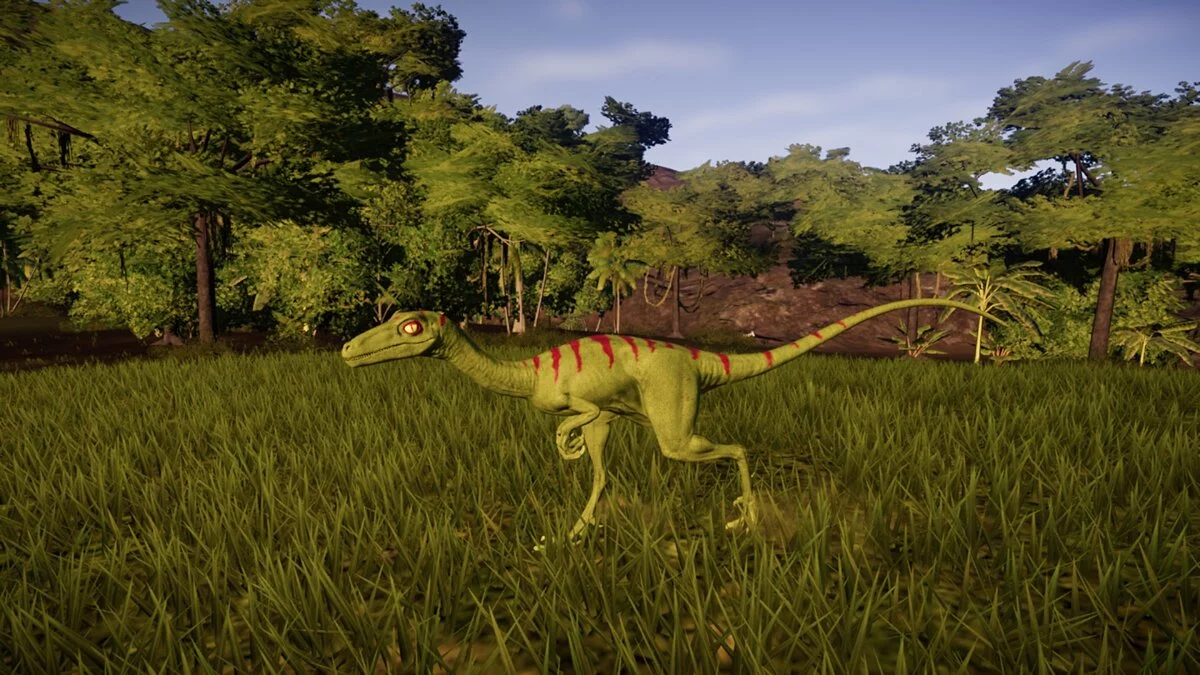
Jurassic World Evolution is a real-time economic strategy that allows you to create your own Jurassic Park. The main action takes place on Isla Nublar and the... Read more
Yutyrannus (New Species)
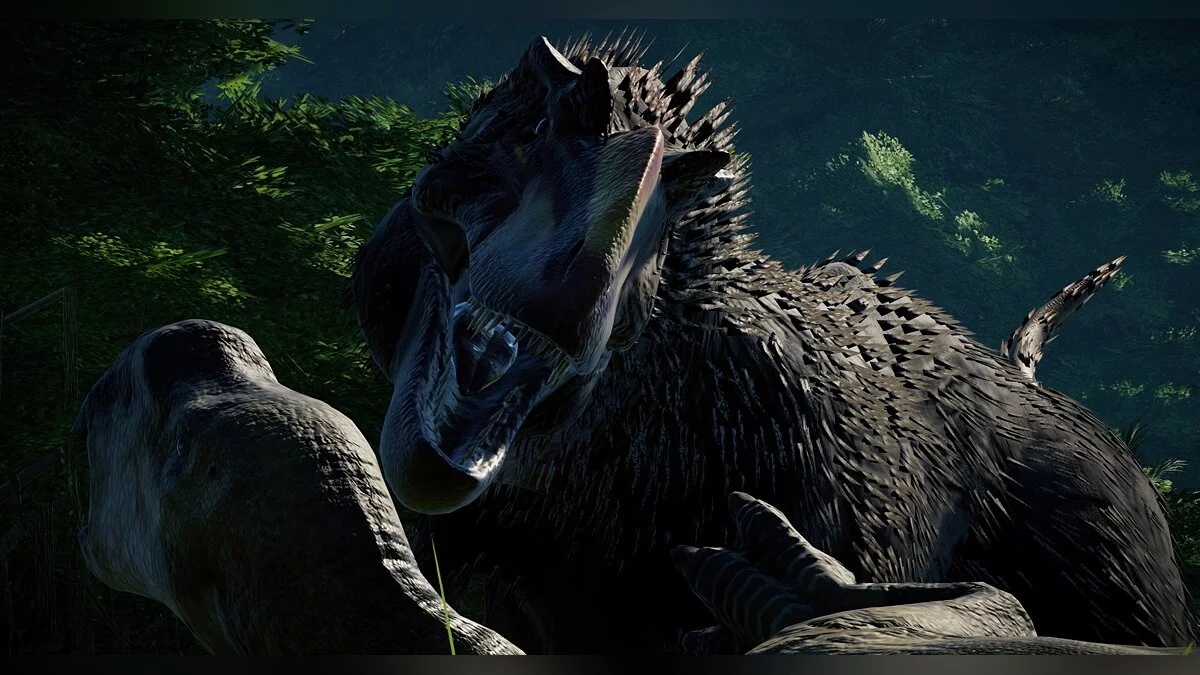
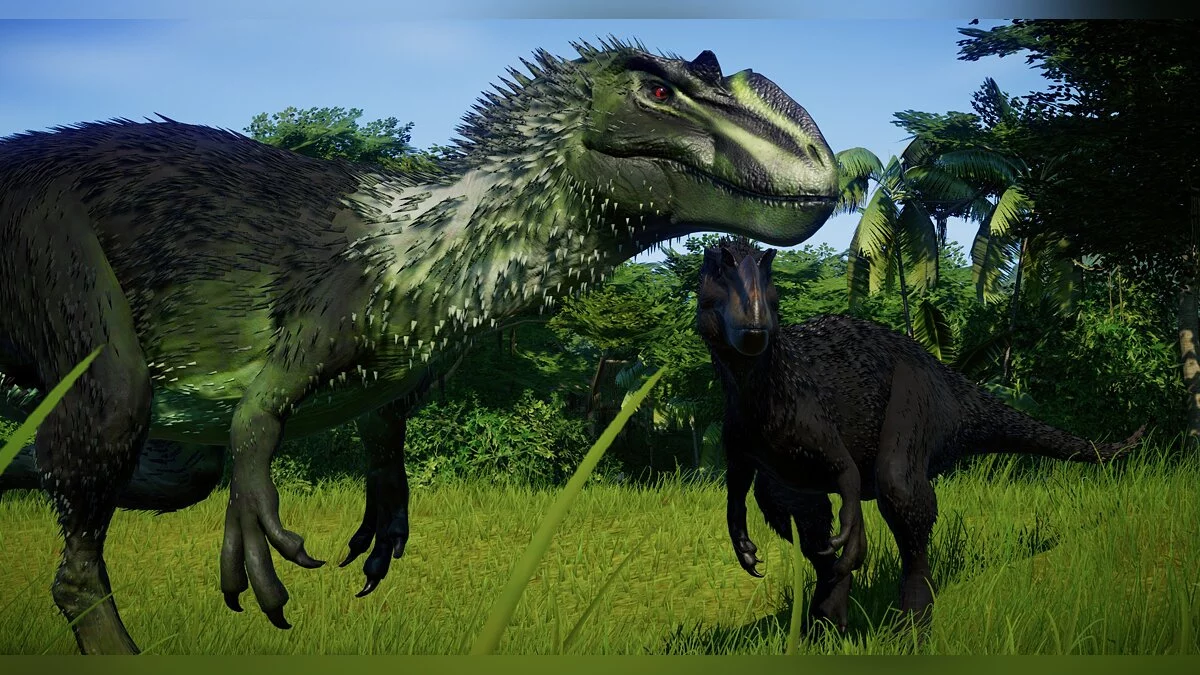
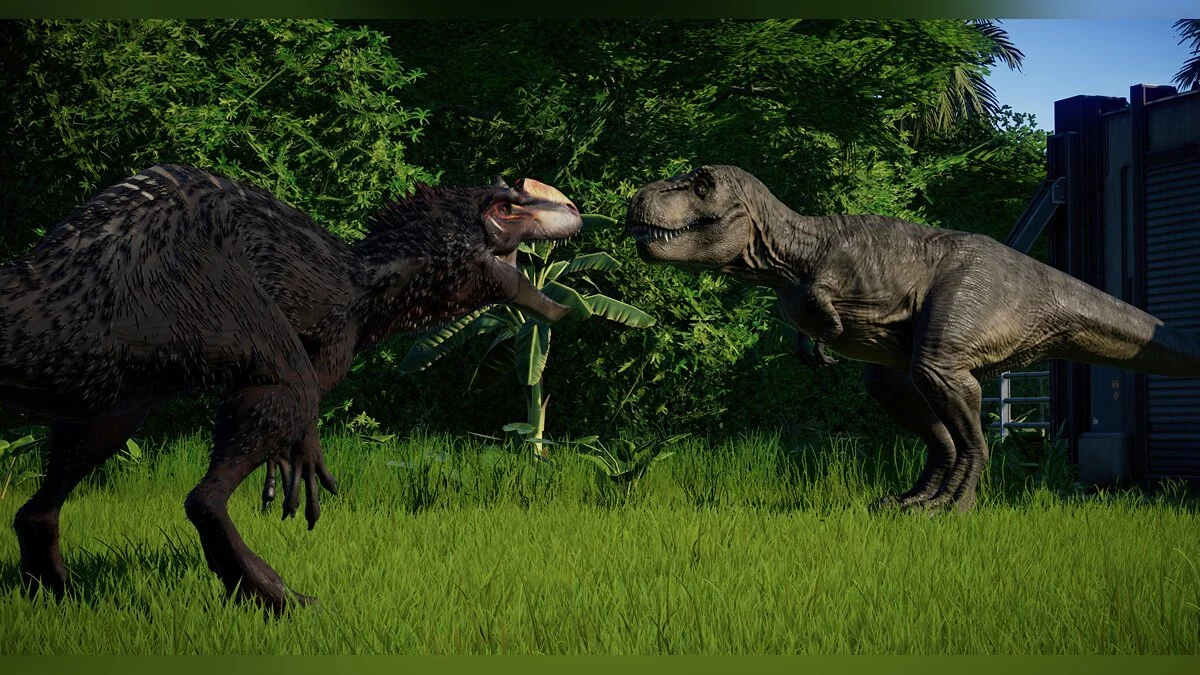


-
www.nexusmods.comDownload
Yutyrannus (New Species).
This mod requires the DLC "Claire's Sanctuary" and a mod called Awesome Cobra Script Extender / ACSE, specifically the latest version of the mod (v1.1). The installation process is as follows:
Installation:
1. Download the latest version of ACSE / Awesome Cobra Script Extender from https://github.com/OpenNaja/ACSE/releases/tag/1.1 ,
the download link should read "Awesome.Cobra.Script.Extender.zip".
2. Extract the file. If you are using 7Zip, which I use for all of this, make sure to click "Extract Here" instead of any other option. If a folder named "ACSE" appears after extraction, you have installed it correctly and can delete the .zip file (but not the folder). If a folder named Awesome.Cobra.Script.Extender appears, delete that folder (not the .zip file, you will need it) and try again.
3. Download this very mod
4. Drag or copy/paste the YutyrannusNL folder into the following directory: steam / steamapps / common / Jurassic World Evolution / Win64 / ovldata. Do not rename the folder or place it in any of the folders already inside ovldata.
Yutyrannus (New Species).
Для этого мода требуется DLC «Святилище Клэр» и мод под названием Awesome Cobra Script Extender / ACSE, в частности последняя версия мода (v1.1). Порядок установки следующий:
Установка:
1. Загрузите последнюю версию ACSE / Awesome Cobra Script Extender с https://github.com/OpenNaja/ACSE/releases/tag/1.1 ,
ссылка для скачивания должна гласить «Awesome.Cobra.Script.Extender.zip».
2. Распакуйте файл. Если вы используете 7Zip, который я использую для всего этого, убедитесь, что вы нажали «Извлечь здесь» вместо любого другого параметра. Если после извлечения файла появляется папка с именем «ACSE», значит, вы установили ее правильно и можете удалить файл .zip (но не папку). Если появится папка с именем Awesome.Cobra.Script.Extender, удалите эту папку (не файл .zip, он вам все равно понадобится) и повторите попытку.
3. Скачайте этот самый мод
4. Перетащите или скопируйте / вставьте папку YutyrannusNL в следующий каталог: steam / steamapps / common / Jurassic World Evolution / Win64 / ovldata. Не переименовывайте папку и не помещайте ее ни в одну из папок, уже находящихся внутри ovldata.
Related files:
Useful links:
![Jurassic World Evolution — Trainer (+5) [1.0] [MrAntiFun]](https://files.vgtimes.com/download/posts/2018-07/thumbs/1531170257_255x144.jpg.webp)
![Jurassic World Evolution — Cheat Engine Table [UPD: 13.12.2023]](https://files.vgtimes.com/download/posts/2023-12/thumbs/tablica-dlja-cheat-engine-upd-13-12-2023_1702550076_281073.webp)
![Jurassic World Evolution — Trainer (+10) from 03.08.2020 [WeMod]](https://files.vgtimes.com/download/posts/2020-03/thumbs/1583665625_2020-03-08_140552.webp)
![Jurassic World Evolution — Trainer (+9) [1.3.3.34878] [MrAntiFun] - Fixed Version](https://files.vgtimes.com/download/posts/2018-07/thumbs/1531170141_255x144.jpg.webp)
![Jurassic World Evolution — Trainer (+10) from 01/30/2020 [WeMod]](https://files.vgtimes.com/download/posts/2020-01/thumbs/1580490834_2020-01-31_201250.webp)
![Jurassic World Evolution — Trainer (+9) [1.2.0] [FLiNG]](https://files.vgtimes.com/download/posts/2018-07/thumbs/1531170194_png.webp)