
A vibrant open-world game set in the LEGO universe. Over a thousand unique construction kit parts allow players to build exactly the vehicle they want to race with... Read more
Text Localization - Machine Translation
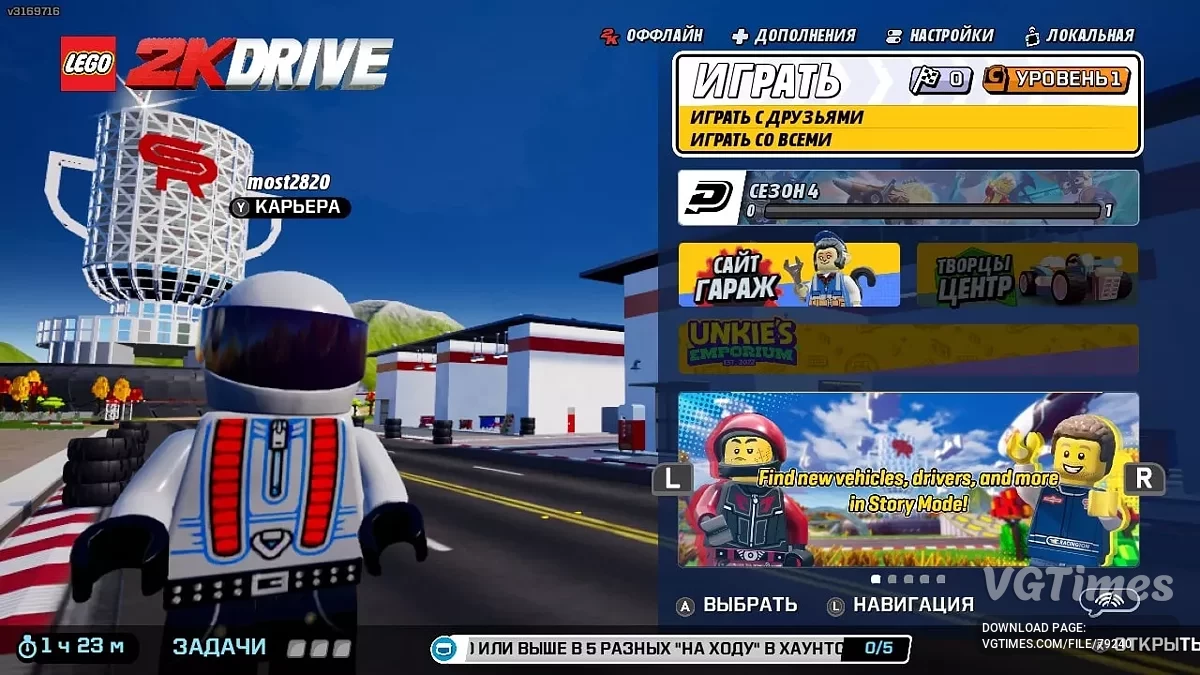
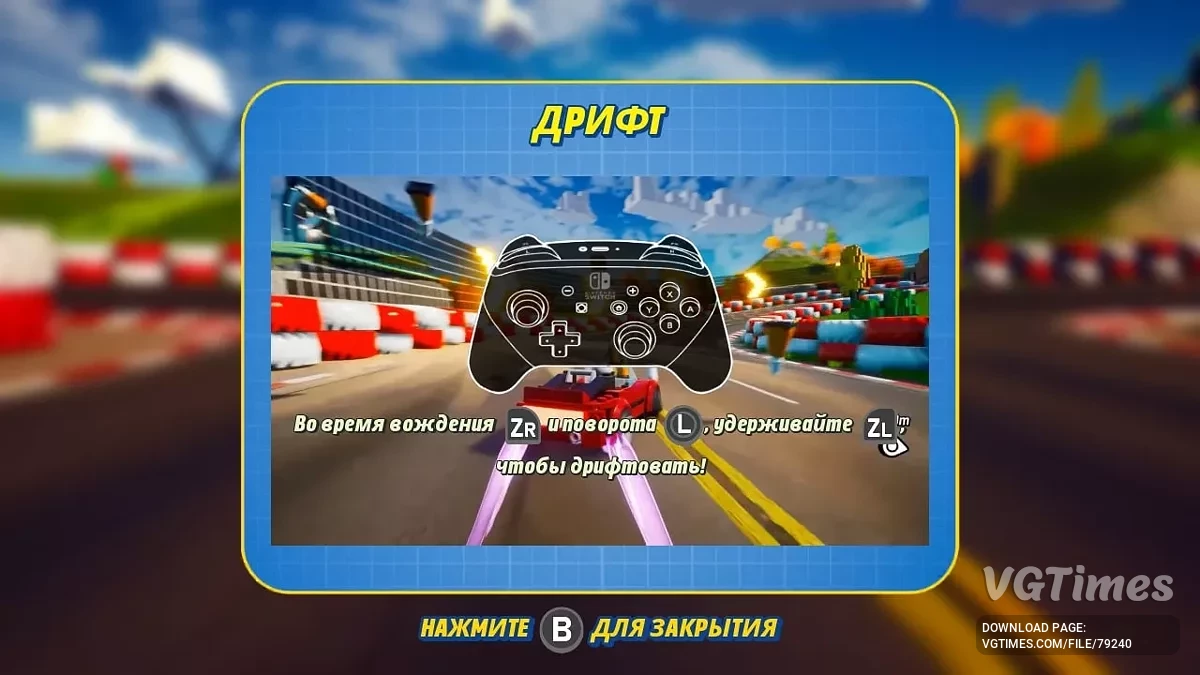
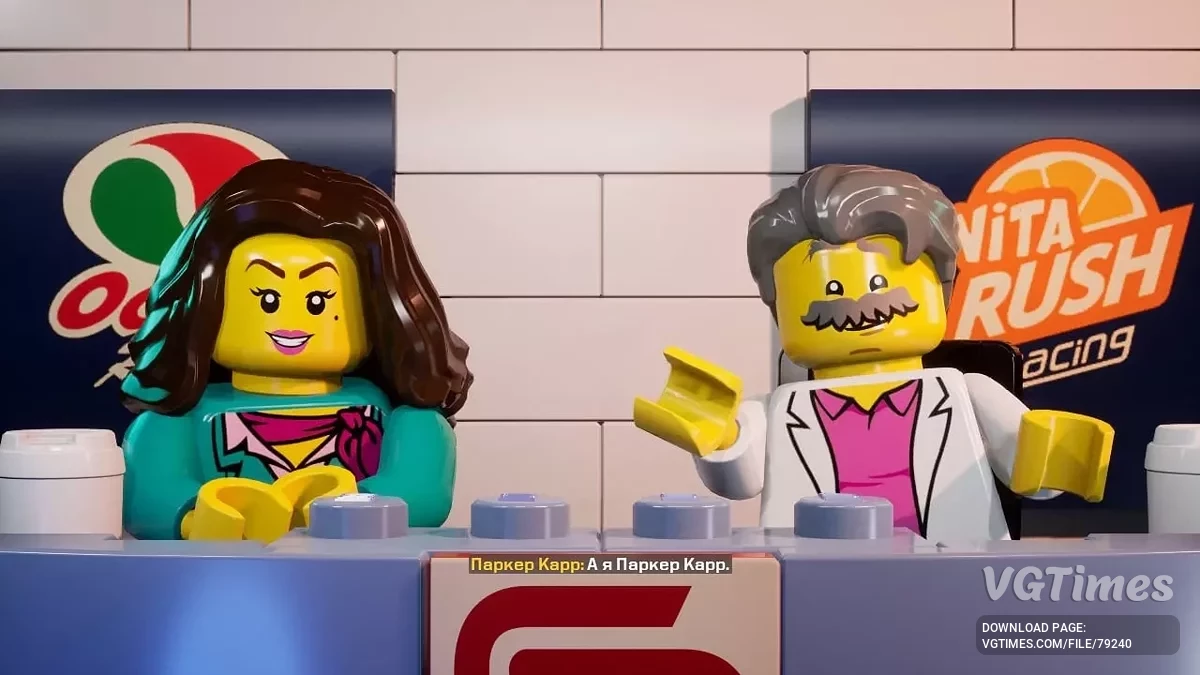
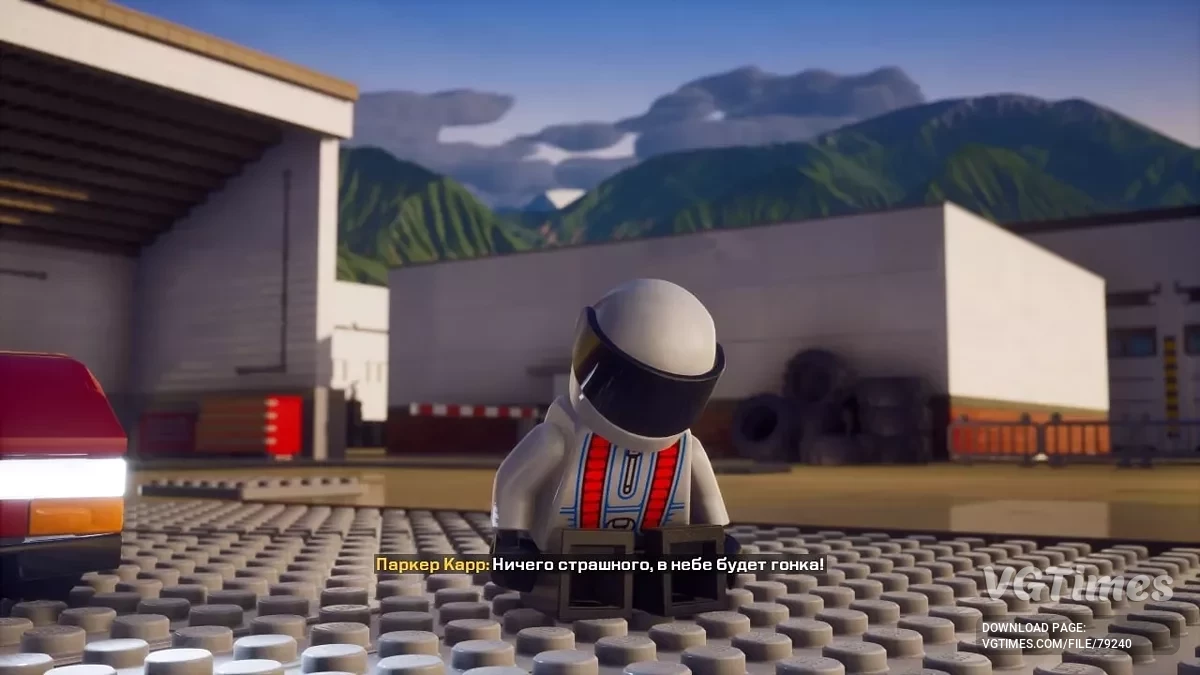

-
Download (603.10 kB)January 19, 2025, 05:24 AMДля Steam-версии [v1.0]rusifikator-teksta-mashinnyjj-perevod_1737253477_310843.7z
-
Download (646.41 kB)January 19, 2025, 05:24 AMДля Switch-версии [v1.0]rusifikator-teksta-mashinnyjj-perevod_1737253477_119310.zip
Version and translation date: 1.0 from 24.12.2023, 1.0 from 18.01.2025.
PC game version for installation: any [Multi].
Switch game version for installation: 0100739018020000 + v1114112 [LayeredFS].
Launchers: Steam.
Machine translation of all in-game text using DeepL. There are places where tags are broken, edits are ongoing.
How to launch on Steam:
- Move the file in the archive to the path LEGO 2K Drive/LEGO2KDrive/Content/Paks;
- In the properties of the shortcut LEGO2KDrive-Win64-Shipping write in the “Target” field: -fileopenlog;
- Launch the game through this shortcut.
How to launch on Switch:
- Copy the contents of the archive to the directory where the main executable file is located.
Версия и дата перевода: 1.0 от 24.12.2023,1.0 от 18.01.2025.
PC-версия игры для установки: любая [Multi].
Switch-версия игры для установки: 0100739018020000 + v1114112 [LayeredFS].
Лаунчеры: Steam.
Машинный перевод всего текста в игре с помощью DeepL. Есть места где поломаны теги, правки ведутся.
Как запустить на Steam:
- Файл в архиве переместить по пути LEGO 2K Drive/LEGO2KDrive/Content/Paks;
- В свойствах ярлыка LEGO2KDrive-Win64-Shipping прописать в поле “Объект”: -fileopenlog;
- Запускать игру через этот ярлык.
Как запустить на Switch:
- Содержимое архива скопировать в каталог, где находится главный исполняемый файл.
Useful links: