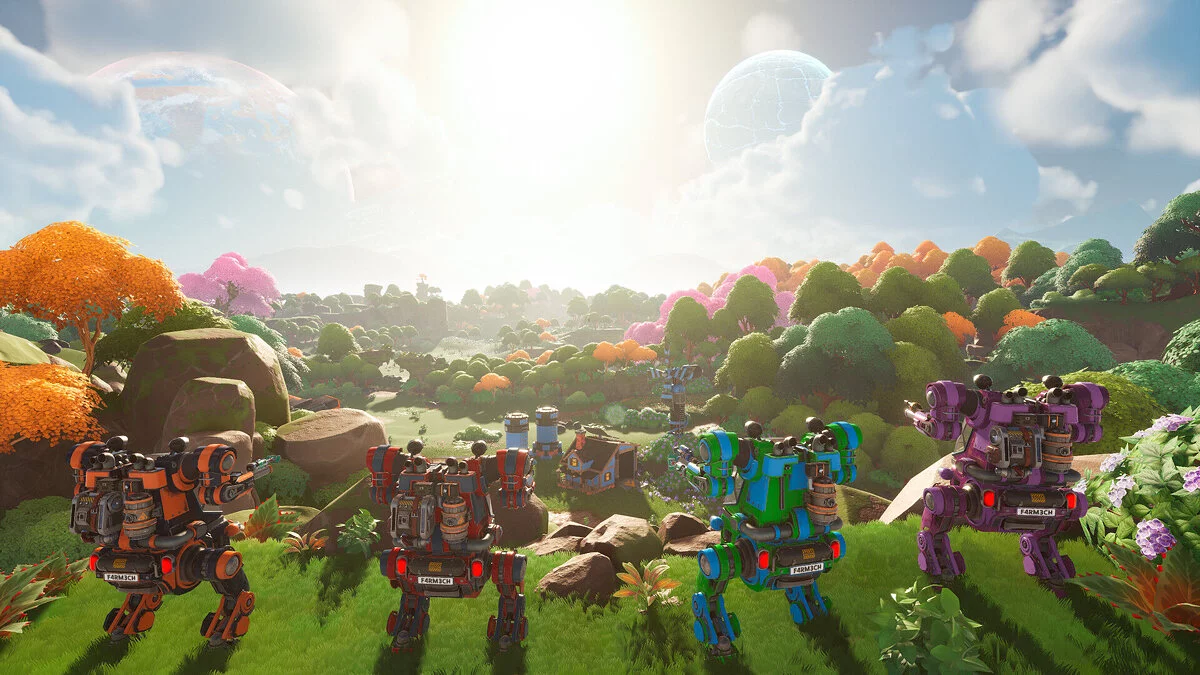
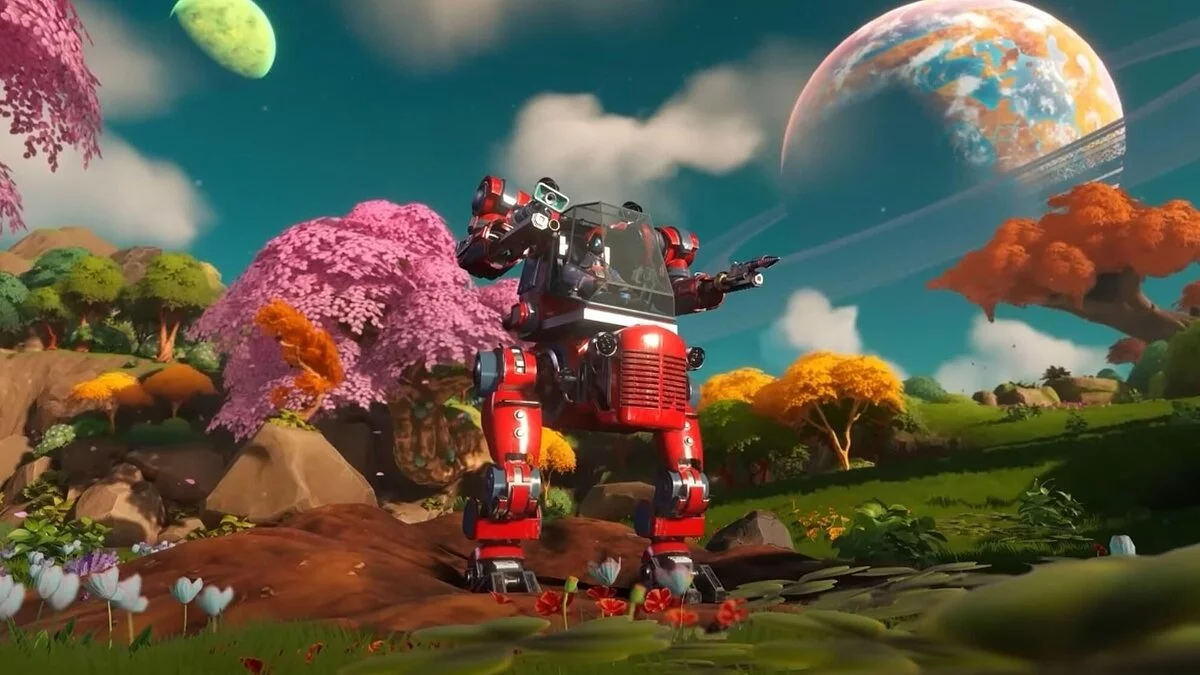
Sandbox with an open world and elements of a farm simulator. Players build their own home on a distant planet on the edge of the galaxy. The huge... Read more
Unified items Spawner (UE4SS)


Author:
PSYC0M0RPH
Uploaded by:

Size:
2.41 kB
Date:
Today, 12:54
Downloads:
0
-
Download in TelegramNo waiting Download2.41 kBNovember 26, 2026, 12:54 PMUnified items Spawnerunified-items-spawner-ue4ss-spavner_1795686886_183658.zip
-
Download in TelegramNo waiting Download5.27 MBNovember 26, 2026, 12:54 PMUE4SS v3.0.1unified-items-spawner-ue4ss-spavner_1795686886_674854.zip
A clean UE4SS item spawner for Lightyear Frontier allowing players to add any item to their inventory drop large world resources right at their feet and top up cash water or fertilizer from a single menu without extra developer tabs.
Key features:
- Full searchable item grid filtering every item seed oil ore and upgrade component in real time.
- Custom item amount selection and crop quality tiers ranging from Poor through Perfect before spawning.
- Integrated large item dropdown at the top of the panel to drop logs crystals boulders and ore deposits directly in front of you.
- Instant cash water and fertilizer controls to add or subtract $100 and $1000 or refill +10L Water and +10L Fertilizer with a single click.
- Clean standalone panel that keeps your screen uncluttered during gameplay.
Controls:
- Shift+F4 — Toggle the Item Spawner panel open or closed while loaded into a save.
Requirements:
- UE4SS version 3.0.1 or newer.
Installation instructions:
- Download the latest UE4SS version 3.0.1 or newer from the official UE4SS GitHub Releases page.
- Open your game binary directory at Steam/steamapps/common/Lightyear Frontier/FarMech/Binaries/Win64/ and extract the UE4SS zip contents including dwmapi.dll and the ue4ss folder directly there.
- Launch the game once to the main menu so UE4SS generates its Mods folder then close the game.
- Download ItemSpawner and extract it into FarMech/Binaries/Win64/Mods/ or ue4ss/Mods/ on UE4SS v4 so the itemspawner folder contains enabled.txt and scripts/main.lua.
- Launch Lightyear Frontier load into your save and press Shift+F4 to open the panel.
Useful links: