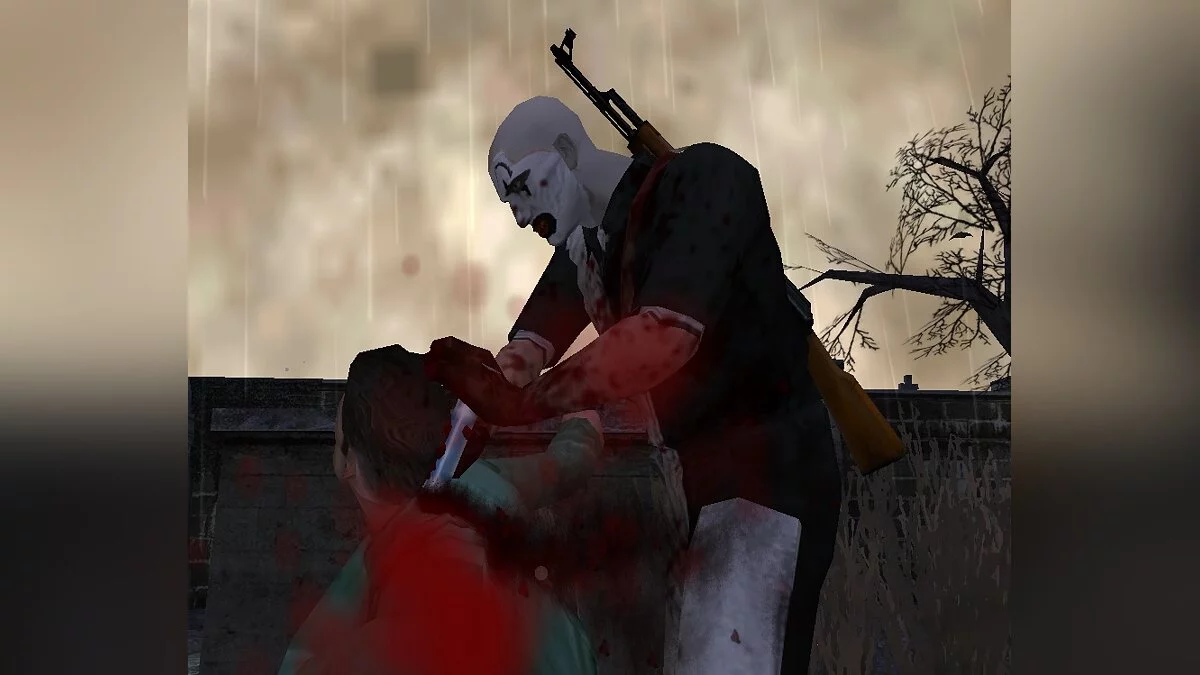
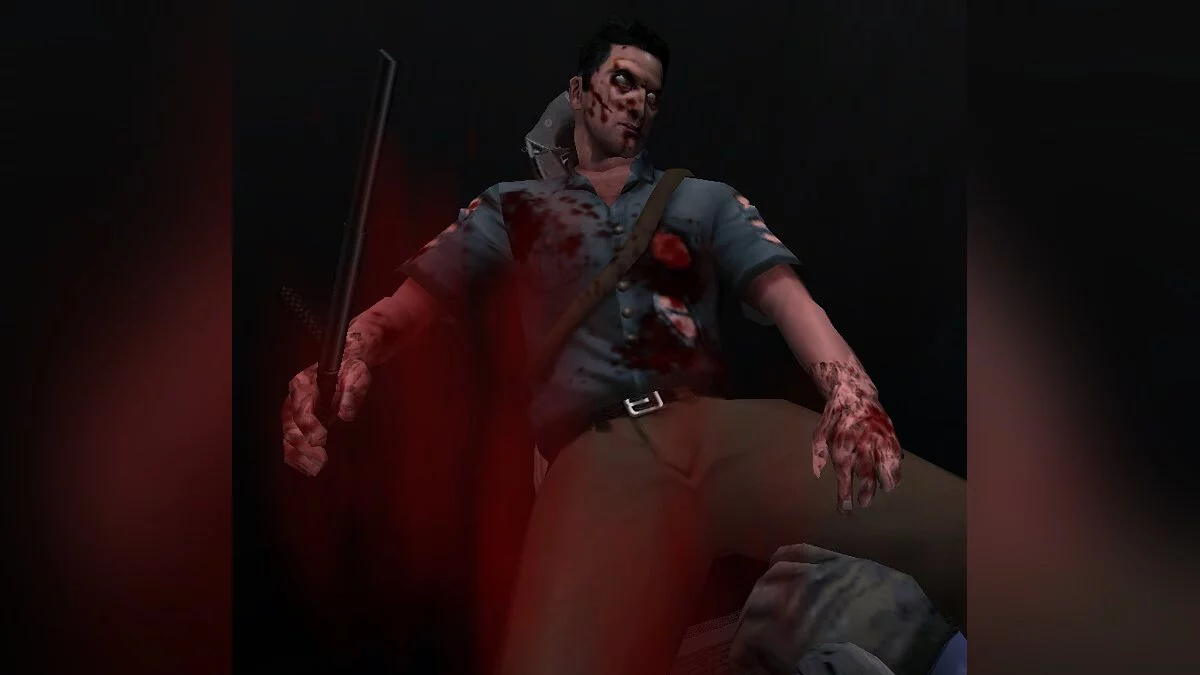
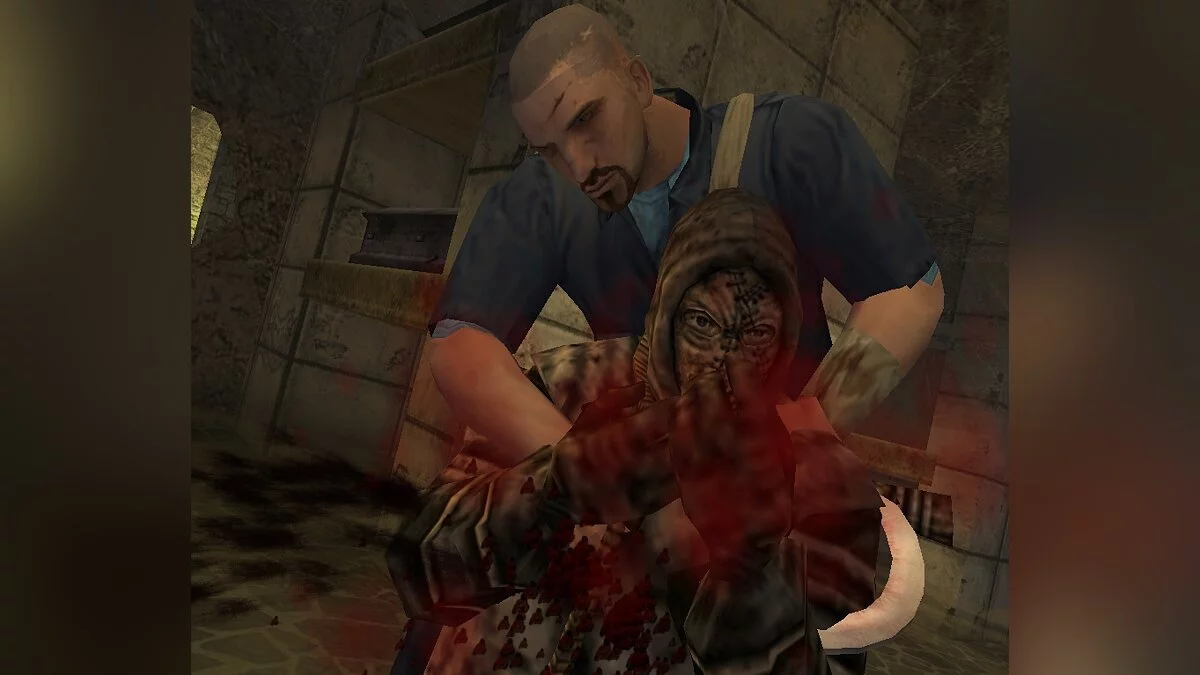
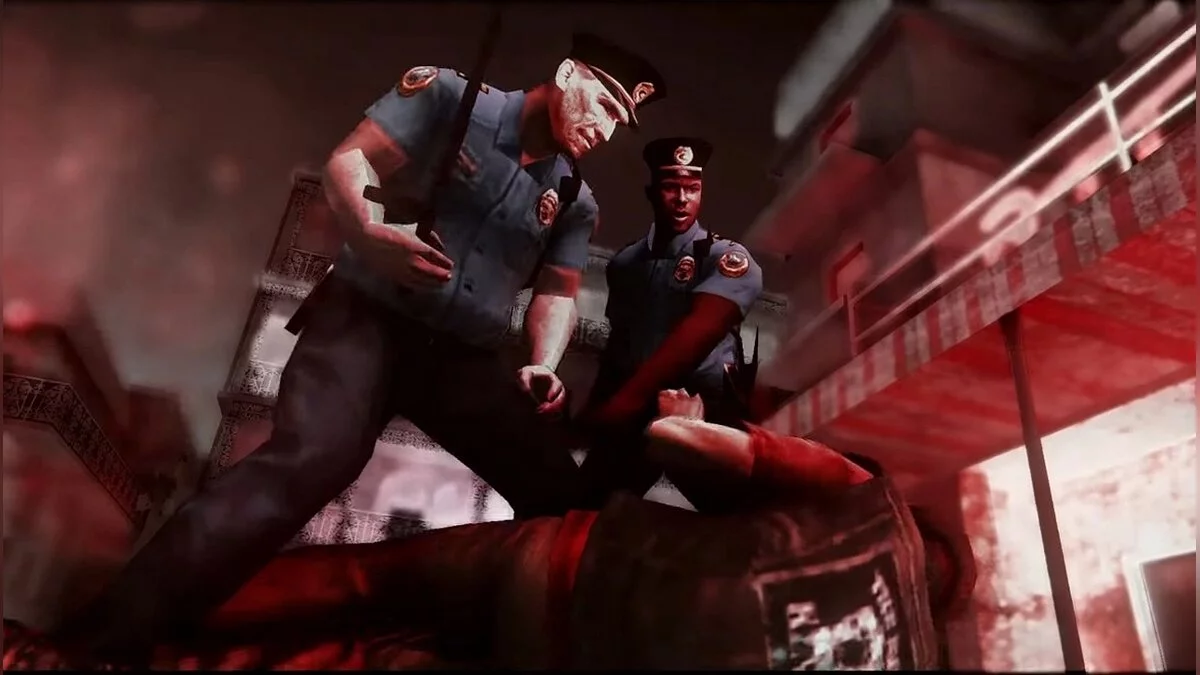
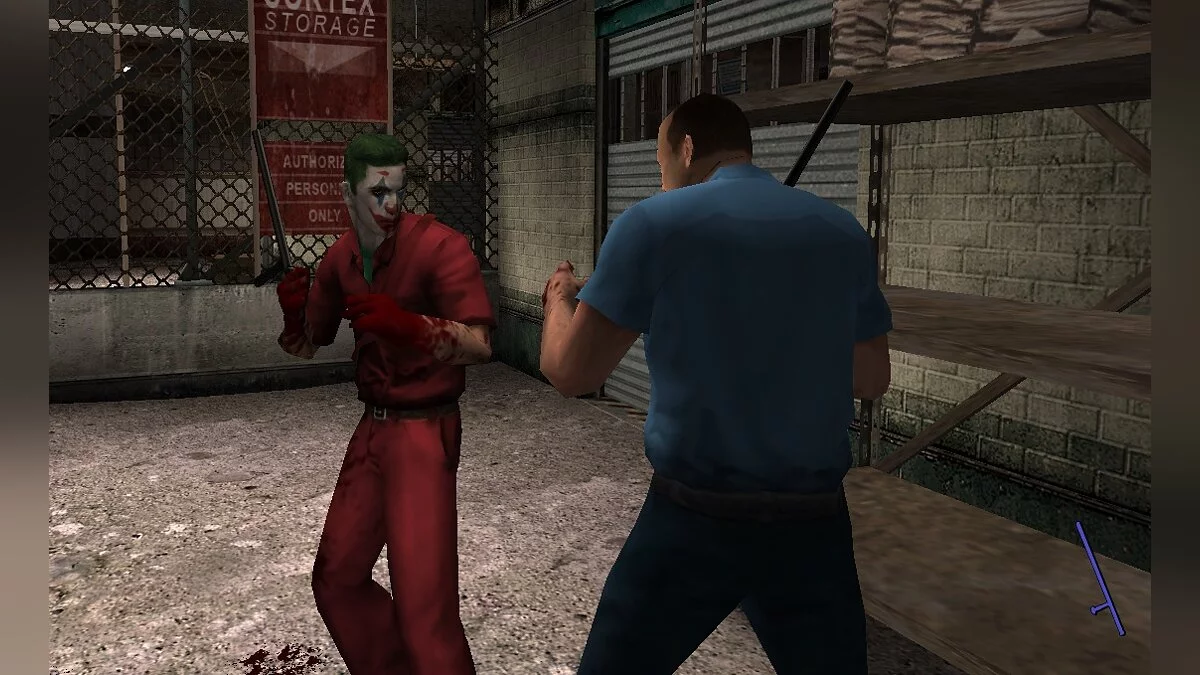
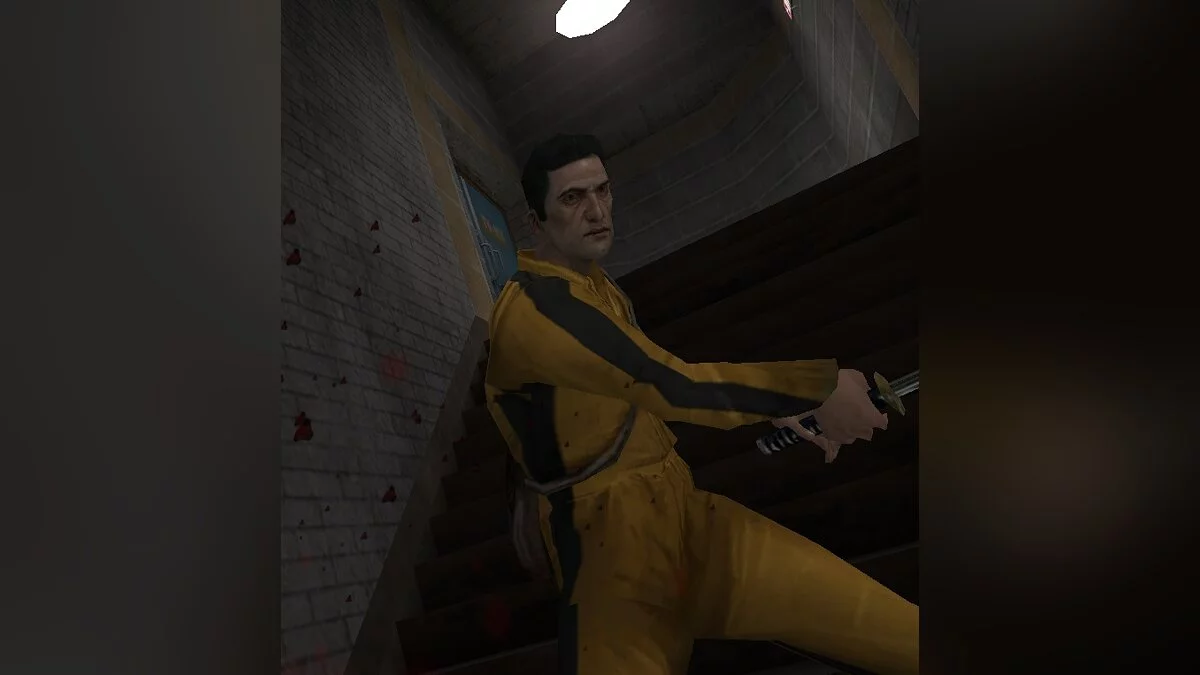
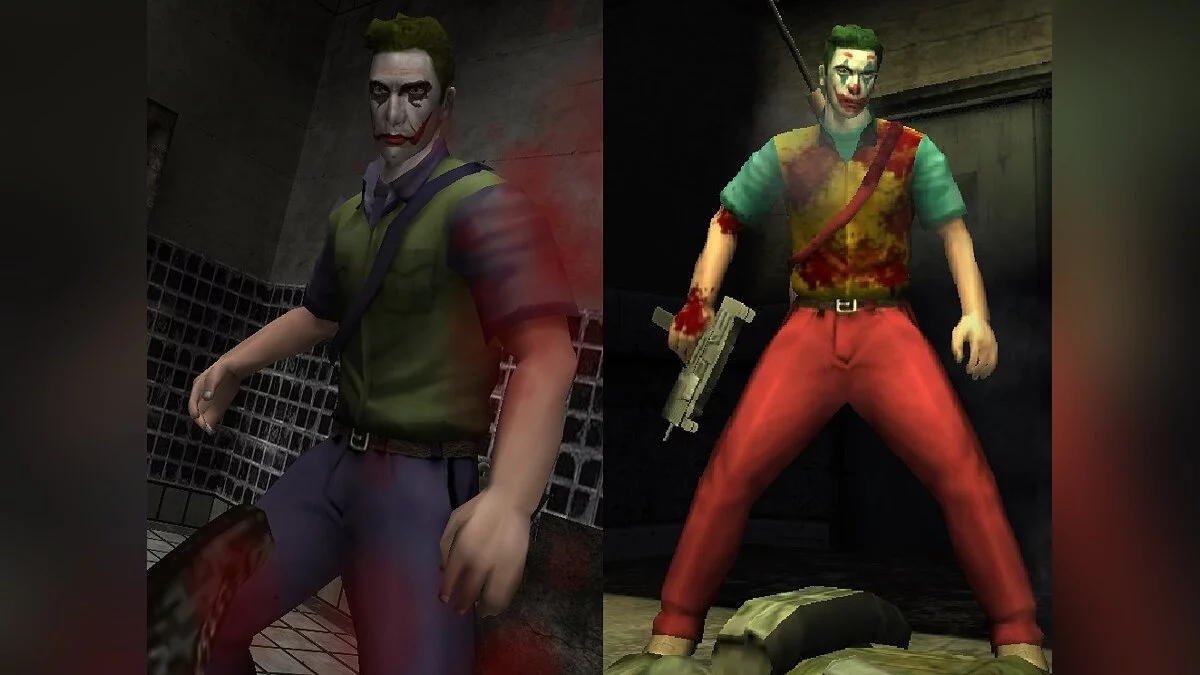
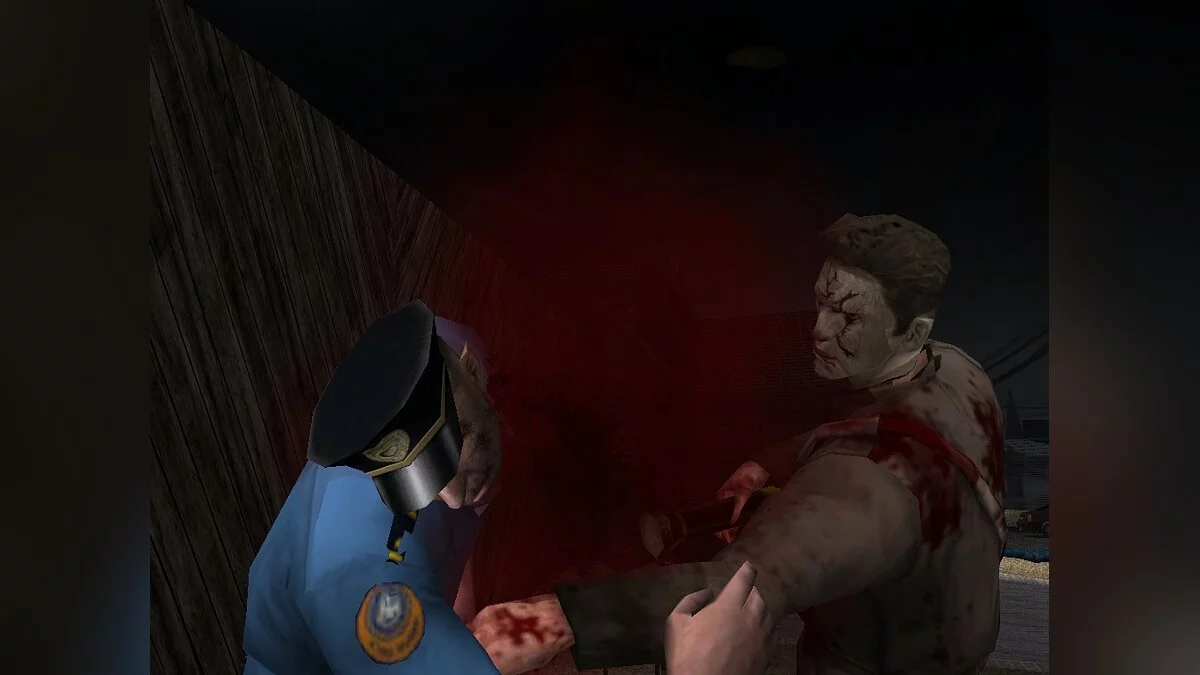
Manhunt 2 is a continuation of the scandalous action game with a third-person view and horror elements. During secret laboratory tests, a fatal mistake occurred... Read more
The Clearest Image
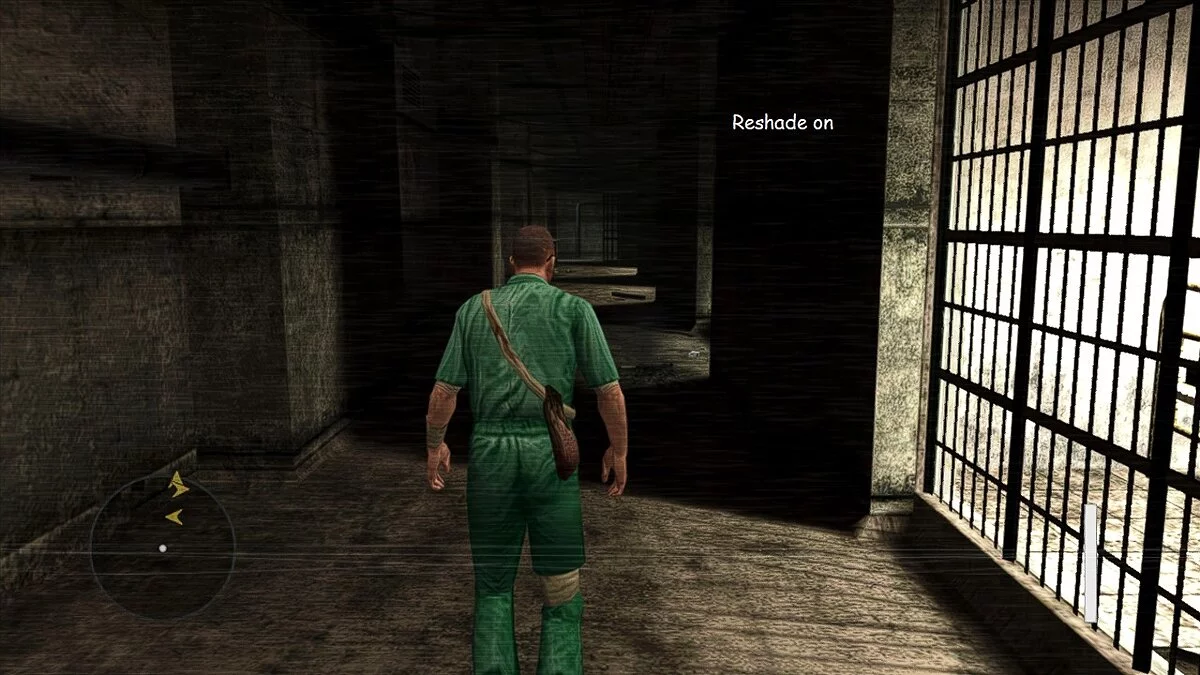
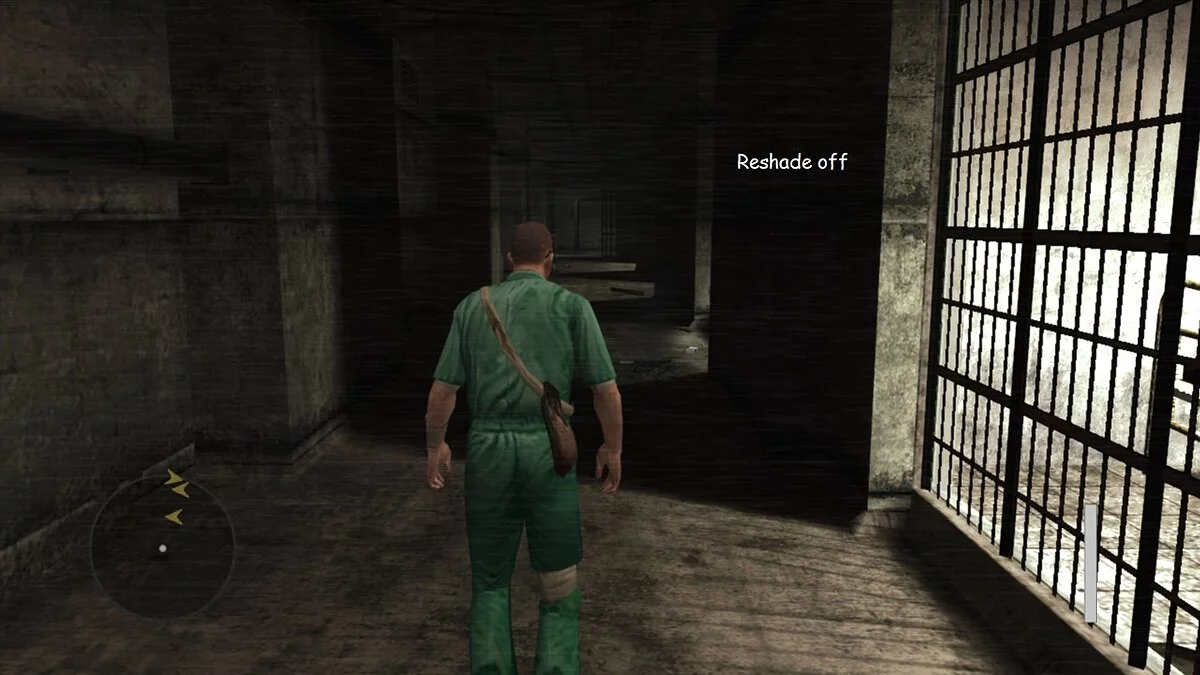
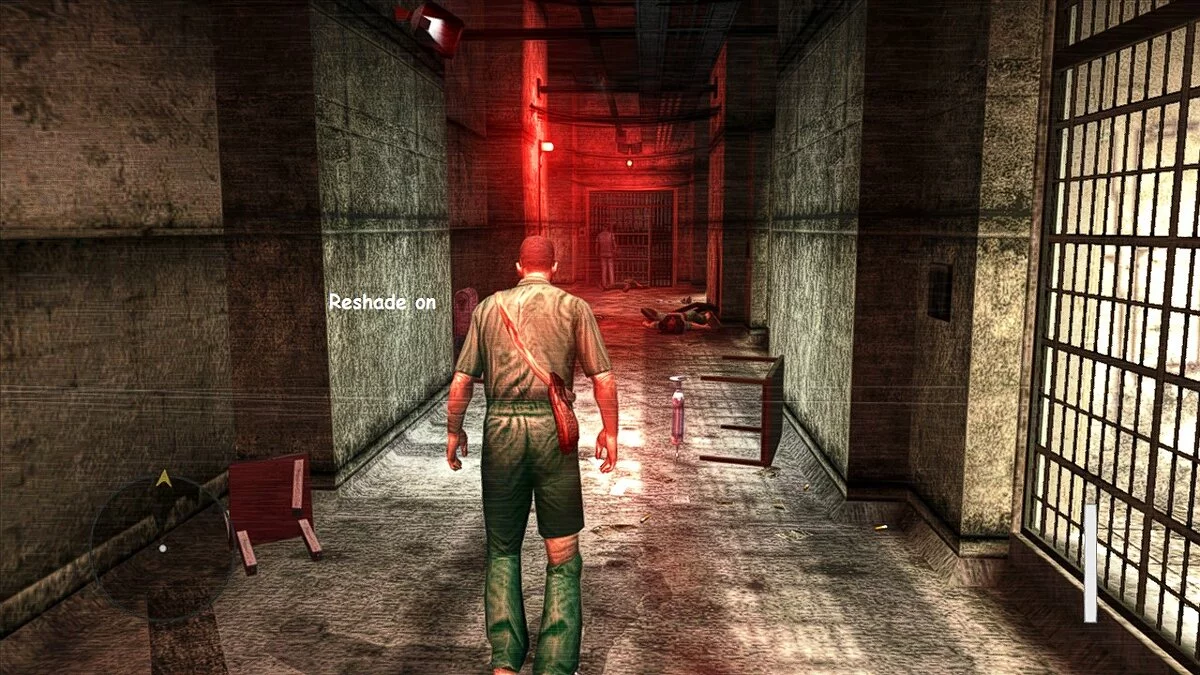
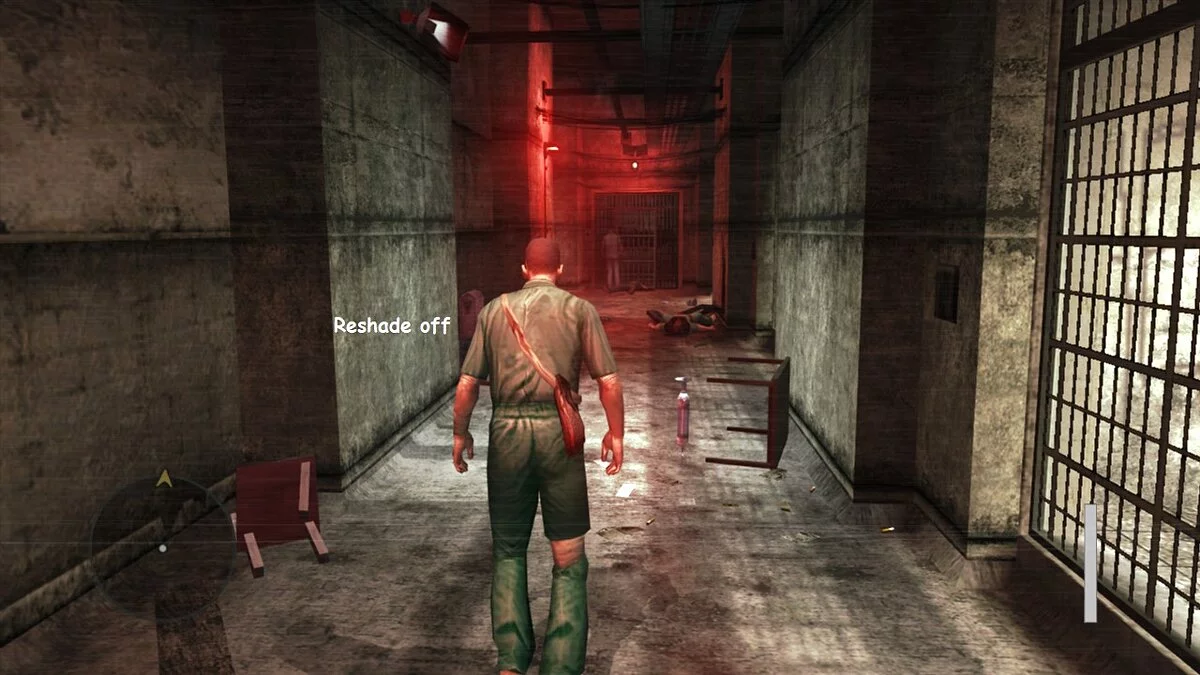

-
www.nexusmods.comDownload
StixsworldHD's HD-4K Experience.
This mod/preset is designed to help you achieve the clearest and cleanest image possible in your game, without forcing anything onto your graphics card and significantly reducing performance.
Installation:
1 Go to https://reshade.me/ and download the latest version
2 Run the file after the download is complete
3 Click 'Click here to select a game and manage its ReShade installation'.
4 Either wait and click the game in the automatic search, or click the button in the bottom right corner 'Browse...' and find the game's executable file. Example: Manhunt2.exe
5 When prompted 'What rendering API does Manhunt2 use?' select 'Direct3D 9'.
6 Check 'Standard Effects', 'SweetFX by Ceejay.dk', and 'qUINT by Marty McFly'.
7 Click 'OK'
8 I highly recommend clicking 'Change ReShade settings'.
9 Then check 'Skip tutorial', then 'OK'.
10 Close the ReShade installer
11 Download my mod/preset and simply extract it to where you installed ReShade or where the game's executable file is located.
StixsworldHD's HD-4K Experience.
Этот мод/предустановка разработана, чтобы помочь вам получить самое четкое и чистое изображение, которое вы можете получить в своей игре, без необходимости навязывать что-либо вашему графическому процессору и сильно снижая производительность.
Установка:
1 Перейдите на https://reshade.me/ и загрузите последнюю версию
2 Запустите файл после завершения загрузки
3 Нажмите «Нажмите здесь, чтобы выбрать игру и управлять ее установкой ReShade».
4 Либо подождите и щелкните игру в автоматическом поиске, либо нажмите кнопку в правом нижнем углу «Обзор ...» и найдите исполняемый файл игры. Пример: Manhunt2.exe
5 При появлении вопроса «Какой API рендеринга использует Manhunt2?» выберите «Direct3D 9».
6 Отметьте «Стандартные эффекты», «SweetFX от Ceejay.dk» и «qUINT от Marty McFly».
7 Нажмите «ОК»
8 Я настоятельно рекомендую нажать «Изменить настройки ReShade».
9Затем отметьте «Пропустить учебник», затем «ОК».
10 Закрыть установщик ReShade
11 Загрузите мой мод/пресет и просто извлеките его туда, где вы установили ReShade или где находится исполняемый файл игры.
Useful links:
![Manhunt 2 — Trainer (+5) [1.0]](https://files.vgtimes.com/download/posts/2022-11/thumbs/1669028451_2022-11-21_135954.webp)