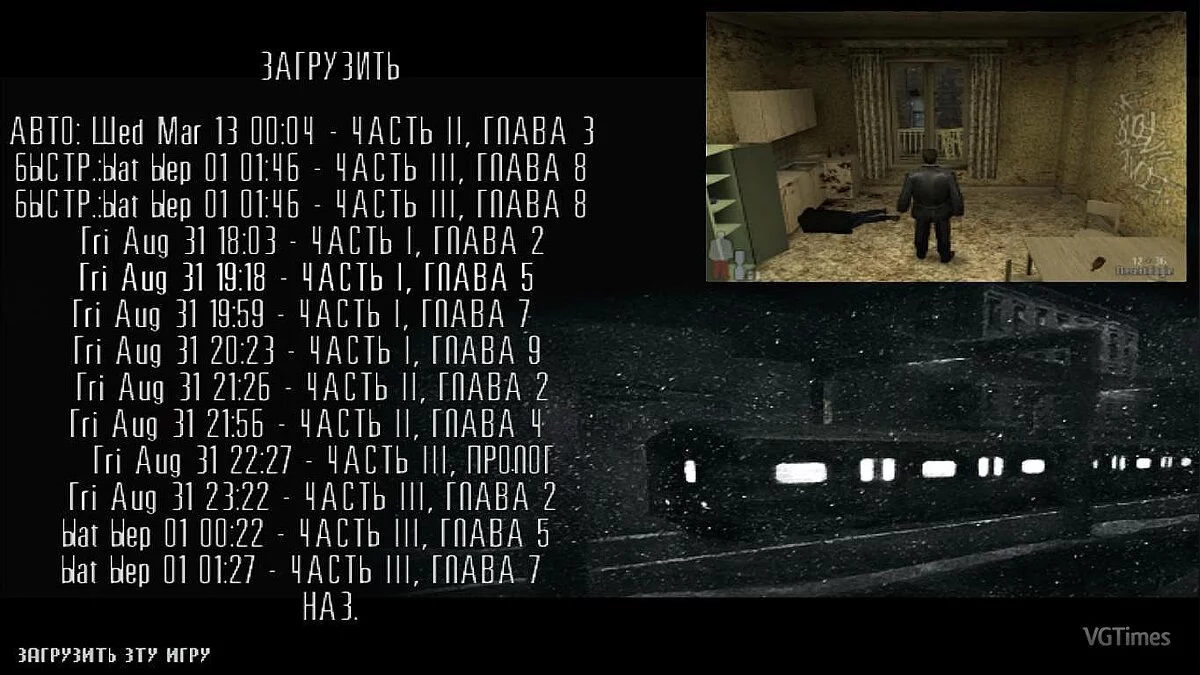
Max Payne is a cinematic action-adventure game with a third-person view. The main character of the game is Max Payne, a fair cop who single-handedly... Read more
Plugin for Working with MPM and RAS Archives in 7-Zip


-
Download in TelegramNo waiting Download31.40 kBNovember 10, 2026, 11:51 PMplagin-dlja-raboty-s-mpm-i-ras_1794343909_632058.zip
This 7-Zip plugin lets you view and edit MPM (modifications) and RAS (in-game resources) files from Max Payne.
The plugin was created using GPT-6 Astra, based on the official RasMaker utility for working with these formats. Its main advantage is the convenience of managing archives directly through the 7-Zip interface, without needing to use the old console utility.
Installation:
- Close 7-Zip;
- Copy the file x64\MaxPayneMPM.dll to the C:\Program Files\7-Zip\Formats folder;
- Launch 7-Zip.
Requirements:
- Windows;
- 7-Zip x64;
- .NET Framework 4.x.
No additional DLL files are required.
Данный плагин для 7-Zip позволяет просматривать и редактировать файлы форматов MPM (модификации) и RAS (внутриигровые ресурсы) из игры Max Payne.
Плагин создан с использованием GPT-6 Astra на основе официальной утилиты RasMaker, предназначенной для работы с указанными форматами. Главное преимущество — удобная работа с архивами непосредственно через интерфейс 7-Zip без необходимости использовать старую консольную утилиту.
Установка:
- Закрыть 7-Zip;
- Скопировать файл x64\MaxPayneMPM.dll в папку C:\Program Files\7-Zip\Formats;
- Запустить 7-Zip.
Требования:
- Windows;
- 7-Zip x64;
- .NET Framework 4.x.
Дополнительные DLL-файлы не требуются.
Useful links: