Metal Gear Solid 5: The Phantom Pain is a continuation of the third-person stealth action adventure in the Metal Gear Solid series. Nine years have passed since the... Read more
Fatigue and Exhaustion


-
www.nexusmods.comDownload
Fatigue and Exhaustion.
Adds more penalties for being in the field for too long.
Features:
There are 4 levels of exhaustion: Refreshed, Tired, Very Tired, and Exhausted.
- Refreshed (from 0 to 1 day) — nothing happens.
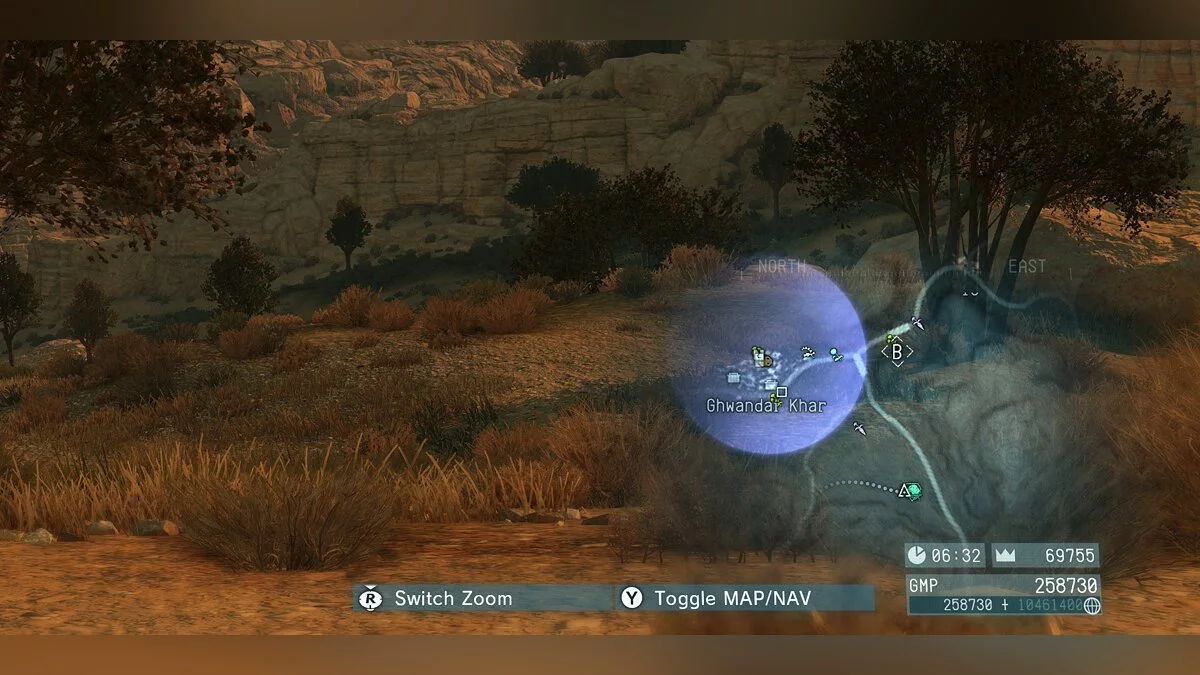
- Tired (from 1-2 days) — custom markers stop appearing, Snake moves 10% slower.
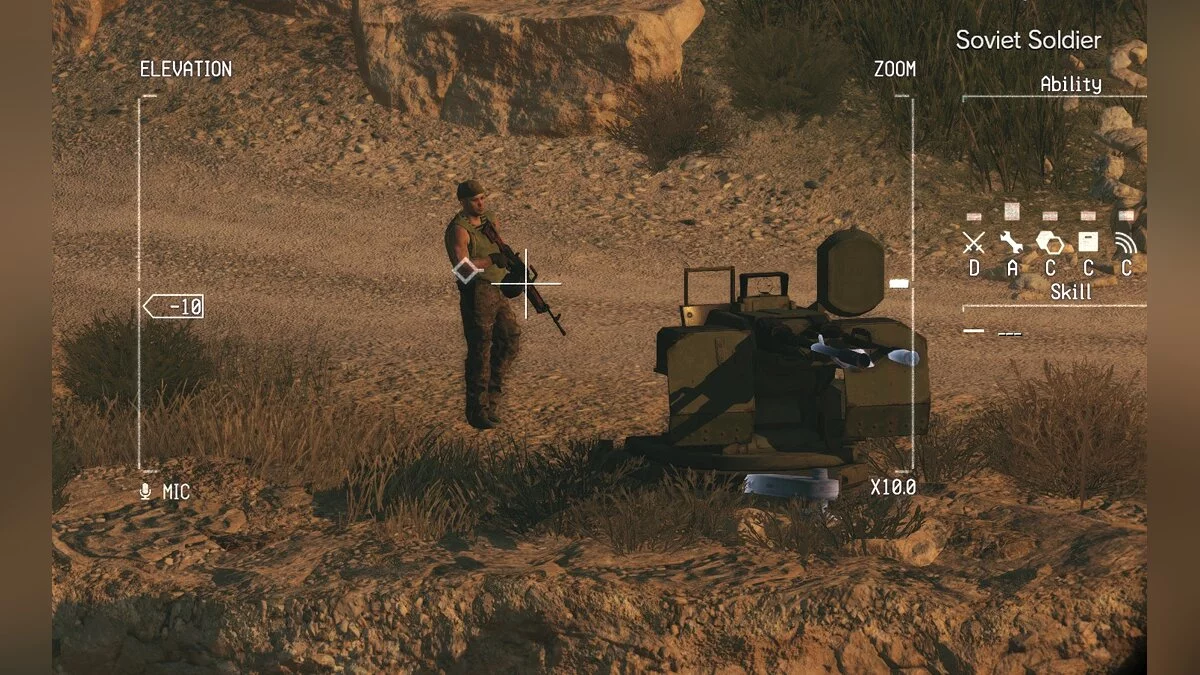
- Very Tired (from 2-3 days) — custom markers, markers above enemies, vehicles, mortars, etc. stop appearing, Snake moves 20% slower.
- Exhausted (from 3 days) — custom markers, markers above enemies, vehicles, mortars, etc. stop appearing, Snake moves 30% slower.
Status can be checked by pressing "reload" while in a cardboard box.
Installation:
Step 1: download the file,
Step 2: extract it,
Step 3: go to the game directory,
Step 4: go to the '' mod '' folder,
Step 5: place Fatigue.lua in the modules folder,
Step 7: disable Reflex Mode in the game settings if using the experimental version.
Fatigue and Exhaustion.
Добавляет больше минусов за то, что вы слишком долго находитесь в полевых условиях.
Особенности:
Есть 4 уровня истощения: Обновленный , Усталый , Очень уставший и Измученный.
- Обновленный (от 0 до 1 дня) — ничего не происходит.
- Усталый (от 1-2 дней) — пользовательские маркеры перестают отображаться, Снейк движется на 10% медленнее.
- Очень уставший (от 2-3 дней) — пользовательские маркеры, маркеры над врагами, транспортные средства, минометы и т. д. перестают отображаться, Снейк движется на 20% медленнее.
- Измученный (с 3-х дней) — пользовательские, маркеры над врагами, транспортные средства, минометы и т. д. перестают отображаться, Снейк движется на 30% медленнее.
Статус можно проверить, нажав «перезагрузка», находясь в картонной коробке.
Установка:
шаг 1: скачать файл,
шаг 2: извлечь его,
шаг 3: перейти в каталог с игрой,
шаг 4: перейти в папку '' mod '',
шаг 5: поместить Fatigue.lua в папку modules,
шаг 7: отключите Reflex Mode в настройках игры, если используете экспериментальную версию
Useful links:
![Metal Gear Solid 5: The Phantom Pain — Trainer (+21) [1.05 I Fixed] [LinGon]](https://files.vgtimes.com/download/posts/2017-08/thumbs/1501783076_png.webp)
![Metal Gear Solid 5: The Phantom Pain — Trainer (+16) [1.01 - 1.05] [Abolfazl.k]](https://files.vgtimes.com/download/posts/2017-08/thumbs/1501782586_jpg.webp)
![Metal Gear Solid 5: The Phantom Pain — Trainer (+22) [1.0.1.0 - 1.0.4.0] [FLiNG]](https://files.vgtimes.com/download/posts/2017-08/thumbs/1501782815_png.webp)
![Metal Gear Solid 5: The Phantom Pain — Trainer (+14) [1.02] [DNA / HoG]](https://files.vgtimes.com/download/posts/2017-08/thumbs/1501782937_jpg.webp)
![Metal Gear Solid 5: The Phantom Pain — Trainer (+14) [1.08] [MrAntiFun]](https://files.vgtimes.com/download/posts/2017-08/thumbs/1502212506_1502212470_675.webp)
![Metal Gear Solid 5: The Phantom Pain — Trainer (+26) [v1.02 / Update 6] [LinGon]](https://files.vgtimes.com/download/posts/2017-08/thumbs/1501782950_png.webp)
![Metal Gear Solid 5: The Phantom Pain — Trainer (+26) [1.09: Updated Version] [LinGon]](https://files.vgtimes.com/download/posts/2017-08/thumbs/1501782308_jpg.webp)
![Metal Gear Solid 5: The Phantom Pain — Trainer (+14) [1.04] [MrAntiFun]](https://files.vgtimes.com/download/posts/2017-08/thumbs/1501782828_png.webp)
![Metal Gear Solid 5: The Phantom Pain — Table for Cheat Engine [UPD: 23.08.2024]](https://files.vgtimes.com/download/posts/2024-08/thumbs/tablica-dlja-cheat-engine-upd-23-08-2024_1724917685_31409.webp)