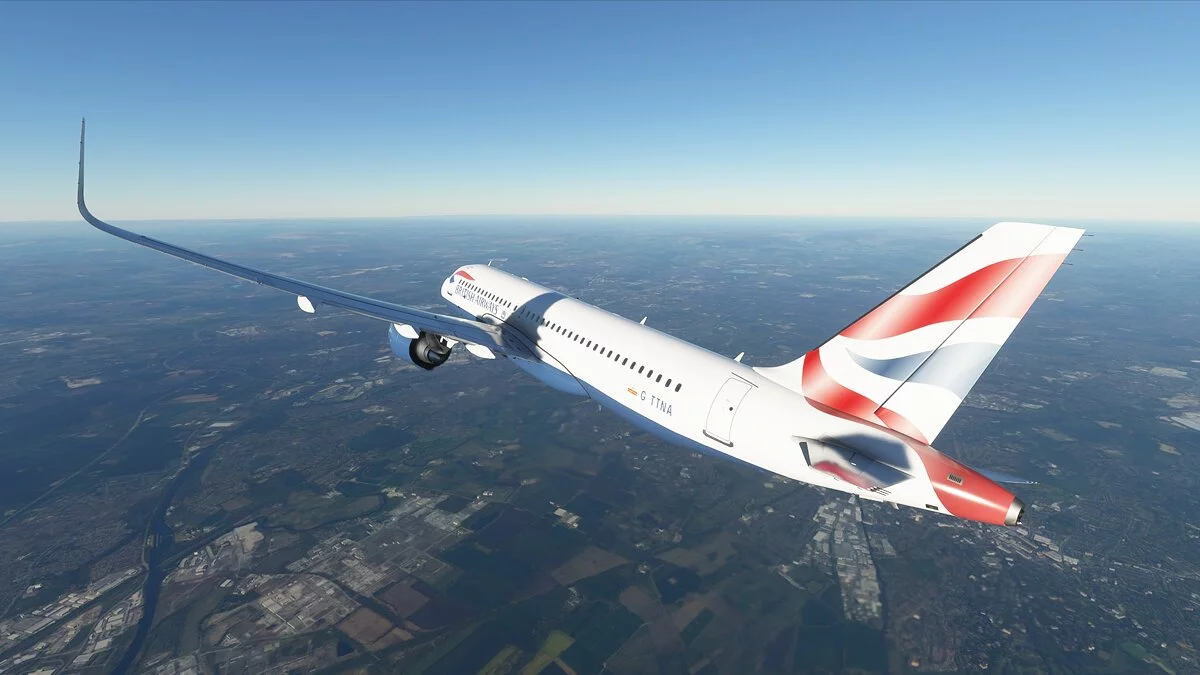
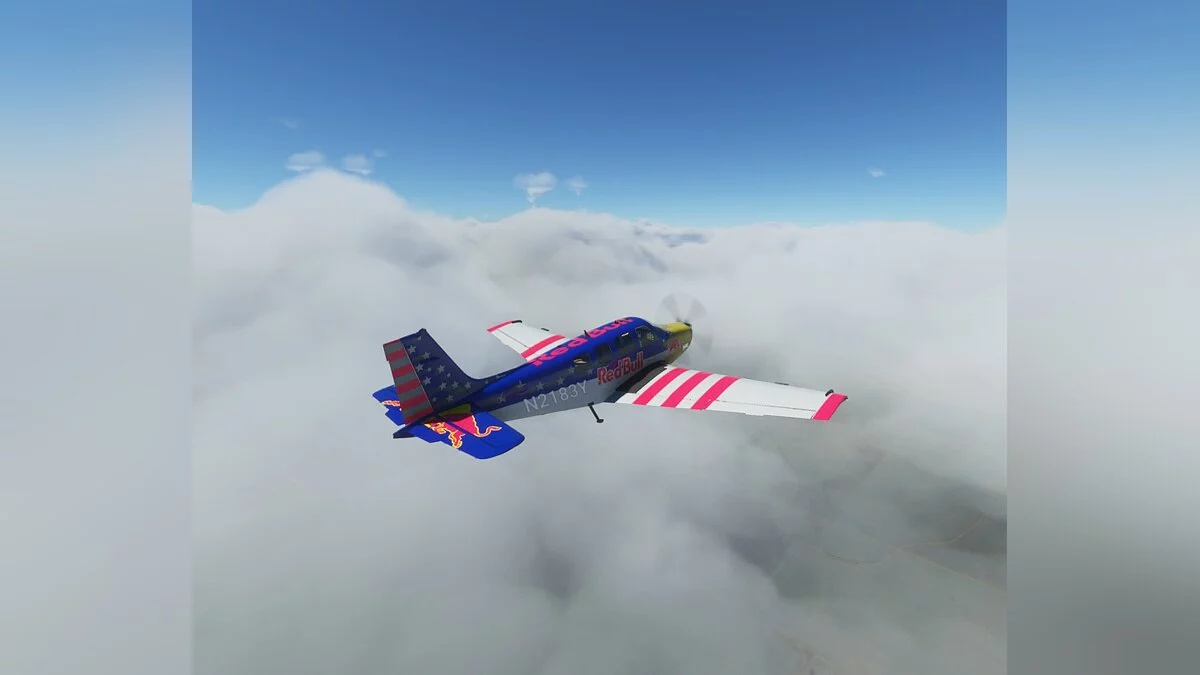
Microsoft Flight Simulator is a continuation of the series of old-school airplane piloting simulators. The new part of the game includes flying vehicles from light... Read more
Graphics Enhancement
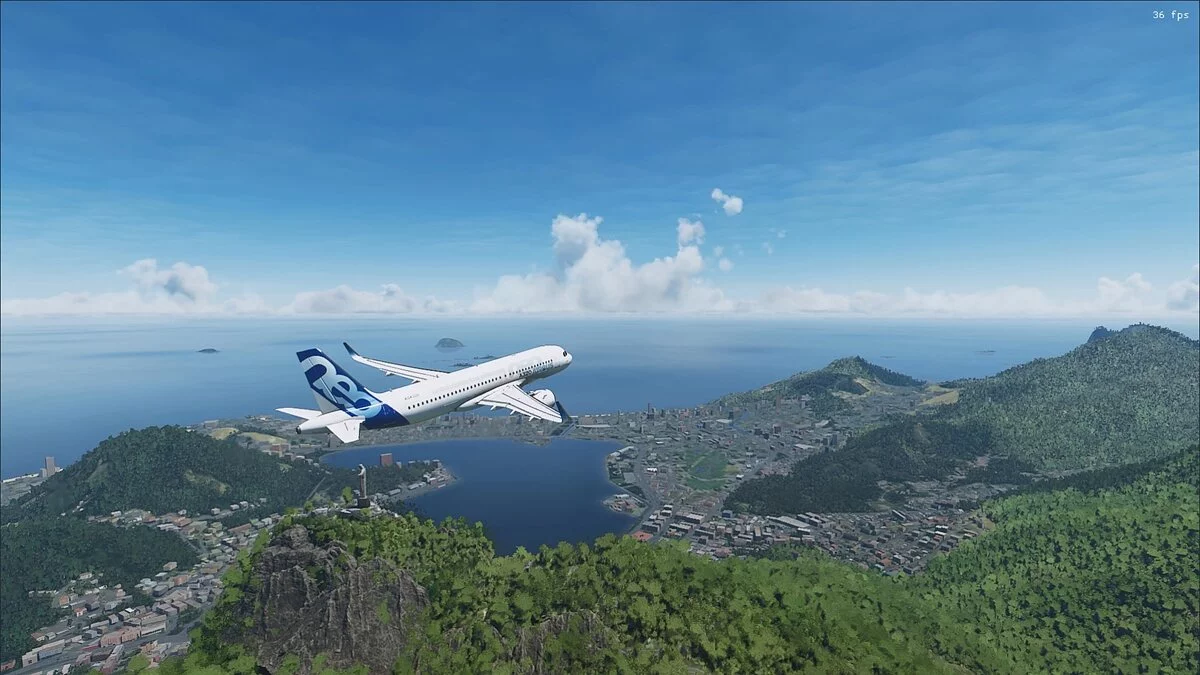
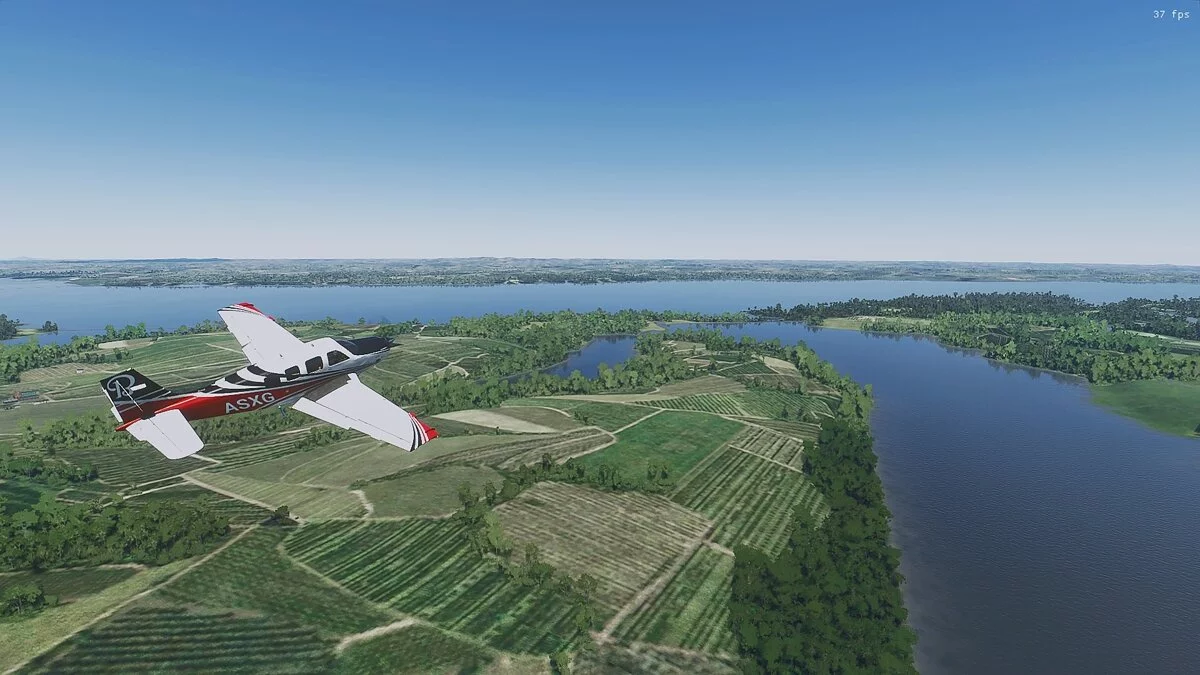
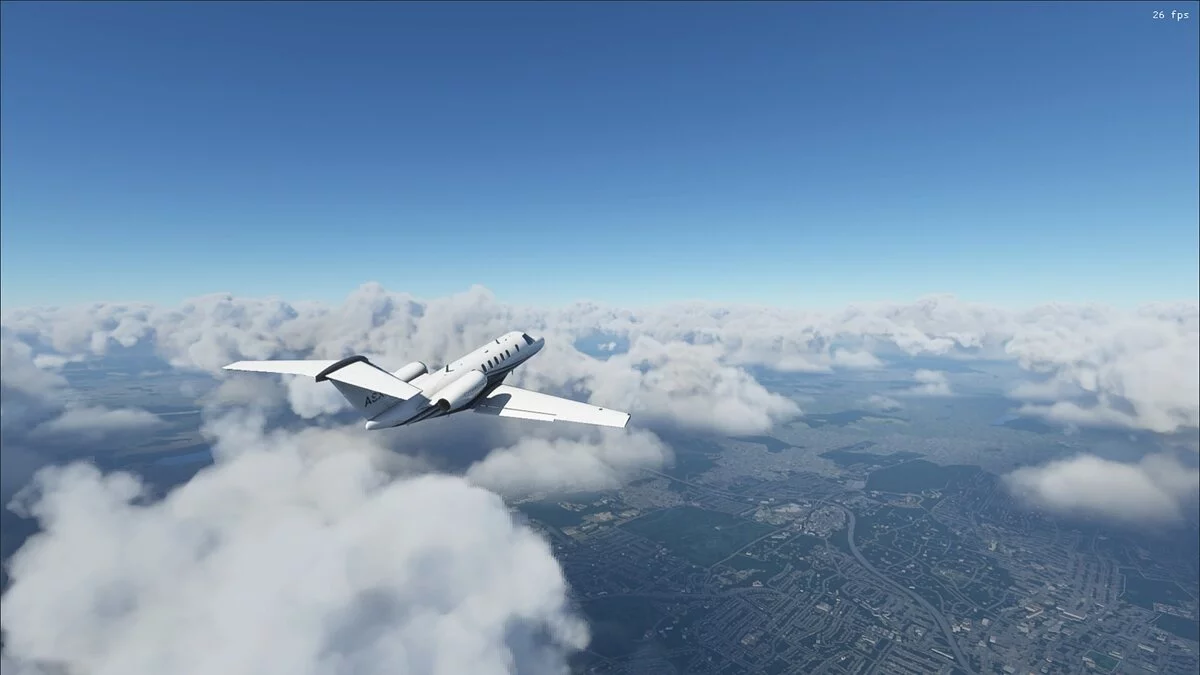
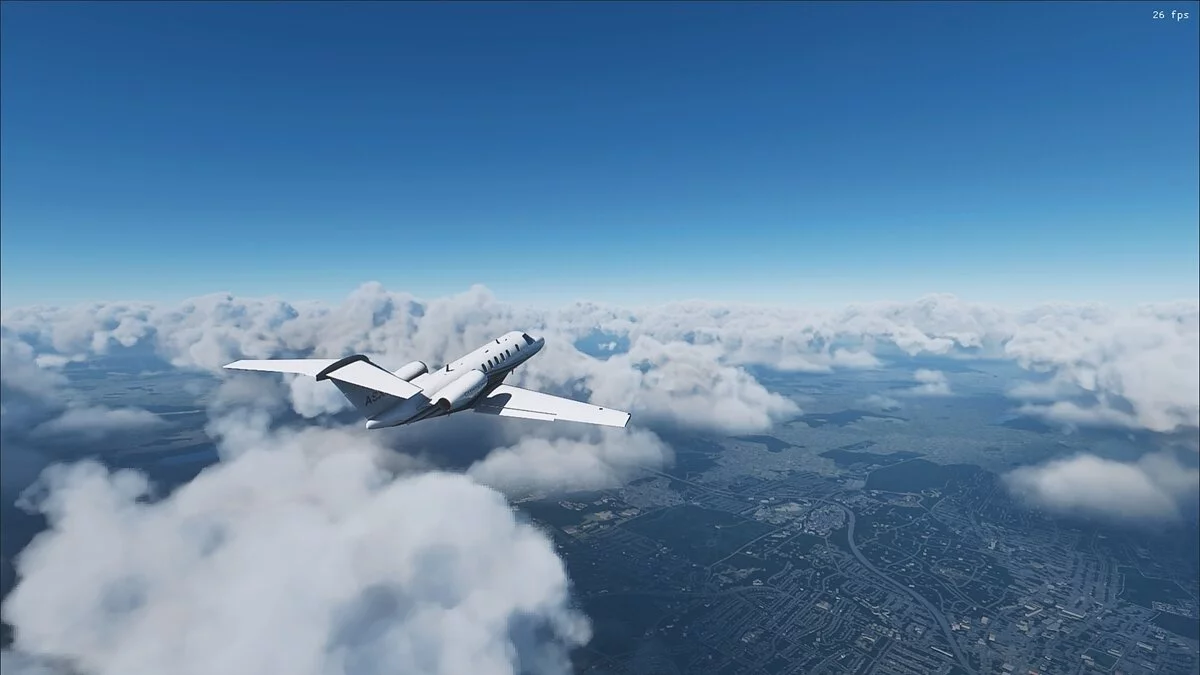

-
www.nexusmods.comDownload
UHG Reshade.
This mod enhances graphics and improves colors. Installation using Reshade 4.8.2.
Installation:
1. Remove all previous reshade files you have (reshade-shaders (folder), dxgi.dll, dxgi.txt, ReShade.ini, and any other preset files). Download and install Reshade 4.8.2, install only the standard effects package with all effects (ReShade_Setup_4.8.2 — https://reshade.me/downloads/ReShade_Setup_4.8.2.exe ).
2. Download my reshade file and extract the file from the archive to the main directory of Microsoft Flight Simulator, where the FlightSimulator.exe file is located.
3. Launch the game, open the Reshade menu by clicking Home, then click on the long bar at the top of the Reshade menu and select the file with my preset to activate it.
4. Enjoy.
UHG Reshade.
Этот мод улучшает графику и улучшает цвета. Установка с помощью Reshade 4.8.2.
Установка:
1. Удалите все предыдущие файлы reshade, которые у вас есть (reshade-shaders (папка), dxgi.dll, dxgi.txt, ReShade.ini и все другие файлы предустановок). Скачайте и установите Reshade 4.8.2, установите только пакет стандартные эффекты со всеми эффектами (ReShade_Setup_4.8.2 — https://reshade.me/downloads/ReShade_Setup_4.8.2.exe ).
2. Загрузите мой файл reshade и извлеките файл из архива в главный каталог Microsoft Flight Simulator, где находится файл FlightSimulator.exe.
3. Запустите игру, откройте меню Reshade, щелкнув Home, затем нажмите на длинную полосу в верхней части меню Reshade и выберите файл с моим пресетом, чтобы активировать его.
4. Наслаждайтесь.
Useful links: