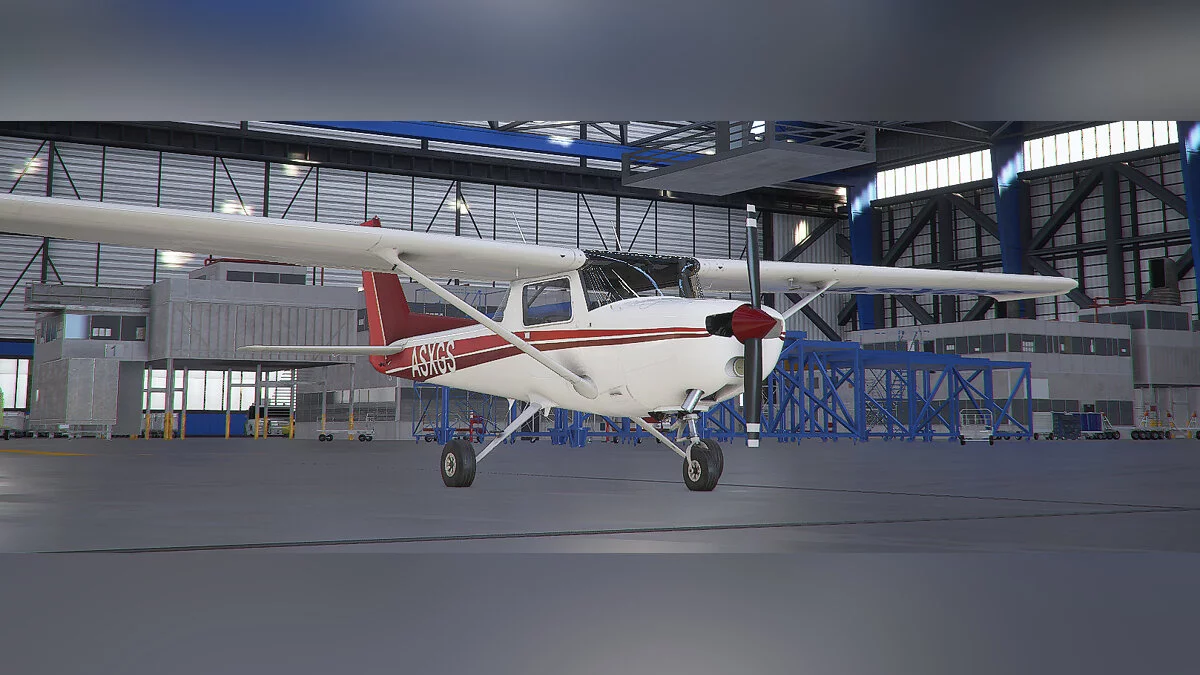
![Microsoft Flight Simulator — Cheat Engine Table [UPD: 22.11.2022] / Tables / Cheats](https://files.vgtimes.com/si/gameprev_61270_768_1686557083.webp "Microsoft Flight Simulator — Cheat Engine Table [UPD: 22.11.2022] / Tables / Cheats")
Microsoft Flight Simulator is a continuation of the series of old-school airplane piloting simulators. The new part of the game includes flying vehicles from light... Read more
Cheat Engine Table [UPD: 22.11.2022]
![Microsoft Flight Simulator — Cheat Engine Table [UPD: 22.11.2022]](https://files.vgtimes.com/download/posts/2022-11/thumbs/1669193868_qh3f5k0d.webp)

-
1669193824_flightsimulator_1.rarDownload (5.48 kB)
Script to manipulate the time of day
Script to eliminate the annoying white dot in the center of the screen
Script for stable exterior cameras (no swaying)
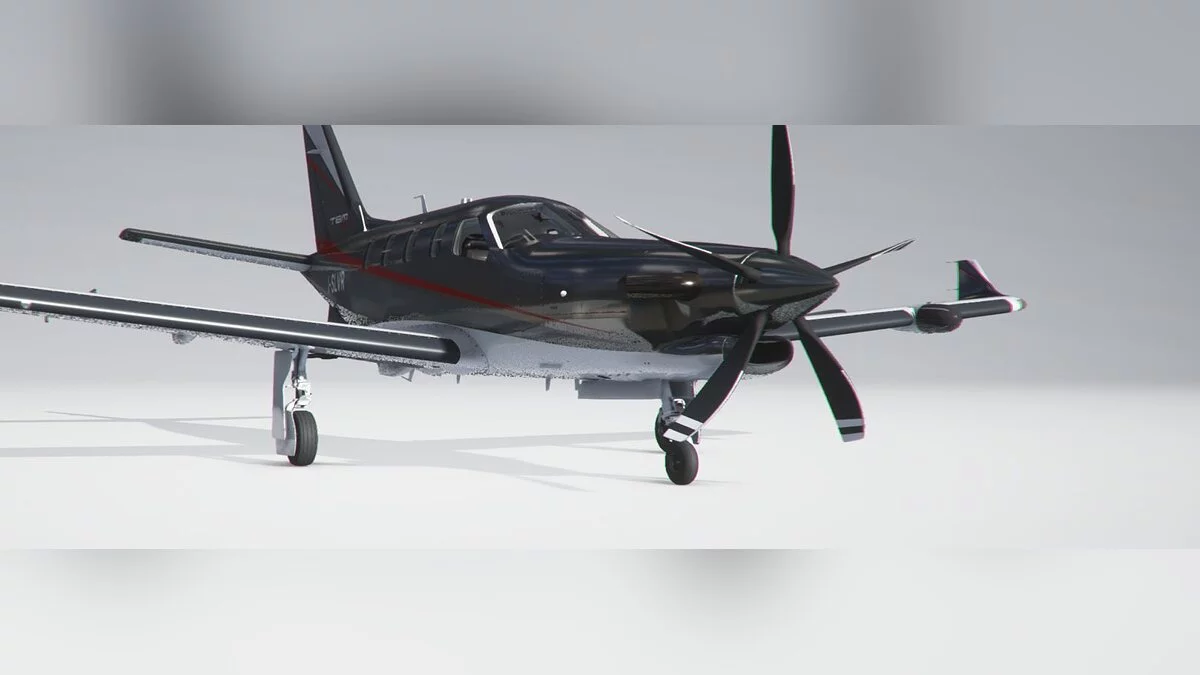
"Warm" (adjustable) interior lights for TBM930
Scripts to modify Exposure/Saturation/Contrast and overall screen RGB settings
Launch process:
Start Cheat Engine, "Load" and select the table
"Select a process to open", choose the desired process.
Select the desired option and check it.
Script to control time of the Day — Редактировать время дня
Script to get rid off this annoying white dot in the center of the Screen — Убрать белую точку по центру экрана
Script for stable exterior cameras (no swings) — Без покачивания камеры
"Warm" (adjustable) interior lights for TBM930 — "Теплое" (регулируемое) внутреннее освещение для TBM930
Scripts to adjust Exposure/Saturation/Contrast and overall screen RGB Settings — Сценарии для настройки экспозиции/насыщенности/контрастности и общих настроек RGB экрана
Процесс запуска:
Запустить Cheat Engine, "Load" и выбрать таблицу
"Select a process to open", выбрать нужный процесс.
Выбрать нужную опцию, поставить крест.
Related files:
Useful links: