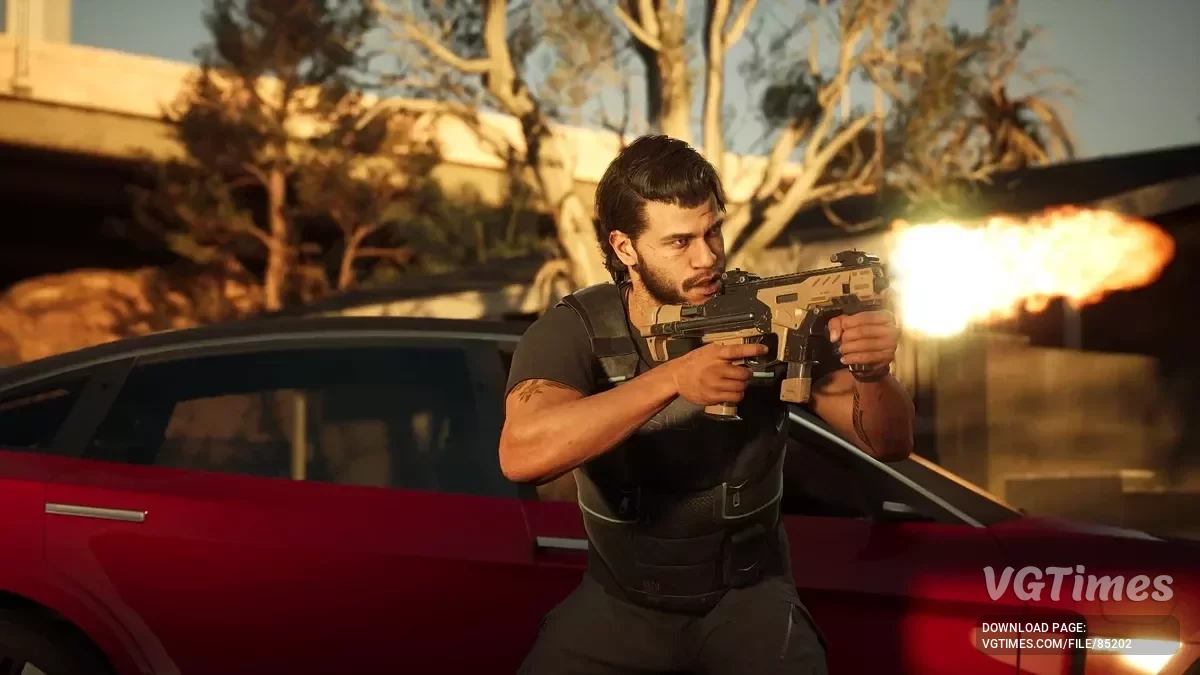
A narrative-driven action thriller set in the near future, in the hot tech city of Redrock. This is a place where robots serve corporations, neural implants hide... Read more
VGTimes:
Players:
Steam:
Metacritic:

Optimistic optimization
Author:
ATK71
Uploaded by:

Size:
5.99 kB
Date:
June 19, 2025, 12:24 PM
Downloads:
85
-
Download (5.99 kB)June 19, 2025, 12:24 PMoptimistichnaja-optimizacija_1750325048_119029.zip
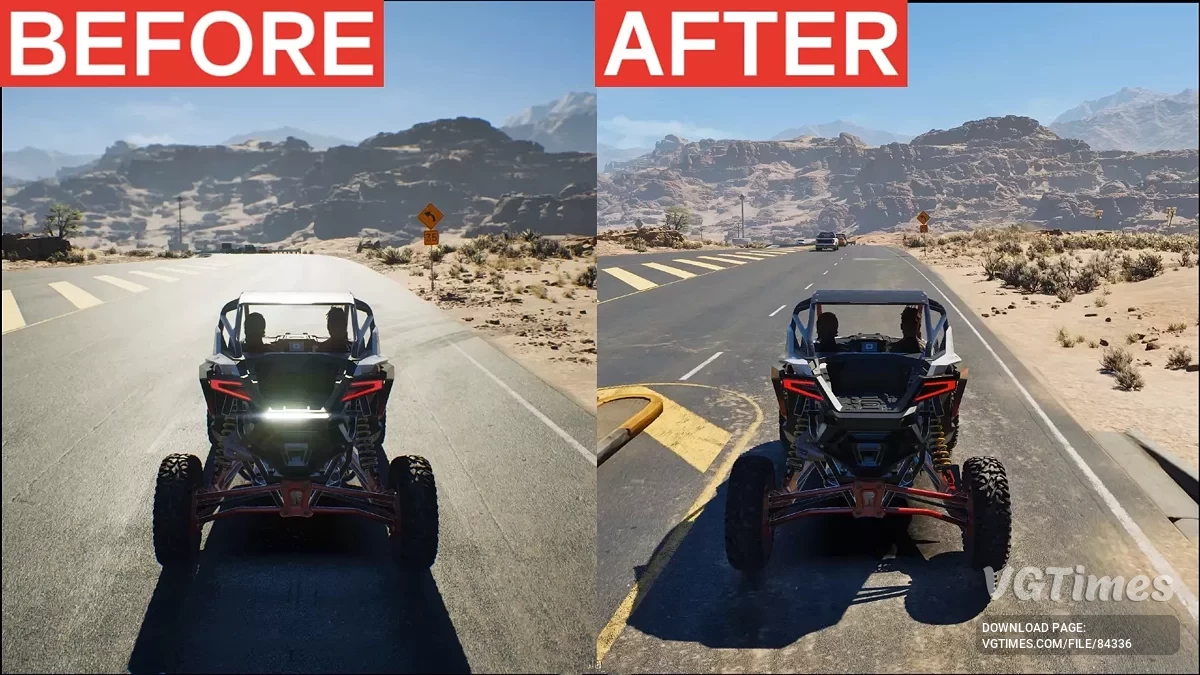
This mod offers 3 carefully selected Engine.ini presets for performance optimization, especially for players with mid- and high-end graphics cards. The goal is to increase frame rates, reduce stutters, and improve overall playability while keeping the visuals stable depending on your hardware and personal preferences.
Included presets:
1. Performance Preset
- Depth of Field (DOF): Enabled;
- Distortion: Enabled;
- Frame Rate: Unlocked;
- Nanite and Lumen: Low quality;
- Recommended in-game settings: All set to Low;
- Upscaler recommendation: FSR or DLSS in Performance mode;
- Frame Generation: Enabled (not recommended on all systems, may cause ghosting or instability);
- Recommended hardware: RTX 2060*, RX 6600 XT* and above (tested on RTX 2080 Super).
2. Quality Preset (only for video memory above 8 GB)
- Depth of Field (DOF): Disabled;
- Distortion: Disabled;
- Frame Rate: Locked to 30 FPS or Unlocked version;
- Higher visual quality;
- Recommended in-game settings: Set to High or Epic, but keep: Reflections = Low, Global Illumination = Low, Post Processing = Low;
- Upscaler recommendation: FSR NativeAA or DLAA;
- Frame Generation: Disabled;
- Recommended hardware: RTX 3080 Ti, RX 6800 XT and above (tested on RX 9070 XT locked to 30 FPS).
3. Ultra Performance Preset
- Shadows: Mostly disabled (lowest quality);
- Lighting: Lumen, AO, SSGI, and reflections disabled;
- View Distance: Heavily reduced (NPCs and vehicles pop in close);
- Texture Streaming: Aggressive (minimal memory usage);
- Nanite tweaks: Faster loading, lower detail at distance;
- Recommended in-game settings: All set to Low;
- Frame Generation: Enabled (improves performance, but may be unstable on some systems);
- Recommended hardware: RTX 3050, GTX 1660 Ti or similar (tested on RTX 3050 Laptop).
Resolution recommendations:
- 1080p: Use the Performance preset, set all in-game settings to Low;
- 1440p: You can use any preset, set in-game settings to Medium or High (depending on your GPU capabilities);
- 4K: Use the Quality preset, set in-game settings to High or Epic, but keep the three settings above (Reflections, Global Illumination, Post Processing) on Low.
How to install:
- Go to %LocalAppData%\MindsEye\Saved\Config\Windows\;
- Back up your current Engine.ini file if necessary;
- Copy the required Engine.ini file from one of the folders;
- Paste and replace the existing Engine.ini file in the directory above;
- Launch the game and adjust the settings as recommended.
How to uninstall:
- Delete Engine.ini from the folder %LocalAppData%\MindsEye\Saved\Config\Windows.
Useful links:


![MindsEye — Trainer (+8) [4598223]](https://files.vgtimes.com/download/posts/2025-08/thumbs/trejjner-8-4598223_1755848974_648356.webp)
![MindsEye — Trainer (+8) [5302548]](https://files.vgtimes.com/download/posts/2025-09/thumbs/trejjner-8-5302548_1757575651_432949.webp)