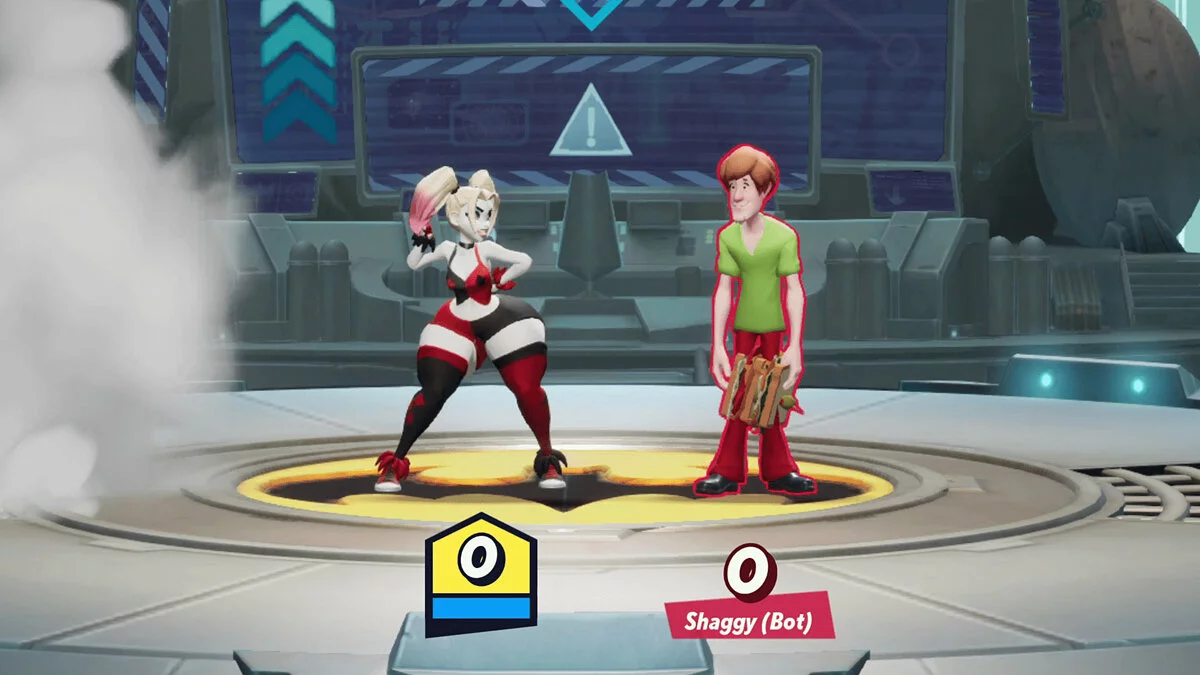
Dynamic action function with the side of the side, in which you are offered to play for popular heroes from films and cartoons Warner Bros. The battles in the game... Read more
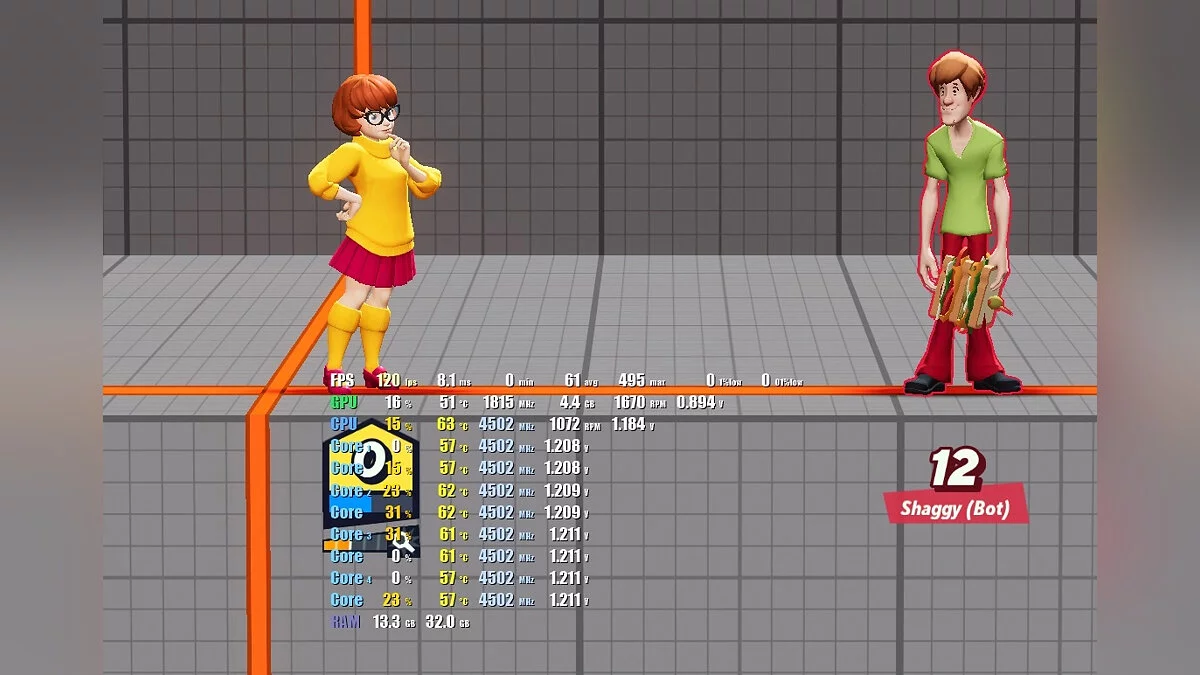
120-144 FPS Limit

-
www.nexusmods.comDownload
Limit of 120-144 FPS.
Changes the FPS cap to 120/144 instead of 60.
How to install:
1. Unzip the mod zip file into the game folder (next to MultiVersus.exe) -> the default location should be something like C:/Program Files (x86)/Steam/steamapps/common/MultiVersus.
2. Ensure that the pak file is in the correct location, the default path should be /MultiVersus/MultiVersus/Content/Paks/~mods/120fps.pak.
Alternatively:
1. Go to the game paks folder -> default C:/Program Files (x86)/Steam/steamapps/common/MultiVersus/MultiVersus/Content/Paks
2. Create a new folder named mods
3. Copy and paste the 120/144fps.pak file from the mod folder into the mods folder
4. Ensure that the pak file is in the correct location, the default path should be /MultiVersus/MultiVersus/Content/Paks/~mods/120fps.pak.
120-144 FPS limit.
Изменяет ограничение FPS на 120/144, а не на 60.
Как установить:
1. Разархивируйте мод zip в папку с игрой (рядом с MultiVersus.exe) -> расположение по умолчанию должно быть что-то вроде C:/Program Files (x86)/Steam/steamapps/common/MultiVersus.
2. Убедитесь, что файл pak оказался в нужном месте, по умолчанию путь должен быть /MultiVersus/MultiVersus/Content/Paks/~mods/120fps.pak.
В качестве альтернативы:
1. Перейдите в папку с игрой paks -> по умолчанию C/Program Files (x86)/Steam/steamapps/common/MultiVersus/MultiVersus/Content/Paks
2. Создайте новую папку с именем mods
3. Скопируйте и вставьте файл 120/144fps.pak из папки мода в папку mods
4. Убедитесь, что файл pak оказался в нужном месте, по умолчанию путь должен быть /MultiVersus/MultiVersus/ Contens/Paks/~mods/120fps.pak.
Useful links: