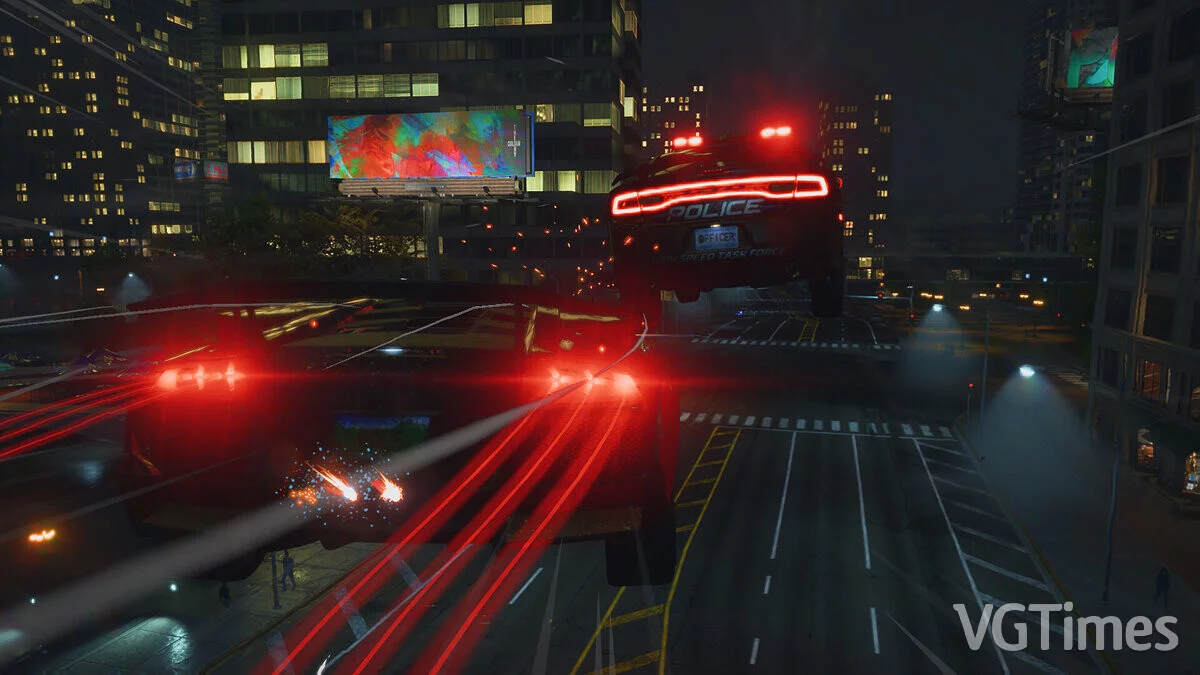
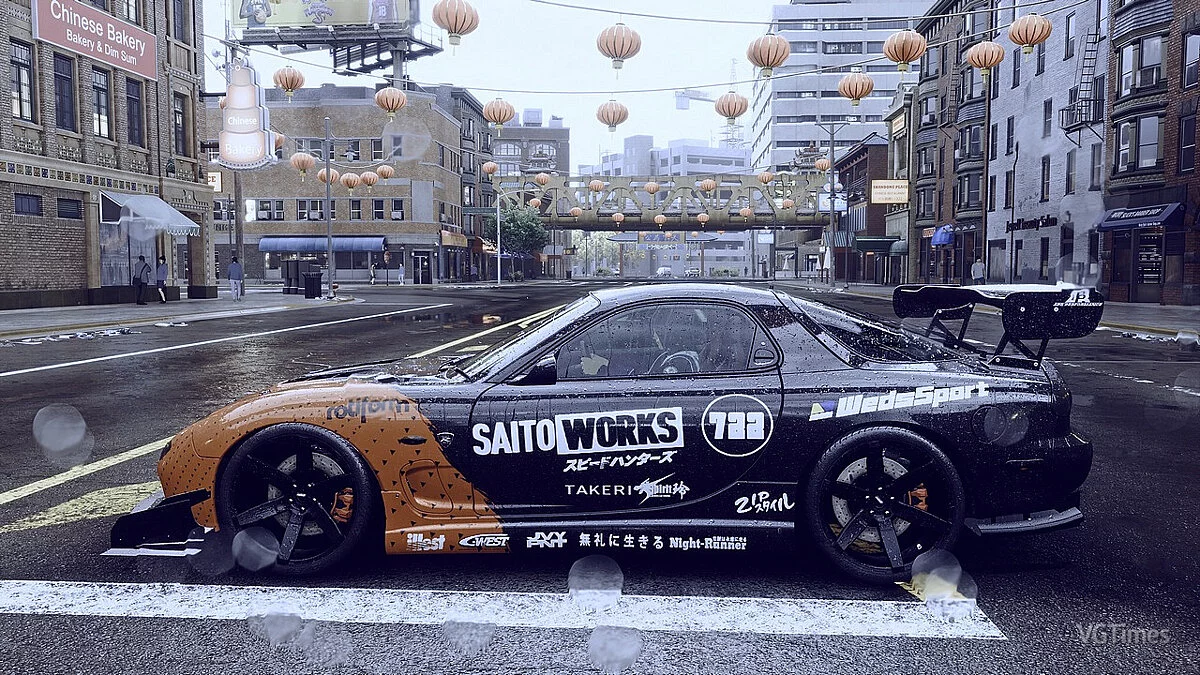
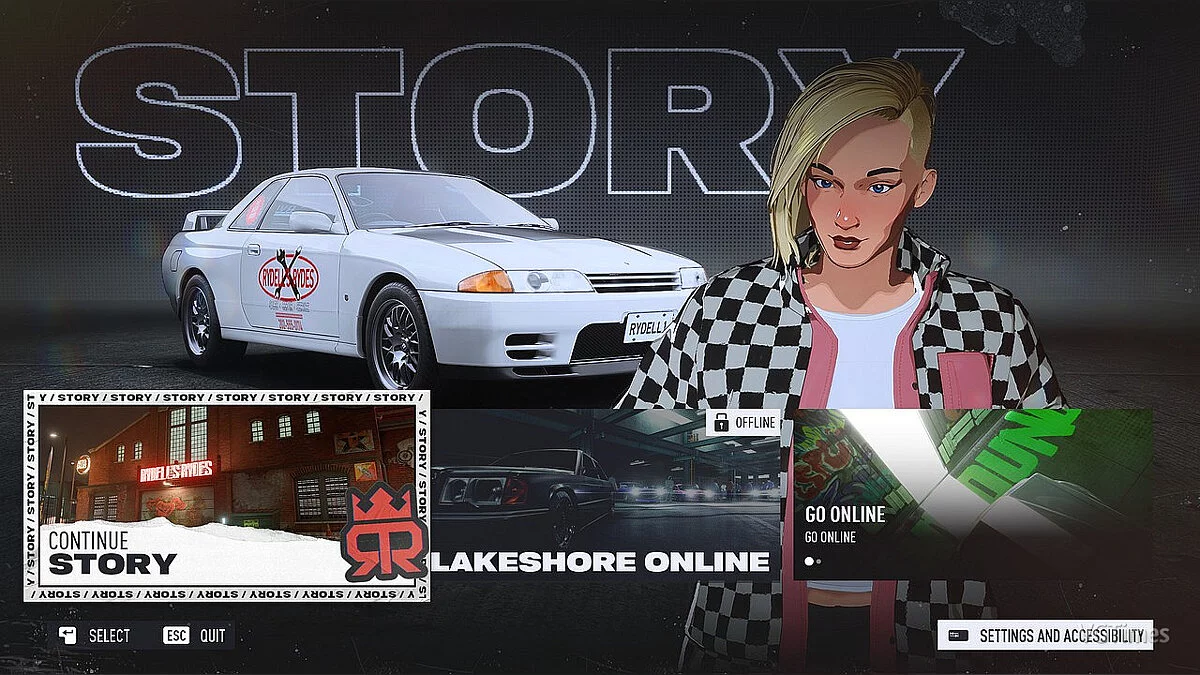
Need for Speed Unbound is a continuation of a series of arcade racing games with a third-person view. The new part radically changes the style: all... Read more
Text Localizer (Vol. 6)
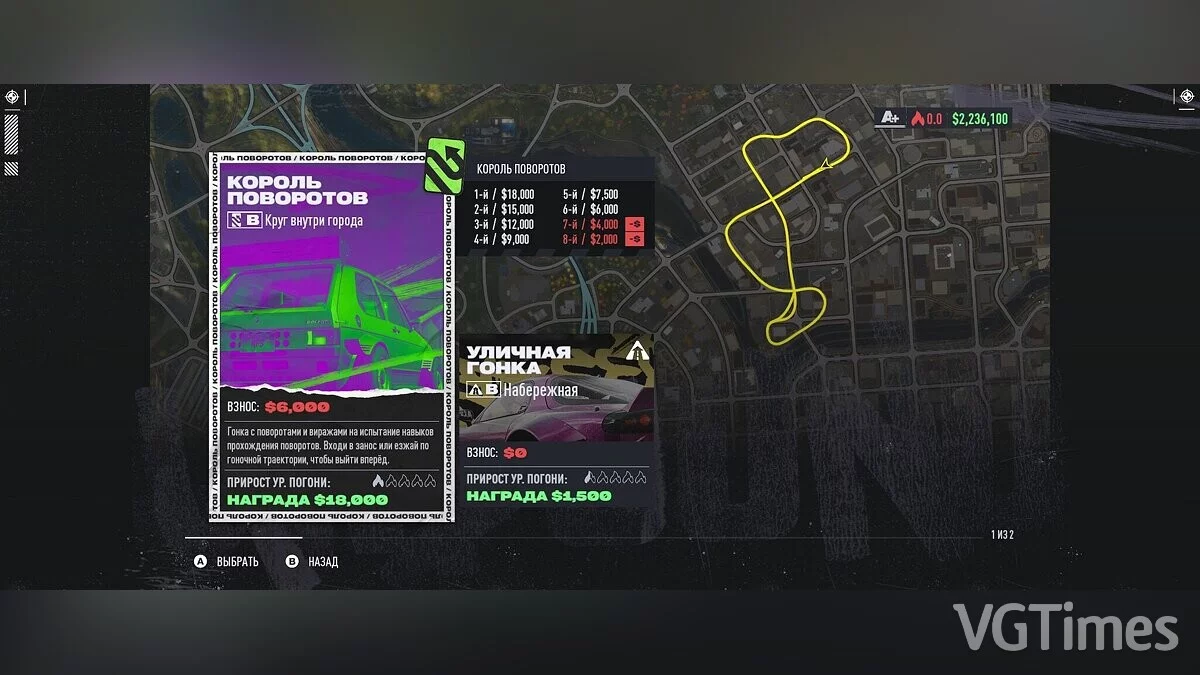
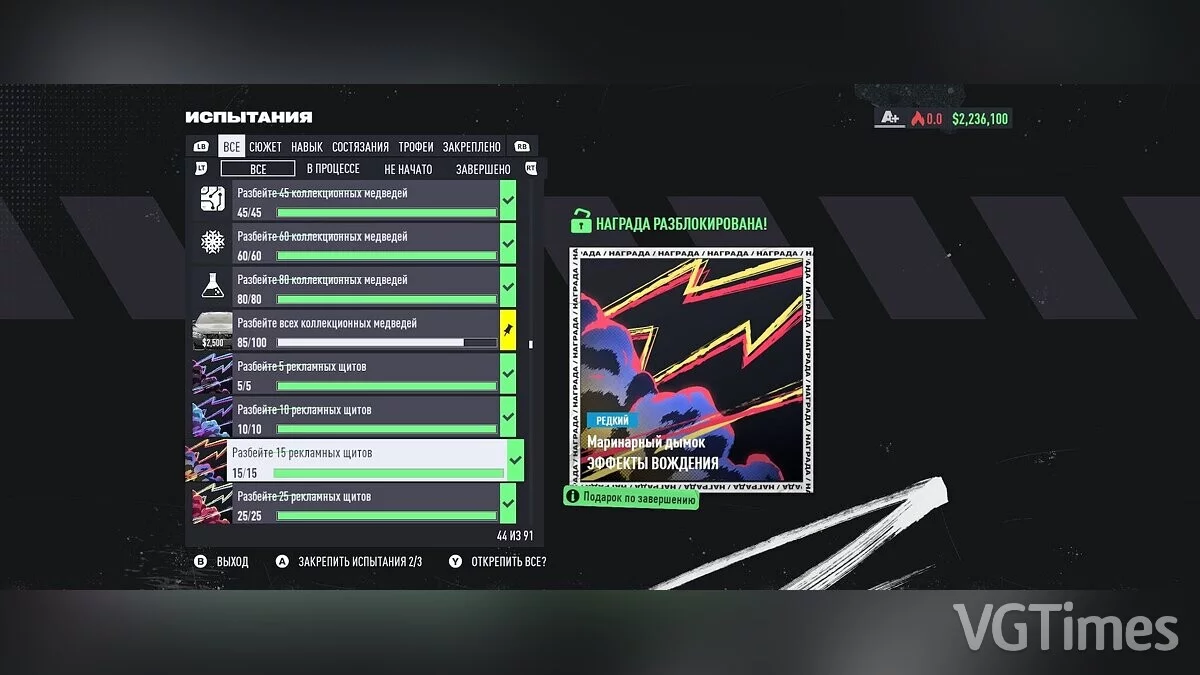
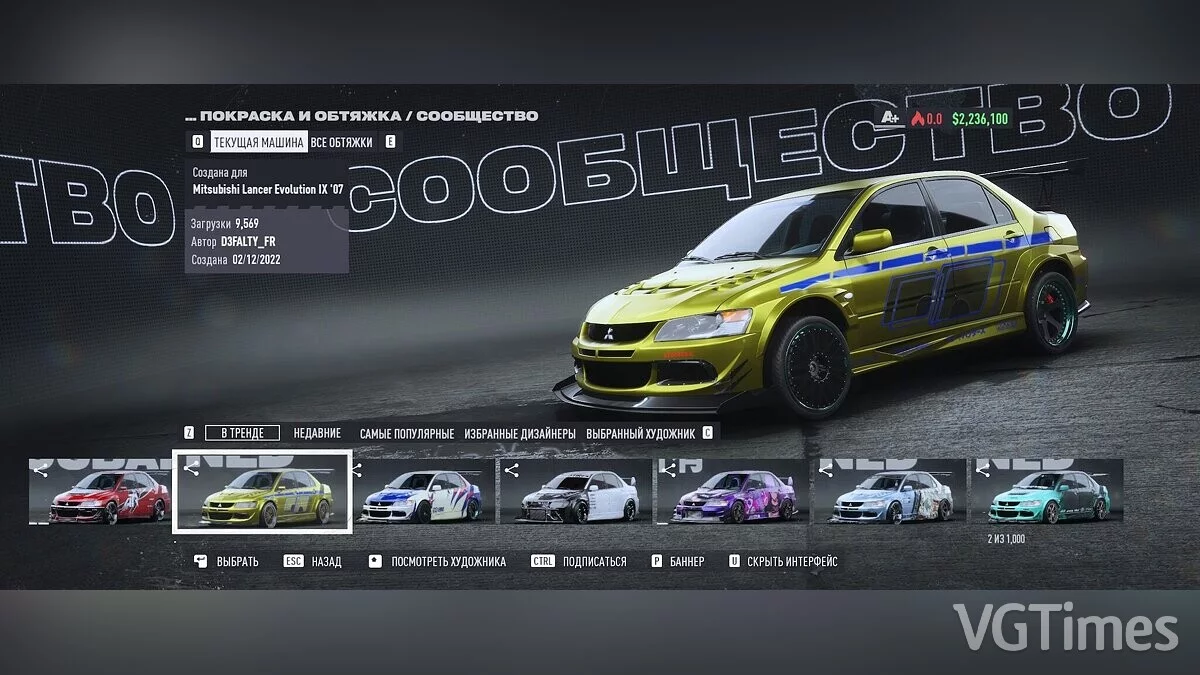
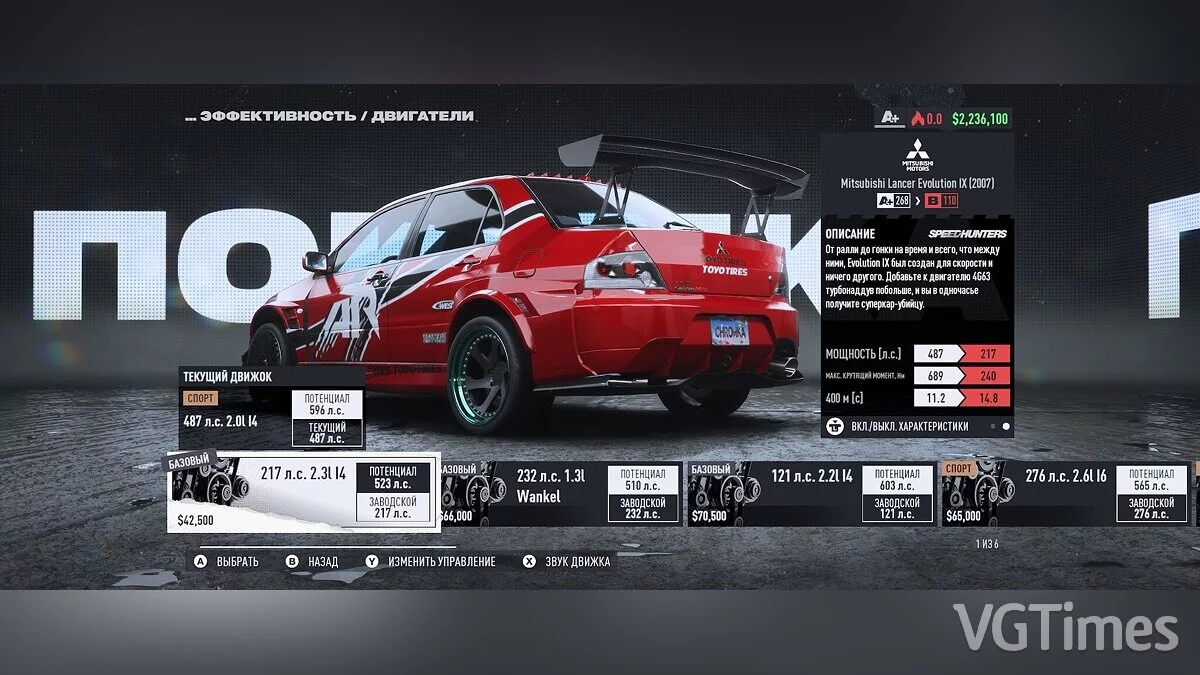
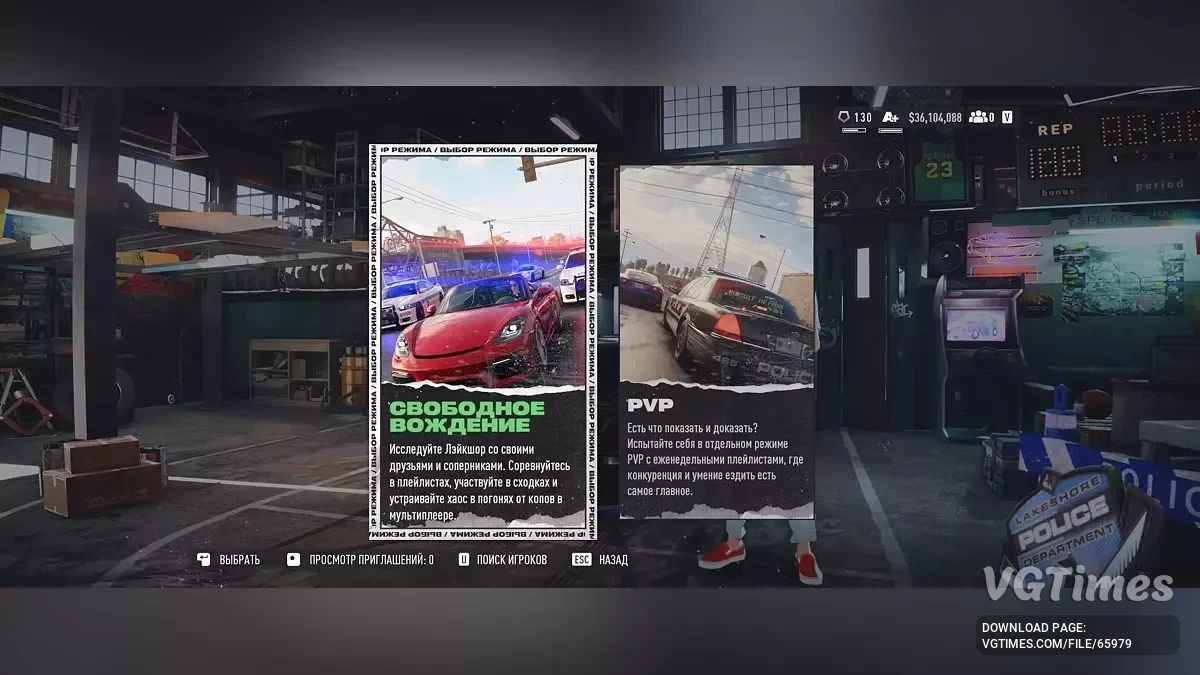


-
Download (13.91 MB)December 13, 2024, 08:23 AM1.15 от 12.12.24rusifikator-teksta-vol-6_1734067395_788202.zipArchive password: vgtimes
Version and translation date: 1.15 from 12.12.24.
Launchers: Steam, EA App, EGS, Xbox Game Pass
How to launch:
- Ensure the game version is Volume 9 (9.0.3);
- Run the installer;
- Install the localizer;
- Launch the game and play.
Update procedure for the localizer via the installer after updating the game:
- Remove the old version of the localizer in Windows;
- Verify the integrity of the game files through the game launcher;
- Make sure to run a clean game at least once, and then close it;
- Install the new version of the localizer.
Note:
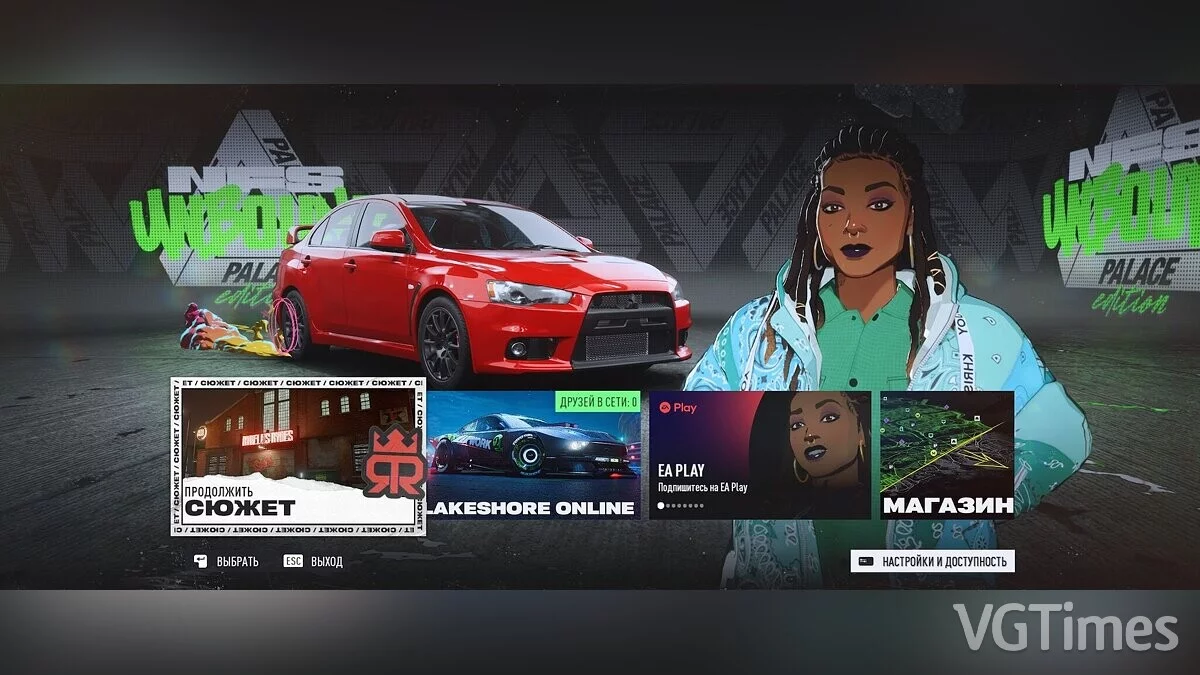
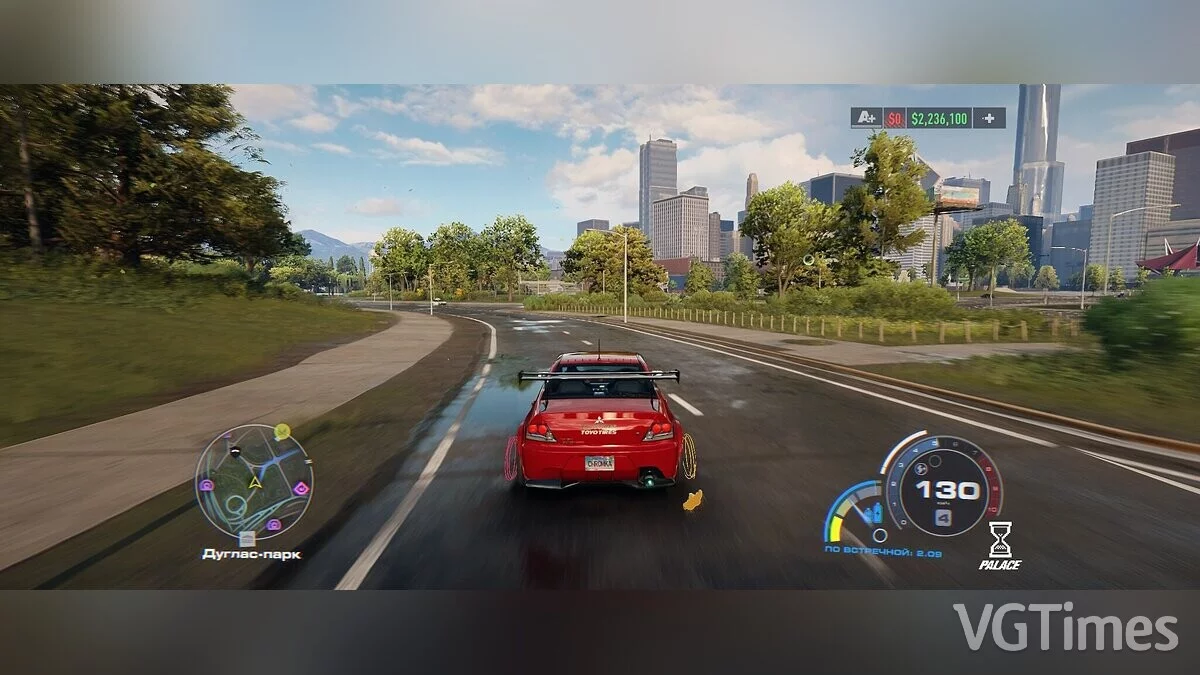
- This localizer replaces the game's English language; if another language is set in the game properties, you must first activate the English localization in the game, and only then install the localizer. Also, due to the replacement of the default English localization, the settings will have the imperial measurement system (with miles and yards instead of meters and kilometers), so don't forget to change it in the settings.
- If your antivirus/browser complains during the download and installation of the localizer — it's a false alarm, the localizer includes a .dll file (CryptBase.dll, a component of Frosty Editor / Mod Manager), necessary for the localizer to work (more precisely, for injecting non-native files into the game), otherwise the game will not start.
The most important thing:
The profile name in the system (folder in C:/Users) must not contain Cyrillic or any other unwanted characters except Latin letters — that is, if your profile in the folder C:/Users is written in Cyrillic, it should be renamed.
Версия и дата перевода: 1.15 от 12.12.24.
Лаунчеры: Steam, EA App, EGS, Xbox Game Pass
Как запустить:
- Убедиться в соответствующей версии игры Volume 9 (9.0.3);
- Запустить инсталлятор;
- Установить русификатор;
- Запускать игру и играть.
Порядок обновления русификатора через инсталлятор после обновления игры:
- Удалить старую версию русификатора в Windows;
- Перепроверить целостность файлов игры через лаунчер игры;
- Обязательно запустить чистую игру хотя бы 1 раз, и закрыть;
- Установить новую версию русификатора.
Примечание:
- Данный русификатор заменяет английский язык игры, если в свойствах игры стоит другой язык — необходимо сначала активировать в игре английскую локализацию, а уже потом устанавливать русификатор. Также в связи с заменой английской локализации по умолчанию в настройках стоит имперская система измерений (с милями и ярдами вместо метров и километров), так что не забудьте поменять её в настройках.
- Если при скачивании и установке русификатора у вас будет ругаться антивирус/браузер — это ложная тревога, в русификаторе встроен .dll файл (CryptBase.dll, это компонент Frosty Editor / Mod Manager), необходимый для работы русификатора (а точнее внедрения в игру неродных ей файлов), иначе игра не запустится.
Самое главное:
Имя профиля в системе (папка в C:/Users) не должно содержать кириллицу и иные прочие нежелательные символы кроме латиницы — то есть если в папке C:/Users ваш профиль написан кириллицей — то следует переименовать.
Useful links:
![Need for Speed Unbound — Cheat Engine Table [UPD: 01.09.2023]](https://files.vgtimes.com/download/posts/2023-09/thumbs/tablica-dlja-cheat-engine-upd-01-09-2023_1694175201_226324.webp)
![Need for Speed Unbound — Trainer (+6) from 12.01.2022 [WeMod]](https://files.vgtimes.com/download/posts/2022-12/thumbs/1669970844_1200.webp)
![Need for Speed Unbound — Trainer (+9) from 03.21.2023 [WeMod]](https://files.vgtimes.com/download/posts/2023-03/thumbs/trejjner-9-ot-21-03-2023-wemod_1679479603_805183.webp)
![Need for Speed Unbound — Trainer (+9) from 03.19.2024 [WeMod]](https://files.vgtimes.com/download/posts/2024-03/thumbs/trejjner-9-ot-19-03-2024-wemod_1710929752_153376.webp)