NieR Automata is an action RPG with a third-person view. The game is a direct continuation of NieR. Events revolve around an alien invasion of Earth. Due to its... Read more
Clarity ReShade
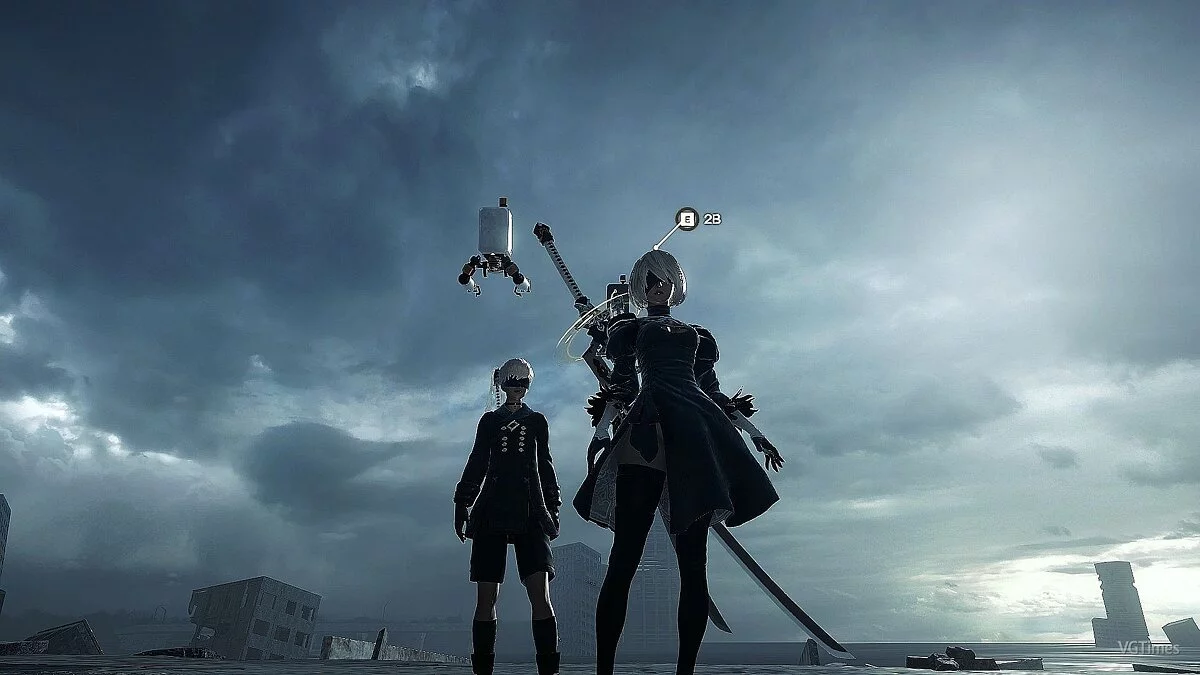
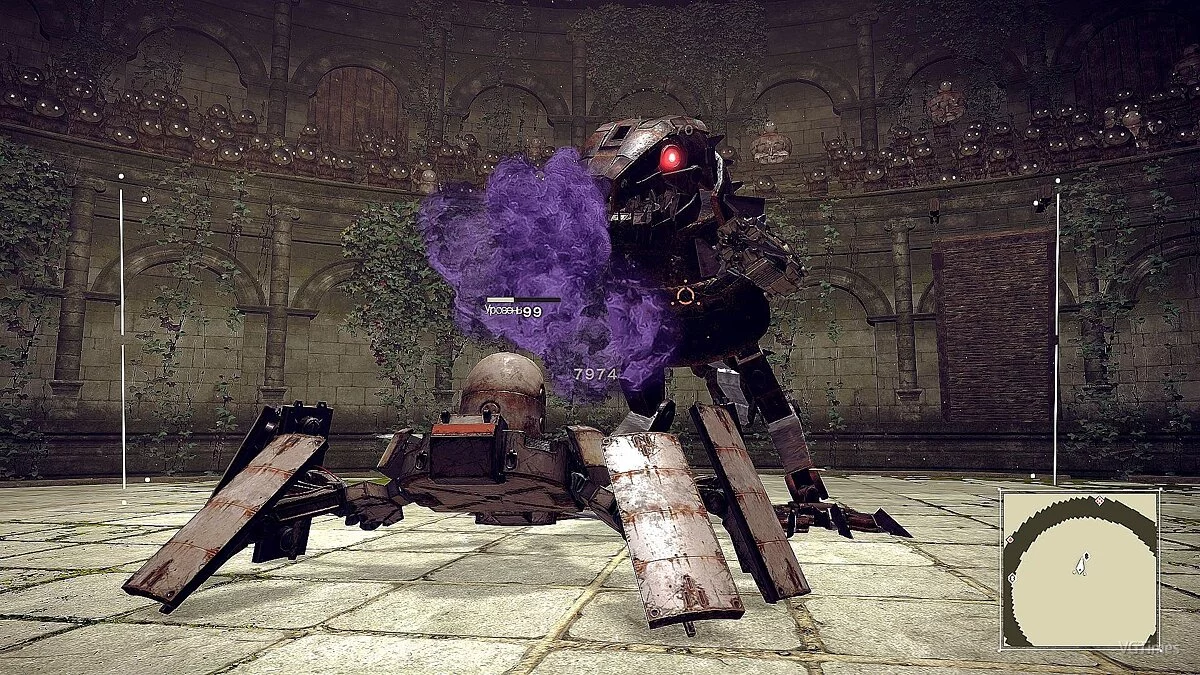
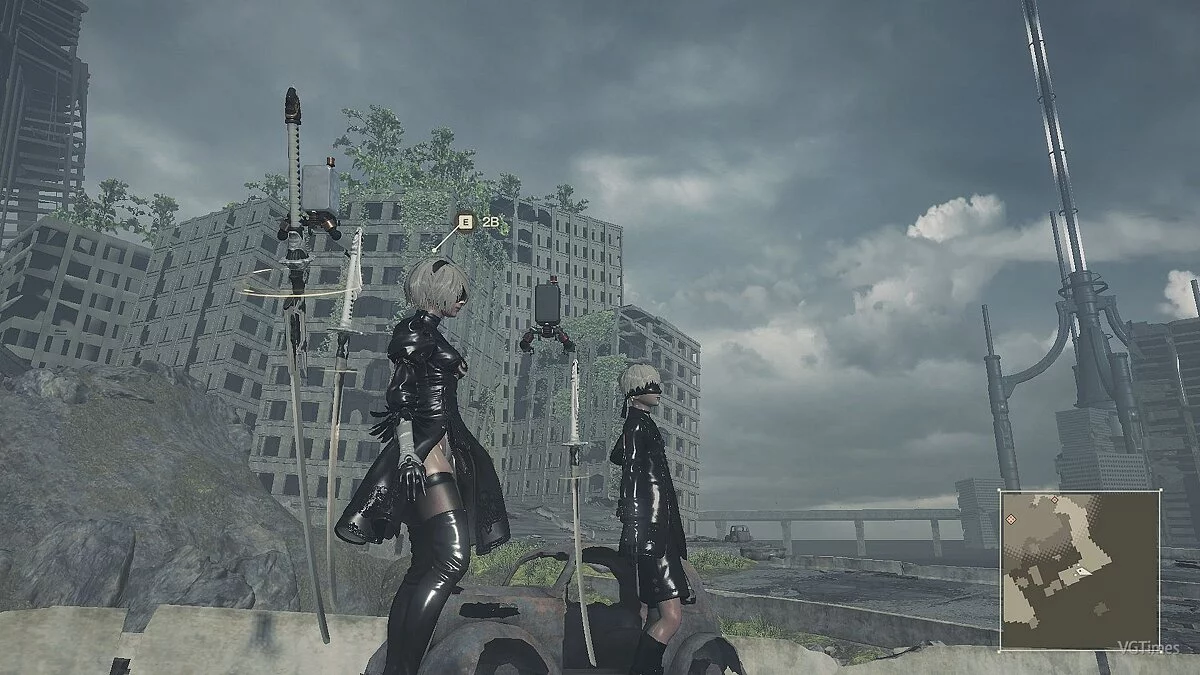
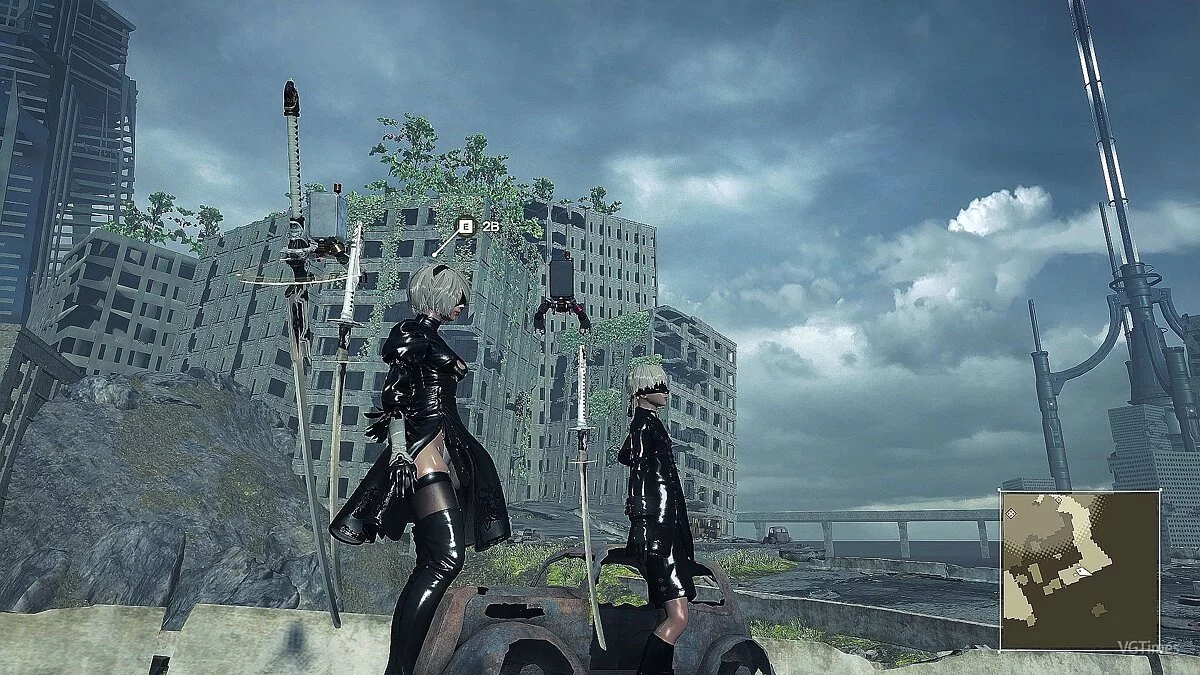
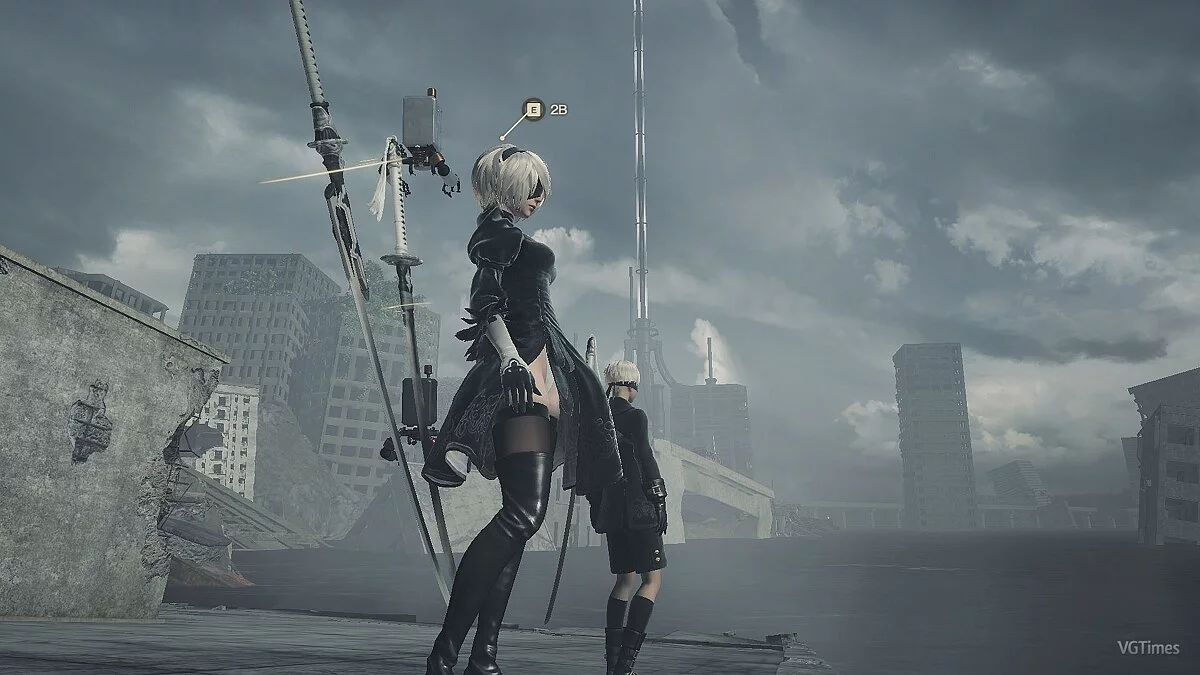
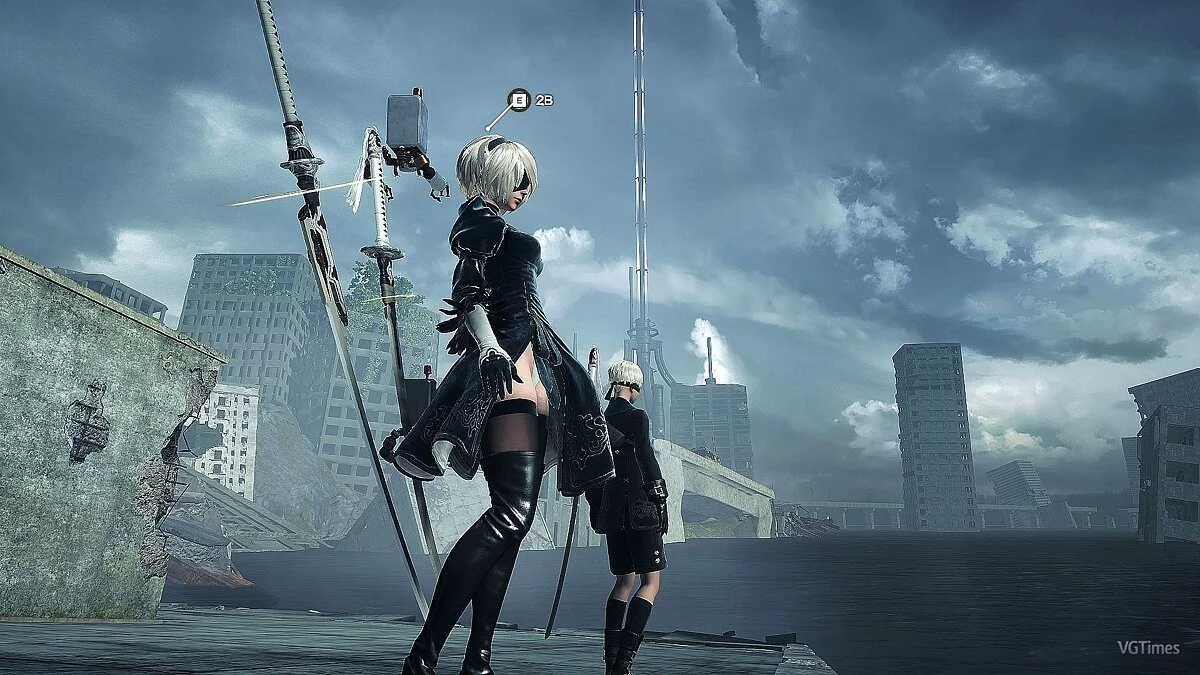
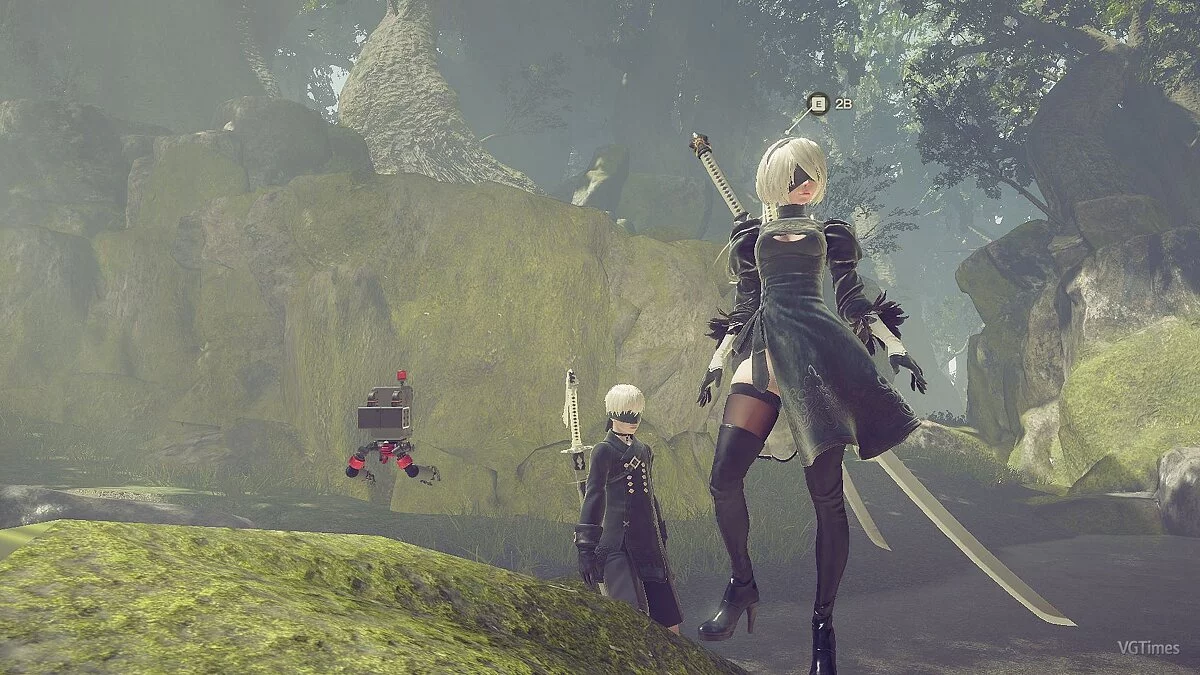
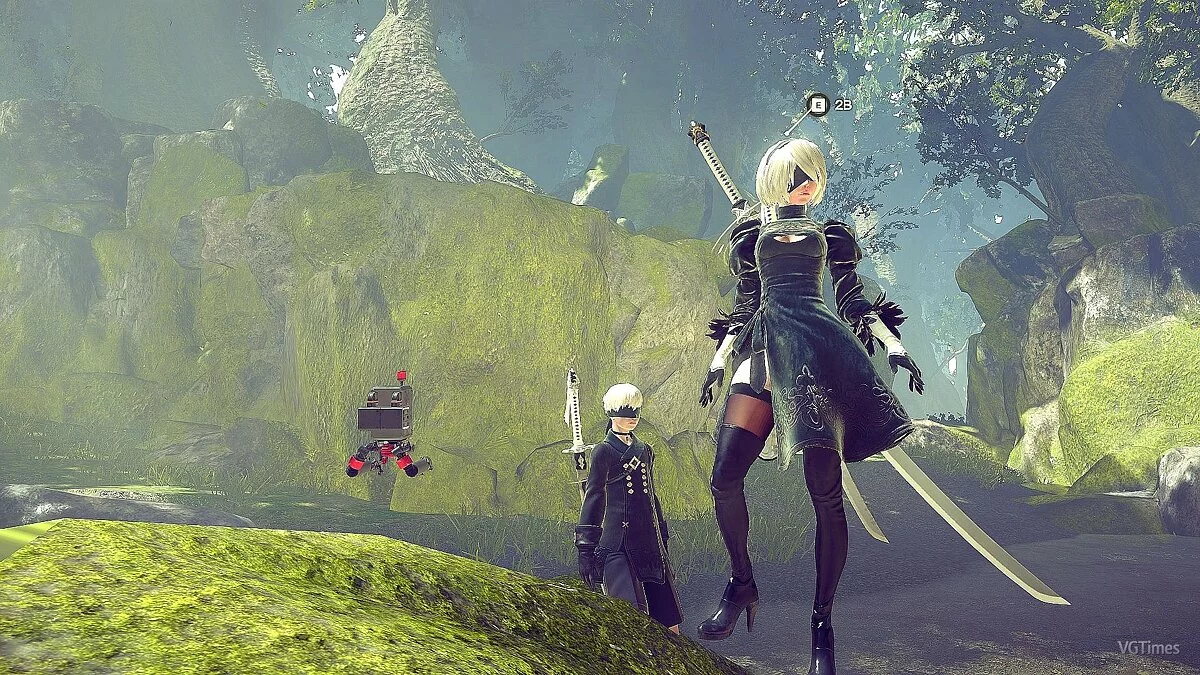
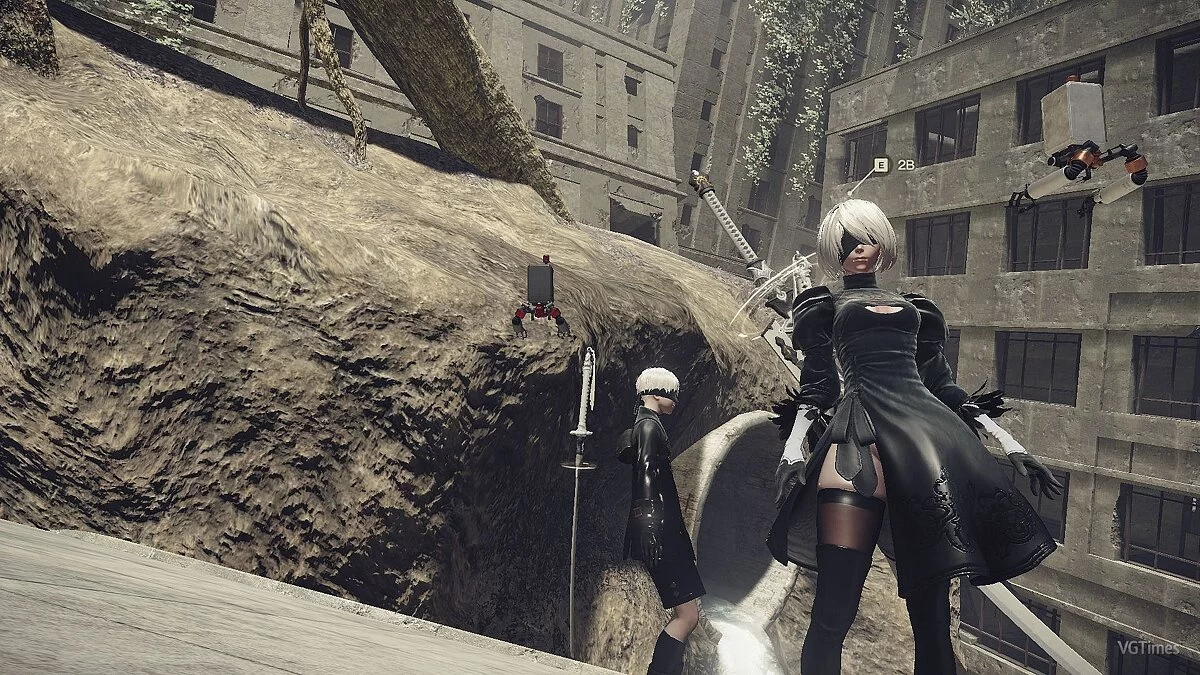
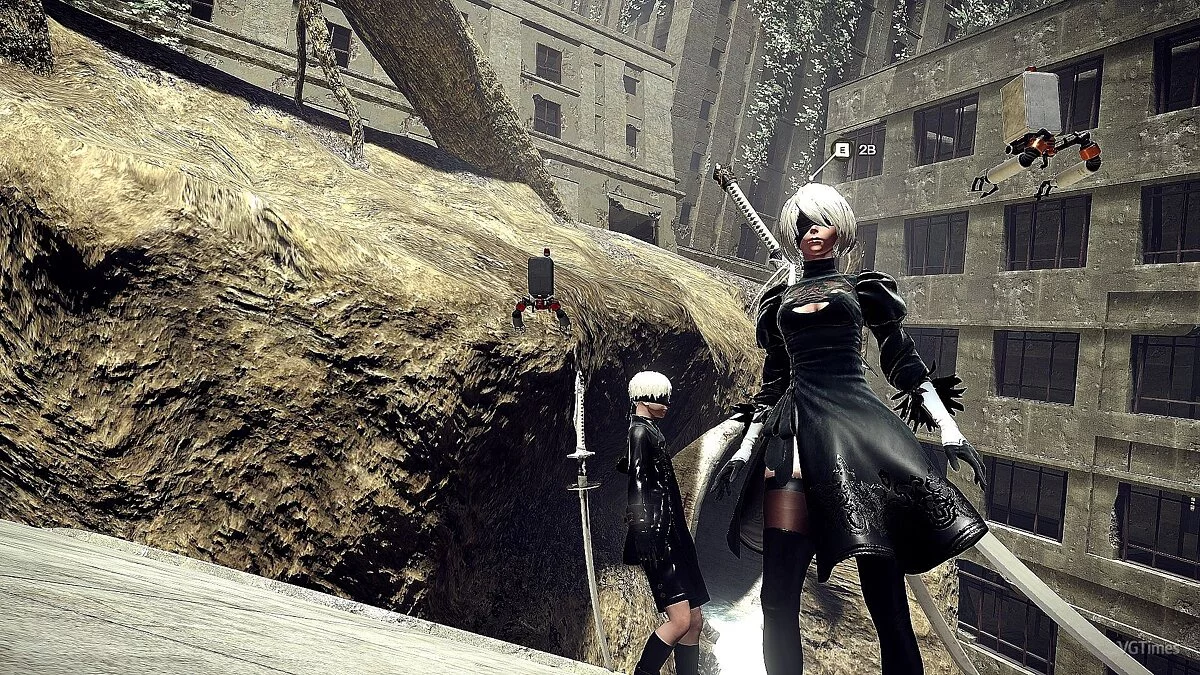
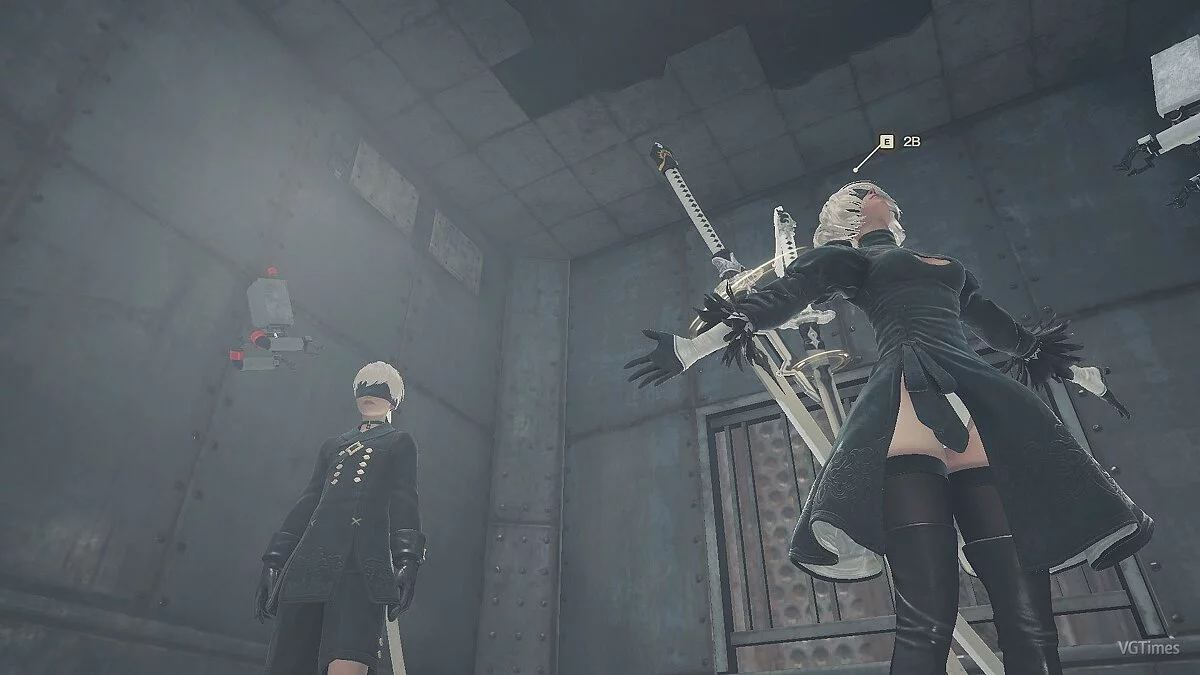
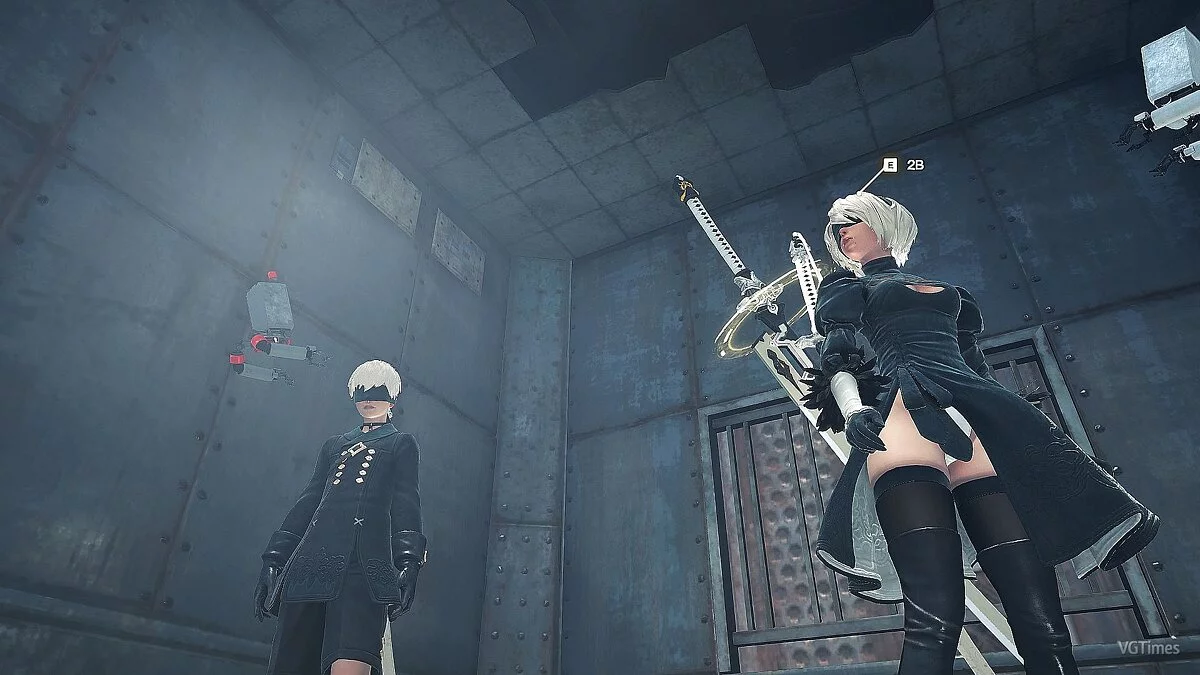

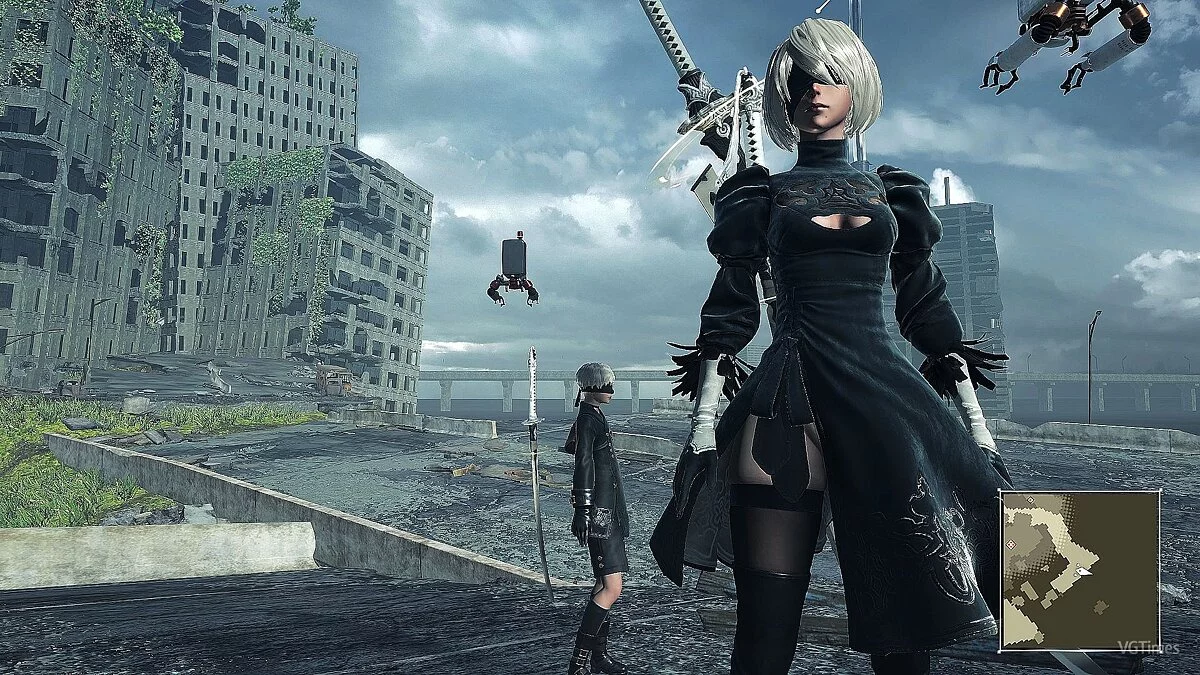
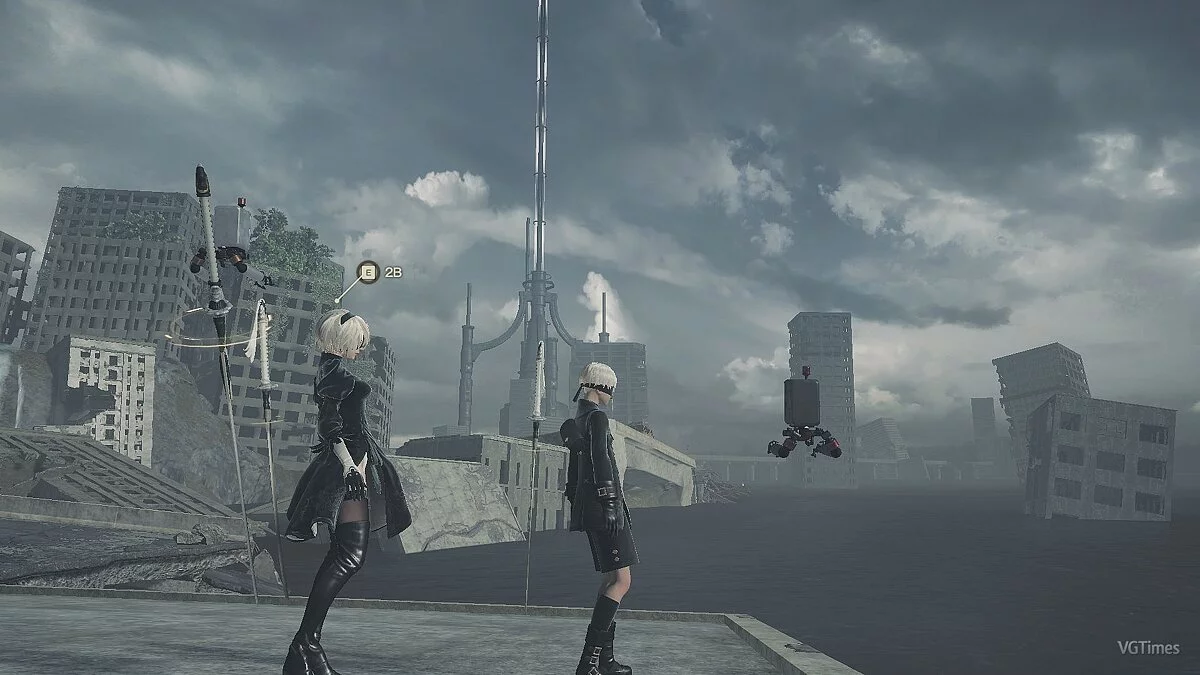
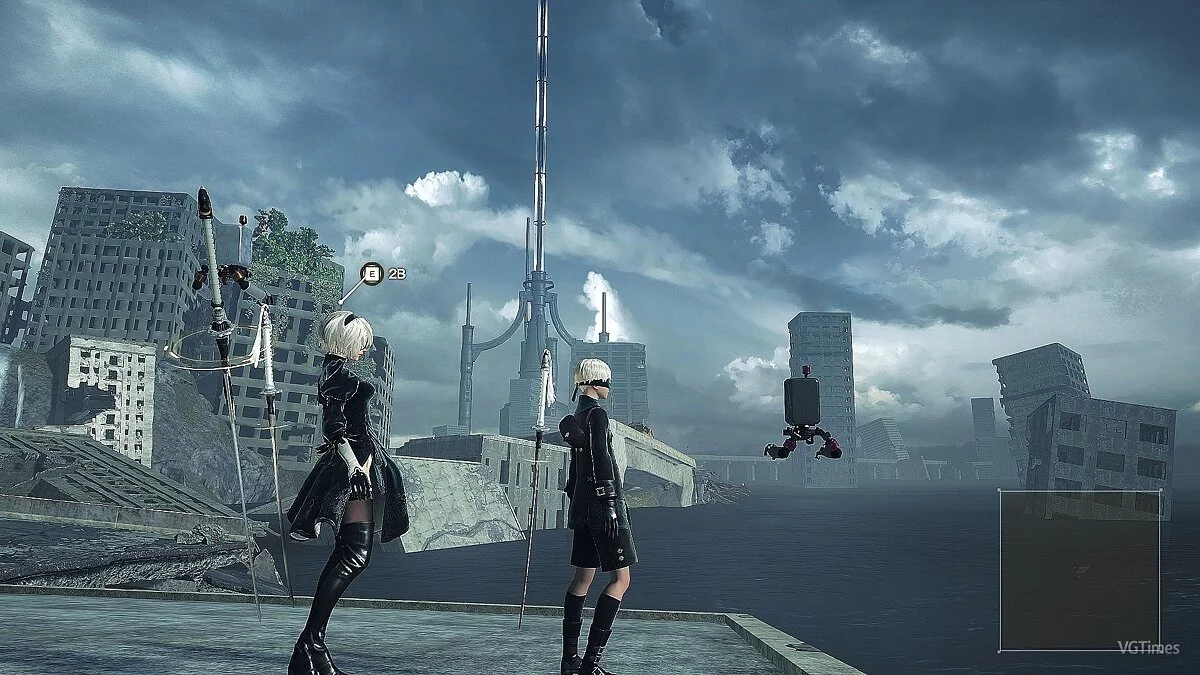


-
1583964347_clarity_reshade.7zDownload (1.27 kB)
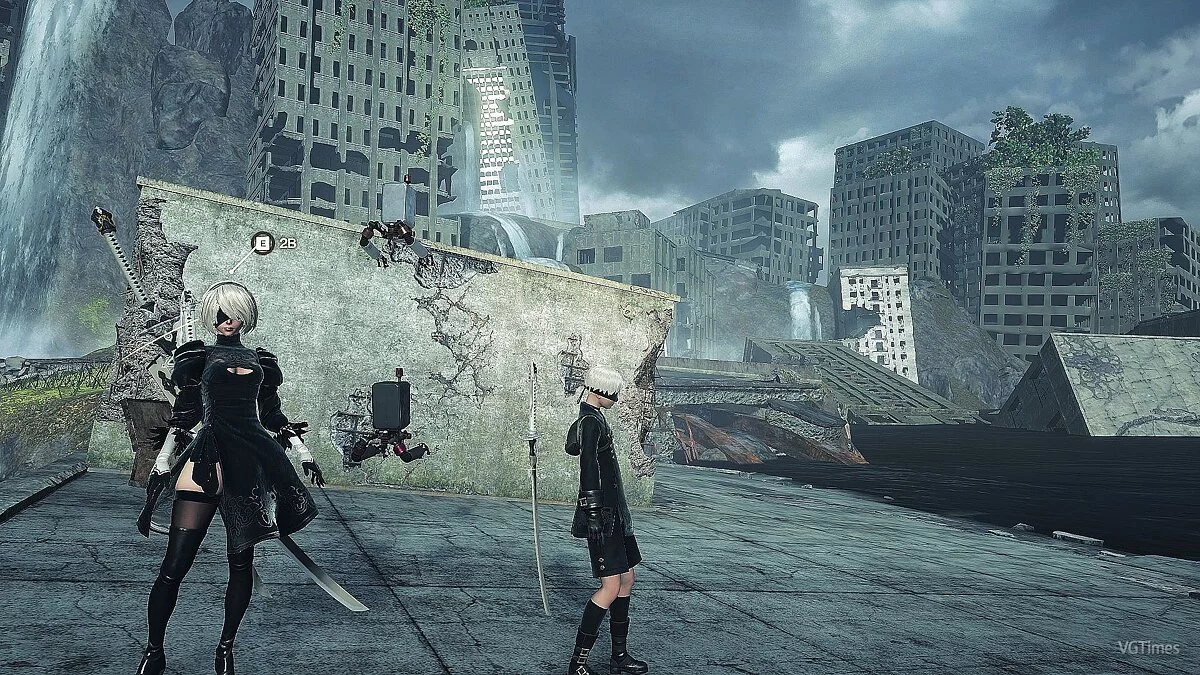
Clarity ReShade.
Removes blurriness and enhances image clarity.
Installation:
1. Launch ReShade and select the NieRAutomata.exe executable, then choose API 3D10+
2. Select only these shaders
[SMAA.fx]
[Vibrance.fx]
[Curves.fx]
[Tonemap.fx]
[LevelsPlus.fx]
[FakeHDR.fx]
[Levels.fx]
[LumaSharpen.fx]
3. Start the game, press HOME, and create a new preset using +, naming it something like Clarity.ini
4. Go to the game folder and copy everything from the Clarity ReShade file into the Clarity.ini file you created.
5. Don't forget to assign a key that will toggle the preset on or off, HOME tab settings, effect toggle key.
Guide for installing FAR MOD + ReShade:

Clarity ReShade.
Убирает мыло и делает картинку более чёткой.
Установка:
1.Запустить ReShade выбрать экзешник NieRAutomata.exe, далее API 3D10+
2.Отметить только эти шейдеры
[SMAA.fx]
[Vibrance.fx]
[Curves.fx]
[Tonemap.fx]
[LevelsPlus.fx]
[FakeHDR.fx]
[Levels.fx]
[LumaSharpen.fx]
3.Запустить игру,нажать HOME и создать новый пресет с помощью +, присвоив ему название,например Clarity.ini
4.Зайти в папку с игрой и скопировать в файл который вы создали Clarity.ini всё из файла Clarity ReShade.
5.Не забудьте назначит клавишу которая будет включать или отключать пресет, HOME вкладка setting, effect toggle key.
Гайд по установке FAR MOD + ReShade:
Useful links:
![NieR: Automata — Trainer (+8) [1.0: x64] [Abolfazl.k]](https://files.vgtimes.com/download/posts/2017-03/thumbs/1489940383_qbxbg3vp.webp)
![NieR: Automata — Trainer (+5) [1.02] [MrAntiFun]](https://files.vgtimes.com/download/posts/2019-04/thumbs/1554300268_1554300233_473.webp)
![NieR: Automata — Trainer (+15) [1.0] [FLiNG]](https://files.vgtimes.com/download/posts/2017-03/thumbs/1490204477_no4v8piu.webp)
![NieR: Automata — Trainer (+19) from 03.25.2021 [WeMod]](https://files.vgtimes.com/download/posts/2021-03/thumbs/1616688442_2021-03-25_190352.webp)
![NieR: Automata — Trainer (+18) [1.0 - UPD: 18.03.2021]](https://files.vgtimes.com/download/posts/2021-03/thumbs/1616763684_vrekcrgrgthdawilkkjlfw.webp)
![NieR: Automata — Cheat Engine Table [UPD: 03.24.2021/MSStore]](https://files.vgtimes.com/download/posts/2021-03/thumbs/1616689247_nier-automata-1.webp)
![NieR: Automata — Trainer (+14) [1.0] [FLiNG]](https://files.vgtimes.com/download/posts/2017-03/thumbs/1489940329_5urovxqj.webp)
![NieR: Automata — Save Editor (NieR.Automata.Editor) [1.0.3.1]](https://files.vgtimes.com/download/posts/2021-06/thumbs/1623328848_vwszq4dkq8uihhqmiivpuw.webp)