NieR Replicant ver.1.22474487139... is a remaster of the third-person action RPG set in the fantasy world of NieR. The plot follows a young boy named Nier, who is... Read more
High Frame Rate Cutscenes
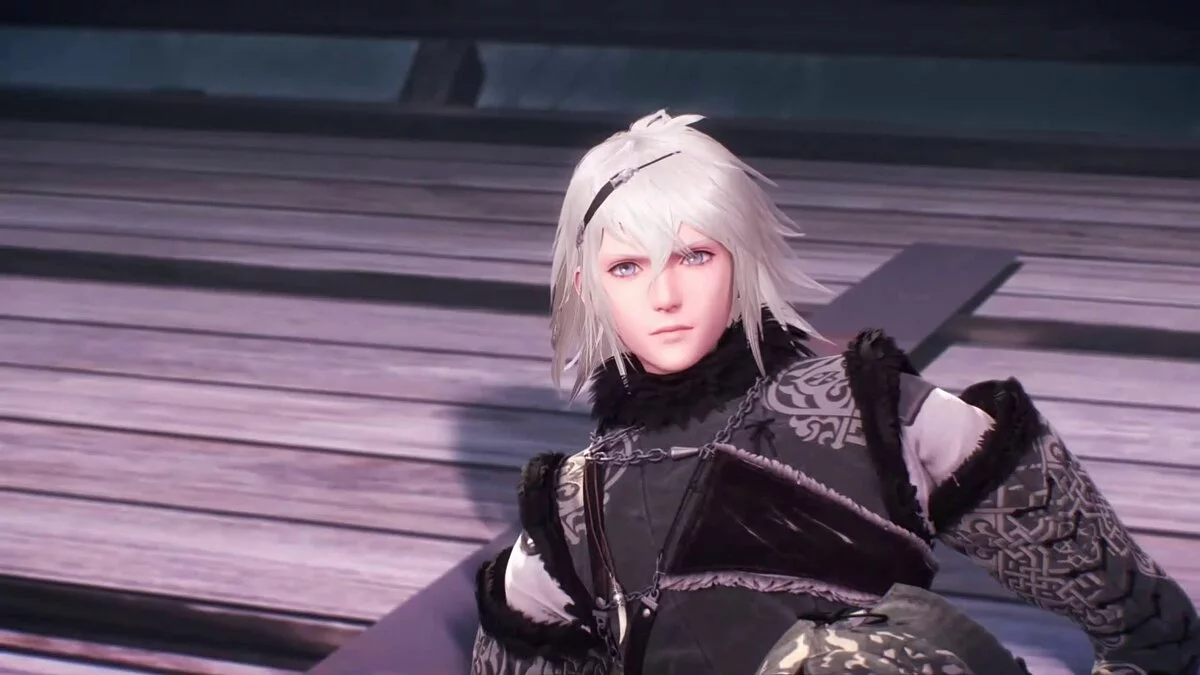

-
www.nexusmods.comDownload
High Frame Rate cutscenes.
All pre-rendered videos have been AI-interpolated using Flowframes to 60/120 frames per second. It is highly recommended to install Special K, as it allows for proper gameplay at high frame rates, enhances performance, and improves frame rate consistency. A guide can be found here: https://wiki.special-k.info/SpecialK/Custom/Replicant
Installation:
1. Locate the movie folder in the game directory. Most users will find it in C:/Program Files (x86)/Steam/steamapps/common/NieR Replicant ver.1.22474487139/data/movie.
2. Make a backup of the movie folder in case you want to revert to the vanilla videos.
3. Replace the files inside the movie folder with those extracted from the download.
High Framerate cutscenes.
Все предварительно отрендеренные ролики AI интерполированы с помощью Flowframes до 60/120 кадров в секунду. Настоятельно рекомендуется установить Special K, так как он позволяет правильно играть в игру с высокой частотой кадров, повышает производительность и улучшает согласованность частоты кадров. Руководство можно найти здесь: https://wiki.special-k.info/SpecialK/Custom/Replicant
Установка:
1. Найдите папку movie в папке с играми. Большинство пользователей найдут ее в папке C:/Program Files (x86)/Steam/steamapps/common/NieR Replicant ver.1.22474487139/data/movie.
2. Сделайте копию папки movie на случай, если вы захотите вернуться к ванильным роликам.
3. Замените файлы внутри папки movie теми, которые вы извлекли из загрузки.
Useful links:
![NieR Replicant ver.1.22474487139... — Trainer (+23/+27) [1.0]](https://files.vgtimes.com/download/posts/2021-05/thumbs/1620032275_erg3osmwrwygghbfxvtdda.webp)
![NieR Replicant ver.1.22474487139... — Trainer (+9) from 04.24.2021 [WeMod]](https://files.vgtimes.com/download/posts/2021-04/thumbs/1619457096_2021-04-26_200938.webp)
![NieR Replicant ver.1.22474487139... — Trainer (+27) from 11.14.2021 [WeMod]](https://files.vgtimes.com/download/posts/2021-11/thumbs/1636888920_2021-11-14_142116.webp)
![NieR Replicant ver.1.22474487139... — Cheat Engine Table [1.0.3]](https://files.vgtimes.com/download/posts/2022-04/thumbs/1650790951_o-9tk5-5qlxjig8puqmh8w.webp)
![NieR Replicant ver.1.22474487139... — Trainer (+27) from 05.02.2021 [WeMod]](https://files.vgtimes.com/download/posts/2021-05/thumbs/1619942630_2021-05-02_110238.webp)