
Noita is a side-scrolling arcade action platformer in a fantasy setting. You will find procedural generation of levels, the irreversible death of the... Read more
Metamorph: Creative Menu


-
Download (658.93 kB)September 19, 2026, 06:31 PMmetamorph-creative-menu_1789831871_139719.zip
-
modworkshop.netDownload
-
www.nexusmods.comDownload
Metamorph Creative Menu (MCM) — a creative menu for Noita that lets you freely experiment with the game's mechanics. It provides tools for working with spells and wands, creating items and creatures, transforming into creatures, painting with materials, controlling weather and world settings, teleporting, and much more.
Installation
- Download the latest version of the mod.
- Launch Noita and open the Mods section in the main menu.
- Open the mods folder.
- Move the metamorph_creative_menu folder from the downloaded archive into the mods folder.
- If metamorph_creative_menu already exists, completely remove the old version and replace it with the new one.
- Return to the game and refresh the mod list.
- Allow Unsafe Mods.
- Enable Metamorph: Creative Menu and start a new game with the mod enabled.
Features
Spells and wands
You can search for and create spells, move them between a wand, Always Cast, the spell inventory and the game world. Spells can be dragged between slots, and some changes support undo and redo.
The wand editor lets you change capacity, spells per cast, recharge time, cast delay, spread, projectile speed, maximum mana, mana recharge, recoil, wand level, shuffle and other parameters.
You can also change the appearance of a wand and save complete wands as presets together with their stats and contents.
Materials
MCM lets you paint with liquids, powders, gases, fire, solid materials and other material types. The catalog includes search and several brush sizes. MCM uses real Noita materials, so after being placed they continue to interact normally with the world and with each other.
Materials added by other mods may also appear in the MCM catalog.
Items
Items, wands and containers filled with selected liquids can be added directly to the inventory, spawned near the player or placed at a selected position in the world.
Perks and effects
Perks can be spawned in the world or given directly to the player in quantities of 1, 10 or 100. Supported active perks can be removed individually or all at once. Effects and states can also be applied and removed. Some effects include additional variants and configurable duration.
Creatures and transformations
Creatures can be spawned near the player or placed at a selected position in the world. Supported creatures can be used as transformation forms. You can also transform into a creature that already exists in the world by hovering over it and pressing G.
By default, TAB returns the player to human form. If a supported temporary form dies, MCM also returns the player to human form.
Some creatures added by other mods may also work with the transformation system.
The catalog contains a special PLAYER card. Activating it creates a separate character with the player's appearance.
Weather and world
You can change the weather, time of day, gravity, creature relations, physics settings and other world rules. Many changes can be returned to the game's normal state.
Teleportation
You can teleport to exact X / Y coordinates or choose preset destinations, including the main route, Holy Mountains, major side areas and other locations.
Before teleporting, MCM loads the destination area and attempts to find free space near the selected position.
Game Over recovery
In singleplayer, an additional option appears after a normal death that allows you to return to the game. MCM restores the player, health and controls, and provides 30 seconds of temporary protection after returning.
This feature is disabled while using Entangled Worlds.
Interface
Search is available in the main MCM sections. The window can be moved and resized. Its size, position and last opened section are saved between game sessions.
Controls can be fully rebound.
The MCM interface is available in 11 languages and automatically uses the selected game language.
Controls
By default:
— F4 — open or close the mod menu;
— TAB — open the inventory and mod menu at the same time;
— TAB while transformed — return to human form;
— G — transform into the creature under the cursor;
— middle mouse button — paint with the selected material.
These and many other bindings can be changed in the MCM settings.
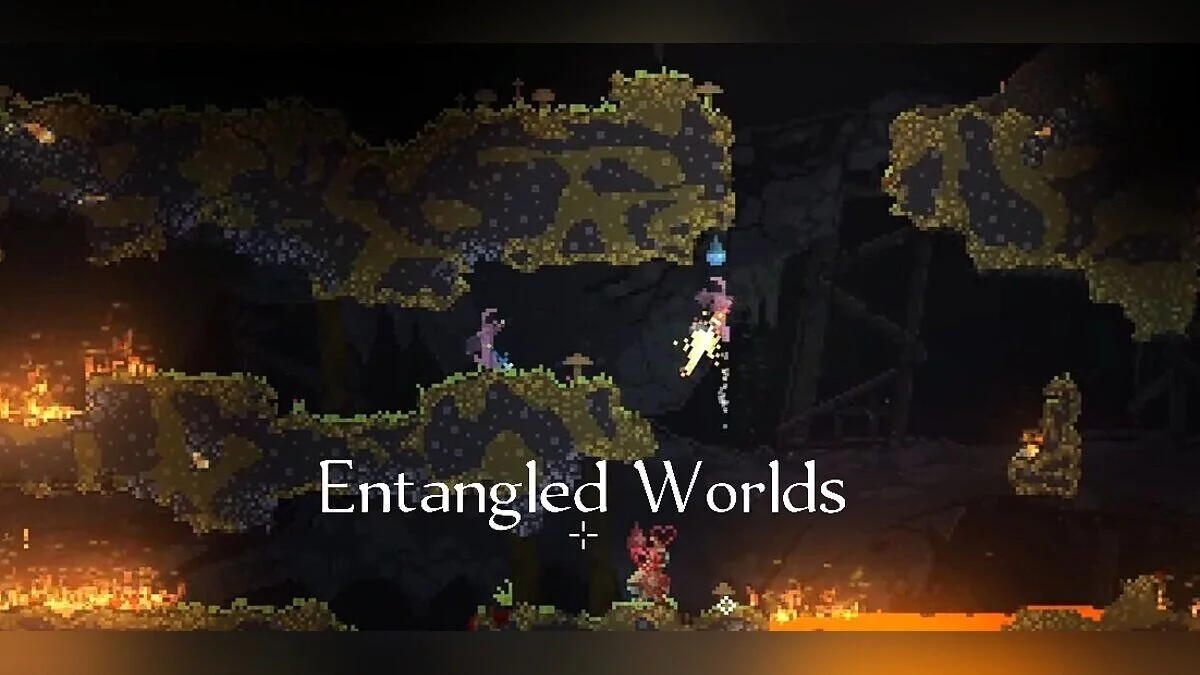
Entangled Worlds
In addition to singleplayer, MCM supports multiplayer with Entangled Worlds. Most MCM features also work in multiplayer. Additional synchronization and multiplayer-specific logic are used where required.
MCM does not have to be installed by every participant in the session. If several players use the mod, it is recommended that each of them use the latest version.
The teleportation section can also be used to move between players:
— GO TO — teleport to the selected player;
— BRING HERE — move the selected player to you if they also have MCM installed.
Important: transforming into some large or multi-jointed bosses in multiplayer may cause severe lag for other players. This problem does not occur in singleplayer.
Links
Useful links:
![Noita — Trainer (+14) from 04.09.2024 [WeMod]](https://files.vgtimes.com/download/posts/2024-04/thumbs/trejjner-14-ot-09-04-2024-wemod_1712746057_914930.webp)
![Noita — Trainer (+14) [1.0 - UPD: 20.08.2023]](https://files.vgtimes.com/download/posts/2023-08/thumbs/trejjner-14-1-0-upd-20-08-2023_1692619206_193892.webp)
![Noita — Trainer (+9) dated 26.07.2020 [WeMod]](https://files.vgtimes.com/download/posts/2020-07/thumbs/1595833822_2020-07-27_100801.webp)
![Noita — Trainer (+9) from 10.23.2020 [WeMod]](https://files.vgtimes.com/download/posts/2020-10/thumbs/1603450604_2020-10-23_135540.webp)
![Noita — Cheat Engine Table [UPD: 01.10.2024]](https://files.vgtimes.com/download/posts/2024-10/thumbs/tablica-dlja-cheat-engine-upd-01-10-2024_1727961804_468151.webp)
![Noita — Trainer (+6) [27.04.2020]](https://files.vgtimes.com/download/posts/2020-05/thumbs/1588595252_bnlj3ik8twbnsjlphyph9w.webp)
![Noita — Trainer (+9) from 03.14.2023 [WeMod]](https://files.vgtimes.com/download/posts/2023-03/thumbs/trejjner-9-ot-14-03-2023-wemod_1679480216_244762.webp)
![Noita — Trainer (+14) [1.0 - UPDATED: 29.07.2023]](https://files.vgtimes.com/download/posts/2023-08/thumbs/trejjner-14-1-0-upd-29-07-2023_1691581728_393160.webp)