
The main character is a recruit of the research organization Outer Wilds Ventures, who goes on exploration into space, but ends up in a time loop. To get out of it... Read more
Players:
Steam:
Metacritic:
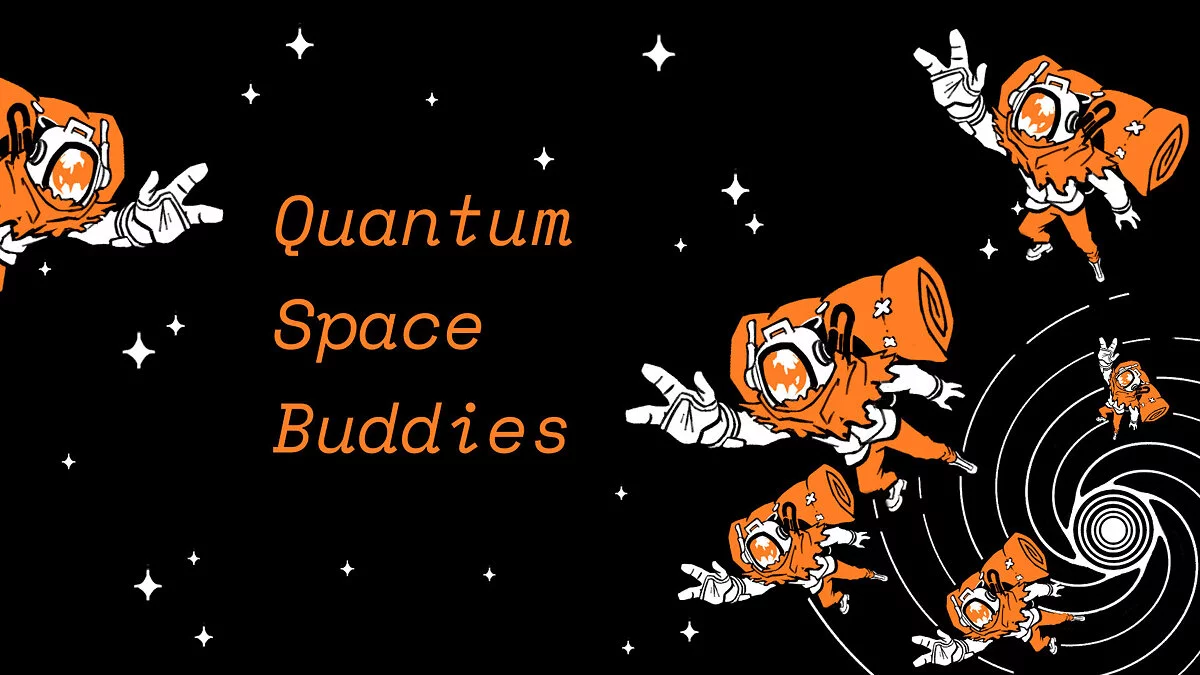
Quantum Space Buddies (QSB) — Multiplayer Mod
Author:
nebula, JohnCorby, AmazingAlek, Raicuparta
Uploaded by:

Size:
81.33 MB
Date:
July 2, 2024, 11:46 AM
Downloads:
34
-
Download (81.33 MB)July 2, 2024, 11:46 AMquantum-space-buddies-qsb-mod-na_1719909983_564051.zip
Quantum Space Buddies (QSB) is a multiplayer mod for Outer Wilds. The mod utilizes the OWML mod loader and Mirror for online play.
Installation:
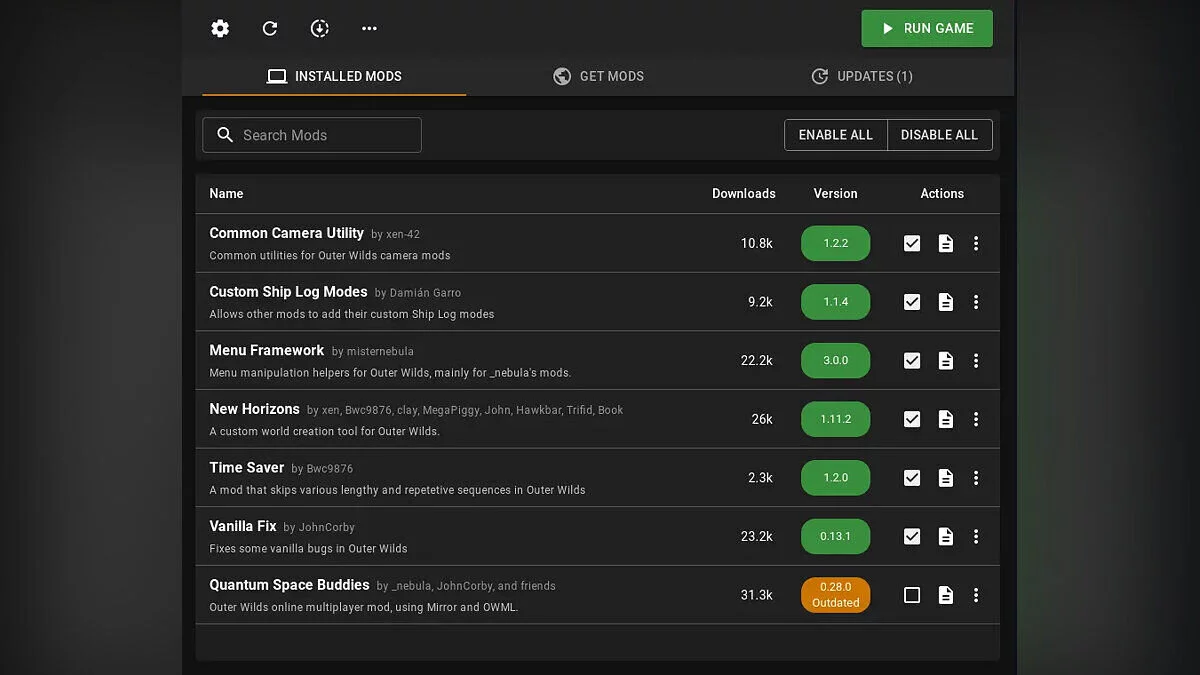
- Install Outer Wilds Mod Manager — the mod manager;
- Install Quantum Space Buddies from the mod list displayed in the application.
Hosting / Connecting:
- Connecting to a server:
- Ensure that Steam is open and you are logged in.
- On the main screen, click the option to connect to multiplayer.
- Enter the Steam ID of the person you are trying to connect to.
- If the "Use KCP Transport" option is enabled, enter that person's public IP address.
- Hosting a server:
- Ensure that Steam is open and you are logged in.
- On the main screen, click the option to open for multiplayer.
- Share your Steam ID with those who want to connect.
- If the "Use KCP Transport" option is enabled, share your public IP address.
The file name and description have been translated Show original
(RU)Show translation
(EN)
Quantum Space Buddies (QSB) — мод на мультиплеер
Quantum Space Buddies (QSB) — это многопользовательский мод для Outer Wilds. Мод использует загрузчик модов OWML и Mirror для сетевой игры.
Установка:
- Установить Outer Wilds Mod Manager — менеджер модов;
- Установить Quantum Space Buddies из списка модов, отображаемого в приложении.
Хостинг / Подключение:
- Подключение к серверу:
- Убедитесь, что Steam открыт и вы вошли в систему.
- На главном экране нажать опцию подключиться к мультиплееру.
- Ввести Steam ID человека, к которому вы пытаетесь подключиться.
- Если включена опция «Use KCP Transport», введите публичный IP-адрес этого человека.
- Хостинг сервера:
- Убедитесь, что Steam открыт и вы вошли в систему.
- На главном экране нажать опцию открыть для мультиплеера.
- Поделится своим Steam ID с людьми, которые хотят подключиться.
- Если включена опция "Use KCP Transport", поделитесь своим публичным IP-адресом.
Useful links:
![Outer Wilds — Cheat Engine Table [1.1.14]](https://files.vgtimes.com/download/posts/2024-04/thumbs/tablica-dlja-cheat-engine-1-1-14_1712660008_152871.webp)
![Outer Wilds — Trainer (+5) [1.0 -1.10]](https://files.vgtimes.com/download/posts/2021-09/thumbs/1633000121_ljwapr0yymcnj8z3dbrlpa.webp)
![Outer Wilds — Cheat Engine Table [UPD: 14.10.2021]](https://files.vgtimes.com/download/posts/2021-10/thumbs/1634295617_tuajneiniw2jgvxyqjoyon.webp)
![Outer Wilds — Cheat Engine Table [1.1.12]](https://files.vgtimes.com/download/posts/2021-12/thumbs/1640506435_01.webp)
![Outer Wilds — Trainer (+5) [1.0 -1.07]](https://files.vgtimes.com/download/posts/2020-06/thumbs/1592828430_rquh2v7lnyf2aofdzktylq.webp)
![Outer Wilds — Cheat Engine Table [UPD: 24.12.2019]](https://files.vgtimes.com/download/posts/2019-12/thumbs/1577298010_1577297902_592.webp)
![Outer Wilds — Trainer (+5) from 29.09.2021 [WeMod]](https://files.vgtimes.com/download/posts/2021-09/thumbs/1632912333_2021-09-29_134428.webp)