Games Peak Files Cheat Mods Mod Menu — Unlimited Stamina, NoClip, Item Spawner, Lobby Controls, Player Radar & Achievement Unlocker

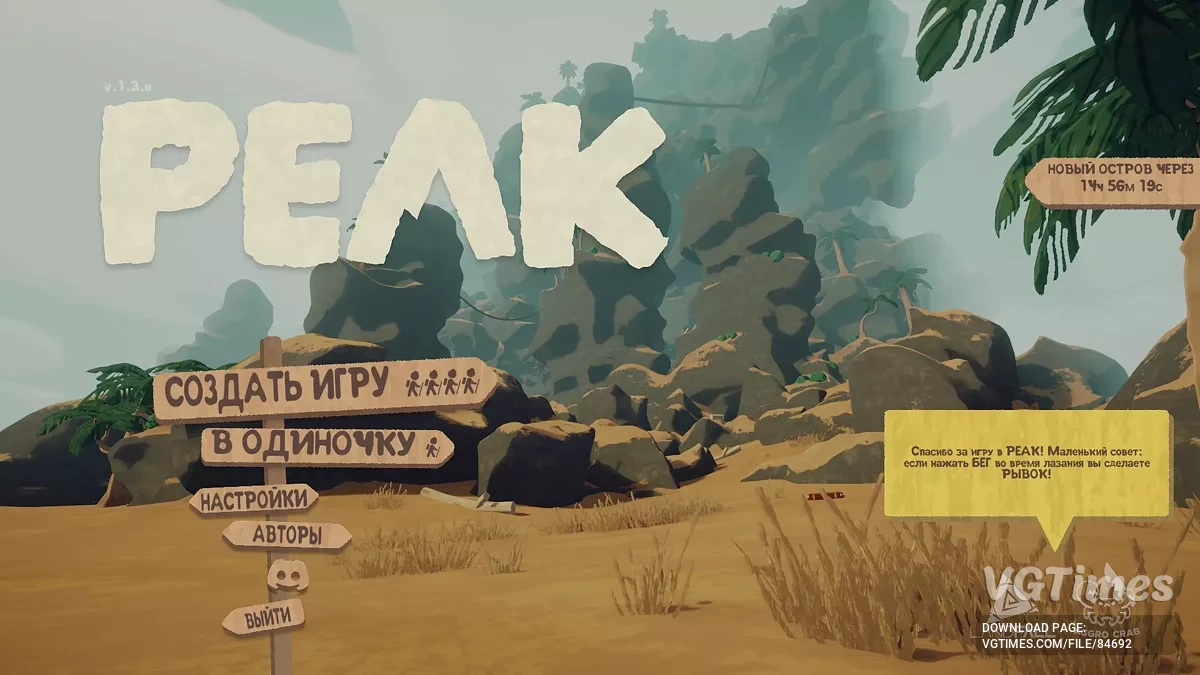
A cooperative game in which 4 gamers try to climb to the top of a mountain. The heroes are lost on the island, and this is the only way to salvation... Read more
Mod Menu — Unlimited Stamina, NoClip, Item Spawner, Lobby Controls, Player Radar & Achievement Unlocker

Author:
Arivol
Uploaded by:

Size:
37.32 kB
Date:
Yesterday, 13:14
Downloads:
2
-
Download in TelegramNo waiting Download37.32 kBNovember 23, 2026, 01:14 PMchit-menju-beskonechnaja-vynoslivost_1795428886_743071.zip
A feature-rich IMGUI mod menu for PEAK organized into clean, dedicated tabs for Player, Statuses, Items, Lobby Players, Achievements, and Radar. It gives you full control over your own character's survival stats and movement alongside comprehensive lobby management tools (including host-only group actions), a searchable item spawner with favorites and weight sorting, a real-time player radar overlay, and a flexible achievement unlocker.
Features & Menu Tabs:
- Player — unlimited stamina, lock or clear negative status effects, customize movement speed and jump height, toggle NoClip (fly through walls), instant self-revive, and teleport back to spawn.
- Statuses — fine-tune individual status effects and afflictions using 0–100% sliders (injury/trauma, hunger, cold, poison, and more).
- Items — instant search, category browsing, favorites list, sorting by name or weight, spawn items for yourself, a specific player, or everyone in quantities of 1–20, plus one-click spawning for an entire category.
- Players — search lobby members, teleport to a player, pull a player to your location, and revive downed teammates; hosts also get group controls to revive everyone, gather everyone together, send everyone to spawn, or knock everyone down.
- Achievements — Russian achievement titles, search bar, "locked only" filter, and buttons to unlock a selected achievement, all achievements at once, or all achievements except the final one.
- Radar — on-screen overlay toggled with F5 displaying player names, direction indicators, exact distance, and current status ("downed" / "in game").
Controls (Hotkeys):
- F1 — open or close the main mod menu.
- G — toggle NoClip (fly through walls).
- F2 — gather all players (host action).
- F3 — revive all players (host action).
- F4 — teleport all players to spawn (host action).
- F5 — toggle the player radar overlay.
Installation Instructions:
- Install BepInEx 5.4.23.6 into your PEAK root installation folder first.
- Copy PeakModMenu.dll into the BepInEx\plugins\ folder inside your game directory.
- Launch PEAK and press F1 to open the mod menu.
Related files:
Useful links: