
A colorful strategy game in the tower defense genre, where an ordinary country house is under siege by an army of funny but extremely persistent zombies. The only... Read more
Players:
Steam:
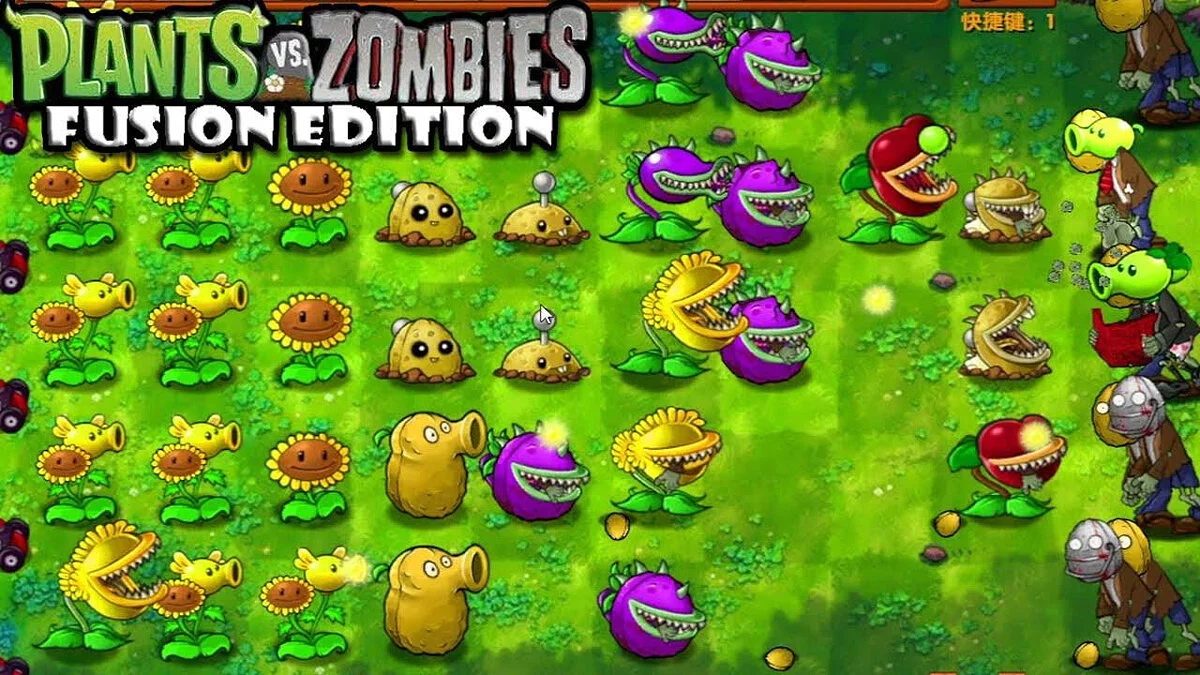
Cheat Engine Table — PvZ Fusion Edition
Author:
All-knowingUgochi
Uploaded by:

Size:
22.49 kB
Date:
October 25, 2024, 01:46 PM
Downloads:
6206


-
Download (22.49 kB)October 25, 2024, 01:46 PMtablica-cheat-engine-pvz-fusion-edition_1729853207_994113.rar
Functions and commands:
- Sun Value — change the amount of suns;
- Inf Sun — infinite suns;
- Sun increase by Planting — suns increase when planting plants;
- Sun Drop Speed — change the speed of sun drops;
- Unlimited Hammer Usage - hammer has no cooldown;
- Unlimited Glove Usage — glove has no cooldown;
- Health Hack (Plant) — plants have infinite HP;
- Plant Changer — change existing plants on the lawn;
- Plant Damage Hack (Not include Zomboni & etc.) — infinite damage for plants, but it does not work on zombonis;
- Stop Zombies Out — stop zombie spawning;
- Forward Zombie Wave — skip waiting time between waves;
- Zombie Out Countdown — change countdown for zombie waves.
How to run:
- Open “Cheat Engine”;
- Click “Load” and select the table;
- Click “Select a process to open” and choose the desired process;
- Select the desired option, check the box.
The file name and description have been translated Show original
(RU)Show translation
(EN)
Таблица Cheat Engine — PvZ Fusion Edition
Функции и команды:
- Sun Value — изменение количества солнц;
- Inf Sun — бесконечные солнца;
- Sun increase by Planting — солнца увеличиваются при посадке растений;
- Sun Drop Speed — изменение скорости падения солнца;
- Unlimited Hammer Usage - у молотка нет кд;
- Unlimited Glove Usage — у перчатки нет кд;
- Health Hack (Plant) — у растений бесконечное хп;
- Plant Changer — изменение растений которые уже есть на лужайке;
- Plant Damage Hack (Not include Zomboni & etc.) — бесконечный урон у растений, но он не работает на зомбони;
- Stop Zombies Out — остановка спавна зомби;
- Forward Zombie Wave — скип ожидания между волнами;
- Zombie Out Countdown — изменения кд волн зомби.
Как запустить:
- Открыть «Cheat Engine»;
- Нажать «Load» и выбрать таблицу;
- Нажать «Select a process to open» и выбрать нужный процесс;
- Выбрать нужную опцию, поставить крестик.
Related files:
Useful links:
![Plants vs. Zombies — Plants vs. Zombies - Game of the Year Edition: Trainer (+3) [1.2.0.1093] {H4XX0R}](https://files.vgtimes.com/download/posts/2017-09/thumbs/plants-vs-zombies-game-of-the-year_1713866796_409406.webp)

![Plants vs. Zombies — Trainer (+13) [v1.2.0.1095] [PC | RePack by GAMER] [Enjoy]](https://files.vgtimes.com/download/posts/2018-03/thumbs/1522184466_png.webp)
![Plants vs. Zombies — Save File [Origin License]](https://files.vgtimes.com/download/posts/2022-04/thumbs/1649108296_1.webp)
![Plants vs. Zombies — Plants vs. Zombies: Trainer (+7) [1.2.0.1094] {h4x0r}](https://files.vgtimes.com/download/posts/2017-09/thumbs/plants-vs-zombies-trejjner-7-1-2-0-1094_1713866754_645152.webp)