The game takes place in the cramped slums of an alternative America, where economic collapse has greatly affected the differences between social groups of people... Read more
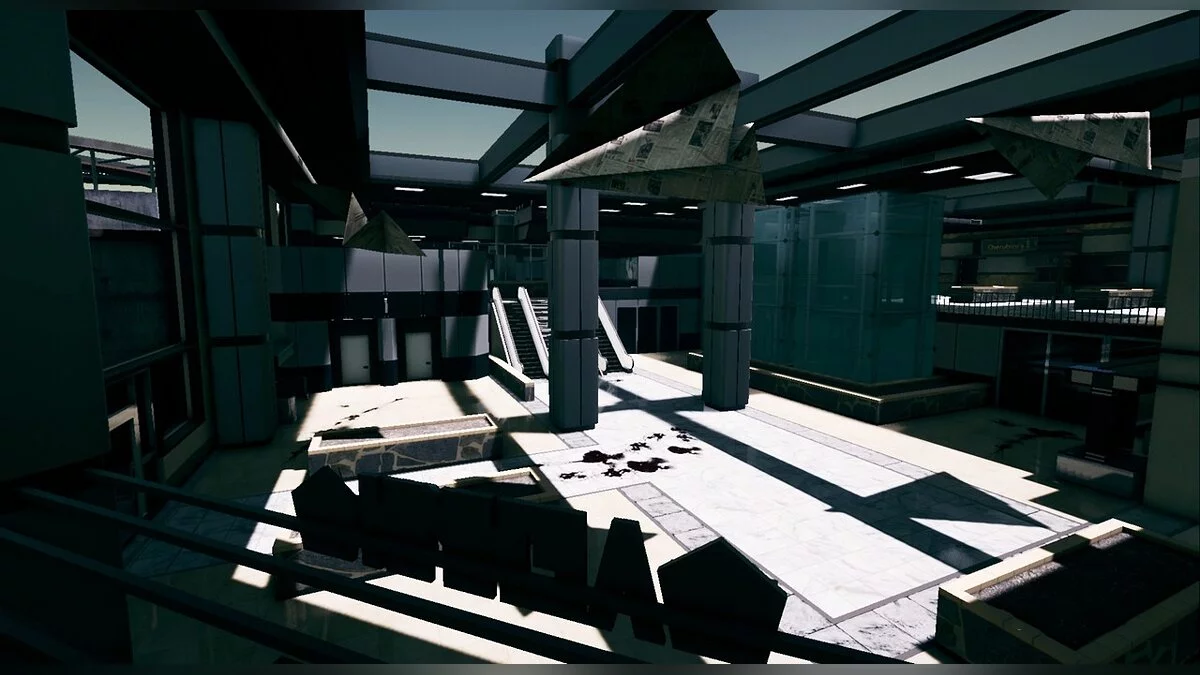
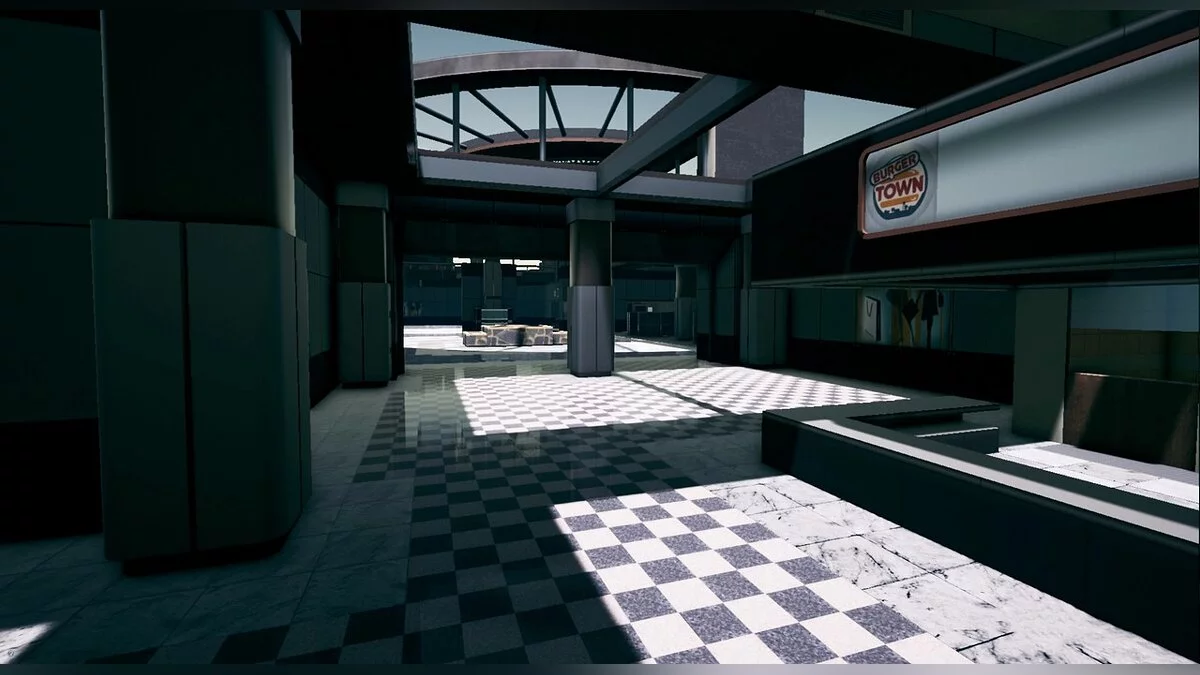
Terminal from Call of Duty: Modern Warfare

-
www.nexusmods.comDownload
MW2 Terminal.
This map is based on an early version of the terminal for developers, and it lacks some secondary objects that will be fixed or replaced in the future. This version is currently intended only for single-player, but a multiplayer version will be released soon.
Features:
- Updated lighting
- New textures to add more depth to the environment
- Fully functional enemy AI
To install the map, place the PAK file in the RoN pak folder located at: SteamLibrary/steamapps/common/Ready Or Not/ReadyOrNot/Content/Paks.
To load the map in the game, open RoN and load UUU, then open the console, type "Open Terminal" and press Enter.
MW2 Terminal.
Эта карта основана на ранней версии терминала для разработчиков, и в ней отсутствуют некоторые второстепенные объекты, которые будут исправлены или заменены в будущем. Эта версия в настоящее время предназначена только для одиночной игры, но скоро будет выпущена многопользовательская версия.
Особенности:
- Обновленное освещение
- Новые текстуры для добавления большей глубины окружению
- Полностью работающий искусственный интеллект противника
Для установки карты поместите файл PAK в папку RoN pak, расположенную по адресу: SteamLibrary/steamapps/common/Ready Or Not/ReadyOrNot/Content/Paks.
Чтобы загрузить карту в игру, откройте RoN и загрузите UUU, затем откройте консоль, введите «Открыть терминал» и нажмите Enter.
Useful links:
![Ready or Not — Trainer (+4) from 01.04.2022 [WeMod]](https://files.vgtimes.com/download/posts/2022-01/thumbs/1641374047_2022-01-05_121230.webp)
![Ready or Not — Trainer (+3) from 01.12.2022 [WeMod]](https://files.vgtimes.com/download/posts/2022-01/thumbs/1642080532_2022-01-13_162757.webp)