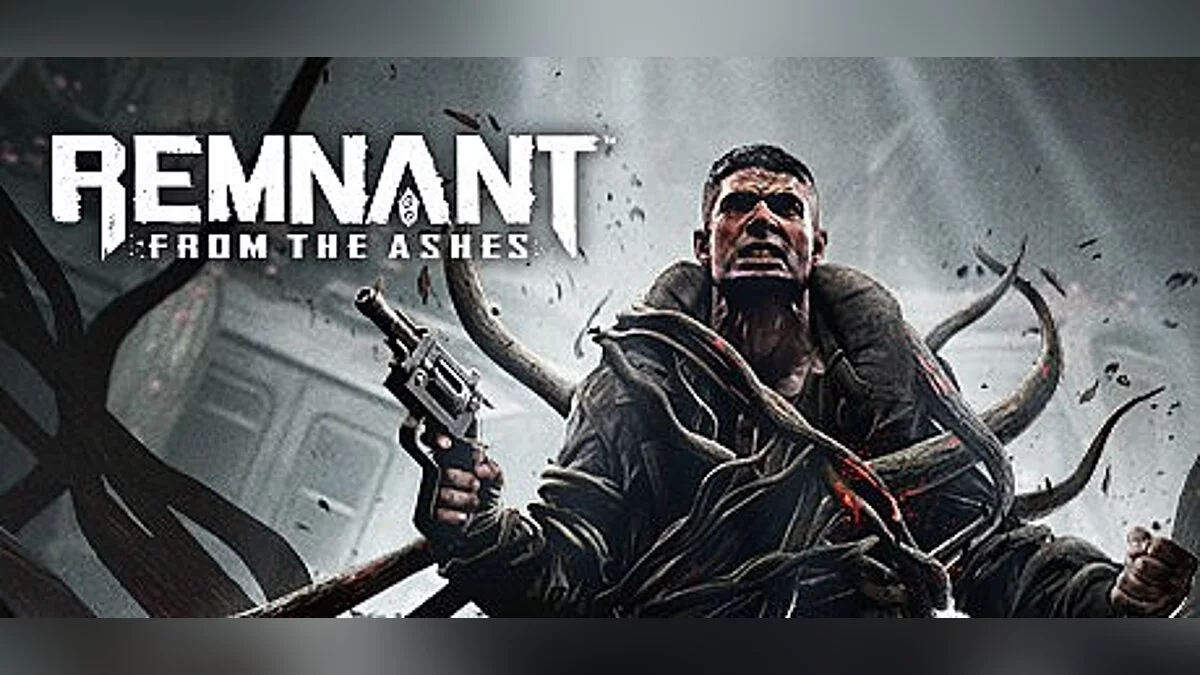
Cooperative game from the creators of Darksiders 3, set on a post-apocalyptic Earth. The world has been taken over by terrifying monsters from another dimension... Read more
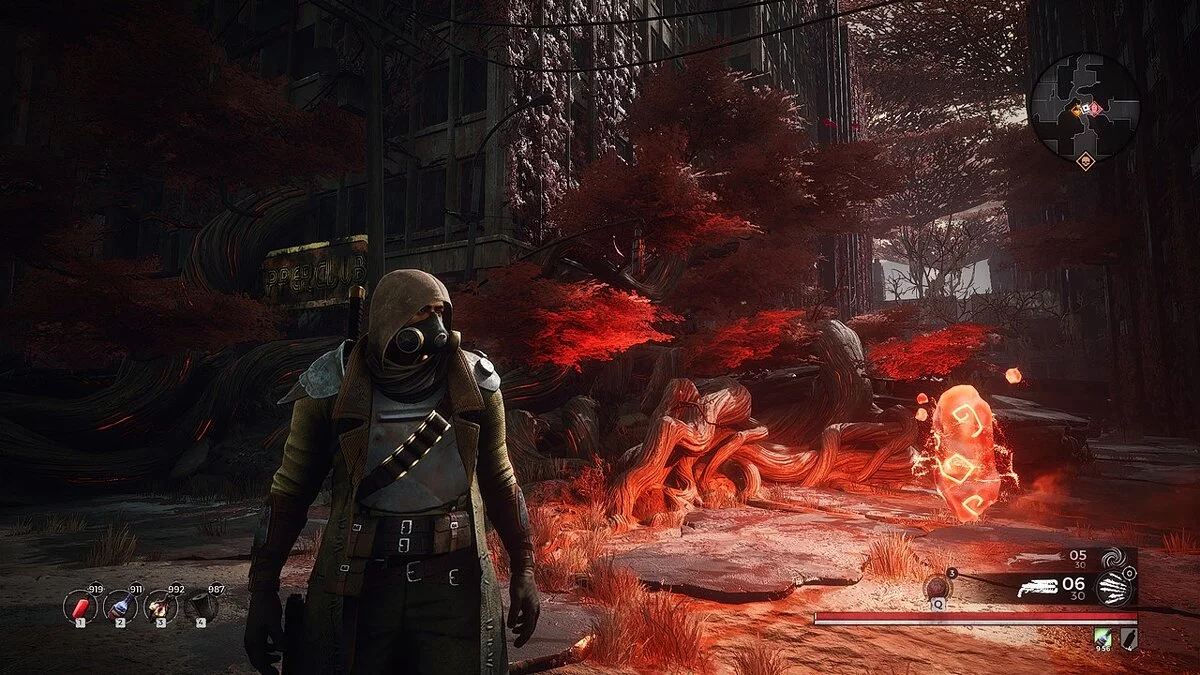
Enhanced HDR
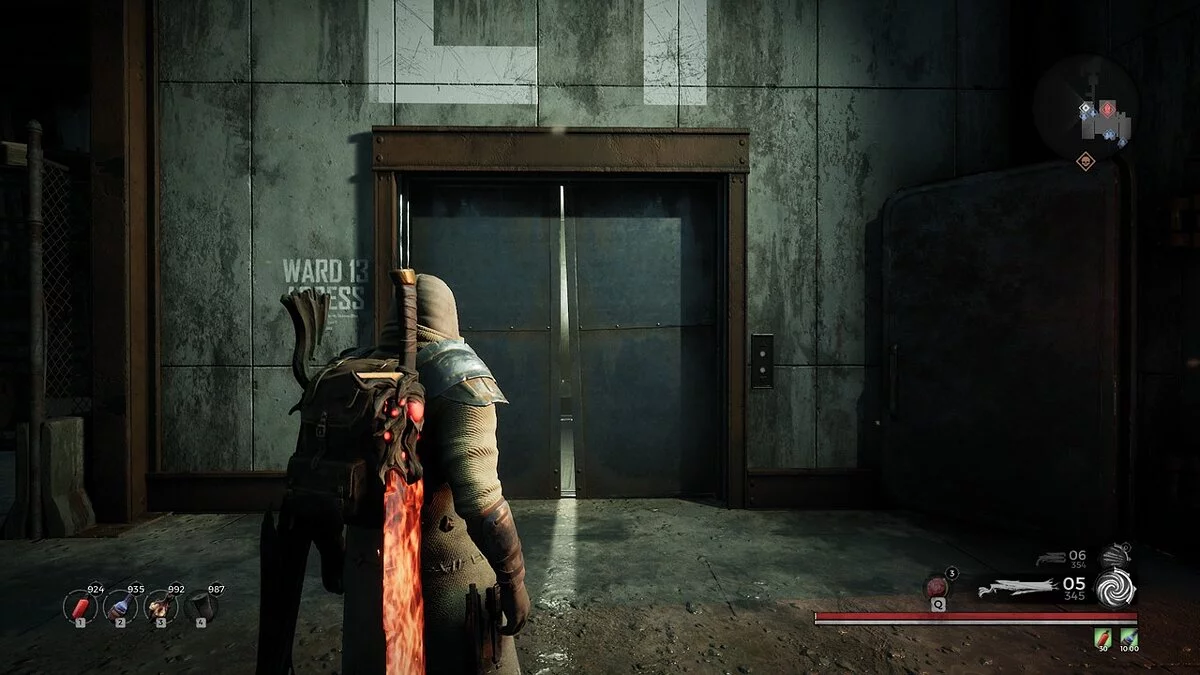
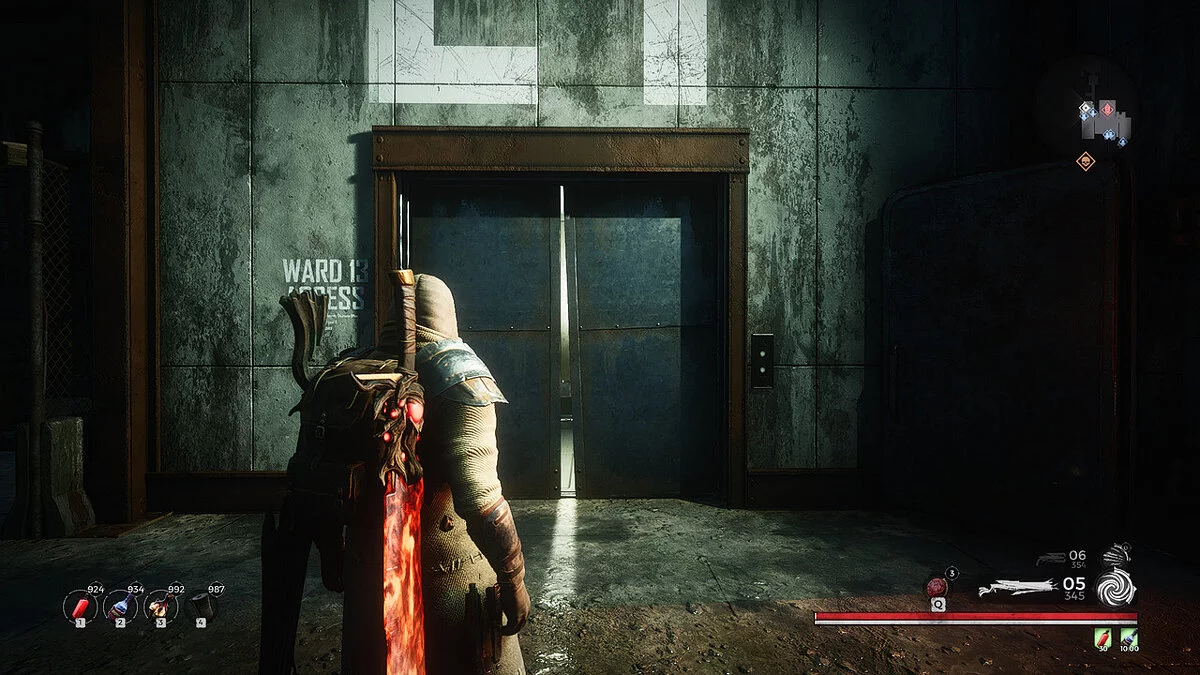
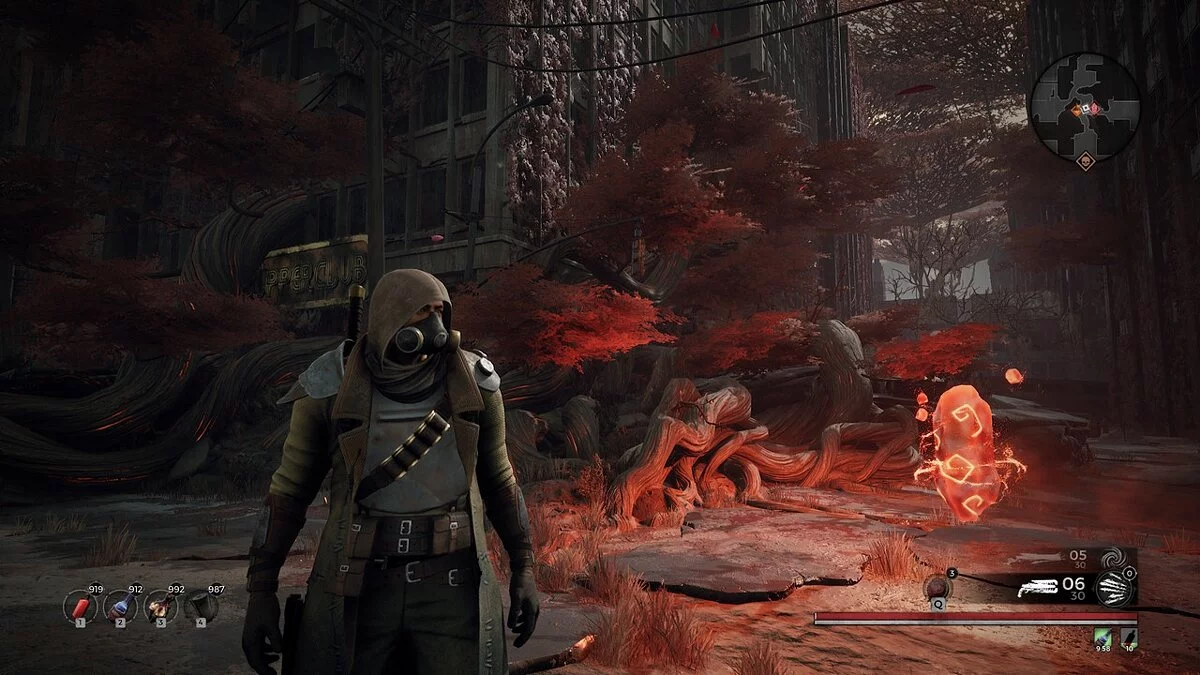

-
www.nexusmods.comDownload
RemnantGunSouls_ReShade.
ReShade preset that adds color correction, enhanced HDR, and sharpness without overly saturating the game's color palette. Some users may experience a drop of 10 frames per second when running the game on ultra settings with my presets.
INSTALLATION INSTRUCTIONS: This is just an .ini file, and you will need the latest version of ReShade to use it. You can get it here: https://reshade.me
How to install my file: simply place it in the Remnant / Binaries / Win64 folder where the game's exe is located.
How to install ReShade:
1) Run the ReShade installer and select the game's exe
2) Choose the game's API — this is DX10+
3) Click OK to download all fx files, and OK to install them
4) ReShade should say 'Successfully'. Now you can close the ReShade installer.
IMPORTANT! when launching the game: if it does not start, crashes to the desktop, or your controller does not work, you need to rename the dxgi file to d3d11, which is located in the same folder where you installed ReShade (Remnant From The Ashes / Remnant / Binaries / Win64). If that doesn't work, you will need to disable the Steam overlay as it may conflict with the ReShade overlay.
To open the in-game menu, press the 'Home' (pos1) key on your keyboard. When the menu opens, click the dropdown arrow and select my file from the list. If you do not see my file, you will have to manually add it by clicking the + symbol next to the dropdown arrow and entering the full name of my preset like this: RemnantGunSouls.ini, then press Enter. To close the menu, press the 'Home' (pos1) key on your keyboard.
RemnantGunSouls_ReShade.
Пресет ReShade, который добавляет цветокоррекцию, улучшенный HDR и резкость без чрезмерного насыщения цветовой палитры игры. У некоторых может наблюдаться потеря 10 кадров в секунду при запуске игры на ультра настройках с моими предустановками.
ИНСТРУКЦИИ ПО УСТАНОВКЕ: Это просто файл .ini, для его использования вам понадобится последняя версия ReShade. Вы можете получить его здесь: https://reshade.me
Как установить мой файл: просто поместите его в папку Remnant / Binaries / Win64, где находится exe игры.
Как установить ReShade:
1) Запустите программу установки ReShade и выберите exe игры
2) Выберите API игры — это DX10+
3) Нажмите ОК, чтобы загрузить все файлы fx, и ОК" чтобы установить их
4) ReShade должен сказать «Успешно». Теперь вы можете закрыть установщик ReShade.
ВАЖНО! при запуске игры: если она не запускается, вылетает на рабочий стол или ваш контроллер не работает, вам необходимо переименовать файл dxgi в d3d11, он находится в той же папке, в которой вы установили ReShade (Remnant From The Ashes / Remnant / Binaries / Win64). Если это не сработает, вам нужно будет отключить оверлей Steam, так как он может конфликтовать с оверлеем ReShade.
Чтобы открыть меню в игре, нажмите клавишу «Домой» (pos1) на клавиатуре. Когда меню откроется, щелкните стрелку раскрывающегося списка и выберите мой файл из списка. Если вы не видите мой файл, вам придется вручную добавить его, щелкнув символ + рядом со стрелкой раскрывающегося списка и введите полное имя моего пресета, как это: RemnantGunSouls.ini, затем нажмите Enter. Чтобы закрыть меню, нажмите клавишу «Домой» (pos1) на клавиатуре.
Useful links:
![Remnant: From The Ashes — Cheat Engine Table [UPD: 30.05.2021]](https://files.vgtimes.com/download/posts/2021-05/thumbs/1622481907_remnant-from-the-ashes_04-25-19_002.webp)
![Remnant: From The Ashes — Trainer (+18) [1.0]](https://files.vgtimes.com/download/posts/2019-11/thumbs/1572870173_kzob1xin4bexi429fmjdcg.webp)
![Remnant: From The Ashes — Trainer (+21) [220.617(Update2)]](https://files.vgtimes.com/download/posts/2020-01/thumbs/1579644574_gwbsgyyamfhokcn2pup4vg.webp)
![Remnant: From The Ashes — Cheat Engine Table [UPD: 17.07.2021]](https://files.vgtimes.com/download/posts/2021-07/thumbs/1626617288_fbb13c531779f174_1920xh.webp)
![Remnant: From The Ashes — Trainer (+13) from 05.15.2020 [WeMod]](https://files.vgtimes.com/download/posts/2020-05/thumbs/1589559944_2020-05-15_192413.webp)
![Remnant: From The Ashes — Trainer (+16) from 09.18.2020 [WeMod] [Epic]](https://files.vgtimes.com/download/posts/2020-09/thumbs/1600430800_2020-09-18_150516.webp)
![Remnant: From The Ashes — Trainer (+16) from 09.18.2020 [WeMod] [Steam]](https://files.vgtimes.com/download/posts/2020-09/thumbs/1600430750_2020-09-18_150420.webp)