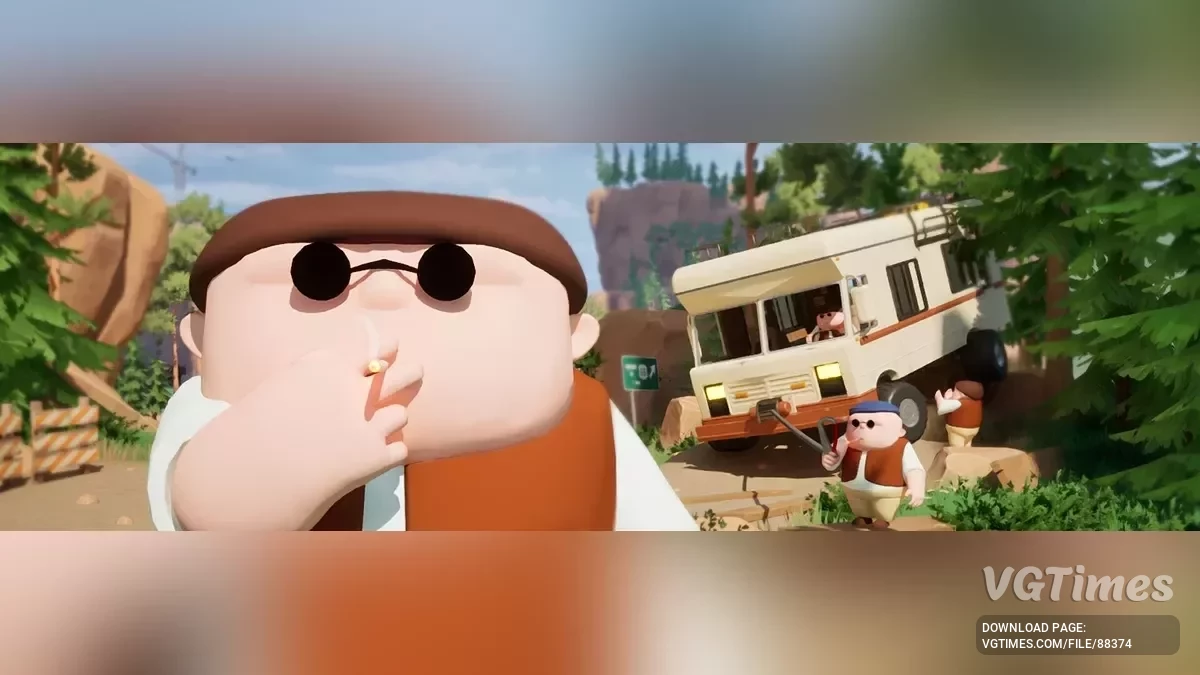
A cooperative game about travelers returning home from vacation in an old RV. The heroes must solve problems along the way, such as using winches to overcome... Read more
No Animals


-
Download (6.83 kB)April 15, 2026, 09:56 AMotkljuchenie-zhivotnykh_1776236216_858884.zip
Wildlife Removal Mods — Installation Guide
These mods remove wildlife (bears, eagles, and snakes) from RV There Yet. You can choose to remove all animals at once or only specific ones.
Requirements :
UE4SS v3.0.1 Beta or higher installed in your game folder
Installation Steps :
- Download and install UE4SS to: [Game Folder]\Ride\Binaries\Win64\
- Extract the mod(s) you want to the UE4SS Mods folder: [Game Folder]\Ride\Binaries\Win64\ue4ss\Mods\
- Open the file: [Game Folder]\Ride\Binaries\Win64\ue4ss\Mods\mods.txt
- Enable the mod(s) you want by setting them to 1 (see options below)
- Save the file and launch the game
Choose Your Option :
OPTION 1: Remove All Animals
If you want to remove bears, eagles, AND snakes all at once:
In mods.txt, add or change this line:
NoAnimals : 1
And these are the Manual removal hotkeys (just in case but probably won't have to use it):
- Shift+Ctrl+B = Remove all bears
- Shift+Ctrl+E = Remove all eagles
- Shift+Ctrl+S = Remove all snakes
OPTION 2: Remove Only Specific Animals
- If you only want to remove certain animals, copy the folder of the one(s) you want to remove into the same location individually and add the line(s) in mods.txt :
- No["animal_name"]s : 1
How It Works ?
Automatic removal: Animals are removed instantly when they spawn
- Scanning: The mod scans every 3 seconds to catch any that slip through
- Manual backup: Use the hotkeys if you ever see an animal that wasn't removed
- No performance impact: Lightweight and efficient
Important Notes :
- DO NOT enable NoAnimals AND the individual mods at the same time (choose one option)
- In mods.txt, the number 1 means enabled, 0 means disabled
- Make sure there's a space before and after the colon in mods.txt
- Changes take effect after restarting the game
Troubleshooting :
Animals still appearing?
- Make sure the mod is set to 1 in mods.txt
- Restart the game after changing mods.txt
- Check UE4SS.log for errors
Game crashing?
- Make sure you're using UE4SS v3.0.1 Beta or higher
- Only enable one removal option (either NoAnimals OR the individual mods)
Important Notes:
- I have developed this mod on the following game version : 1.0.14272 so I hope it works if you have a different game version.
- If you still encounter animals or face any other problems, try to install the dev version of UE4SS that's in the same link and starts with zDev-UE4SS... which will open an in-game console that logs out the errors and you'll maybe be able to identify what's not working.
- If you want to edit the mod, you can open the main.lua files inside the scripts folders with an editor like VsCode or a simple text editor.
Related files:
Useful links:


![RV There Yet? — Table for Cheat Engine [V3]](https://files.vgtimes.com/download/posts/2025-11/thumbs/tablica-dlja-cheat-engine-v3_1762240993_394574.webp)