A full-fledged sequel to the cult horror series Silent Hill. The action takes place in the 1960s in the Japanese town of Ebisugaoka. The story tells of a schoolgirl... Read more

Ultimate engine tweaks


-
Download (6.58 kB)September 24, 2025, 12:41 PMNo VRRultimativnye-nastrojjki-dvizhka_1758706893_728895.zip
-
Download (6.68 kB)September 24, 2025, 12:41 PMVRRultimativnye-nastrojjki-dvizhka_1758706893_621466.zip
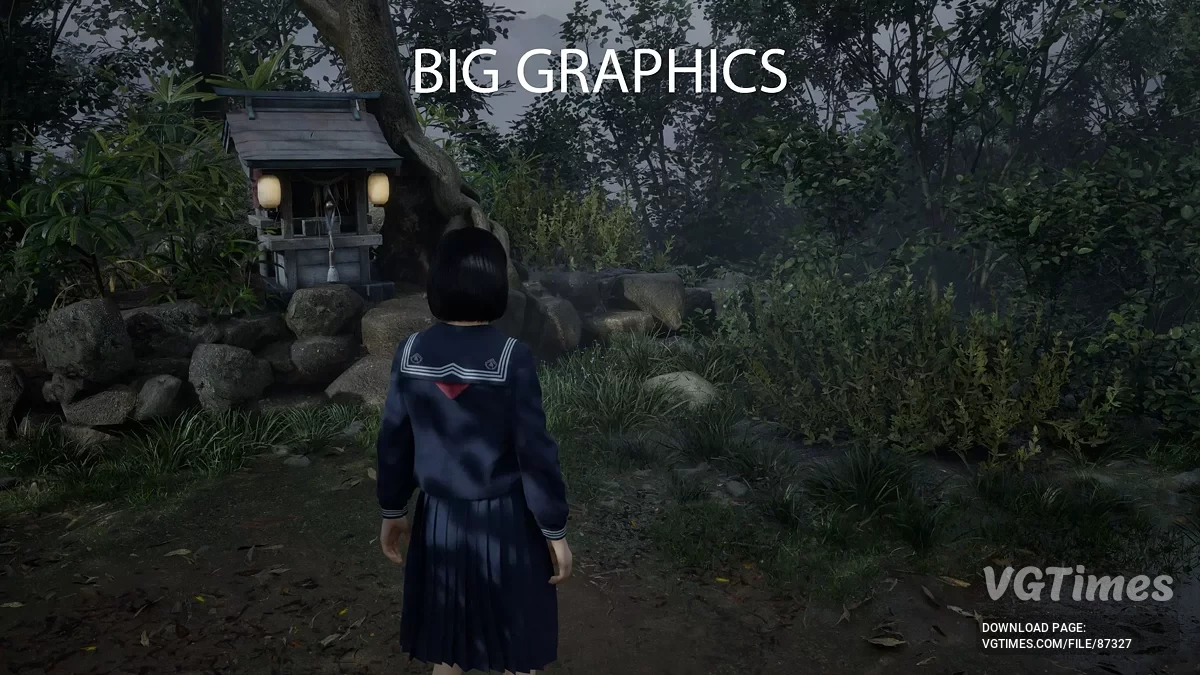
The goal of the mod is to include as many optimizations as possible (for CPU/GPU/RAM/SSD) to eliminate most stuttering, improve performance, reduce input latency, and enhance image clarity (for example, by optimizing film grain and removing chromatic aberration, optimizing DLSS/FSR upscaling and anti-aliasing, reducing ghosting and shimmering) — all this without any visual loss or introducing bugs or crashes.
What to choose between the VRR and No VRR mod variants?
VRR stands for Variable Refresh Rate, which can correspond to G-Sync for NVIDIA or AMD Freesync for AMD. You need to check if this feature is enabled both in the NVIDIA/AMD control panel and on the display itself (monitor/TV).
- If yes in both cases — use the VRR mod variant;
- If not — use the No VRR variant.
How to install:
- Download Engine.ini and paste it to: %localappdata%\SHf\Saved\Config\Windows (press Win + R, enter the path above and hit Enter to open the folder directly);
- Then right-click the file -> Properties -> make sure the "Read-Only" box is checked -> Apply/OK.
For Xbox PC version only:
- Go and paste the file to: %localappdata%\SHf\Saved\Config\WinGDK;
- Then right-click the file -> Properties -> make sure the "Read-Only" box is checked -> Apply/OK (to uninstall the mod, simply delete the modified Engine.ini — the game will use the default file on next launch).
Useful links: