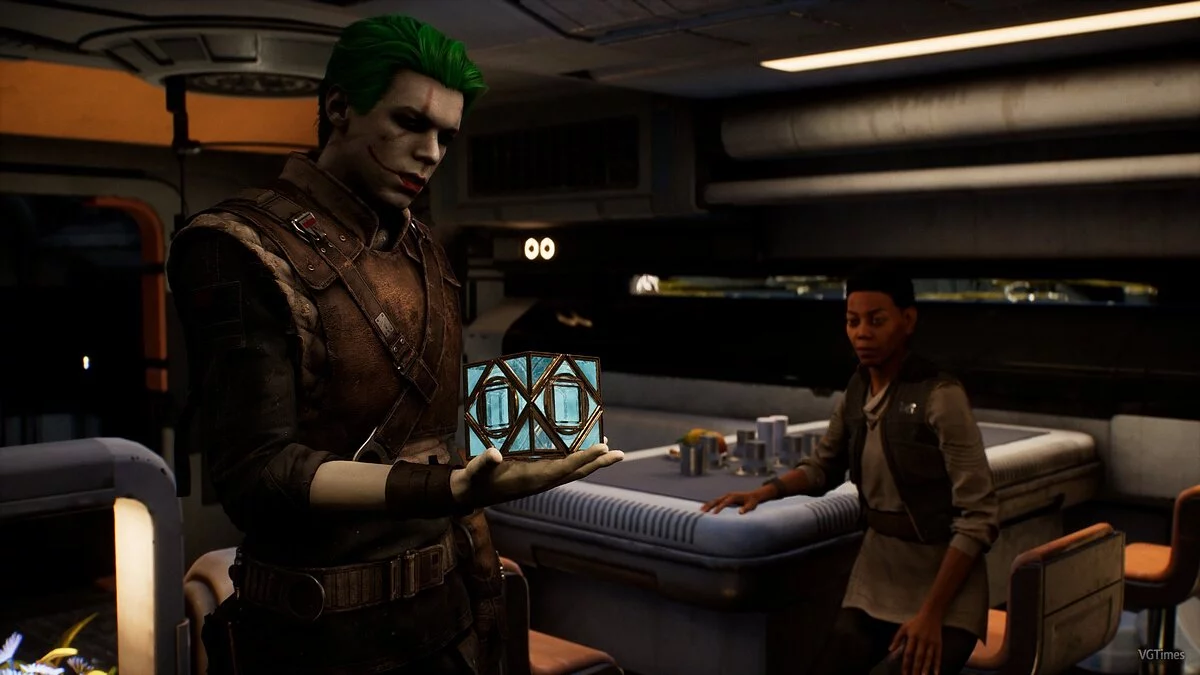
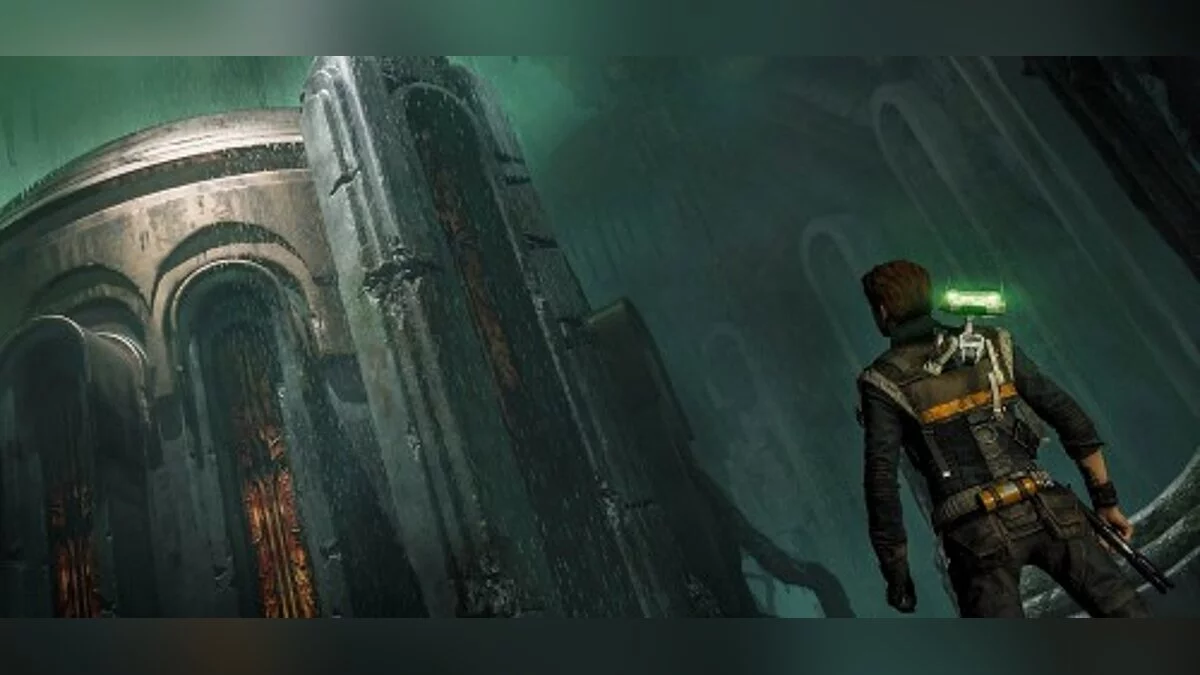
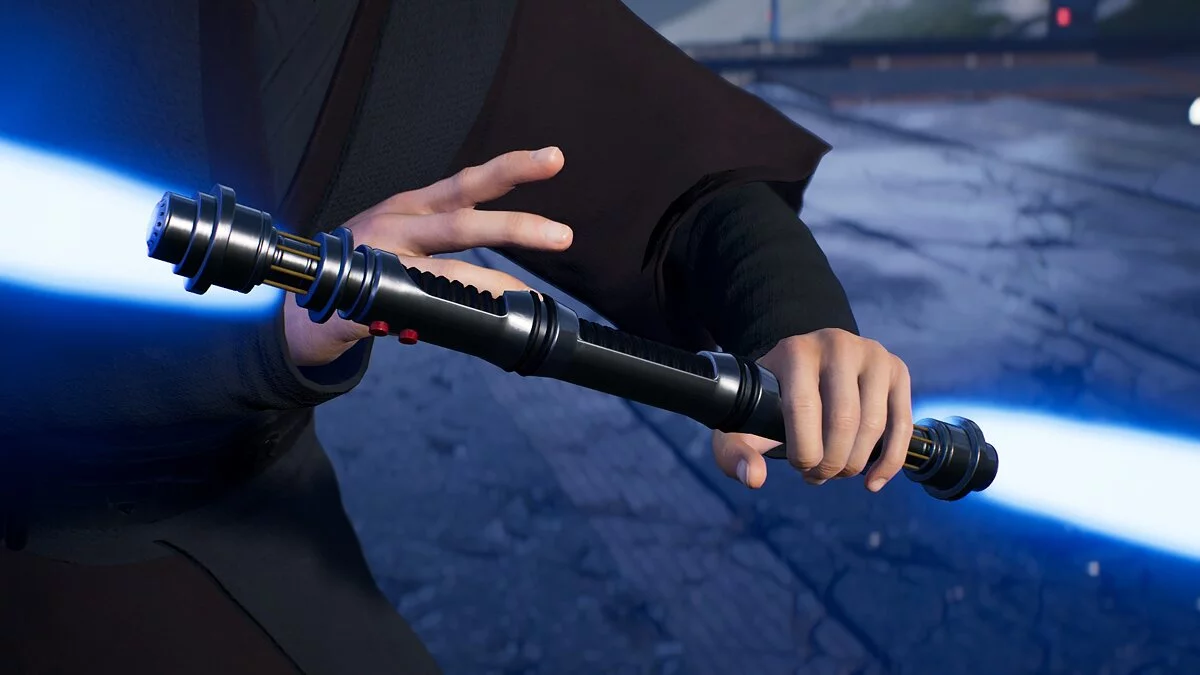
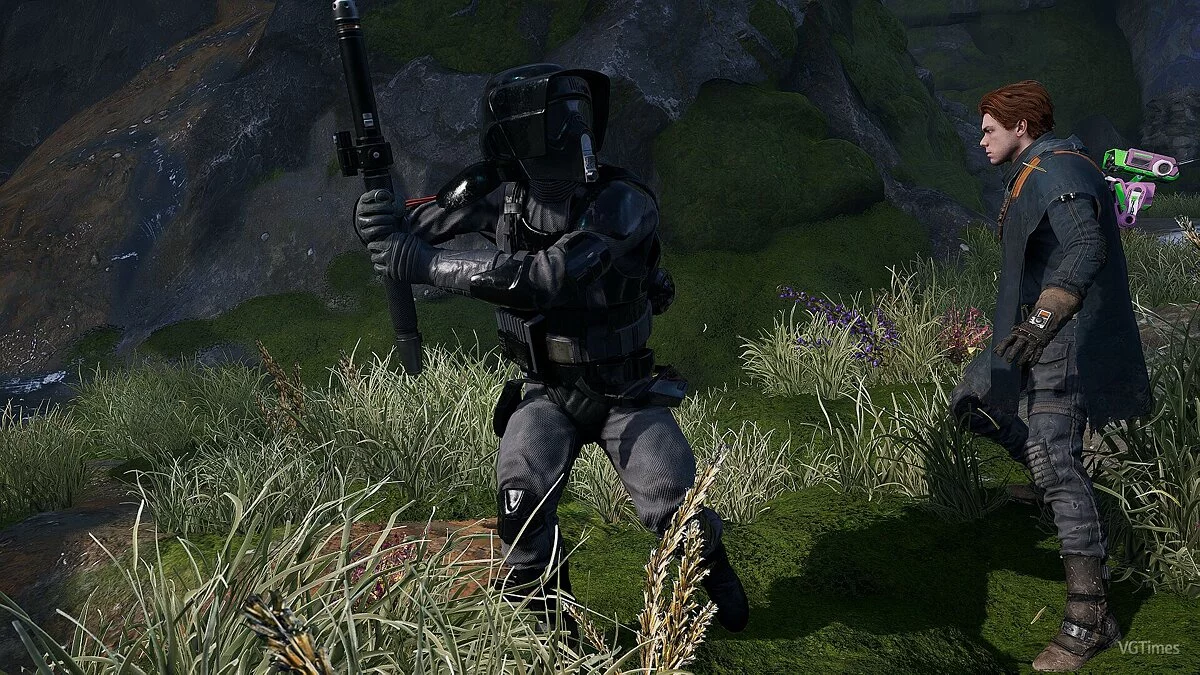
Star Wars Jedi: Fallen Order – a new chapter in the history of "Star Wars", a canonical story from Disney, EA, and Respawn. As a young padawan, the... Read more
Removal of Annoying Effects

-
1575670042_jfo_mods_v1_0.7zDownload (434.26 kB)
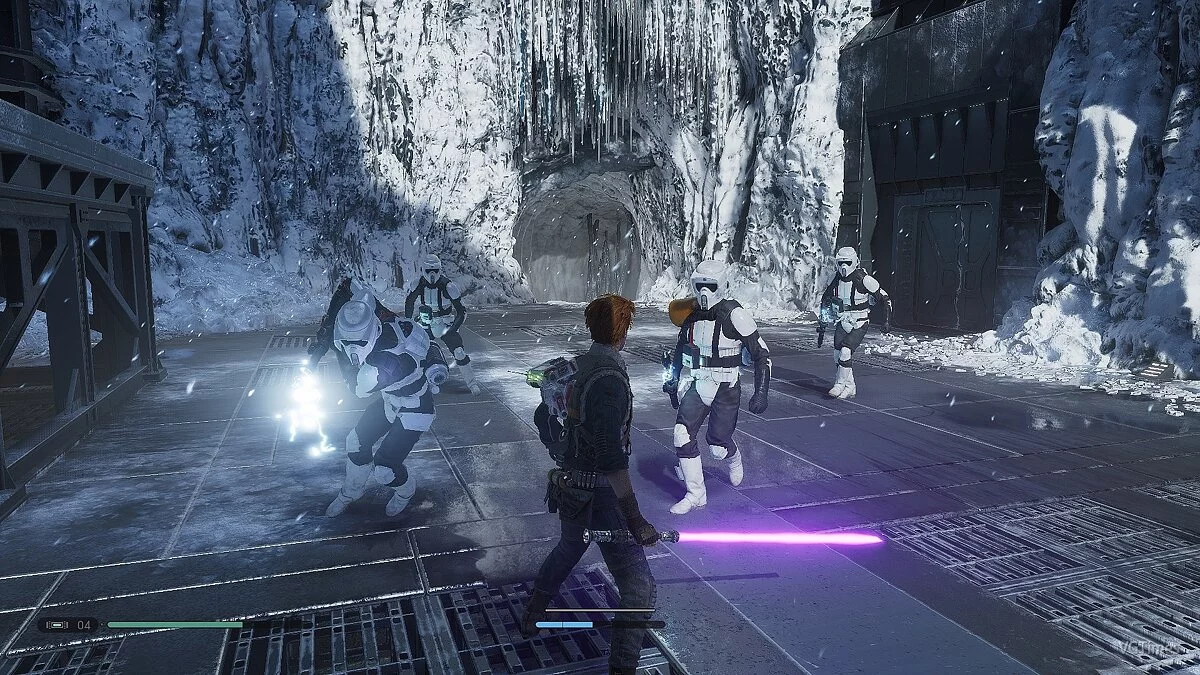
A mod for Star Wars Jedi: Fallen Order aimed at improving performance and immersion by disabling certain graphical effects.
Mod features:
- Disables some postfx settings
- Removes small health bars from enemies
- Removes the screen effect when taking damage
- Removes item highlighting
Effects that are disabled or altered in PostFX: (ini settings)
- no AA
- no DOF
- motion blur
- chromatic aberration
- anisotropy set to maximum
- vignette turned off
- softer shadows
- fog disabled, not the fog that adds depth to areas, but the fog that appears and disappears when passing through doorways,
Requirements:
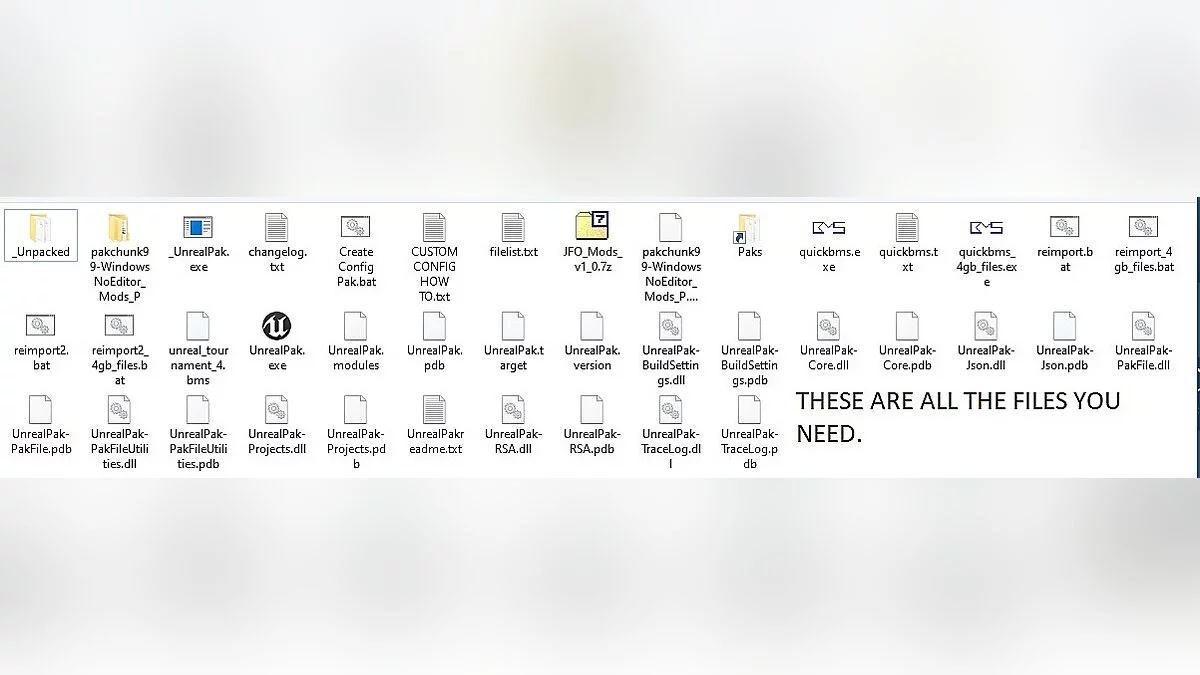
Unreal Engine. Quick BMS + Unreal Script.
Unofficial unpack.exe
And other files shown in the screenshot.
Installation:
Extract the archive into the / scripts folder in the game directory.
Мод для Star Wars Jedi: Fallen Order, нацелен на улучшение производительности и погружения в игру, путем отключение некоторых графических эффектов.
Особенности мода:
- Отключает некоторые настройки postfx
- Убирает маленькие полоски здоровья врагов
- Удаляет эффект на экране при получения урона
- Удаляет подсвечивание предметов
Эффекты которые отключены или изменены в PostFX: (настройки ini)
- нет AA
- нет DOF
- размытие в движении
- хроматическое аберрация
- анизотропия установлена на максимум
- виньетка выключена
- более мягкие тени
- отключен туман, не туман, который добавляет ощущение глубины к областям, а тумана, который появляется и исчезает при прохождении через дверные проемы,
Требования:
Unreal Engine. Quick BMS + Unreal Script.
Неофициальный unpack.exe
И другие файлы, которые представлены на скриншоте.
Установка:
Распакуйте архив в папку / scripts в каталоге игры.
Useful links: