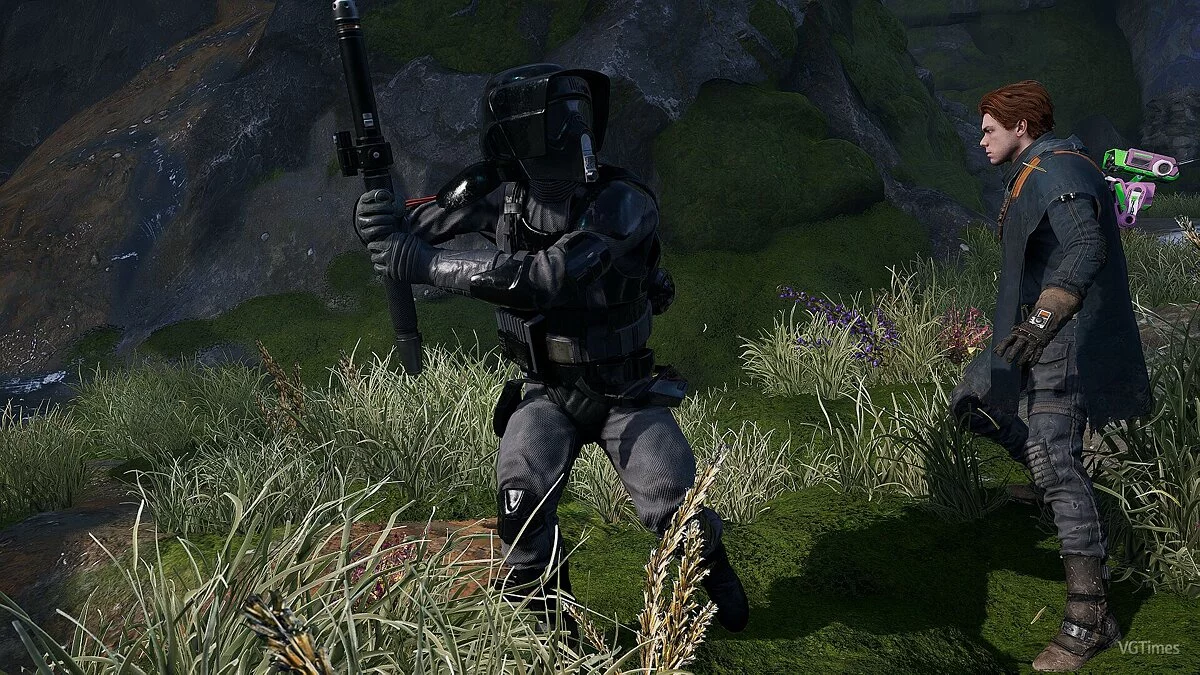
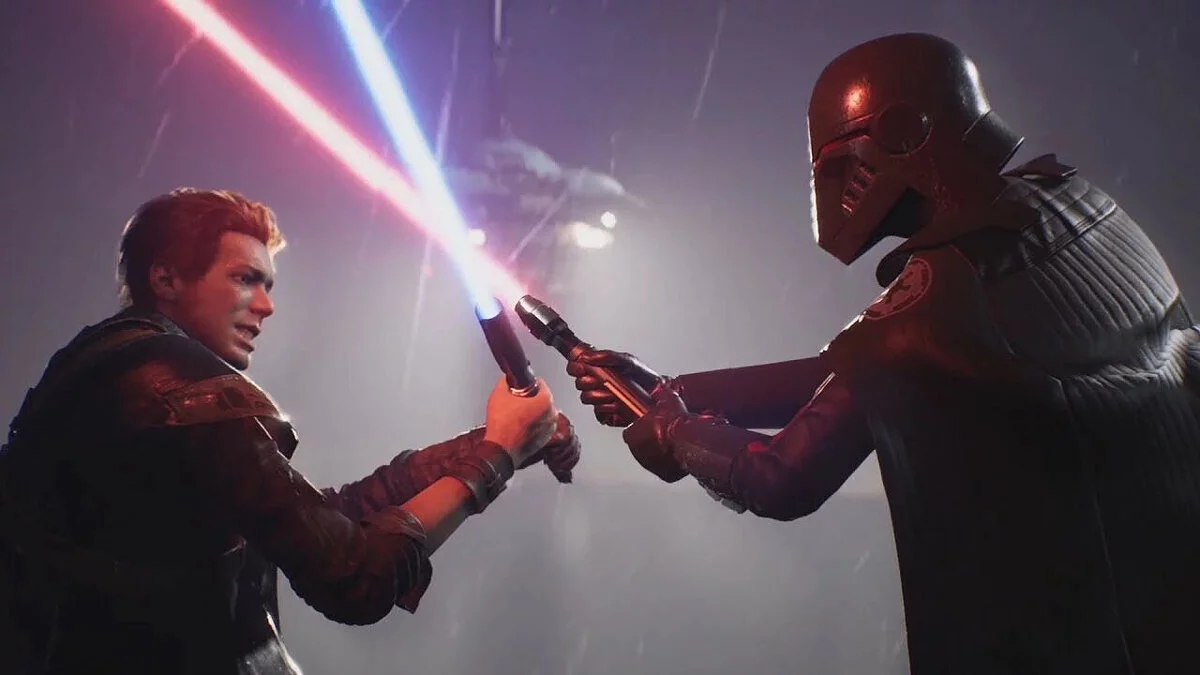
Star Wars Jedi: Fallen Order – a new chapter in the history of "Star Wars", a canonical story from Disney, EA, and Respawn. As a young padawan, the... Read more
First Person View


-
www.nexusmods.comDownload
1st Person.
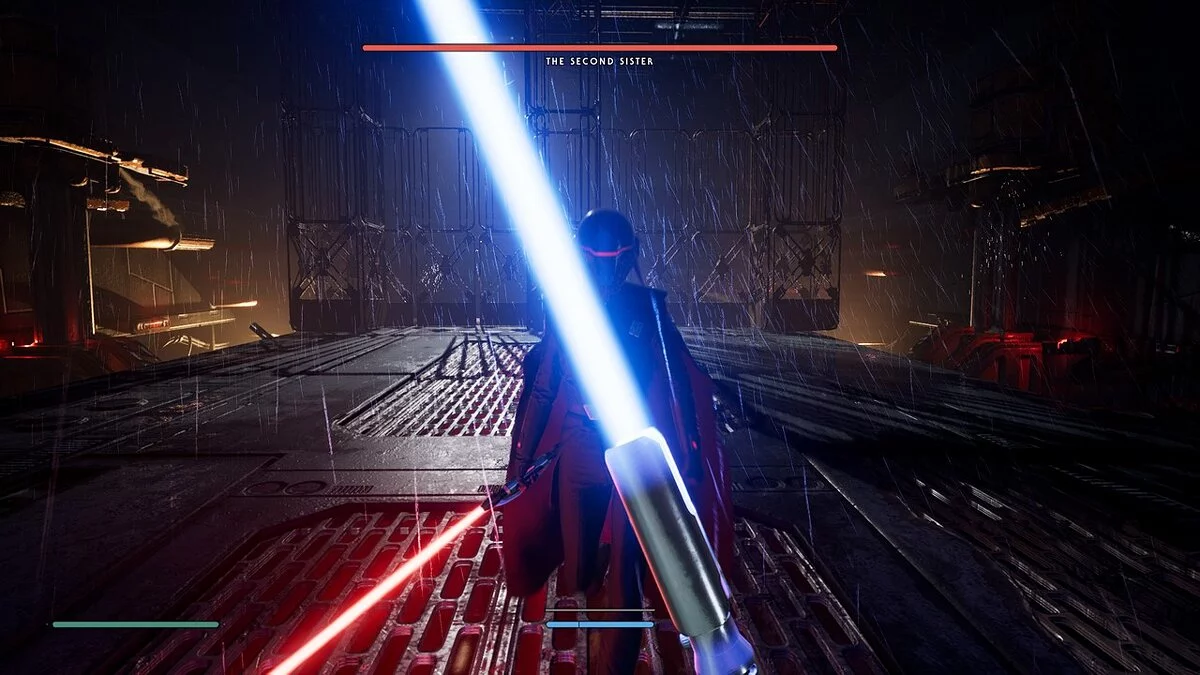
This mod introduces a first-person mode to the game. Press V to toggle between first and third-person views, along with an FOV slider and mouse sensitivity slider for the first-person mode.
Requirements:
- UML (Unreal Mod Loader).
- FOMH (Fallen Order Mod Handler).
Installing the Unreal Mod Loader (skip this step if you have it installed)
- Download UML >> https://github.com/RussellJerome/UnrealModLoader/releases
->Install UML >> inside the UML Tools folder, there is a place for the auto-injector content in Jedi Fallen Order/SwGame/Binaries/Win64 and follow the instructions in the readme.txt file
Installing the Fallen Order Mod Handler (skip this step if you have it installed)
- Install FOMH >> extract the content using 7zip or winrar into the Jedi Fallen Order folder
Installing the first-person mod:
- Extract the contents of the zip file into Jedi Fallen Order/SwGame/Content/Paks/LogicMods using winrar or 7zip.
Usage:
- Press V to switch between first and third-person views.
- To change FOV or mouse sensitivity, press F1 to open the UML console, then press the first-person mod buttons and click 'Open Settings' (settings will not be saved).
Cutscenes will play normally, switching to the correct camera view, even if you are in first-person, except for the cutscene where you save Prauf, and possibly a few others (I haven't completed the game with this mod).
The camera will also sometimes pull out from first-person view when performing certain actions, but after completion, the camera will return to first-person view.

1st Person.
Этот мод добавляет в игру режим от первого лица. Нажмите V для переключения между видом от 1-го и 3-го лица, а также ползунок FOV и ползунок чувствительности мыши для режима от 1-го лица.
Требования:
- UML (Unreal Mod Loader).
- FOMH (Fallen Order Mod Handler).
Установка загрузчика модов Unreal (пропустите этот шаг, если вы его уже установили)
- Загрузить UML >> https://github.com/RussellJerome/UnrealModLoader/releases
->Установить UML >> внутри папки UML Tools есть место для автоинъектора содержимое в Jedi Fallen Order/SwGame/Binaries/Win64 и следуйте инструкциям файла readme.txt
Установка обработчика модов Fallen Order (пропустите этот шаг, если вы его уже установили)
- Загрузите FOMH >> https://github.com/RussellJerome/UML-FallenOrder-Mod-Handler/releases/tag/v1.0.0
- Установить FOMH >> извлечь содержимое с помощью 7zip или winrar в папкуJedi Fallen Order
Установка мода от первого лица:
- Извлеките содержимое zip-файла в Jedi Fallen Order/SwGame/Content/Paks/LogicMods, используя winrar или 7zip.
Использование:
- Нажмите V для переключения между видом от 1-го и 3-го лица.
- Чтобы изменить FOV или чувствительность мыши, нажмите F1 , чтобы открыть консоль UML, затем нажмите кнопки мода от 1-го лица и нажмите «Открыть настройки» (настройки не сохранятся).
Катсцены будут воспроизводиться нормально, переключаясь на правильный вид камеры, даже если вы находитесь от 1-го лица, за исключением катсцены, в которой вы спасаете Прауфа, и, возможно, нескольких других (я не прошел полную игру с этим модом).
Камера также иногда будет вытягиваться из вида от 1-го лица при выполнении определенных действий, но после завершения камера будет возвращена в вид от 1-го лица.
Useful links: