
A cult classic real-time strategy game that tells the story of a massive conflict between three unique races: the human Terrans, the high-tech Protoss, and the... Read more
Starcraft: Mass Recall


-
www.sc2mapster.comDownload
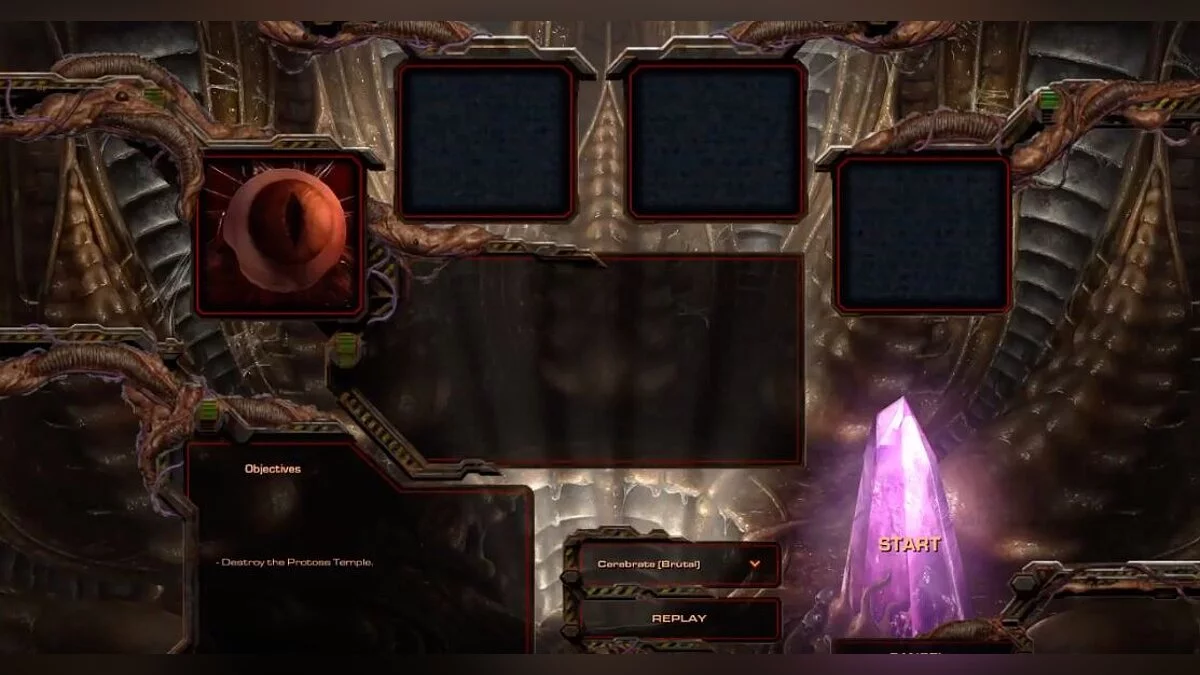
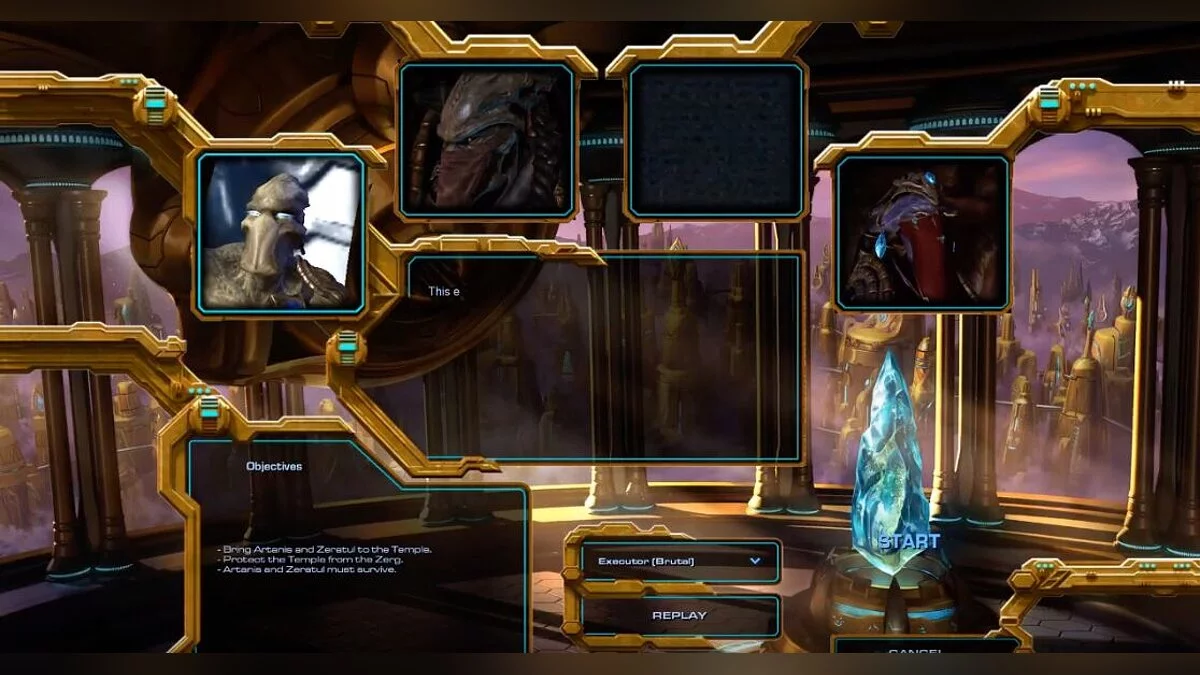
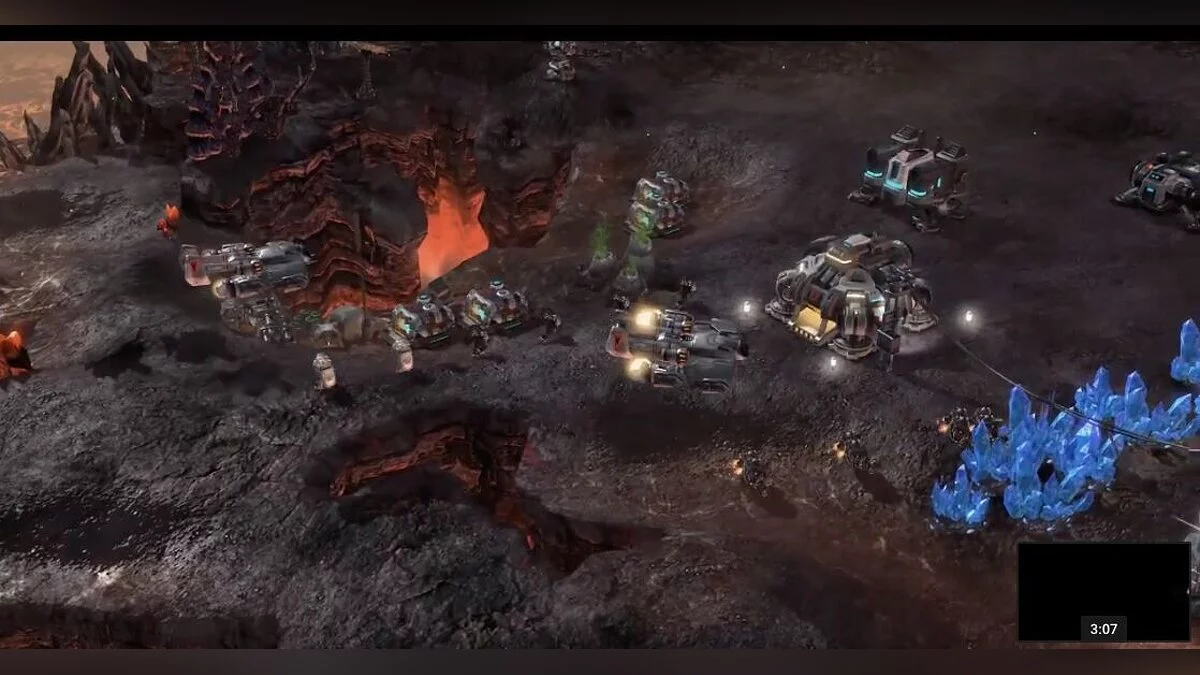
This project recreates the classic gameplay of Starcraft and Brood War, along with entire single-player campaigns on the Starcraft 2 engine. Mass Recall features 68 maps, 59 from the original Brood War game, 3 that were hidden or removed in various Starcraft support versions, and 6 from the 1998 demo campaign. This mod can be used with any version of Starcraft 2.
To play, you will need to download three sets of files:
- StarCraft Mass Recall v8.0 (maps and mod)
- SCMR Assets v8.0
- SCMR Localization v8.0
Bonus campaign Enslavers Redux (optional download):
- Enslavers Redux v8.0
For a new automatic installation, please follow these steps carefully:
1 Download the SCMR installer and required files
2 Move all downloaded zip files and extract the installer into the Starcraft 2 installation folder, default path: C: / Program Files (x86) / StarCraft II /
3 Run the installer
4 After successfully installing SCMR, use the desktop shortcut to launch SCMR.
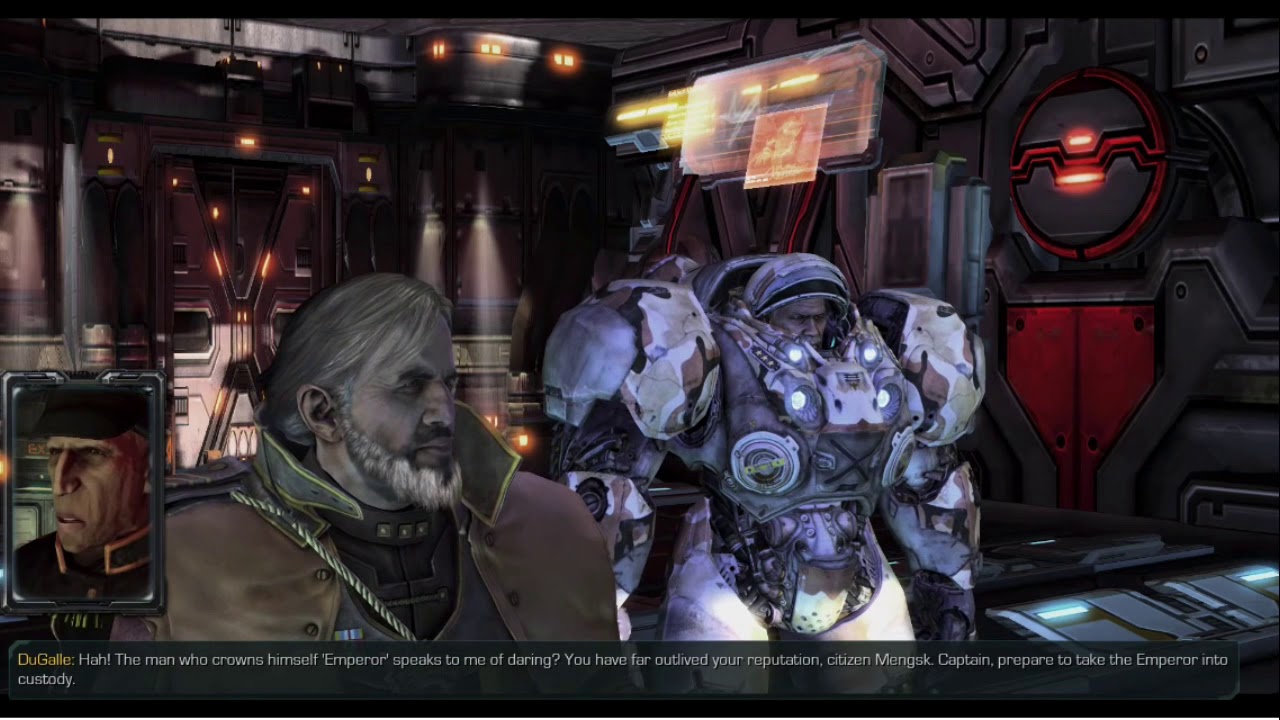
Это проект, воссоздающий классический игровой процесс Starcraft и Brood War, а также целые однопользовательские кампании на движке Starcraft 2. Mass Recall содержит 68 карт, 59 из оригинальной игры Brood War, 3, которые были скрыты или удалены на различных саппортах Starcraft, и 6 из демонстрационной кампании 1998 года. Этот мод можно использовать с любой версией Starcraft 2.
Для игры вам потребуется скачать три набора файлов:
- StarCraft Mass Recall v8.0 (maps and mod)
- SCMR Assets v8.0
- SCMR Localization v8.0
Бонусная кампания Enslavers Redux (загрузка по желанию):
- Enslavers Redux v8.0
Для новой автоматической установки внимательно выполните следующие действия:
1 Загрузите установщик SCMR и необходимые файлы
2 Переместите все загруженные zip-файлы и разархивируйте установщик в папку установки Starcraft 2, путь по умолчанию: C: / Program Files (x86) / StarCraft II /
3 Запустите установщик
4 После успешной установки SCMR используйте ярлык на рабочем столе для запуска SCMR.
Useful links:
![StarCraft 2 — Trainer (+6) from 04.02.2021 [WeMod]](https://files.vgtimes.com/download/posts/2021-02/thumbs/1612435563_2021-02-04_134324.webp)
![StarCraft 2 — Trainer (+6) from 11.16.2022 [WeMod]](https://files.vgtimes.com/download/posts/2022-11/thumbs/1668678644_1200.webp)
![StarCraft 2 — Trainer (+6) from 04.15.2021 [WeMod]](https://files.vgtimes.com/download/posts/2021-04/thumbs/1618485151_2021-04-15_141039.webp)
![StarCraft 2 — Trainer (+6) from 24.08.2023 [WeMod]](https://files.vgtimes.com/download/posts/2023-08/thumbs/trejjner-6-ot-24-08-2023-wemod_1692870766_393281.webp)
![StarCraft 2 — Trainer (+6) from 06.12.2020 [WeMod]](https://files.vgtimes.com/download/posts/2020-06/thumbs/1591950885_2020-06-12_113313.webp)
![StarCraft 2 — Trainer (+6) from 02.20.2020 [WeMod]](https://files.vgtimes.com/download/posts/2020-02/thumbs/1582227119_2020-02-20_222845.webp)
![StarCraft 2 — Trainer (+6) from 07.22.2022 [WeMod]](https://files.vgtimes.com/download/posts/2022-07/thumbs/1658482831_2022-07-22_123819.webp)
![StarCraft 2 — Trainer (+6) from 04.12.2020 [WeMod]](https://files.vgtimes.com/download/posts/2020-12/thumbs/1607077982_2020-12-04_133044.webp)
![StarCraft 2 — Trainer (+6) from 04.19.2023 [WeMod]](https://files.vgtimes.com/download/posts/2023-04/thumbs/trejjner-6-ot-19-04-2023-wemod_1681989162_152550.webp)
![StarCraft 2 — Trainer (+6) from 25.08.2023 [WeMod]](https://files.vgtimes.com/download/posts/2023-08/thumbs/trejjner-6-ot-25-08-2023-wemod_1692961642_551666.webp)