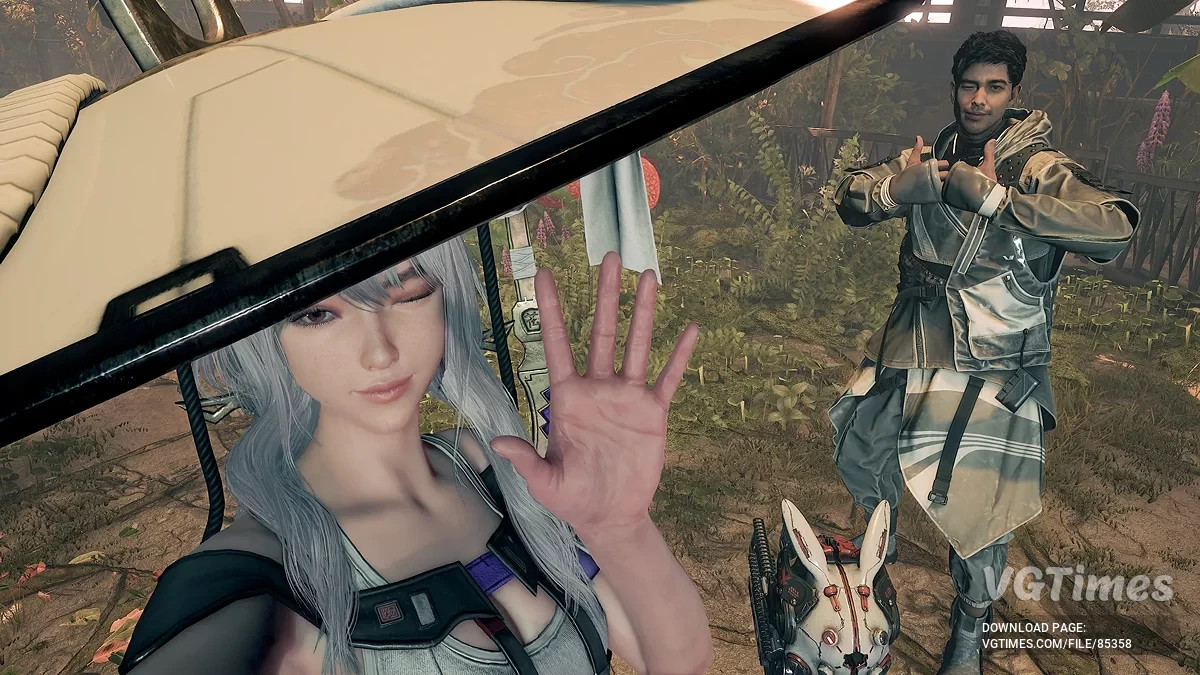
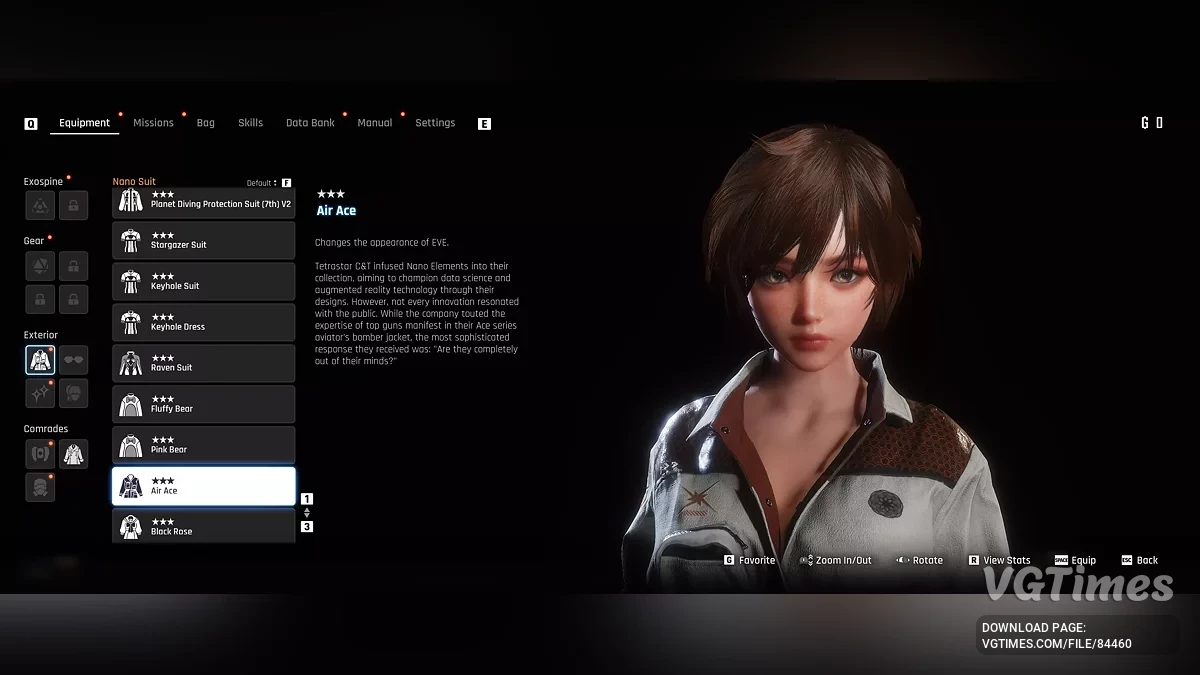
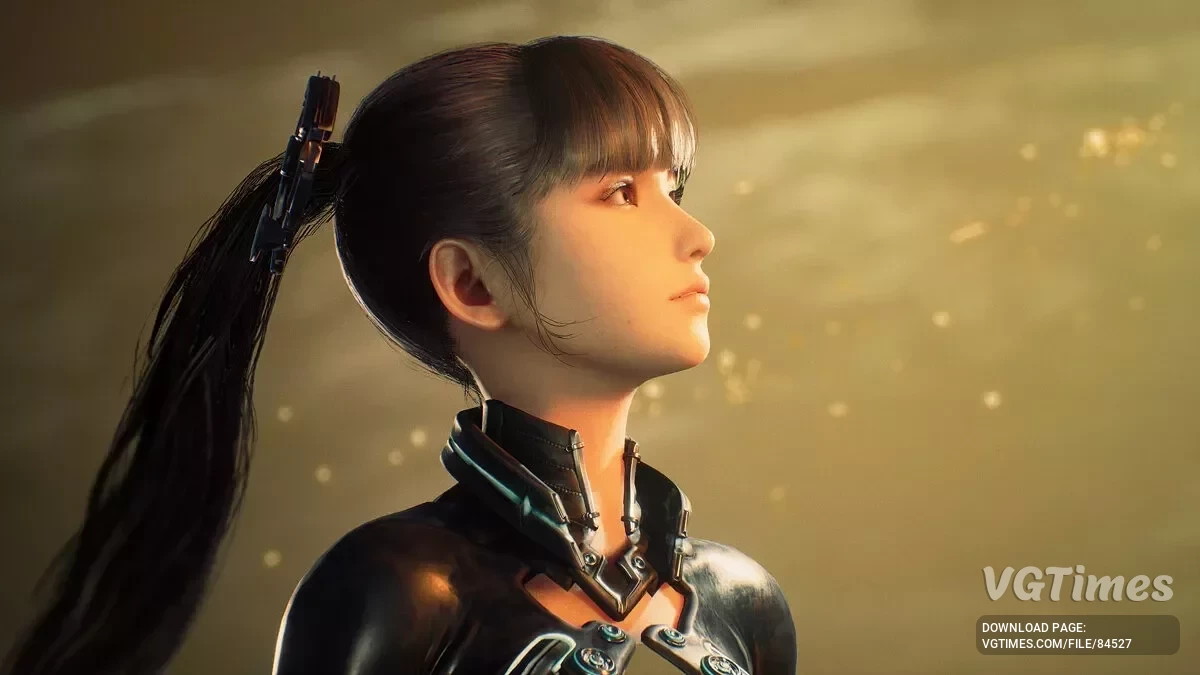
The game takes place in a world where almost all the inhabitants of the Earth were killed by mysterious creatures. The main character is a young... Read more
Players:
Steam:
Metacritic:
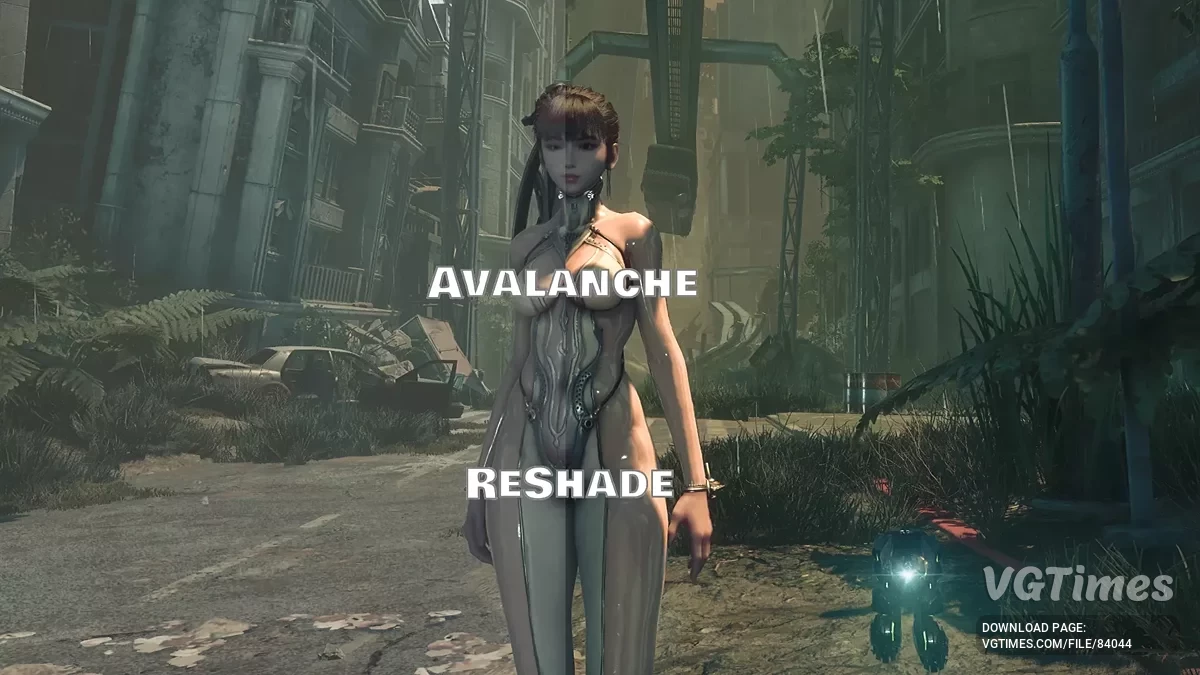
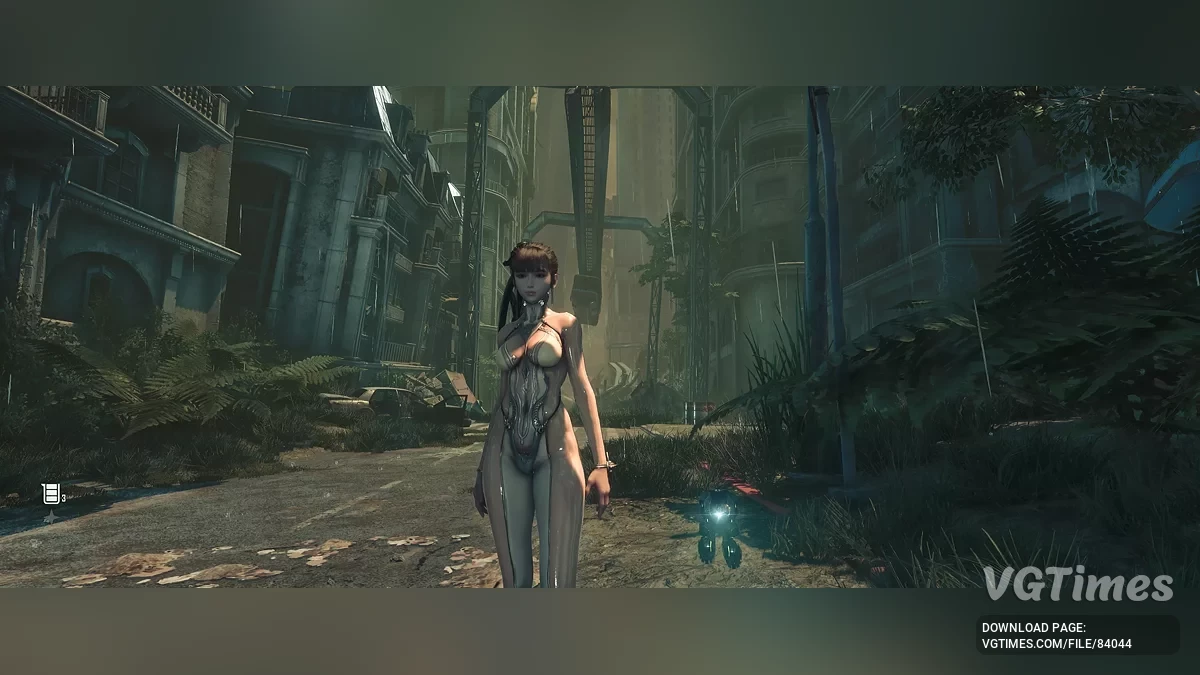
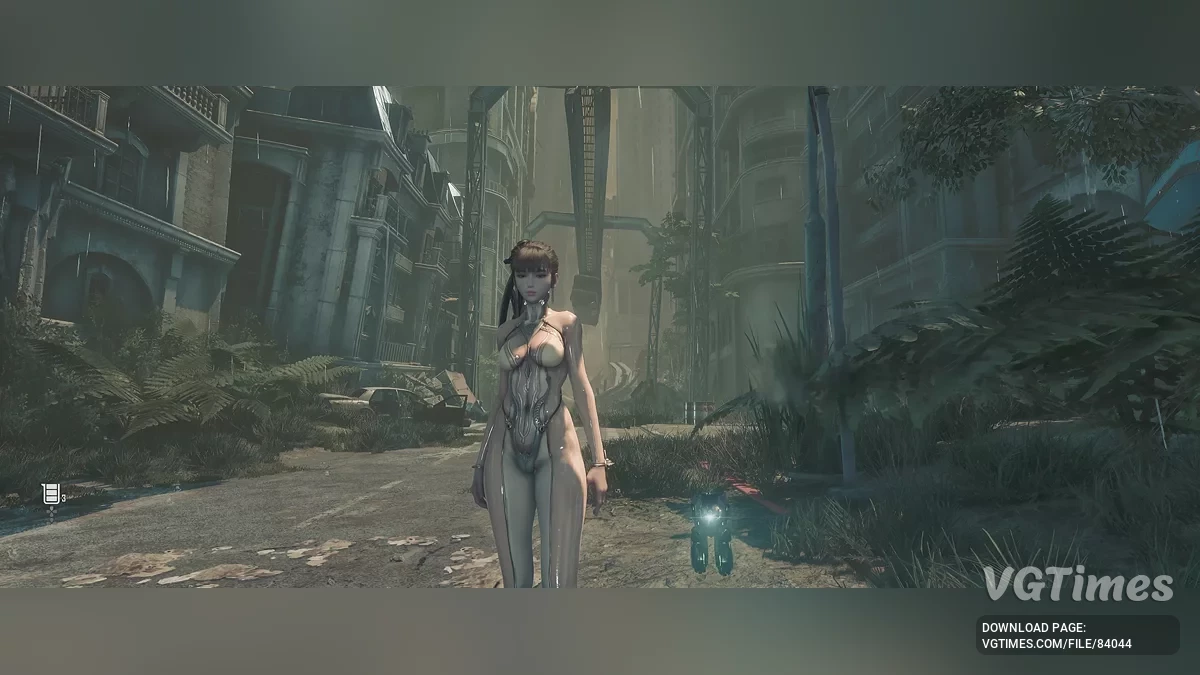
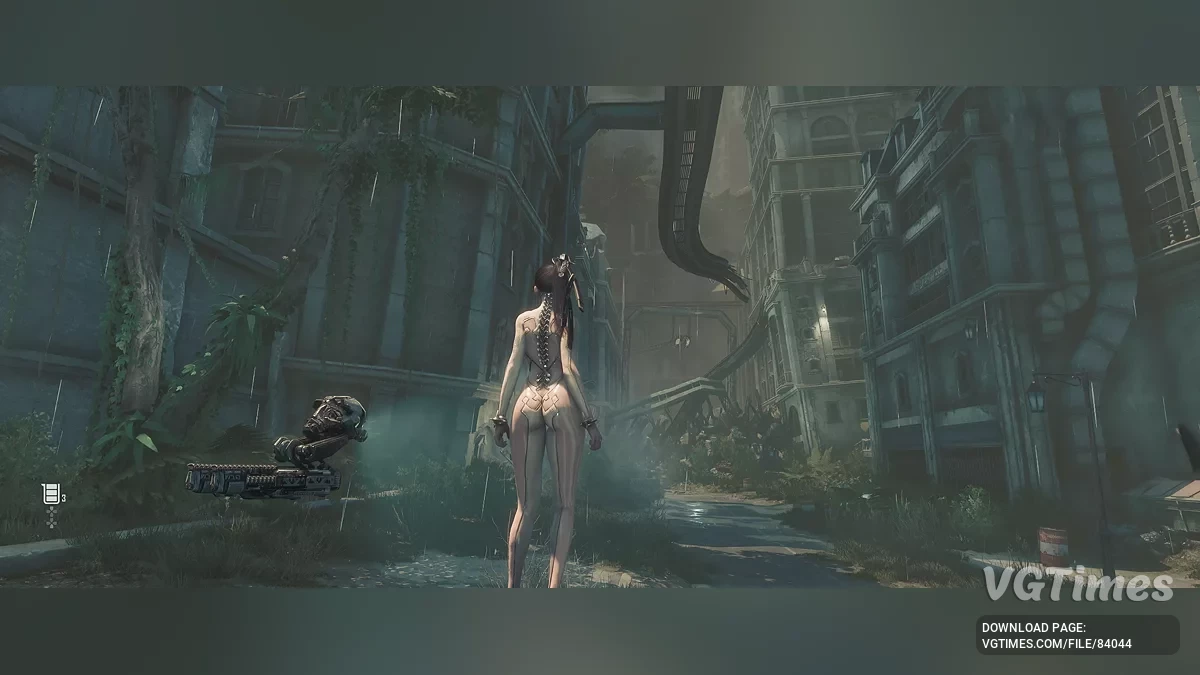
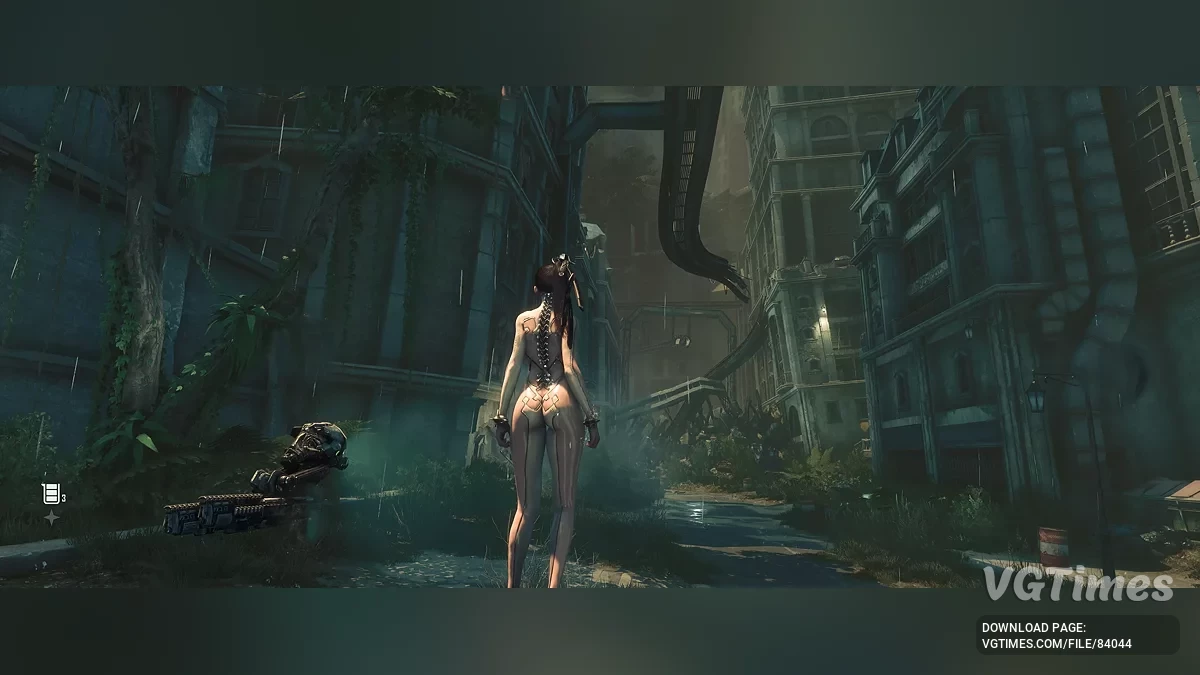
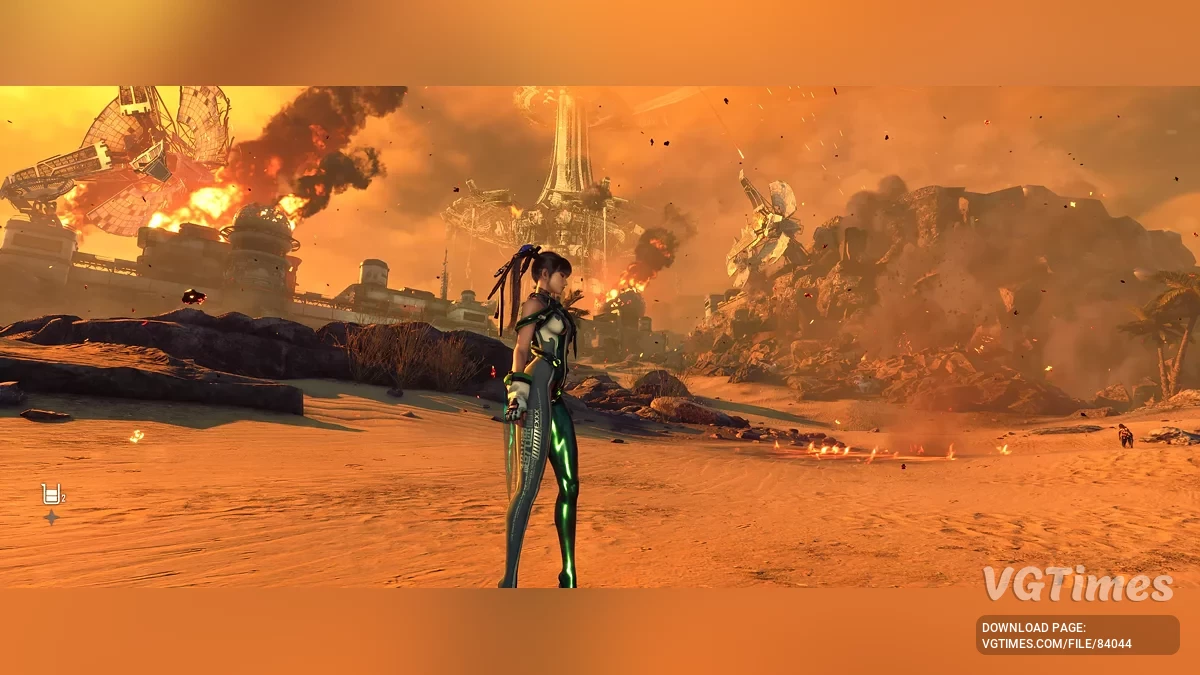
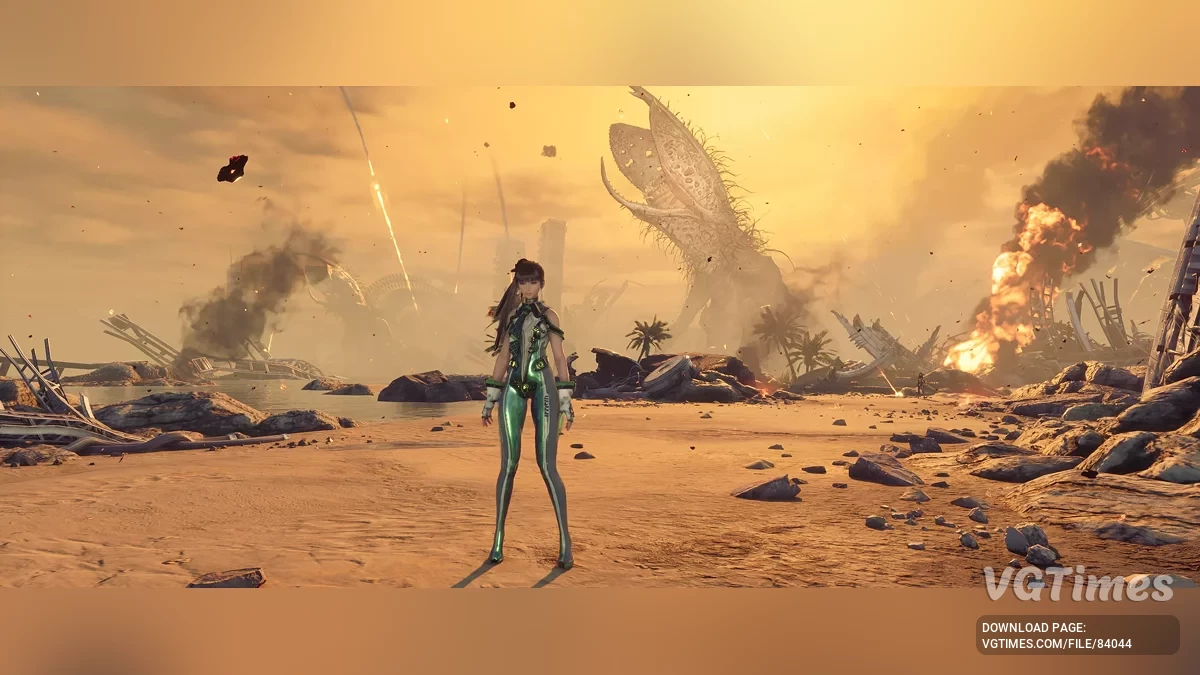
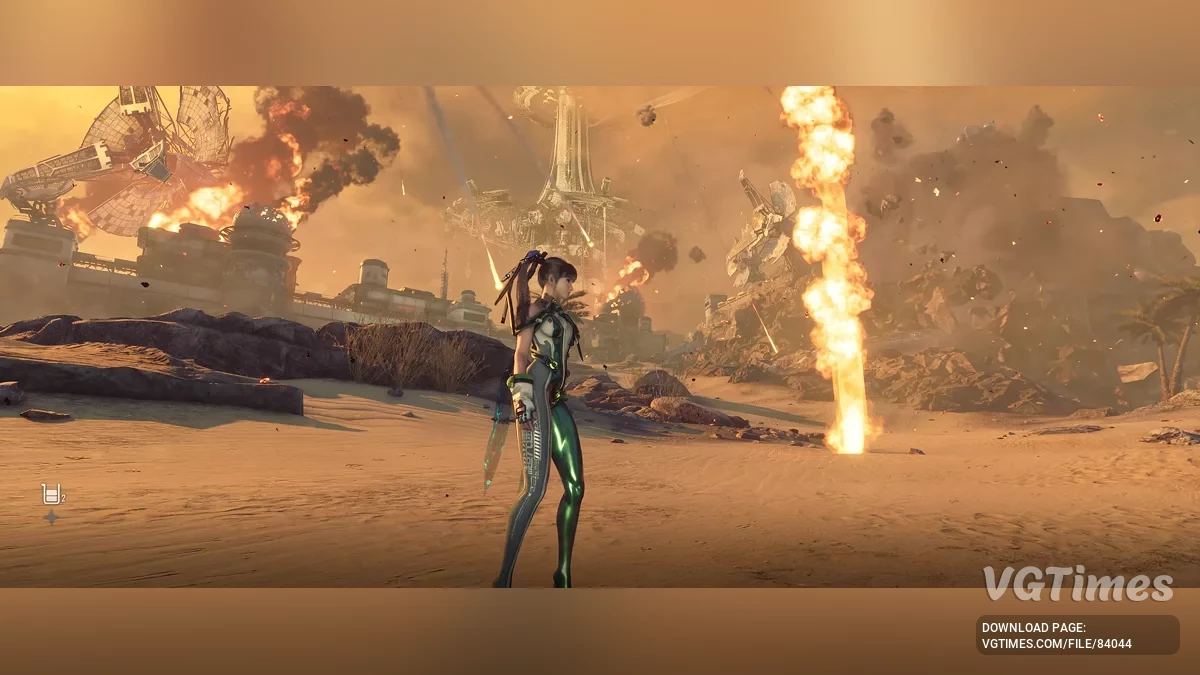
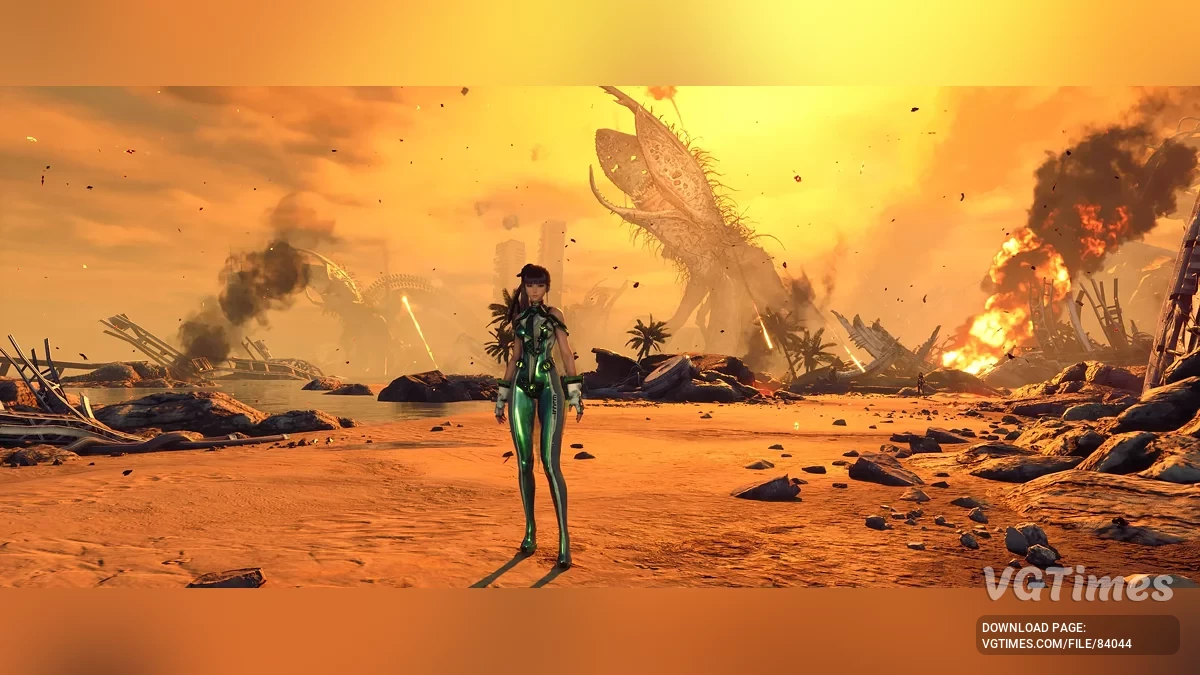
Less fog and more brightness
Author:
gabaraga
Uploaded by:

Size:
5.19 kB
Date:
June 2, 2025, 12:36 PM
Downloads:
48


-
Download (5.19 kB)June 2, 2025, 12:36 PMmenshe-tumana-i-bolshe-jarkosti_1748856980_14414.zip
Less fog, more vivid colors. Does not affect performance. Does not add sharpening, blur, or other image-altering effects. FPS loss is 2-4% on very high settings in WQHD on RTX 4070.
How to install:
- Download and install ReShade to the game directory, specifically to Steam\steamapps\common\StellarBladeDemo\SB\Binaries\Win64\SB-Win64-Shipping.exe. Choose DirectX 10/11/12 and install all effects;
- Download this ReShade preset and place the Avalanche ReShade.ini file in the same folder as the exe above;
- Launch the game and press the Home key to open ReShade, then select Avalanche from the dropdown menu;
- Disable Generic Depth in the Add-ons menu of ReShade. This will significantly improve performance with ReShade.
Useful links: